Check the acquisition promise
Read the store headline, screenshots and description. What problem is the app promising to solve?
Study the storefront ↗
BSH Home Appliances Corporation · iOS
Explore the ad evidence, study the storefront, and build your next acquisition hypothesis.
01 / Creative research
Read the store headline, screenshots and description. What problem is the app promising to solve?
Study the storefront ↗Explore apps with direct store-link matches. Compare their hooks and formats without assuming the same approach works here.
Browse observed advertisers ↗Store rankings and revenue estimates describe market context. They do not establish ad spend, conversions or ROAS.
Review the market context ↗02 / Storefront & product
Study the product story and store experience behind the acquisition funnel.




03 / Market context
Keep revenue, downloads and store rankings separate from advertising performance.
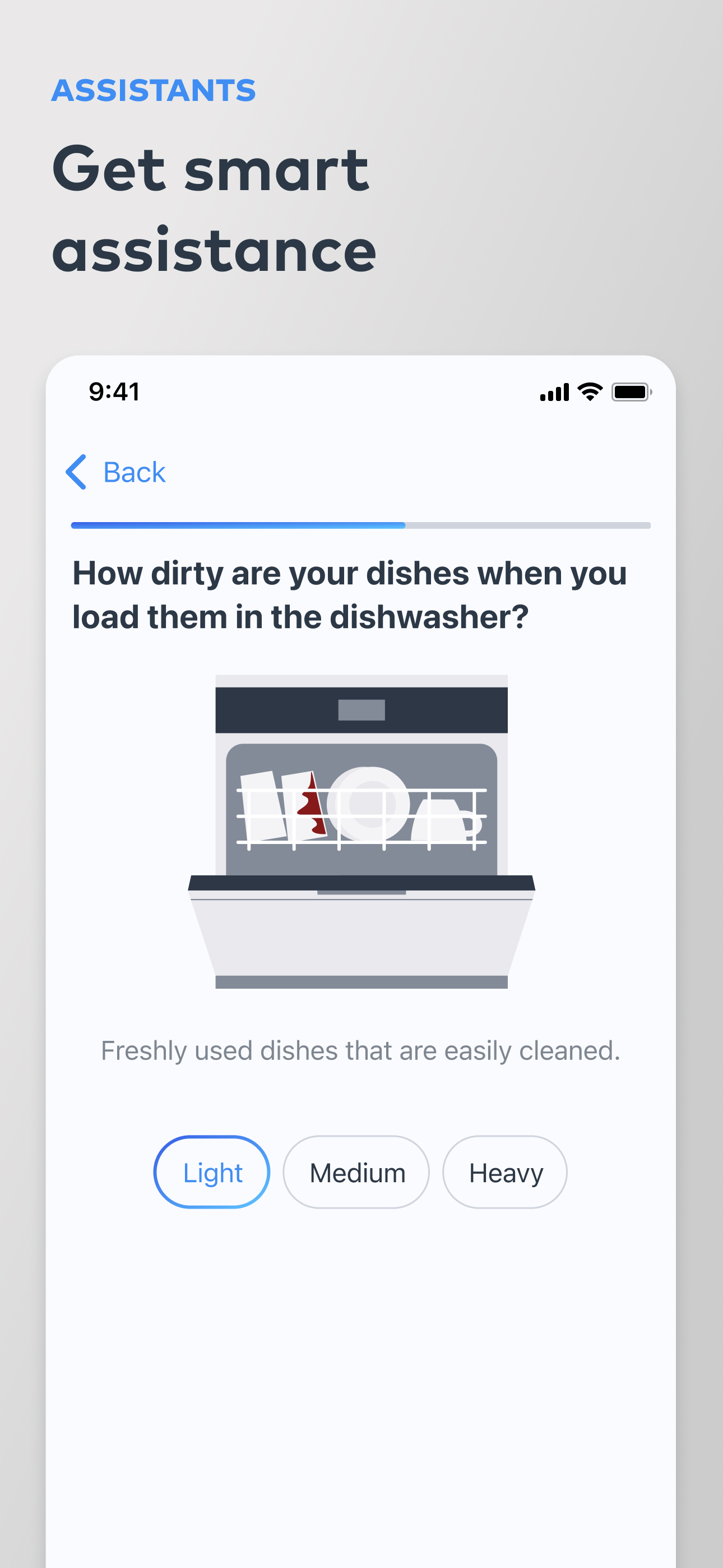
For some asinine reason, I cannot connect to my dishwasher remotely anymore. Everything was fine until a few months ago, where the app cannot connect to my dishwasher remotely anymore, while my Bosch refrigerator that’s an arm’s reach from the dishwasher shows up just fine in the app. When I’m home, both appliances connect to the app without issue, which tells me that the dishwasher now uses my phone as a network bridge, rather than connecting itself even though the app is purporting to show the appliance has a standalone connection to the server. I know I’m this isn’t the case because if I turn off my phone WiFi and reopen the app, all of a sudden, it can’t connect to the dishwasher (refrigerator shows up without issue)…. I’ve deleted the dishwasher from the app, I’ve factory reset the dishwasher. I’ve deleted the app. I’ve even deleted my profile and created a new one. Every time I do so, the refrigerator connects without issue while the dishwasher remains disconnected if I’m not on the same WiFi network. I also noticed that the dishwasher checks for a connection once and if it can’t connect, it doesn’t check again. This is starkly different than how it operated a few months ago, where it would send network pings every few seconds until it was able to connect.
I can’t say enough good things about the Home Connect app! My mornings have been completely transformed— today, I made a perfect cup of coffee from bed using my Bosch 800 countertop espresso machine. The app lets me fine-tune every detail, right down to my aroma preference (I’m a fan of “balanced”), and offers a bunch of different coffee drinks plus different settings for tea. And it was super easy to connect with all my other appliances. One of my favorite features is being able to turn on my vent hood light from my car—super handy when I get home late and forgot to leave the porch light on. And sending recipes straight to my wall ovens to set the ideal cooking mode and time? It’s like having a sous chef in the house! Home Connect has made my kitchen smarter, my routines easier, and my coffee perfect. Highly recommended for anyone who loves convenience, customization, and a little bit of tech magic in their daily life!
Once you’ve got an appliance linked, things tend to work pretty well. It can be a little opaque right up until you’re finally able to make it happen. The app itself it reasonable, but there is one specific area that lacks polish: Appliance Information. This is vital information that is difficult to transcribe, so why can’t I select and copy the serial number, model number, or anything useful on this page? Moreover, why does starting a Support case not automatically populate the form with data from Appliance Information? These limitations created an awkward experience today while trying to start a support case for a hardware defect: I needed to fill out a form in the app that required multiple pieces of information that were available from Appliance Information, but the only way to fill it out was to write all of that complex information down on a piece of paper, then type it into the form. It seems like it could’ve just auto-populated, but maybe the developer just hasn’t gotten to it yet?
Control your smart kitchen and home appliances in a simple and convenient way with the Home Connect app. Download the free Home Connect app now! Inte...