
Check the acquisition promise
Read the store headline, screenshots and description. What problem is the app promising to solve?
Study the storefront ↗
JPEG Labs · iOS
Explore the ad evidence, study the storefront, and build your next acquisition hypothesis.
01 / Creative research
Read the store headline, screenshots and description. What problem is the app promising to solve?
Study the storefront ↗Explore apps with direct store-link matches. Compare their hooks and formats without assuming the same approach works here.
Browse observed advertisers ↗Store rankings and revenue estimates describe market context. They do not establish ad spend, conversions or ROAS.
Review the market context ↗02 / Storefront & product
Study the product story and store experience behind the acquisition funnel.



03 / Market context
Keep revenue, downloads and store rankings separate from advertising performance.
Help! This app has the potential to be a real time saver, but I find it very difficult to use. It’s nearly impossible to erase previous orders - there should be a ‘select all’ button to delete previous orders so a new order can begin with a clean slate. Once the pix are selected and the order placed, nothing tells the user that their order has been successfully sent. Instead, the order reappears with instructions to continue the order. Twice I have accidentally placed my order multiple times having to purchase a great deal of prints I didn’t want, all because it is not clear that my order has been placed. More often than not, the machine at the store is broken, or won’t read my phone, making it necessary to use this app. If these issues were fixed, or a tutorial was available, I would use it much more frequently. July 16, 2023 I used the app today, and either I’m getting better at it or you’ve improved it very much! I would like to think the improvement was on your end! Either way, quick and easy!
After carefully choosing my pictures and thinking that I placed my order, 3 hours later, I went to to my local Walgreens to pick it up when the APP said that my prints would be ready, and nothing was there. The workers were nice enough to call around to other stores to see if I sent the pictures elsewhere by mistake (I knew that I had not) and of course my pictures were not there either. As I had submitted my order and saw my pictures being uploaded, the APP had restarted after uploading 20 pictures instead of the 80 that I had chosen, but as this was the first time I had used the APP, I didn’t know whether or not that was normal. It’s not. At the store, I used the APP to order 1 picture and it worked fine, but back at home later instead of ordering the original 80, I tried to order 12, and the APP continued to crash as it had originally. I have wasted so much time on this and only have one print to show for it, so the APP developers are lucky to even get 1 Star from me.
I often shop at Walgreens but recently I have moved down the street from your oggletown road location so I stopped in for a couple cleaning products but I ended up receiving much more than expected! As I walked pass the photo section I was greeted by Megan s and Tina c who were more than knowledgeable, welcoming and extremely helpful while enhancing the overall Amazing atmosphere here at your oggletown road location! They were more than helpful explaining the photo kiosk to create the best possible photos as if they were photos for their own family! I have been to various Walgreens locations and I have NEVER had such a memorable amazing experience due to Megan and Tina! I will always come back !!! Rite aide should be called wrong aide!
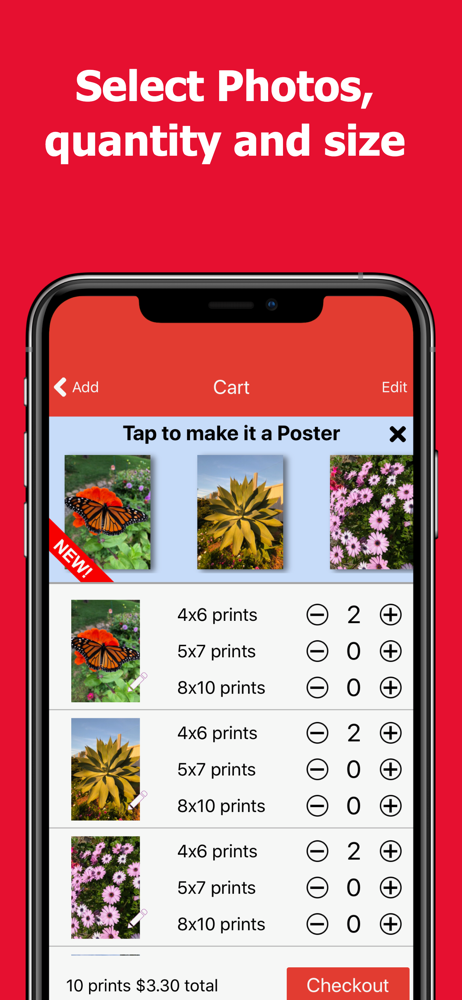
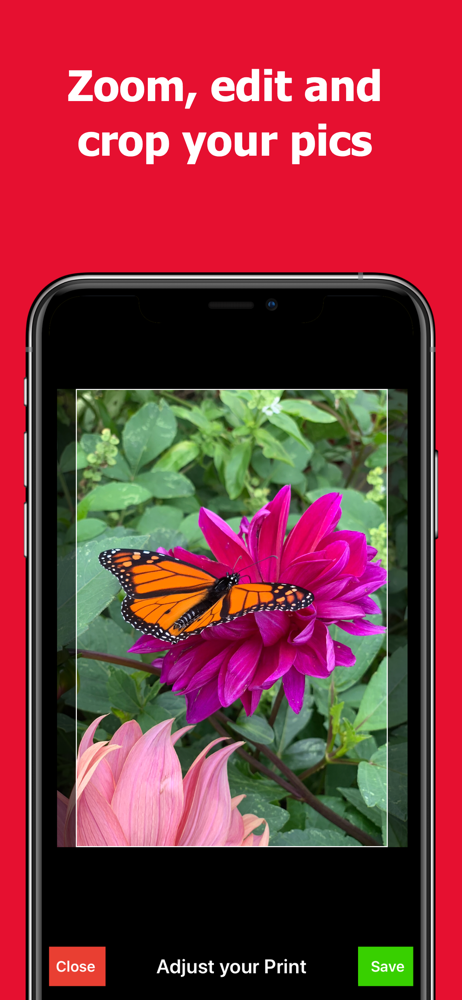
EZ Photo Prints to Walgreens is the easy way to print photos from your iPhone. Simple, quick and easy 1 Hour photo printing at your nearby Walgreens p...


