
Check the acquisition promise
Read the store headline, screenshots and description. What problem is the app promising to solve?
Study the storefront ↗
Onelight Apps CY Ltd · iOS
Explore the ad evidence, study the storefront, and build your next acquisition hypothesis.
01 / Creative research
Read the store headline, screenshots and description. What problem is the app promising to solve?
Study the storefront ↗Explore apps with direct store-link matches. Compare their hooks and formats without assuming the same approach works here.
Browse observed advertisers ↗Store rankings and revenue estimates describe market context. They do not establish ad spend, conversions or ROAS.
Review the market context ↗02 / Storefront & product
Study the product story and store experience behind the acquisition funnel.



03 / Market context
Keep revenue, downloads and store rankings separate from advertising performance.
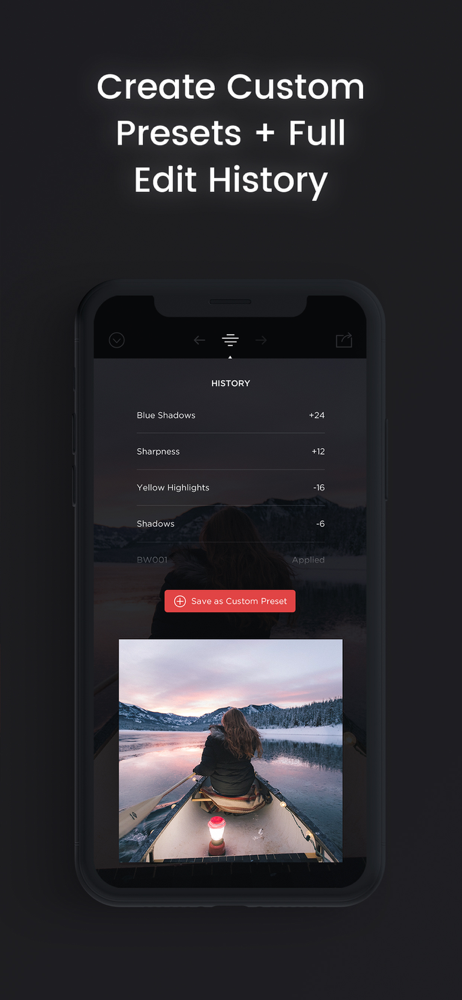
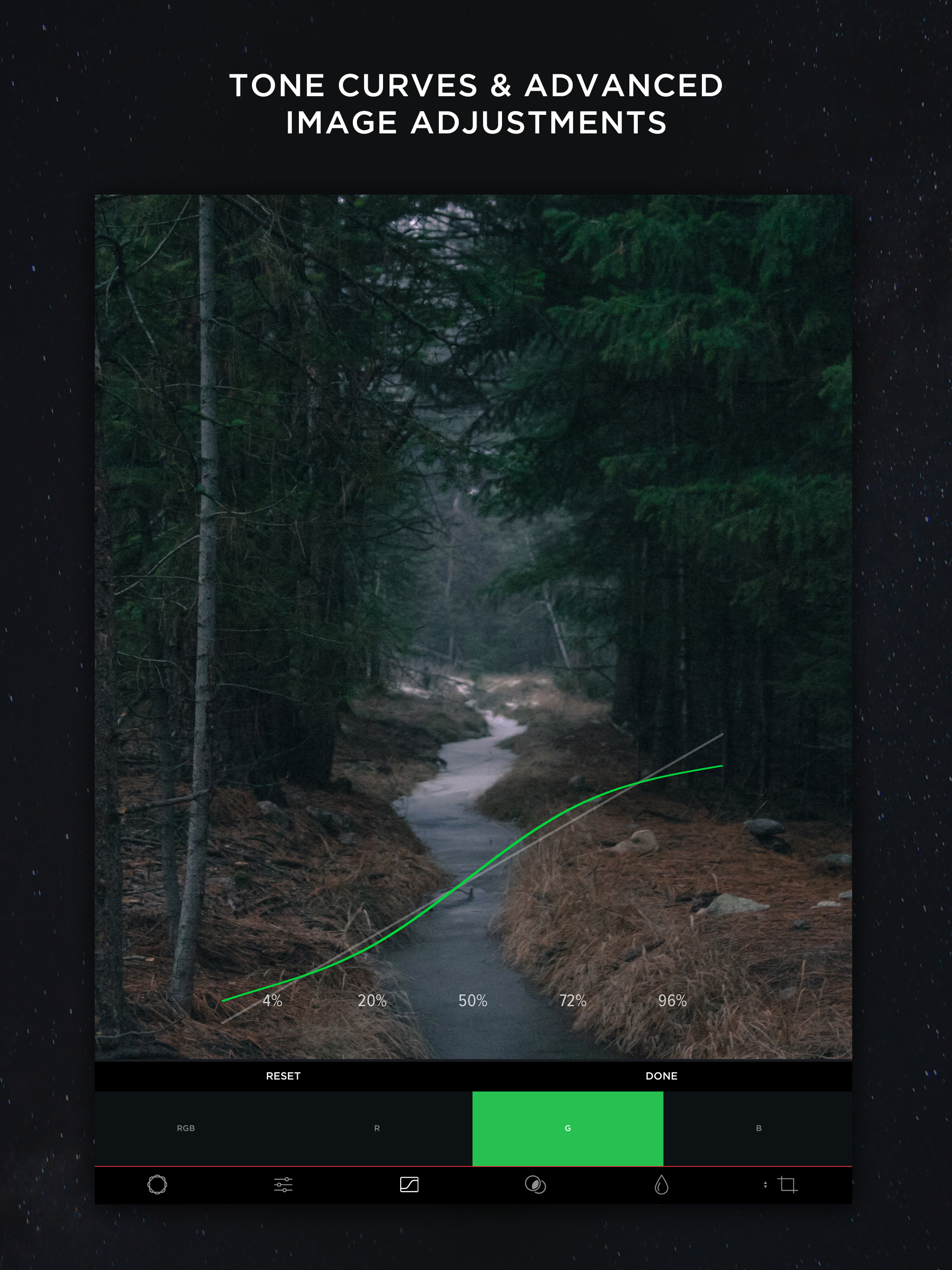
I get a little sad when I find an app like Musecam because I know I likely won’t be using, at least not often, other camera and photo editing apps I have. This is perhaps the best combo camera and photo editor I have found on the ios app store. Your just-taken photos are ready immediately for editing. Couldn’t be more convenient. And the emphasis on getting the colors just right for your personal tastes is quite laudable. The free version is a steal, but you should go ahead and purchase the pro version at $4. That way you’ll have access to more features and some really good free photo-filter packs, including a magnificent black-and-white filter pack, as well as some great paid ones. Don’t see any subscription plans here, and they won’t hassle you with ads. Can’t beat that! The basic editing functions, the RGB tone curves, the vibrance adjust function, the recording of and ability to undo each edit action, the ability to save custom presets...all these features add up to one of the best values on the app store. You’ll learn mainly by doing—usually the best way—and you’ll develop more confidence in your photo taking and editing skills. If you’re “on the fence”, try the free version and compare to others.
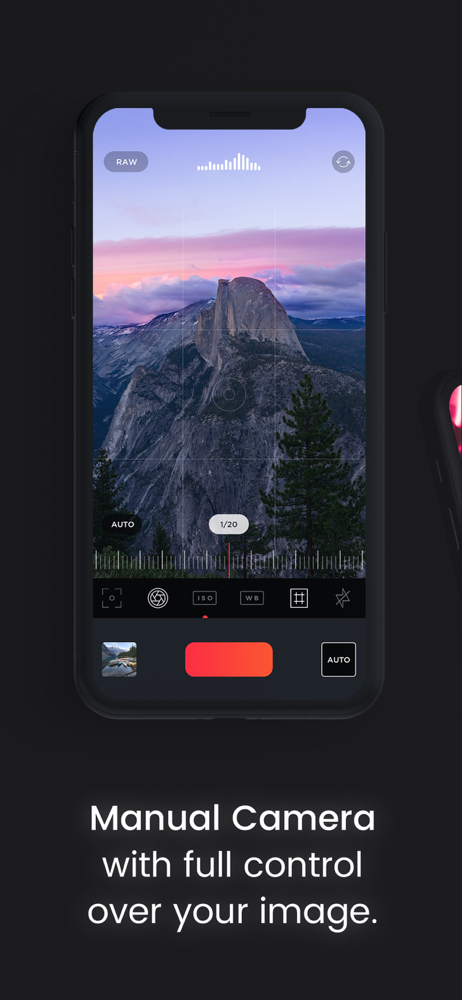
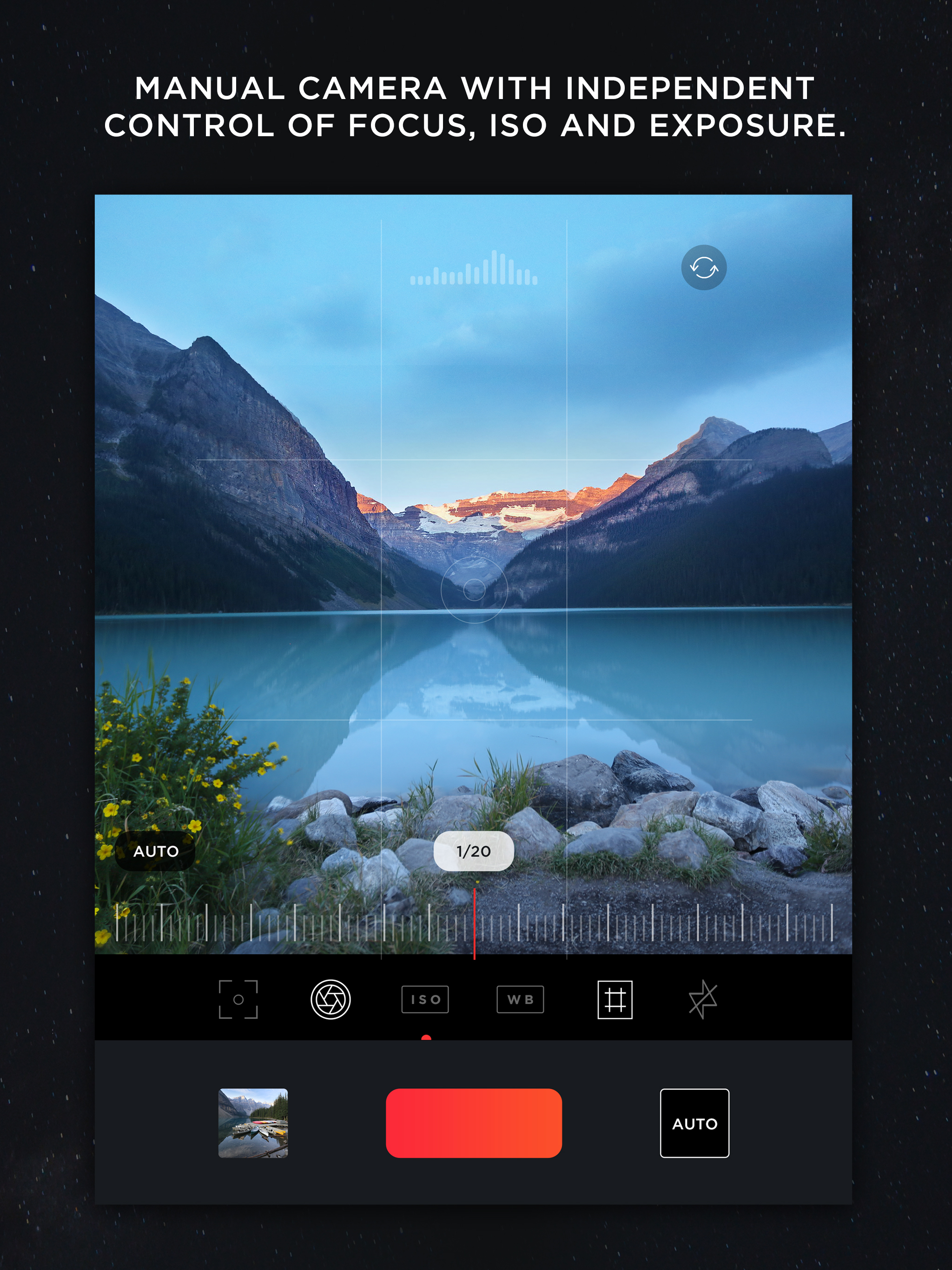
A camera app that shoots RAW with an auto mode AND has the most powerful RAW editor in iOS? Is this Christmas or what? If you've bought RAW camera apps and couldn't see the point, I'm with you. I've wasted money on a half dozen confusing RAW camera apps and a few underperforming RAW editors as well. I'd pretty much given up when I stumbled across MuseCam. It makes shooting RAW as easy as using the built-in Camera app and has the largest set of RAW-specific editing tools I've seen in iOS. I'm really looking forward to shooting with this app on my iPhone and editing with it on my iPad. The only negative is the severe lack of help. You won't find it in the app nor on the dedicated site. (Search is NOT your friend in either. I just found a lot of template pages on the site filled with greeking.) Most camera functions are fairly logical, but I spent an obsessive few hours tinkering until I figured out the depth of the controls for the camera and RAW editor. Now that I got that down, this app definitely gets 5 stars.
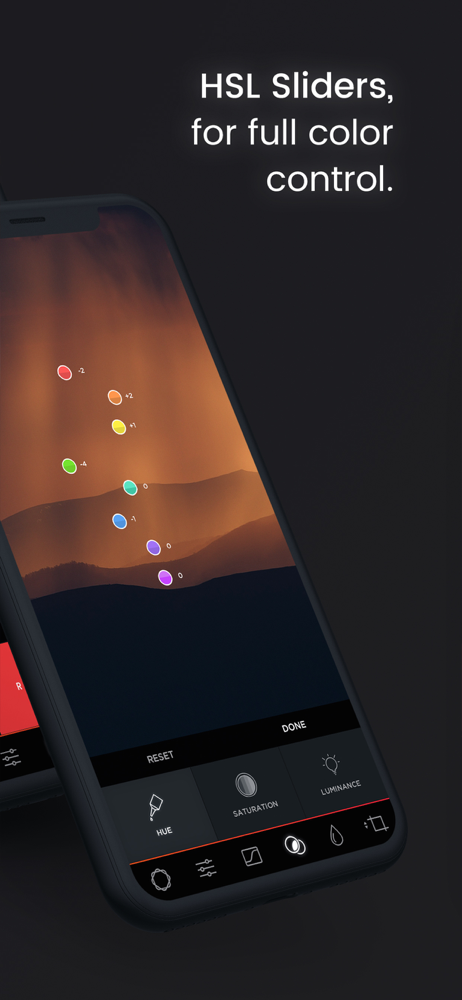
As a photographer/cinematographer, I shoot in RAW. The only thing is, is that when I import a RAW image from my DSLR, the app freaks out and slows to a point where a slug could loop the world twice by the time MuseCam loads an image. I have to edit JPEG for now. Oh well. On a brighter note, I am still giving the app 5 stars. By far the best image editor out there. I had the app before the update that makes you pay for the curves, and I did pay, because they are worth the $4. The HSL sliders and the Tone Curve tools are such advanced tools for an iPhone. I can give any image the signature orange & teal look in about three minutes. I highly recommend the app to beginner and professional photographers alike. Come on, does the $4 kill you? It's the price of a cup of coffee at Starbucks. Get over it. Upgrade.
Try the App Store Editor's Choice manual camera app - make quality RAW photos, take pictures of the moon and edit your photos using unique presets and...
| Name | Price | Type |
|---|---|---|
| MC Roberto Nickson Collection | $0.00 | One-time |
| Split Toning Add-On | $1.99 | One-time |
| Earth Presets | $2.99 | One-time |
| Metro Collection | $2.99 | One-time |
| Tropics Collection | $2.99 | One-time |
| Noel Collection | $2.99 | One-time |
| Fursty Collection | $3.99 | One-time |
| MuseCam Pro Kit | $3.99 | One-time |
| MuseCam Pro - 1 Month | $4.99 | Monthly |
| MuseCam Bundle | $5.99 | One-time |


