
Check the acquisition promise
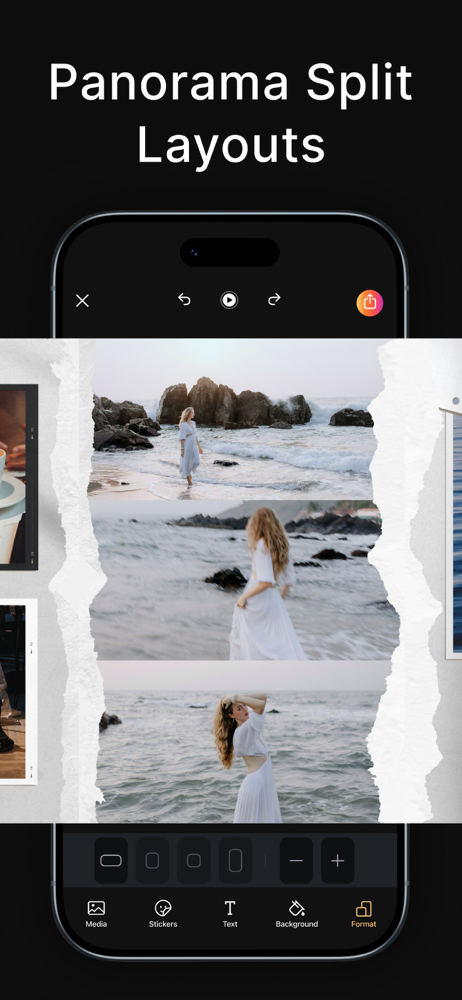
Read the store headline, screenshots and description. What problem is the app promising to solve?
Study the storefront ↗
Onelight Apps CY Ltd · iOS
Explore the ad evidence, study the storefront, and build your next acquisition hypothesis.
01 / Creative research
Read the store headline, screenshots and description. What problem is the app promising to solve?
Study the storefront ↗Explore apps with direct store-link matches. Compare their hooks and formats without assuming the same approach works here.
Browse observed advertisers ↗Store rankings and revenue estimates describe market context. They do not establish ad spend, conversions or ROAS.
Review the market context ↗02 / Storefront & product
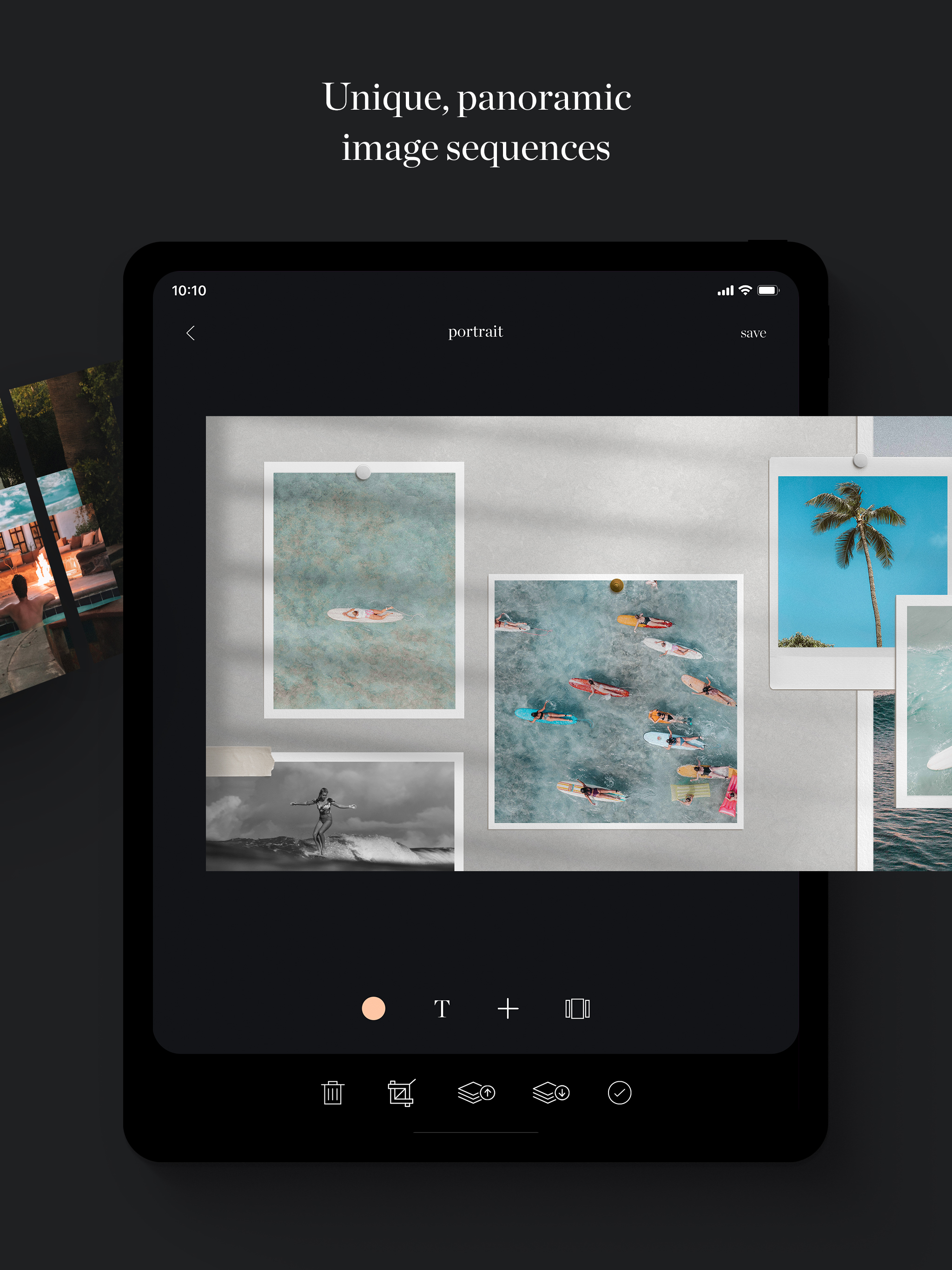
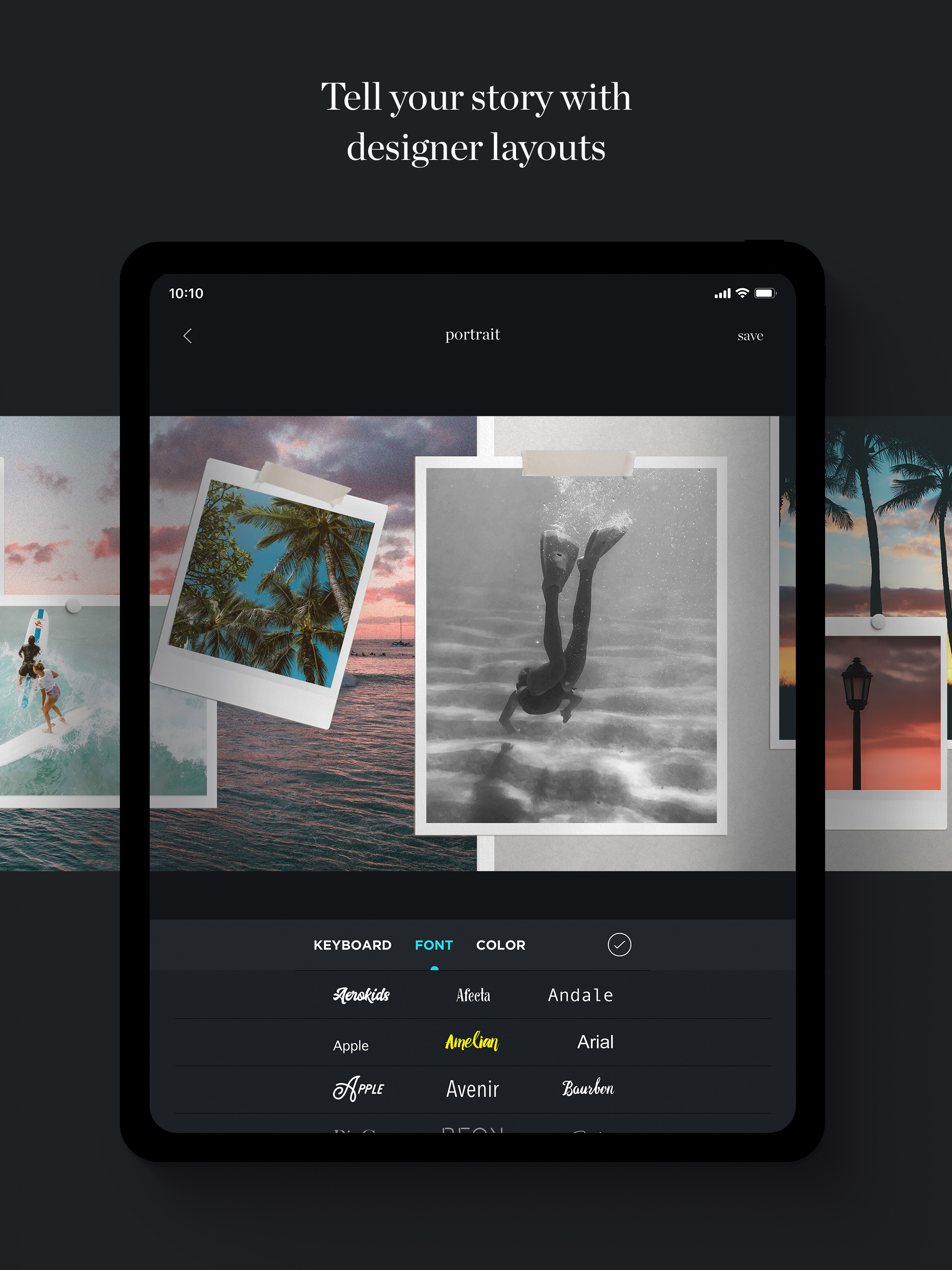
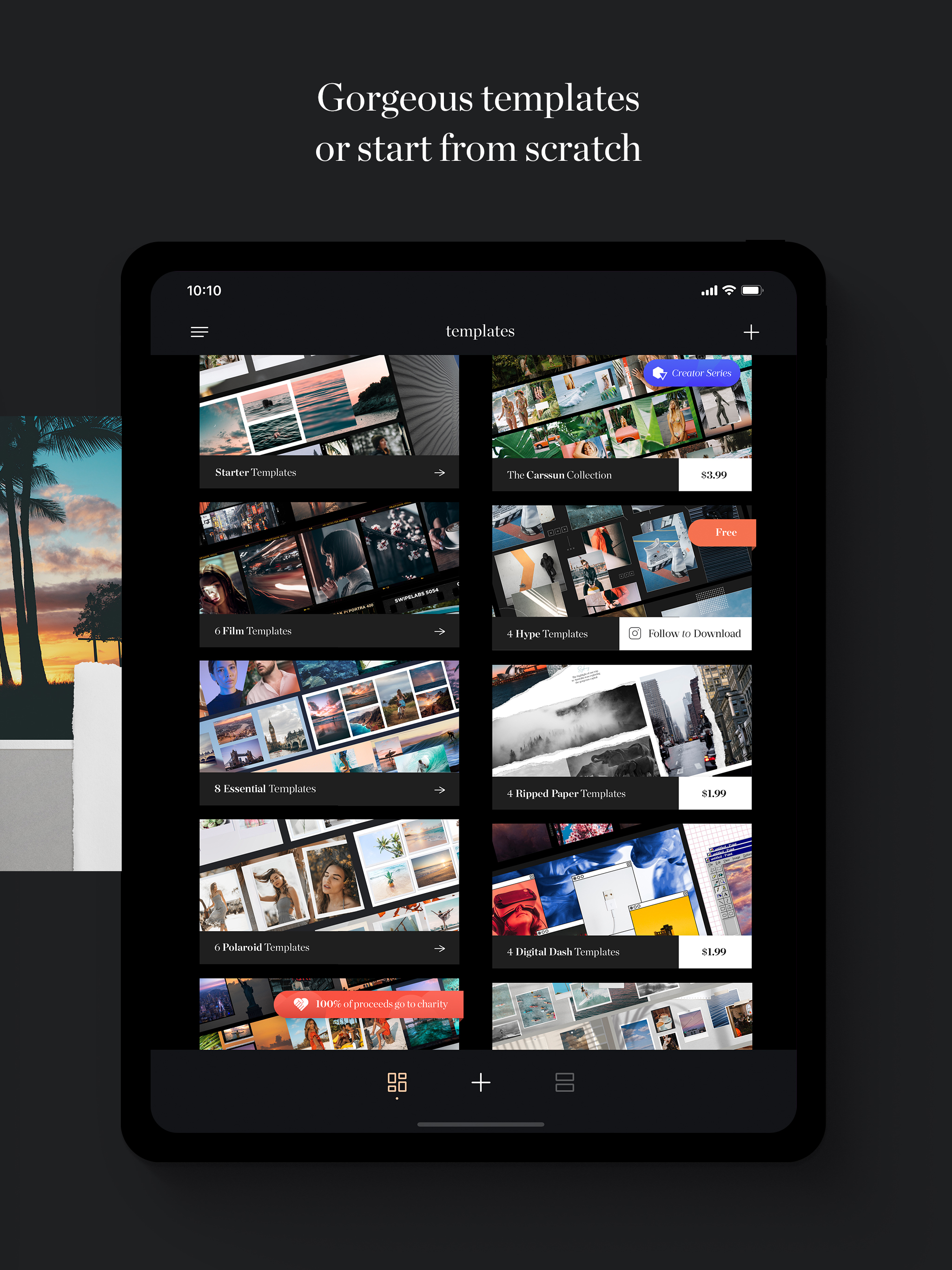
Study the product story and store experience behind the acquisition funnel.



03 / Market context
Keep revenue, downloads and store rankings separate from advertising performance.
I really like how I can put together my own layout and the end result looks good, but I’m just getting really frustrated with it. It’s now crashed several times while I’m working in it and even when I “exit and save” (you can’t just save as you’re working - that would be nice) it somehow often doesn’t always save - then crashes and I find the work I’ve done is lost and I’m back to previous version of my saved work. I’ve also clicked on save to device and it says it’s saved, but then I go into my images and it’s not saved. It takes ages to get what you want also; I can’t add multiple images at once so it’s a bunch of clicks on multiple tabs to get each image. It “clicks” images in place to center images or put them in line with the edge of the page - but then you look at the preview and it shows that it’s not centered or it overlaps the page. So the guides don’t work. So going back and forth from editing to preview to get images in the right place is frustrating. Plus, doing this causes it to crash. I think I’m giving up on this app - thank goodness I’m just trying out the free version and didn’t pay for it because I’d not be happy paying for this app the way it currently works. It would be excellent if it fixed these issues.
This app is fantastic. The work put into it is incredible and apparent. However, the amount of ridiculous workaround and/or uninstall/reinstall or phone hard reset that needs to take place for it to work 1/2 the time is exhausting. Please fix these crashes/failure to launch Otherwise, fantastic tool!
A photographer friend of mine stumbled on this app and recommended it to me. It offers novel, eye-catching ways to present series of photos on Instagram. I appreciate that the subscription isn’t the only option for upgrading the app — I’m happy to pay a little more up front for the sets of templates that I like the most, and then I don’t have one more recurring charge to keep track of. Some of the templates have an aspect ratio that causes Instagram to cut the images off slightly if you choose to make normal posts out of them. The app also exports scrolling videos, and these templates work well for making those to use in stories and reels, but I’d appreciate the option to select 1:1 versions of those templates, too.
SwipeMix – Carousel, Panorama & Collage Maker for Instagram. Take your Instagram to the next level with SwipeMix — the all-in-one tool for creating sw...
| Name | Price | Type |
|---|---|---|
| Film Collection | $1.99 | One-time |
| Essential Collection | $2.99 | One-time |
| Carssun Collection | $3.99 | One-time |
| SwipeMix: Carousel Collage (Monthly) | $4.99 | Monthly |
| Swipemix PRO Monthly | $4.99 | Monthly |
| SwipeMix: Carousel Collage (Weekly) | $7.99 | Weekly |
| SwipeMix PRO 1 Month | $9.99 | Monthly |
| Swipemix PRO Annual | $19.99 | Yearly |
| SwipeMix: Carousel Collage (Annual) | $39.99 | Yearly |
| SwipeMix PRO 12 Months | $39.99 | Yearly |


