
Check the acquisition promise
Read the store headline, screenshots and description. What problem is the app promising to solve?
Study the storefront ↗
Onelight Apps CY Ltd · iOS
Explore the ad evidence, study the storefront, and build your next acquisition hypothesis.
01 / Creative research
Read the store headline, screenshots and description. What problem is the app promising to solve?
Study the storefront ↗Explore apps with direct store-link matches. Compare their hooks and formats without assuming the same approach works here.
Browse observed advertisers ↗Store rankings and revenue estimates describe market context. They do not establish ad spend, conversions or ROAS.
Review the market context ↗02 / Storefront & product
Study the product story and store experience behind the acquisition funnel.
03 / Market context
Keep revenue, downloads and store rankings separate from advertising performance.
I’m not big on buying subscriptions to apps, and I find the “free” stuff as very misleading. However, this app is THE ONE you want to spend money on! You can even add filters in the app without having to open Lightroom! There’s a multitude of presets, like, hundreds! They’re all so pretty too! I’ve never had this app crash either! If there’s something I could change, it would be how many steps it is to change a picture in the filter option. I want to add that filter to multiple pictures most of the time, and it’s quite a bit of steps, instead of just being able to go back to picture selection. However, with this app being so versatile, I don’t mind at this moment. A multi photo update would be AMAZING!!!! Thank you so much for the FLTR app, I’m so so happy I found it!
At this time of writing I will have to give this app a 2 star rating. They have very good presets but they mechanism to copy the preset is inaccurate on the tutorials. For one the copy to Lightroom is not there even when to go to “more”. I’m running this on a 2020 iPad Pro 12 inch iPad with iOS 15. It only shows to go to Lightroom. Once you click on it it imports the photo from FLT into your Lightroom. From there you can copy the presets from the imported photo from FLTR. I do not wish to have a photo imported every time I want use a filter to then copy the presets to add to my photo. If I was to only use FLTR to apply the presets then this would be a 5 star app if that was all that I wanted to do but that is not the case. Since I paid for a year to use it I will deal with it but unless they fix it I will not be renewing this subscription.
I have to say, I am new to photography and presets so it took me a little while to figure out how to use this. I read all the reviews on this app, and I think a lot of people don’t know how to use it. There are certain filters that are free, and the majority of them you have to pay for. But you don’t have to pay anything to use the free ones and they are really great! Because I’m just starting out I might wait a little while before buying the full app, but my pictures have turned out great using the free ones. It tells you if you are about to buy one, and it says what filters are free. Great app!
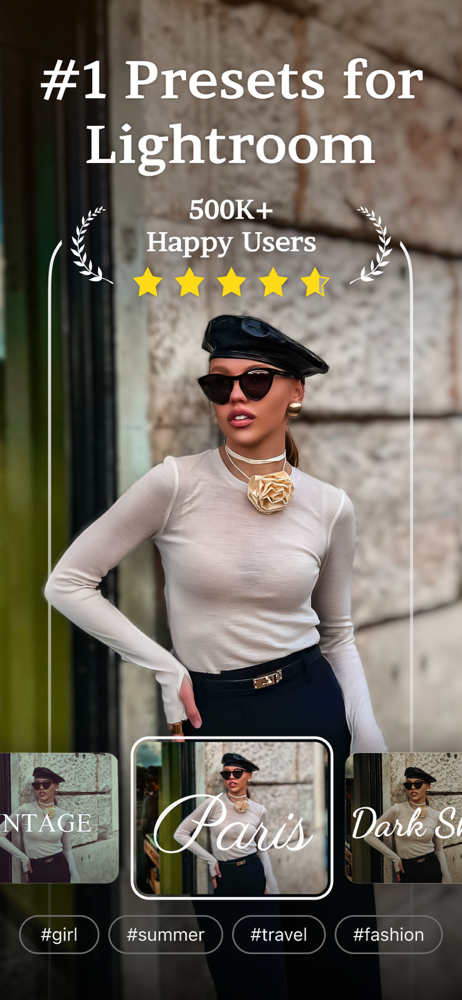
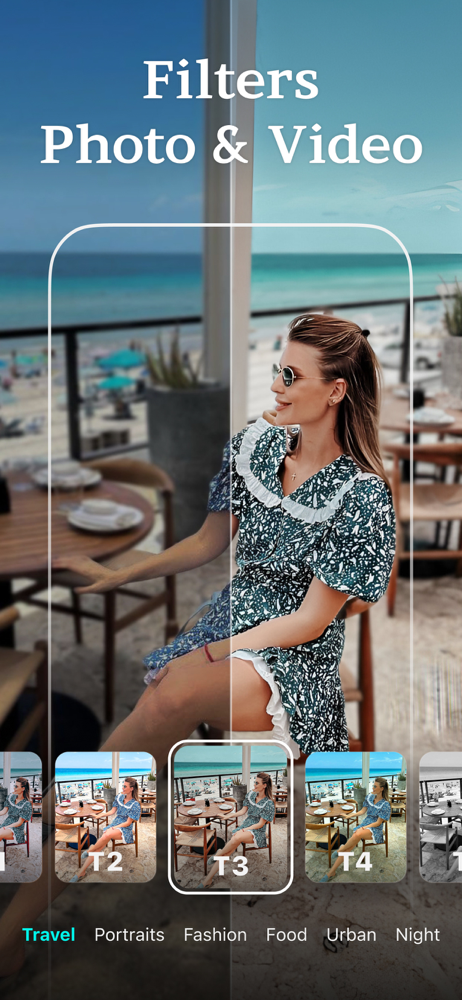
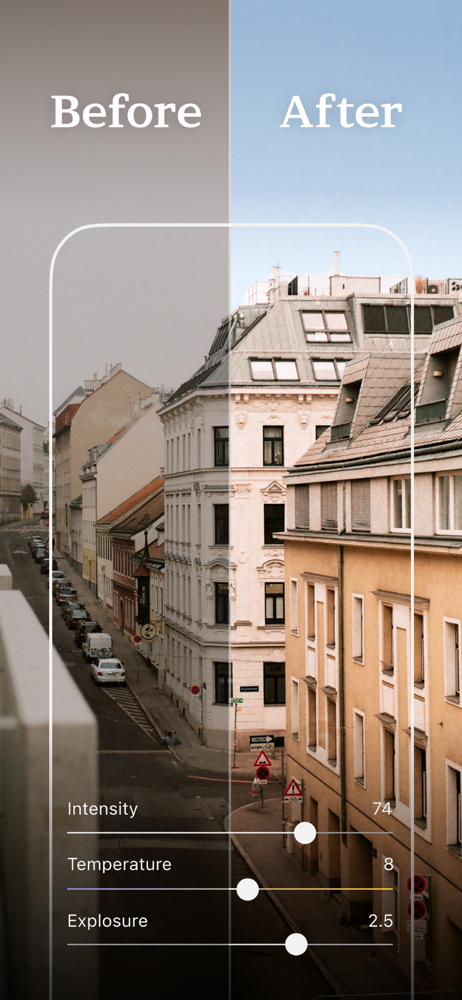
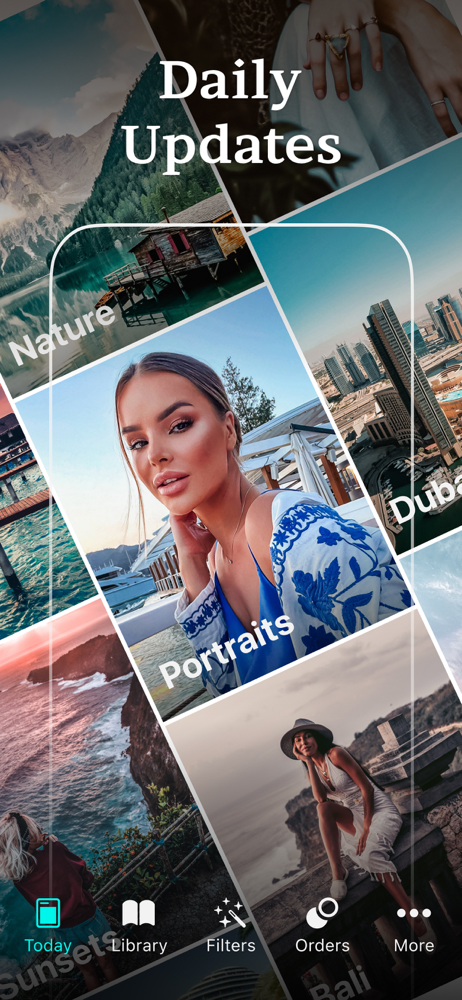
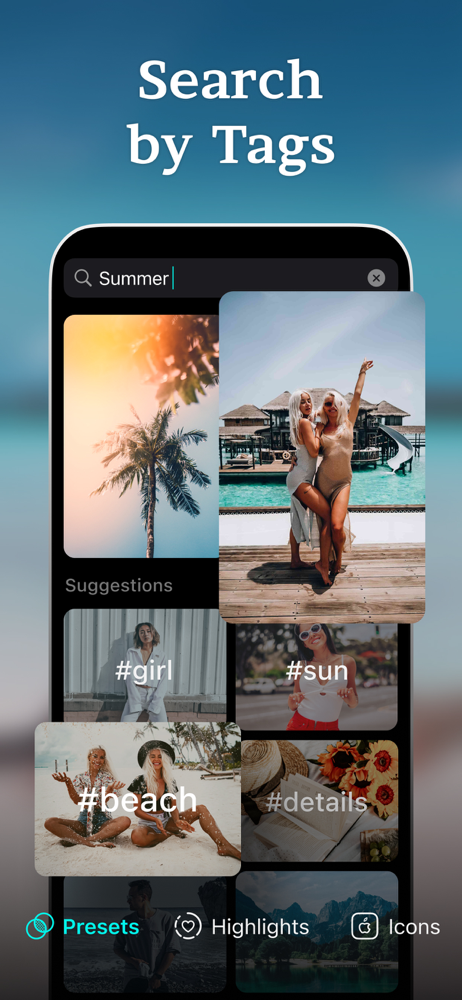
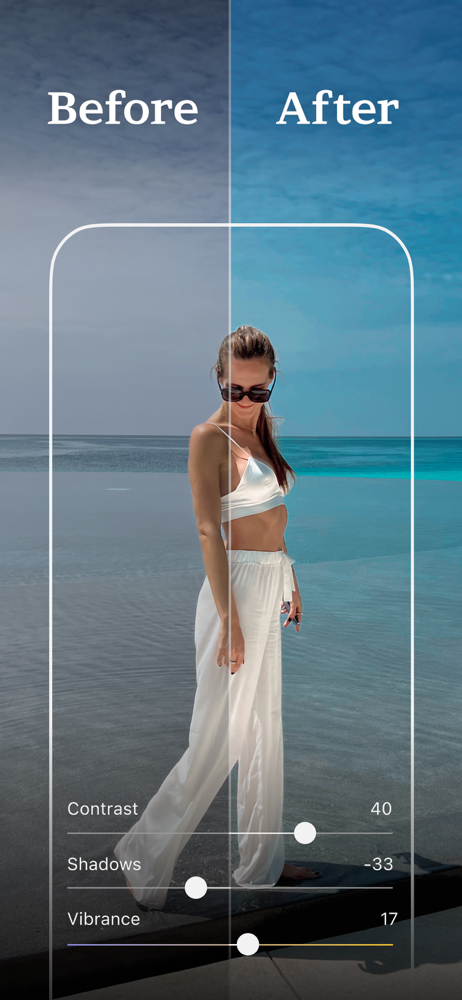
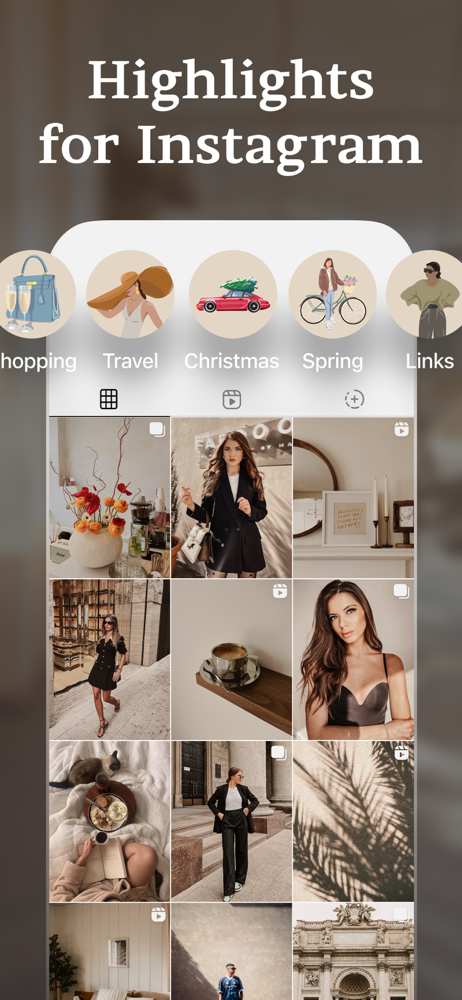
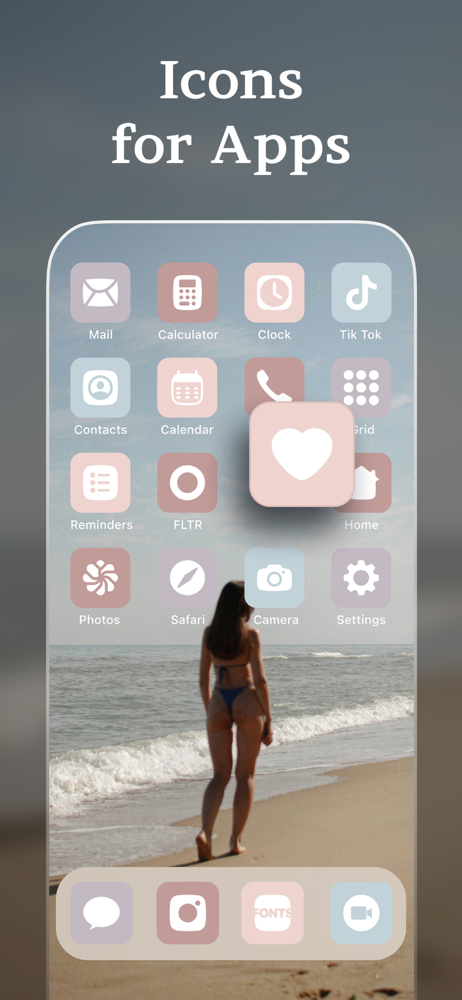
Get free trendy presets for Lightroom by FLTR! Try perfect photo & video filters, customize iOS app icons & highlights for Instagram. In collaboratio...
| Name | Price | Type |
|---|---|---|
| FLTR PRO: Presets & Filters (Weekly) | $4.99 | Weekly |
| Get 1 custom preset | $4.99 | One-time |
| Vintage Pack | $9.99 | One-time |
| Preset filters for LR mobile (Monthly) | $9.99 | Monthly |
| Mexico Pack | $9.99 | One-time |
| FLTR PRO - 12 Months (Sale) | $14.99 | Yearly |
| Photo presets - FLTR PRO (Annual) | $29.99 | Yearly |
| FLTR PRO - 12 Months + Trial | $29.99 | Yearly |
| FLTR PRO - Lifetime | $39.99 | One-time |
| FLTR PRO: Presets & Filters (Annual) | $39.99 | Yearly |


