
Check the acquisition promise
Read the store headline, screenshots and description. What problem is the app promising to solve?
Study the storefront ↗
SilverPoint Technologies · iOS
Explore the ad evidence, study the storefront, and build your next acquisition hypothesis.
01 / Creative research
Read the store headline, screenshots and description. What problem is the app promising to solve?
Study the storefront ↗Explore apps with direct store-link matches. Compare their hooks and formats without assuming the same approach works here.
Browse observed advertisers ↗Store rankings and revenue estimates describe market context. They do not establish ad spend, conversions or ROAS.
Review the market context ↗02 / Storefront & product
Study the product story and store experience behind the acquisition funnel.




03 / Market context
Keep revenue, downloads and store rankings separate from advertising performance.
Device and app are both generally reliable. After sometime away from home, I discovered that the vacuum no longer appeared in the app and I was unable to add it back. Furthermore the support page in the app is blank. For a while, I felt very upset. I came to the App Store to leave a scathing review and that’s where I found a link to app support. Once I filled out the request for support and texted them, they came back to me right away and was able to get it working again after the first troubleshooting step which was simply to uninstall and reinstall the app from the App Store
My star rating is the average of my rating of The robot I would give three stars. The vacuum itself works okayish for me. Yes, there’s some issues with it getting stuck in places but for the most part I have no issues with the robot vacuum itself glitching or malfunctioning. It’s not the best at picking up, so it’s basically a glorified broom, but using it as a broom for a large mostly-hard wood floor apartment is great. I Have had stuff get stuck in it a lot too but it wasn’t that big of a deal to clean out of the suction duct if you have tweezers (i have the vacuum that empties itself into its stand). The app I would give one star. The app is absolute trash. It used to work for me but then I got signed out somehow and it never let me back in because it never finished loading after I clicked “log in” (I let it sit for hours before force closing the app and then retrying it). After I gave up on that, I reset the robot vacuum and made a new account and it never finished loading connecting to the robot through the WiFi-connect thing (that too I left for hours and continuously force-closed and reopened). Literally the worst app I’ve ever encountered on the App Store. At least other apps on the App Store let me log in or connect to a device before they glitched or lagged.
Developers, I see that you are listening to these reviews. You absolutely must fix this horrible app. When selecting shapes to outline a room, you must be able to create the area in the specific shape of room (you cant at this time-go back to the polygon please). If you don’t, you end up designating your front yard in your hallway and your kitchen as part of your living room. It’s ridiculous. Then, to prevent it going in your kitchen you have to create a special boundary. It’s ridiculous. Also, when working with shapes and boundaries, you are limited in the number of boundaries you can use. That is not helpful. Another also, the app is so hard to work with when creating areas and shapes, you are constantly accidentally moving or deleting a shape or designation. Unless you have fingers the size of a pixie, you are going to spend a lot of time setting areas. The vacuum itself does a pretty good job, but if I had it to do over again, I would buy something with a more user-friendly app. Will be happy to update this review if they release an app that is more user-friendly. Of course, that means it will probably delete my house and I’ll have to start from scratch.
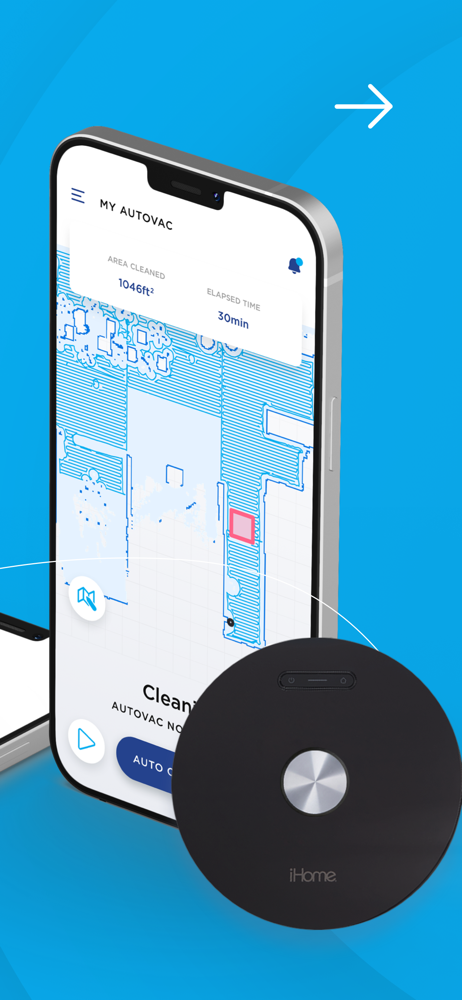
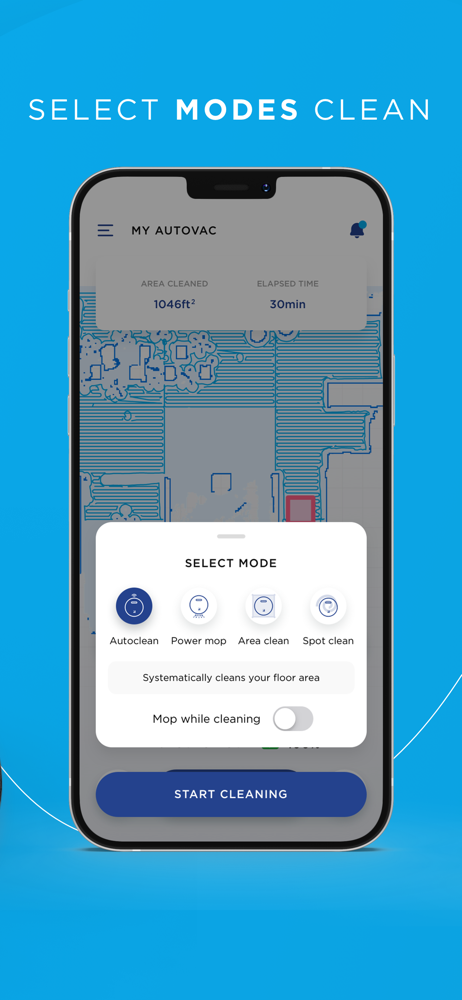
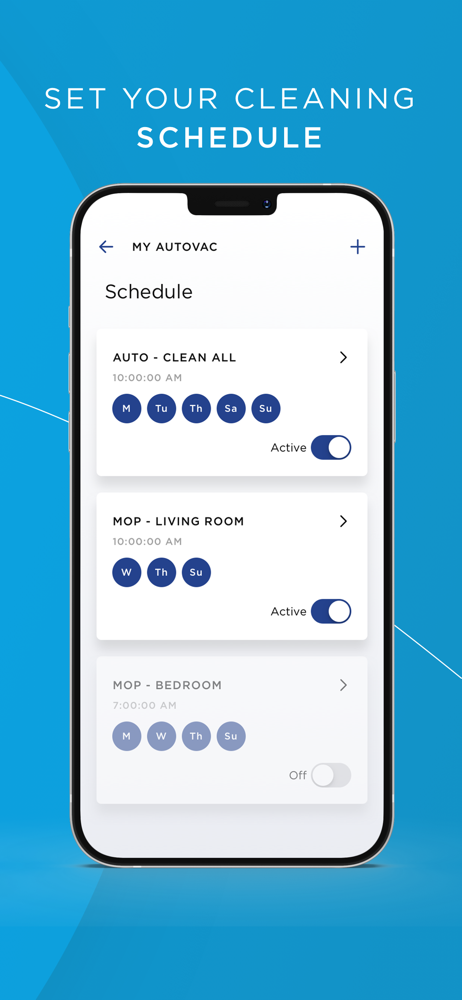
iHome Clean The iHome Clean App gives you full control over your iHome AutoVac The iHome Clean App will walk you through the steps to connect your...


