Check the acquisition promise
Read the store headline, screenshots and description. What problem is the app promising to solve?
Study the storefront ↗
Stefan Van Damme · iOS
Explore the ad evidence, study the storefront, and build your next acquisition hypothesis.
01 / Creative research
Read the store headline, screenshots and description. What problem is the app promising to solve?
Study the storefront ↗Explore apps with direct store-link matches. Compare their hooks and formats without assuming the same approach works here.
Browse observed advertisers ↗Store rankings and revenue estimates describe market context. They do not establish ad spend, conversions or ROAS.
Review the market context ↗02 / Storefront & product
Study the product story and store experience behind the acquisition funnel.



03 / Market context
Keep revenue, downloads and store rankings separate from advertising performance.
The app lacks options to specify which disks to include or exclude. Internal and external disks are treated as a non-customizable group which is problematic as external Thunderbolt NVMe drives are incorrectly counted as internal. When a disk has several APFS volumes the widgets just show total APFS container disk usage. So all APFS volumes on a disk show equal usageI have 1 TB of true internal space, but 6 TB of external NVMe is counted as internal. I specifically got this app so I could see how full my 1TB internal is, and know I need to offload stuff. It’s a balancing act because I want my most critical files to stay internal if possible so I’m not dependent on TBT disks when I’m mobile.The large "list of internal disks" does let me see the TBT4 and internal disks separately, but it doesn’t discriminate for volumes using the same APFS backing store, so if I added just one more APFS volume then this lone useful widget now isn’t gonna cut it.Suggested improvements:- Allow ignoring specific disks or filesystems. - Only show usage of a APFS volume itself, it useless to see the container disk usage on a granular volume view- Option to display only device capacity, ignoring individual volumes.- Correctly categorize Thunderbolt disks as external, or allow manual specification- Increase customization options for widgets, let me specify on a per-widget-basis which disk to monitor
The Macbook Pro does not inherently have a widget which shows how much space is left on your system(s)This app has really saved me alot of trouble and lets me know when I should be moving files off of my Laptop.Thank you for all you hard work.
Made many tries to fix available space problem...did not give up and got it working.A very usefull appGreat Job Stefan,Thanks
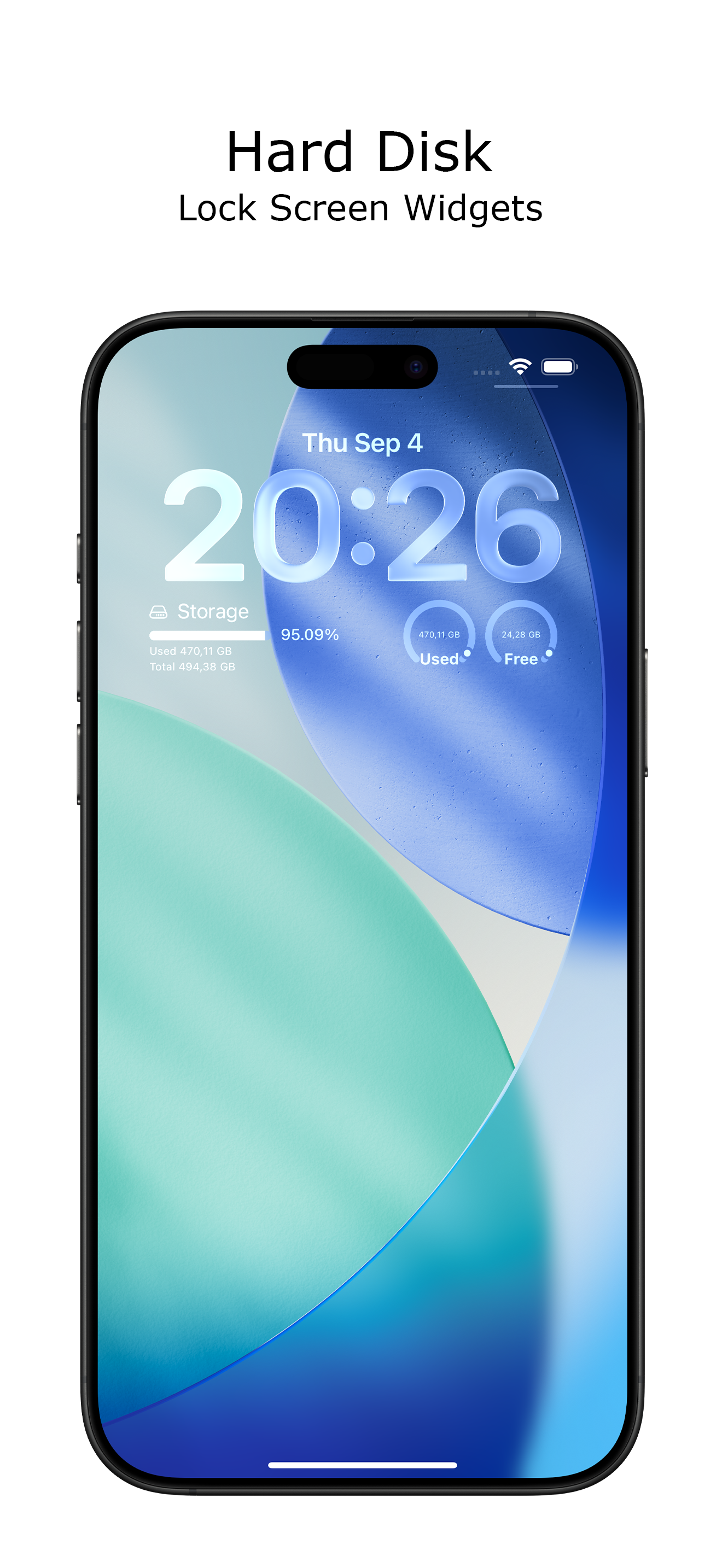
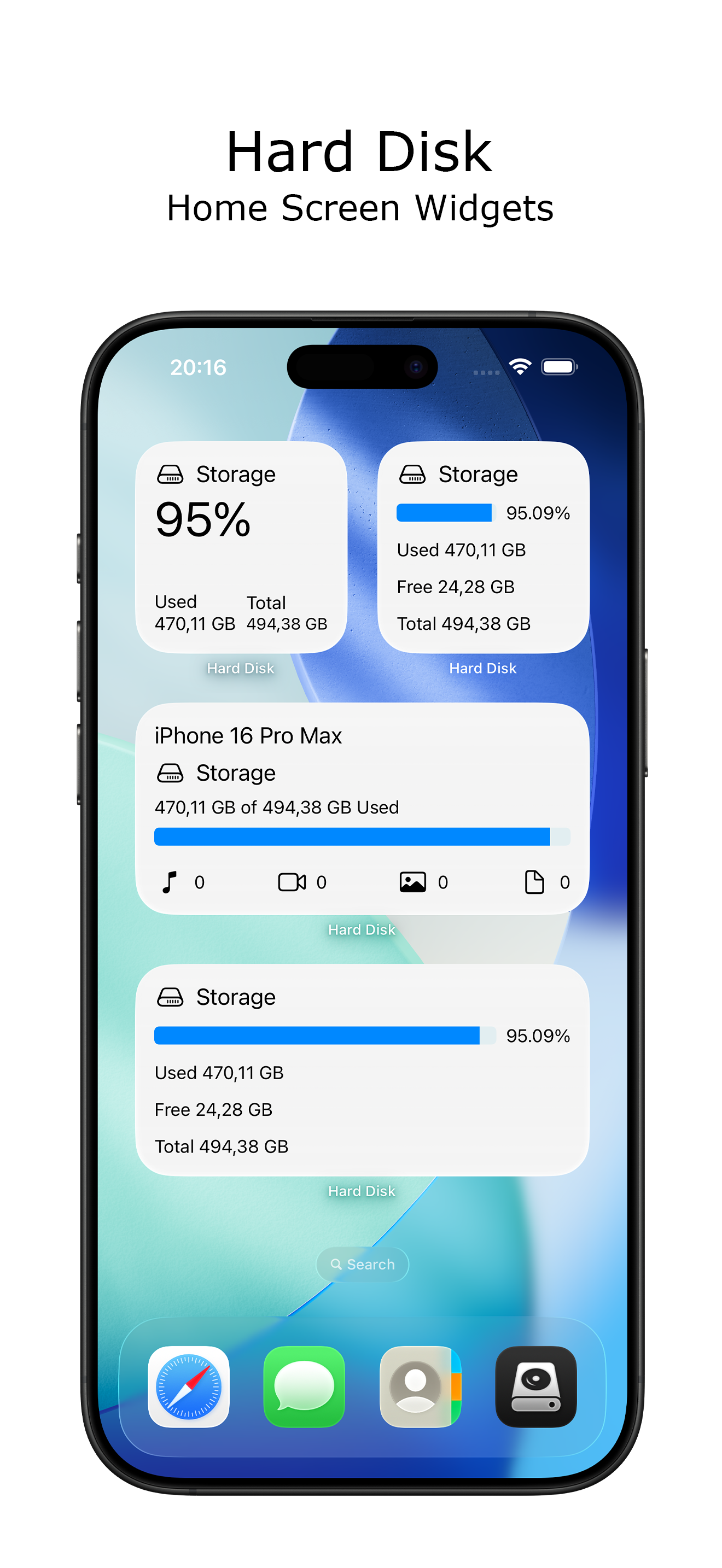
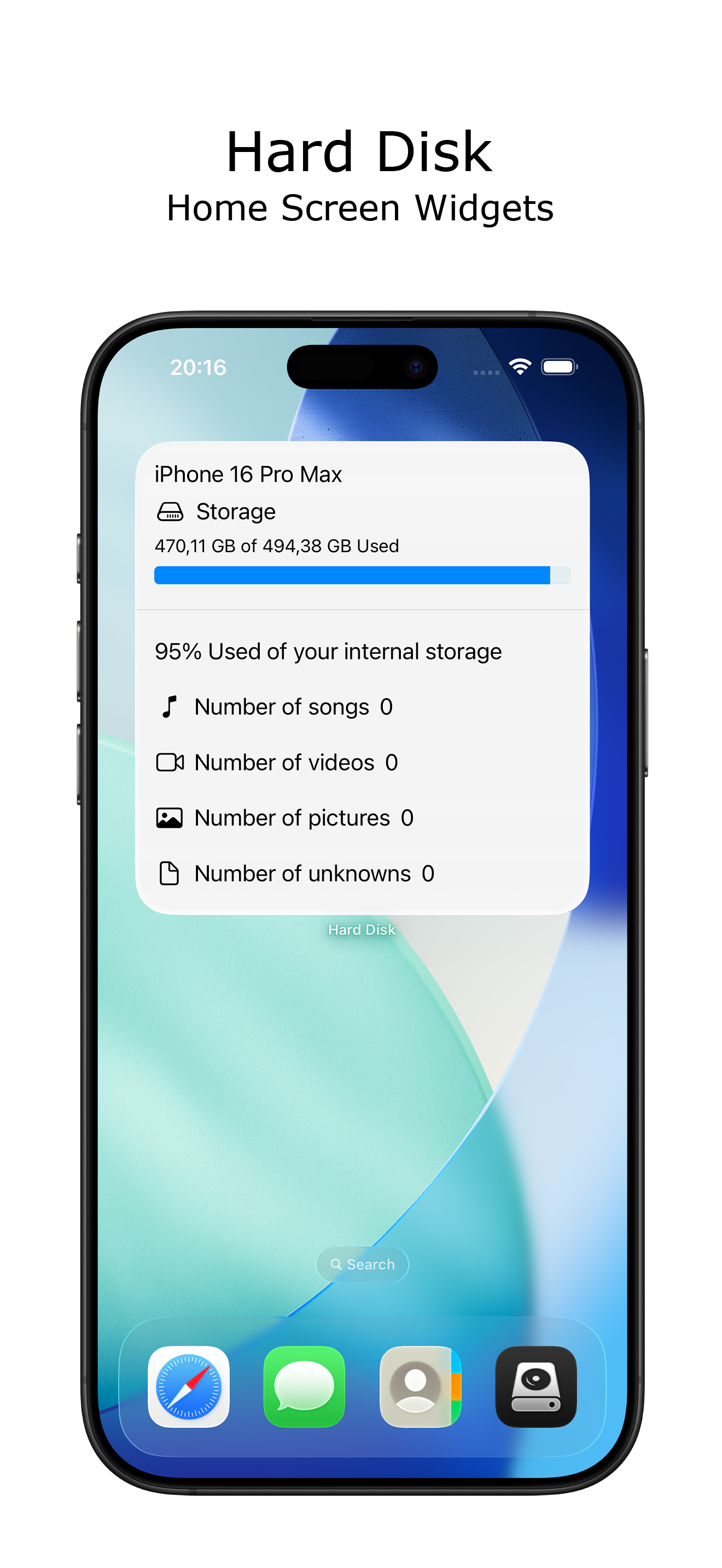
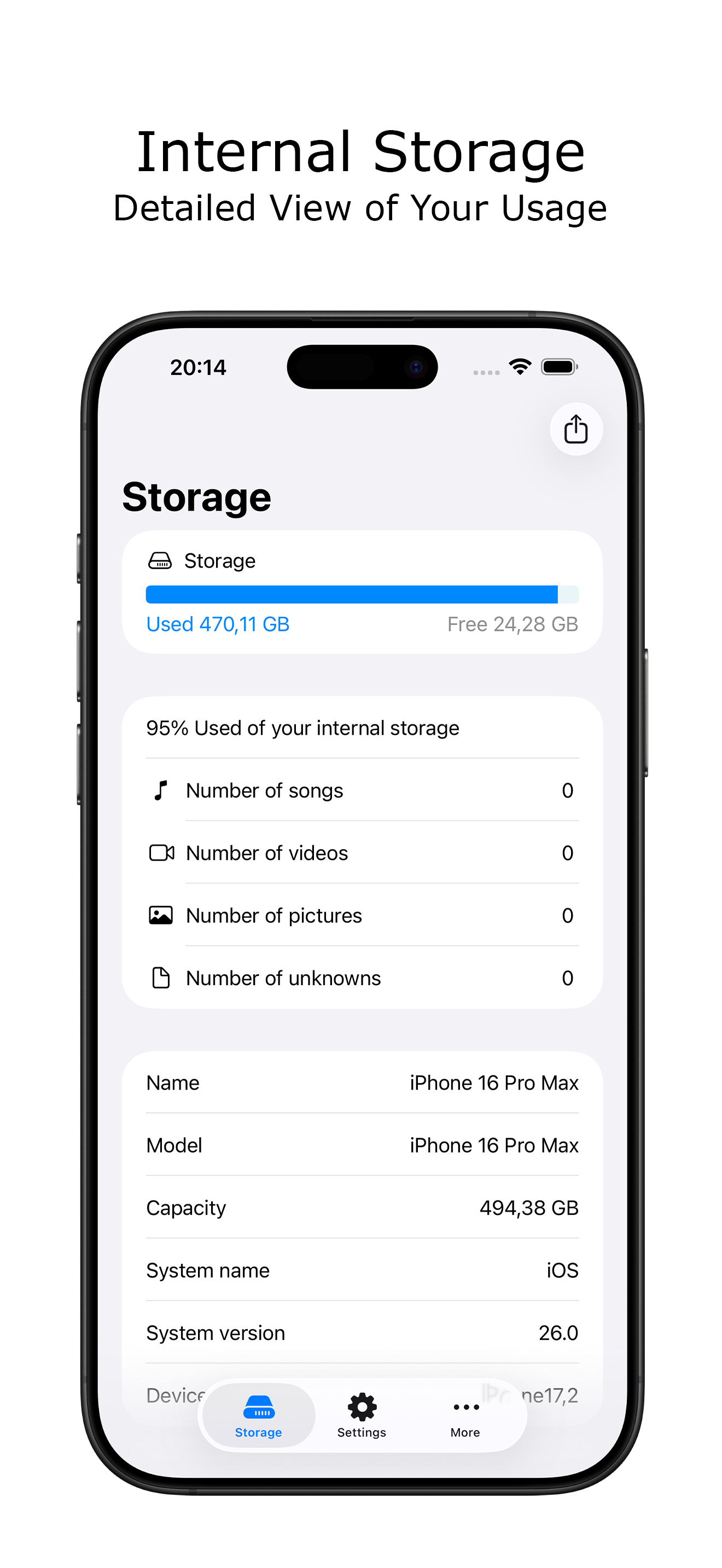
Want to see how much free space you have left on your storage? See today's current free space on your internal drive at a glance from your iPhone with...