Check the acquisition promise
Read the store headline, screenshots and description. What problem is the app promising to solve?
Study the storefront ↗
Nonstrict B.V. · iOS
Explore the ad evidence, study the storefront, and build your next acquisition hypothesis.
01 / Creative research
Read the store headline, screenshots and description. What problem is the app promising to solve?
Study the storefront ↗Explore apps with direct store-link matches. Compare their hooks and formats without assuming the same approach works here.
Browse observed advertisers ↗Store rankings and revenue estimates describe market context. They do not establish ad spend, conversions or ROAS.
Review the market context ↗02 / Storefront & product
Study the product story and store experience behind the acquisition funnel.

03 / Market context
Keep revenue, downloads and store rankings separate from advertising performance.
I have a Mac with the latest OS Tahoe, an iPhone 15 Pro, and although with the cable attachment it does mirror my iPhone to my Mac there is no recording capability, which I need. I have emailed Customer Support right away at the beginning of the 3 day trial period (and by the way I did pay for it right away too so the 3 day trial was moot) and here it is 6 days later and no Customer Support reply. I sent a follow up email and still no reply. Not a way to run a business. Customer Support is where the rubber meets the road and apparently with them there is no road, only the pretense of it.
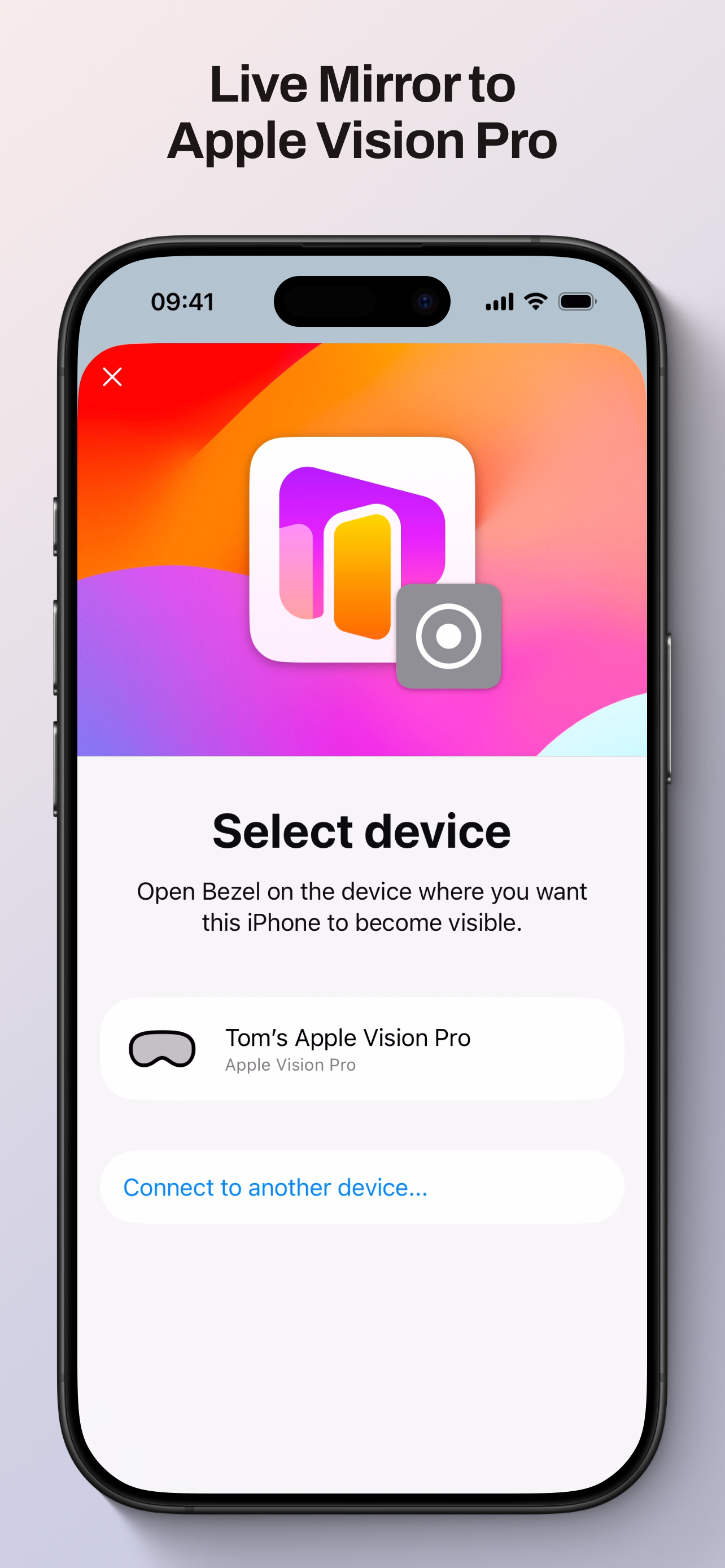
Phone screen can’t be controlled from Vision Pro, it’s just a one way viewing broadcast. So it’s still challenging to click around on the phone (the “real” passthrough one remains blurry). It would be much easier to navigate the phone if the virtual phone screen could attempt to track and follow your real phone, eg try to line up approx the same size as the phone in your hand, and positioned at a similar angle and coordinates. Currently it’s just a gigantic screen display. At the very least can we manually shrink it down…? Right now it doesn’t seem like the mirrored window can be resized at all.
So if you get the error that does not work when AirPlay, Restrictions or screen mirroring is active, you need to go to the settings, go to content restrictions and allow screen recording. This is a hidden setting, I found this out through some Google sleuthing, not available anywhere in app docs which is why I docked a star
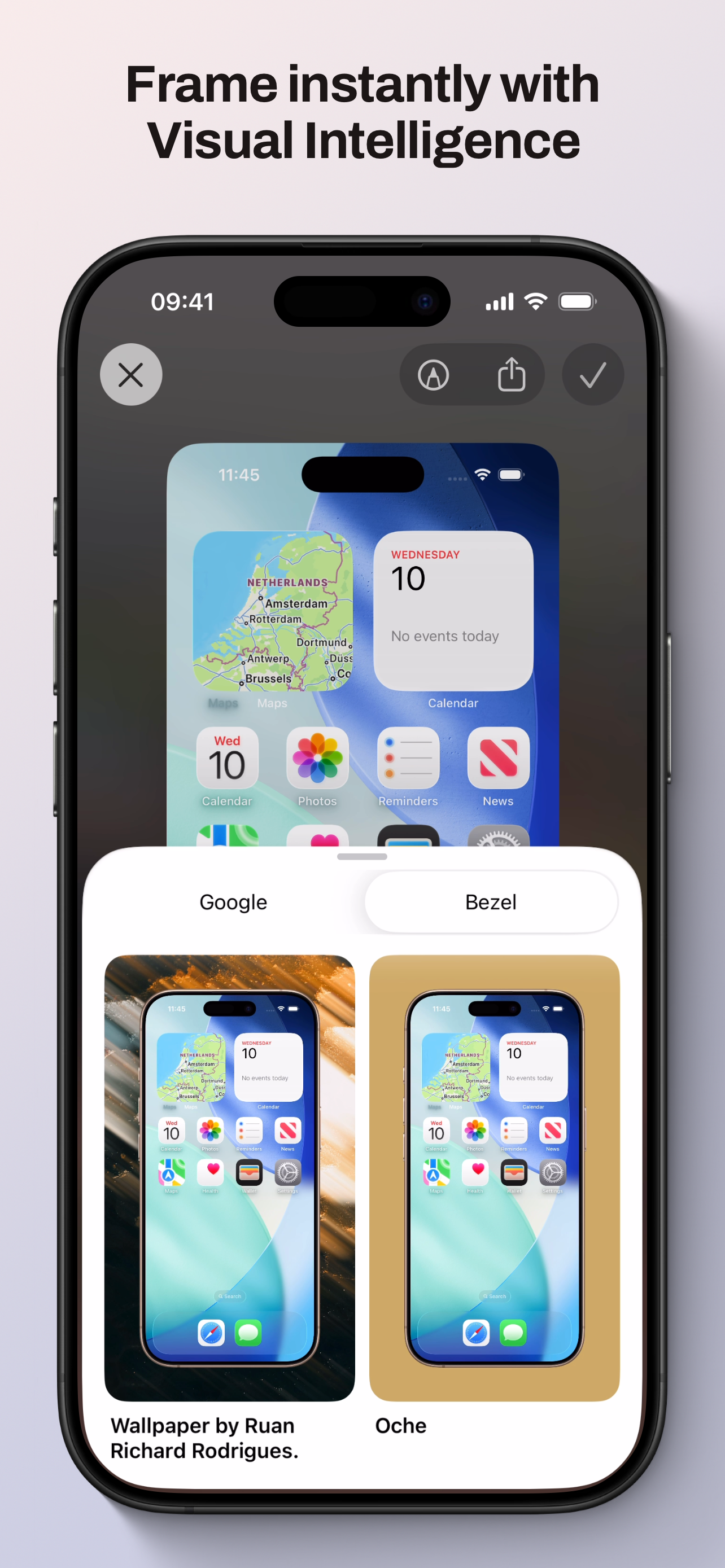
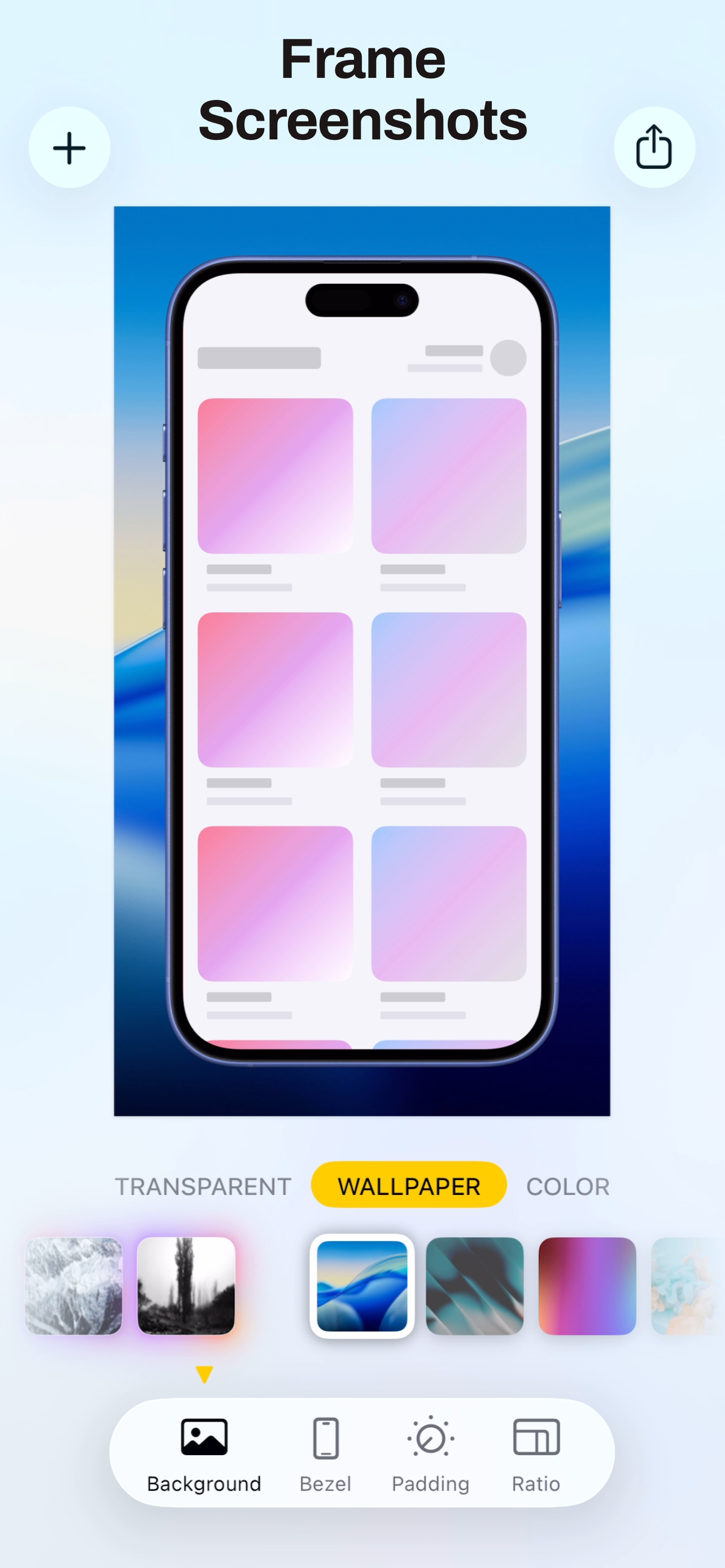
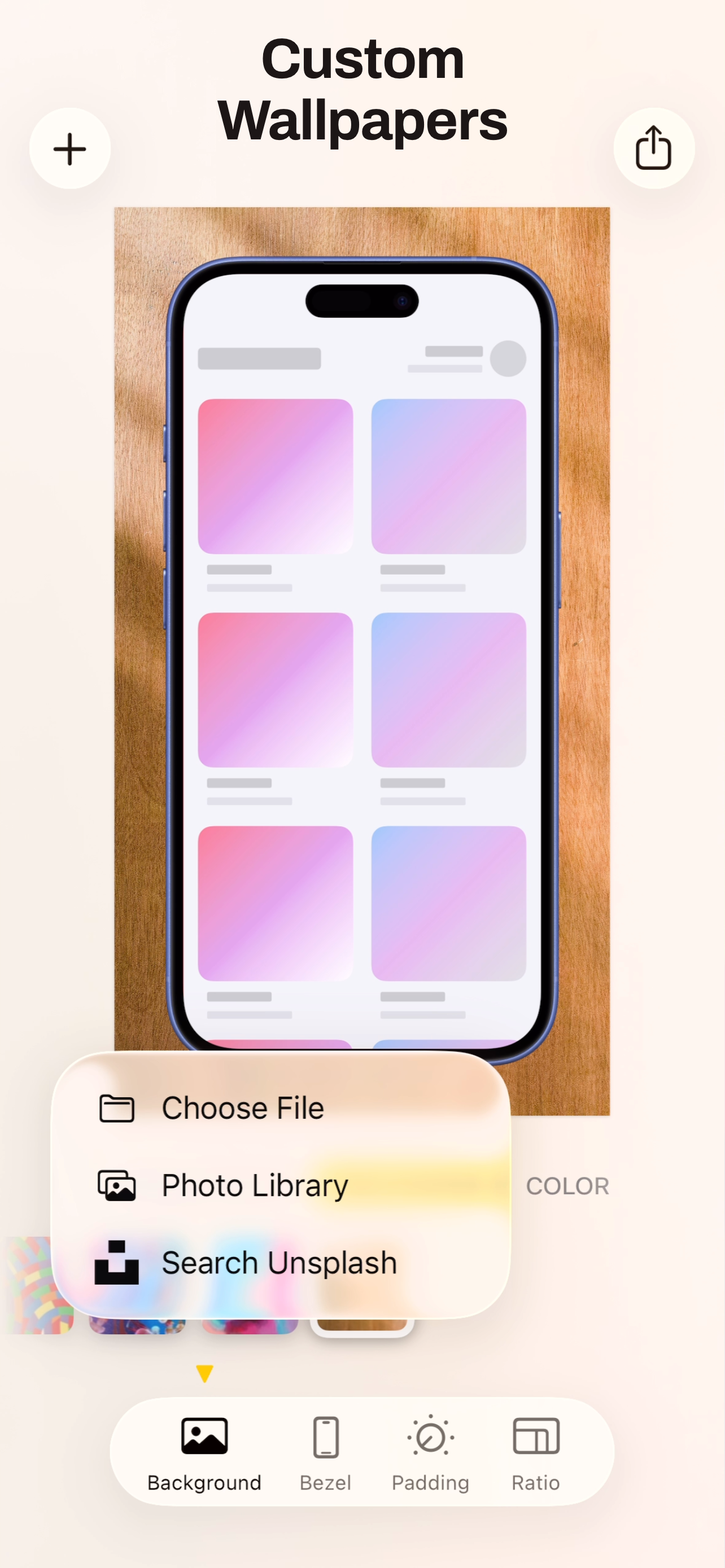
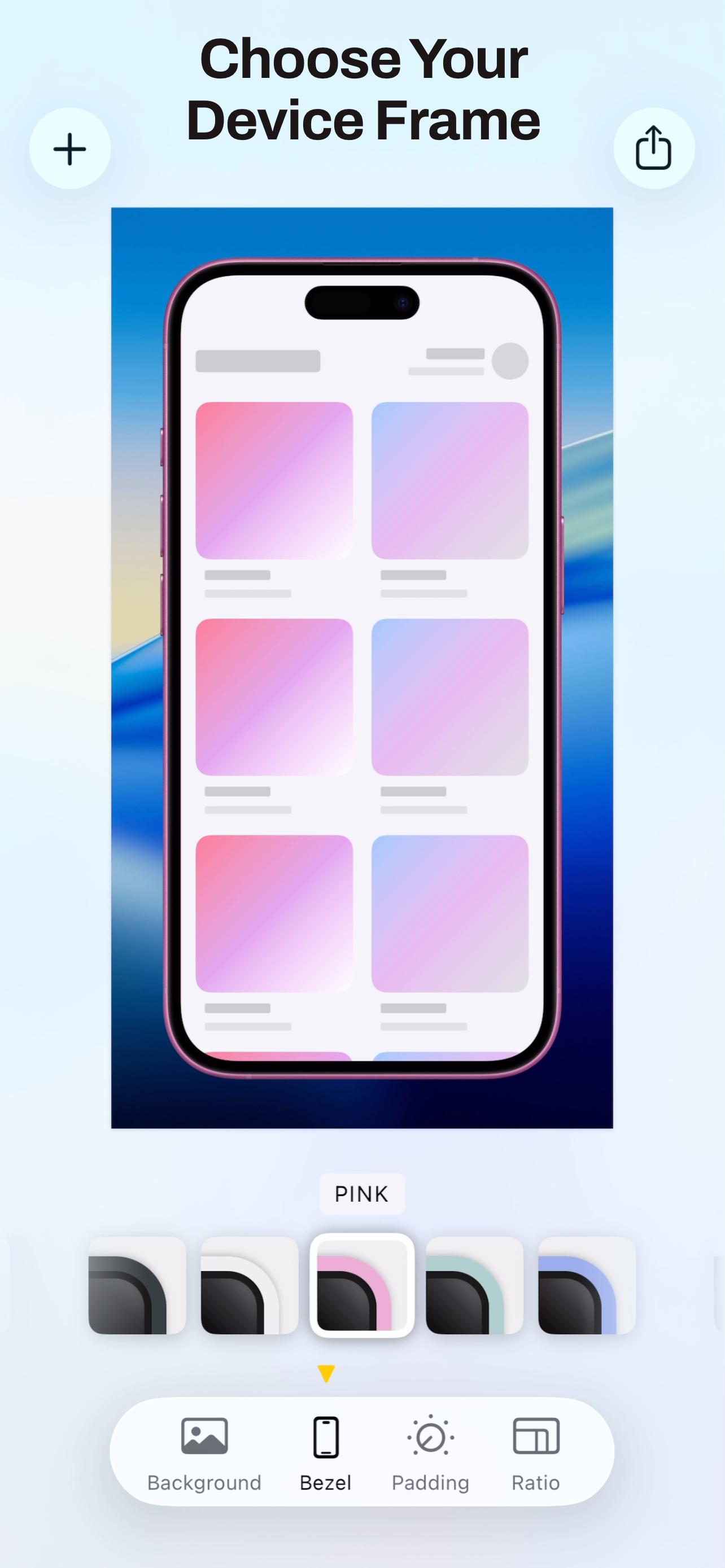
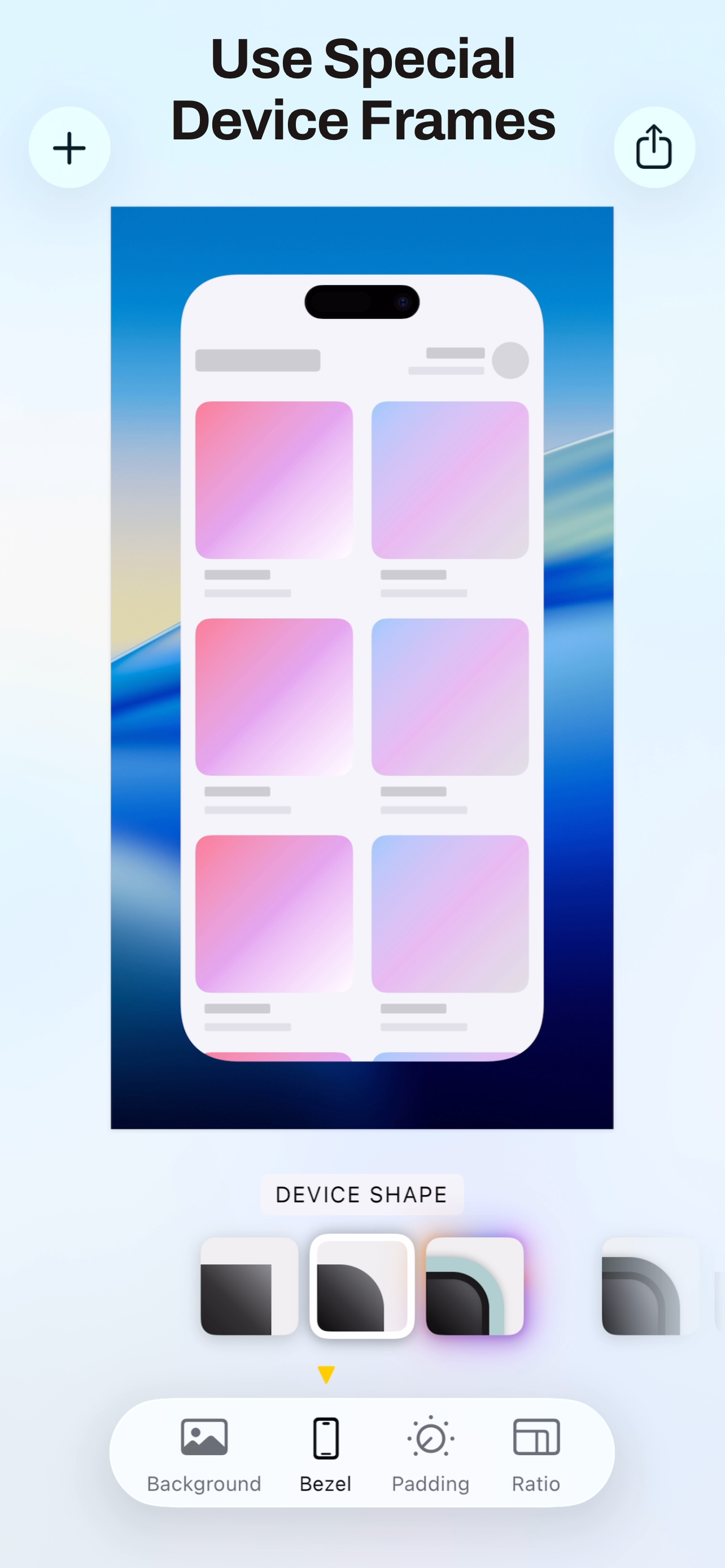
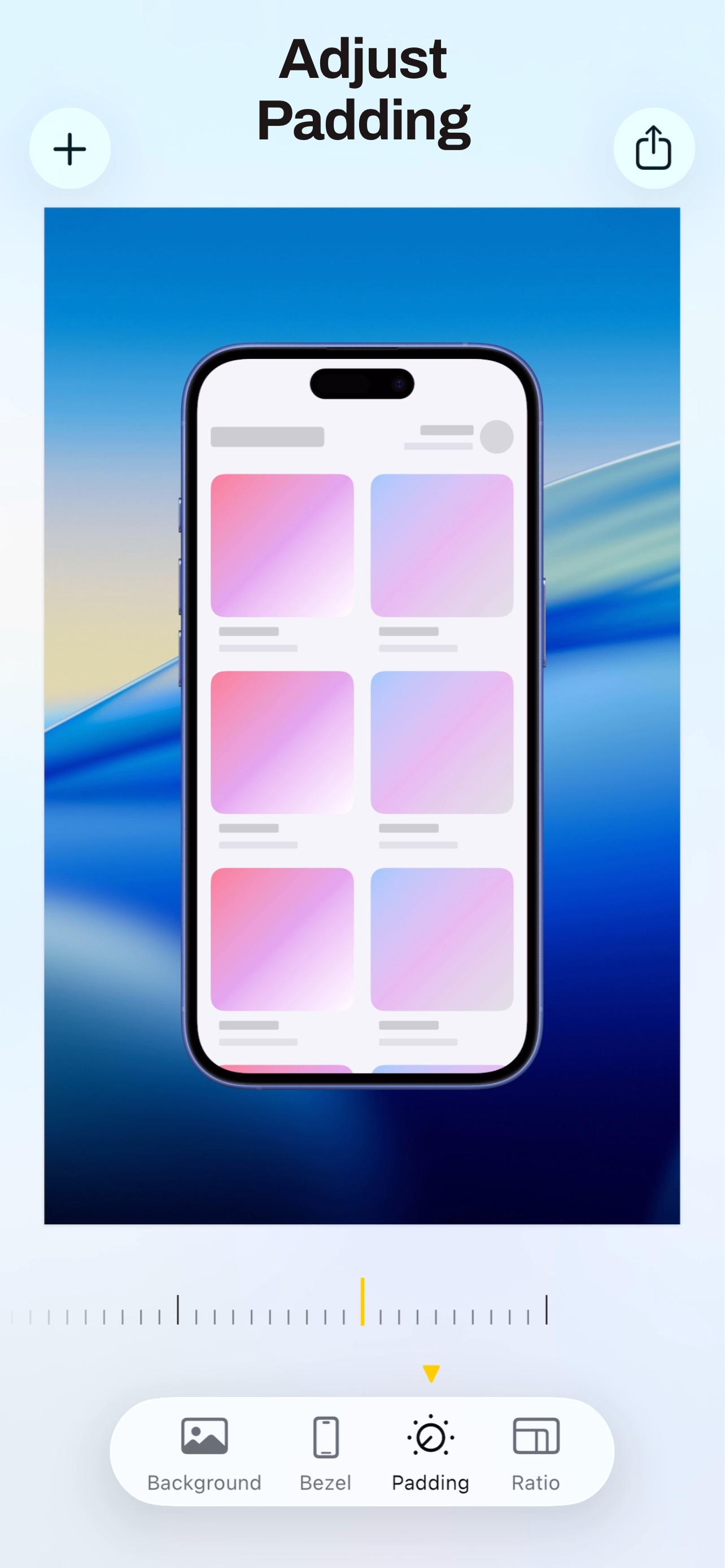
The best way to showcase your screenshots with stunning device frames and beautiful backgrounds on iOS. Bezel transforms your screenshots into profes...
| Name | Price | Type |
|---|---|---|
| Bezel for iOS (Annual) | $9.99 | Yearly |
| Bezel Pro for Mac (Monthly) | $9.99 | Monthly |
| Bezel Pro for Mac (Annual) | $29.99 | Yearly |