Check the acquisition promise
Read the store headline, screenshots and description. What problem is the app promising to solve?
Study the storefront ↗
Ryan Kontos · iOS
Explore the ad evidence, study the storefront, and build your next acquisition hypothesis.
01 / Creative research
Read the store headline, screenshots and description. What problem is the app promising to solve?
Study the storefront ↗Explore apps with direct store-link matches. Compare their hooks and formats without assuming the same approach works here.
Browse observed advertisers ↗Store rankings and revenue estimates describe market context. They do not establish ad spend, conversions or ROAS.
Review the market context ↗02 / Storefront & product
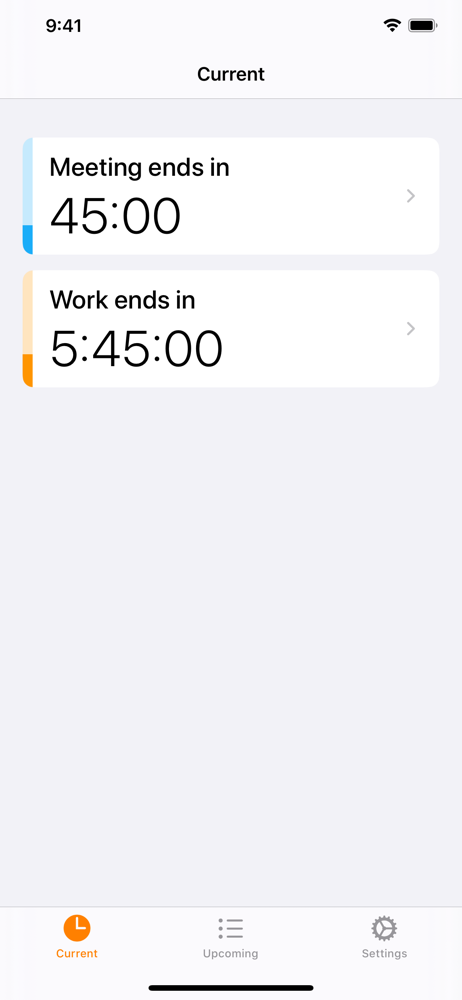
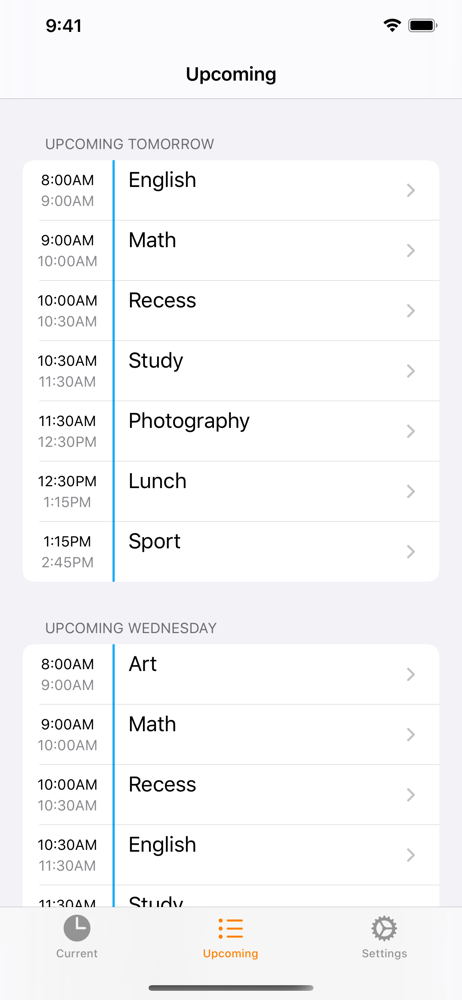
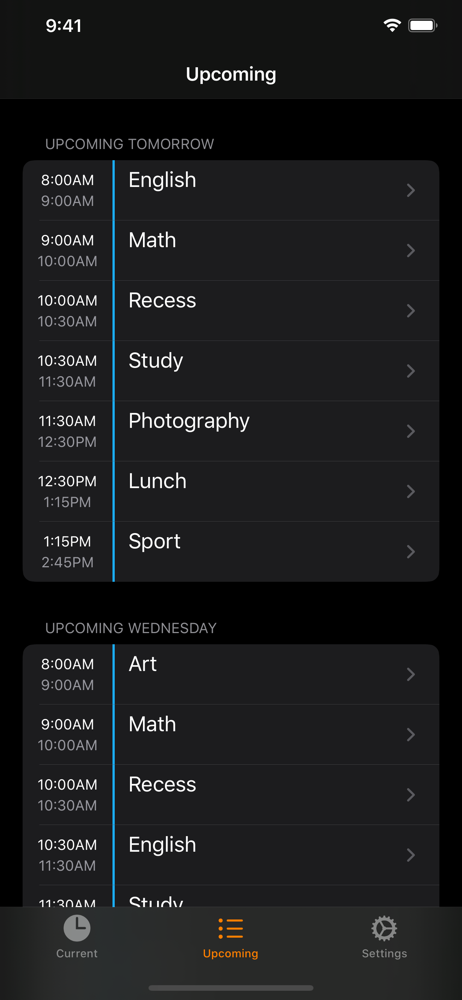
Study the product story and store experience behind the acquisition funnel.




03 / Market context
Keep revenue, downloads and store rankings separate from advertising performance.
I would definitely recommend this app to anybody who has a daily schedule for school/work, especially if you have an Apple Watch. I don’t know why it’s not more popular!Knowing exactly how much time you have left for an event is so much better than having to memorize all the times for when things start and end. The app supports complications for Apple Watch but you have to pay 3 bucks if you want it to show the amount of time left, otherwise it’s just an icon you have to press to open the Apple Watch app. I’d totally prefer the purchase though.
This the app I always dreamed of having since transitioning to full time remote work in a leadership position (with lots of meetings). So much so that I was going to build myself before doing one more search through the App Store and finding this one. The only thing missing is a Home Screen widget so that you can see your upcoming events at a glance and know how much time until the next event. That would easily bump this already great app to 5/5.
I balance full-time and freelance work in a couple different fields, and I like to use the calendar to divide my day into blocks of time that keep me focused on deadline and prevent me from losing track of my whole day on one thing. When I got my first Apple Watch last fall, I looked everywhere for a complication that simply counted down to my next event or counted down the time left in my current event. The only one that came close was Fantastical, but it only did what I was looking for some of the time (depending on the proximity of what I had on my schedule, with no way for me to adjust that), so I was left only partially satisfied. This one, though, is *exactly* what I’ve wanted. The iOS app seems perfectly sufficient at simply and elegantly displaying the same information, but the watch complication is what I was really after, and it’s the easiest IAP I’ve ever made. The way it handles both upcoming and in-progress events is perfect. Thank you for reading my mind. (And no, I don’t know the developer even though this reads a little on the shill side. I’m just really delighted by this is all.)
How Long Left is a simple app that helps you manage your time by displaying the time remaining of current calendar events. It also includes a Today W...
| Name | Price | Type |
|---|---|---|
| How Long Left Widget | $1.99 | One-time |
| Premium Watch Complication | $4.99 | One-time |
| Legacy Pro Lifetime | $39.99 | One-time |
| How Long Left Pro (Lifetime) | $49.99 | One-time |