Check the acquisition promise
Read the store headline, screenshots and description. What problem is the app promising to solve?
Study the storefront ↗
IORAMA AB · iOS
Explore the ad evidence, study the storefront, and build your next acquisition hypothesis.
01 / Creative research
Read the store headline, screenshots and description. What problem is the app promising to solve?
Study the storefront ↗Explore apps with direct store-link matches. Compare their hooks and formats without assuming the same approach works here.
Browse observed advertisers ↗Store rankings and revenue estimates describe market context. They do not establish ad spend, conversions or ROAS.
Review the market context ↗02 / Storefront & product
Study the product story and store experience behind the acquisition funnel.

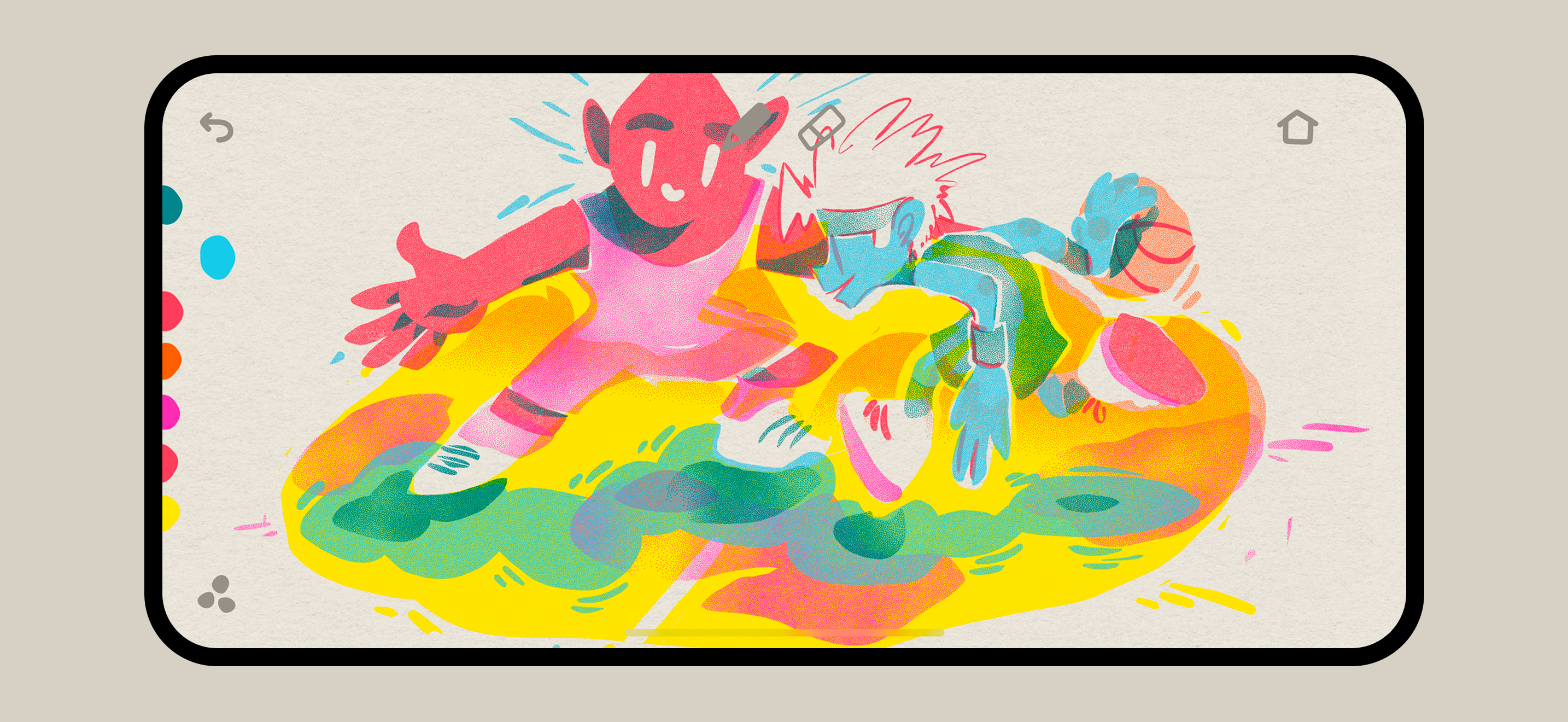
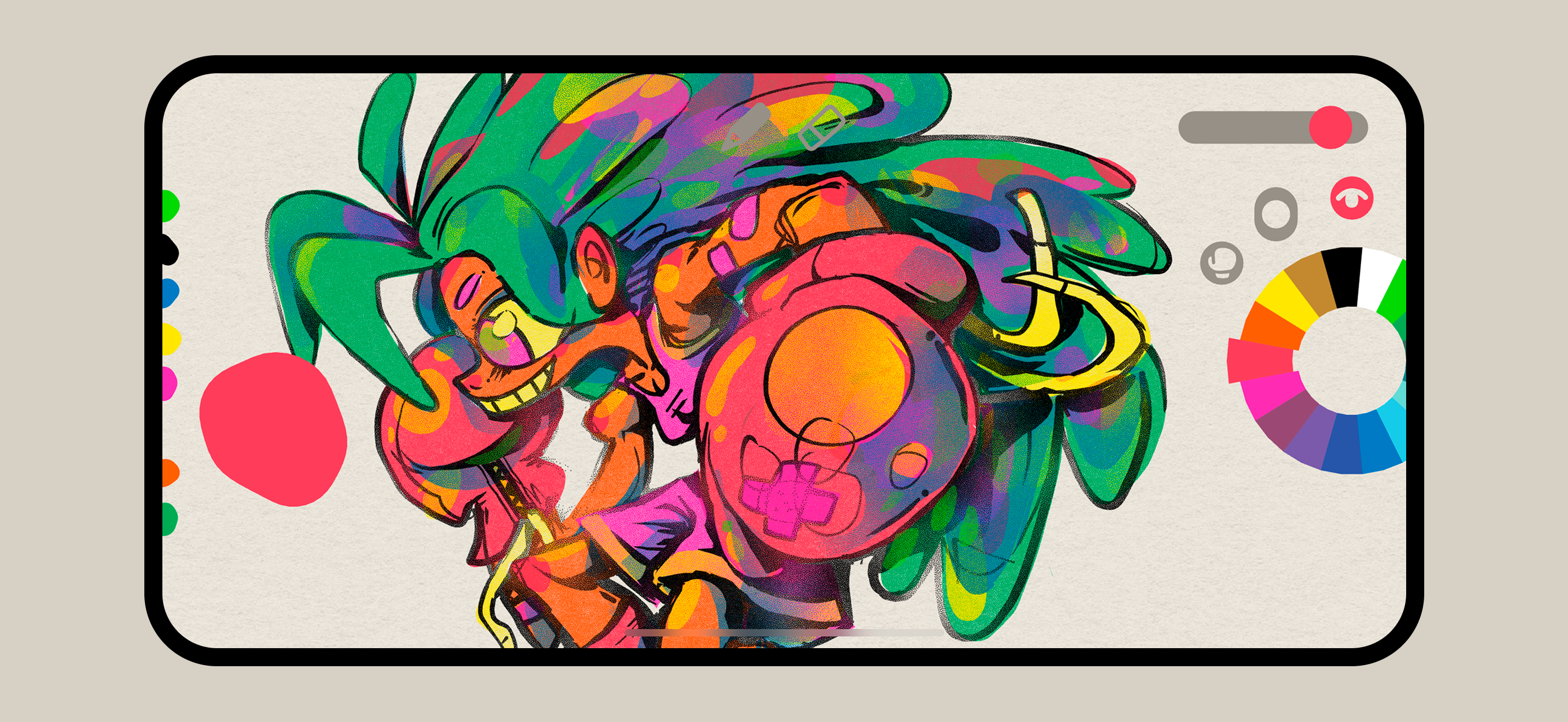

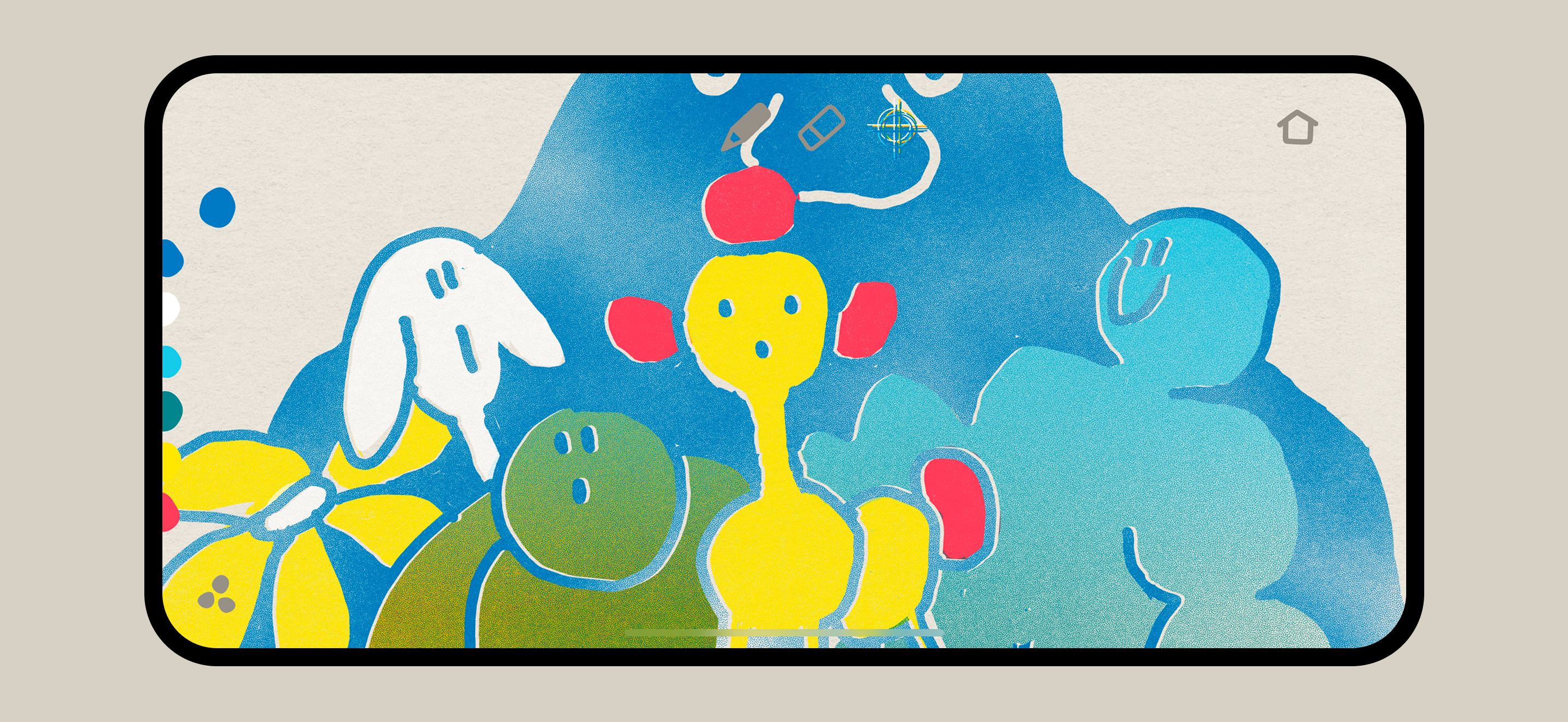


03 / Market context
Keep revenue, downloads and store rankings separate from advertising performance.
I think it would be really finished if you can add the ability to add photos to the laters for reference, and to speedily take art we have made and re make it in here easier I also think the pinching and rotating with the grain where you move it to adjust lighting needs to be redone so it doesnt mess up 9/10 times that you use it. Other than that its a great app
This app is super fun and gives drawing a very toy-like experience that I haven’t seen before. I’m really enjoying drawing in this app for the most part, but there are a few things that I feel like are keeping me from developing a good workflow with it. I understand keeping everything visual with the controls and it does make the app very approachable, but I would really appreciate the ability to turn on numeric indicators for brush sizes and other variables so I can keep my tools consistent. Perhaps a “pro” toggle in the home menu that would turn on numeric indicators?
I’ve been enjoying playing with this app. The colors, textures and gradients are gorgeous and fun to use. It simulates risograph print beautifully and even allows you to play around with some of the unpredictable qualities of risograph. I would love to seem some features added with future updates. I was very disappointed that there’s no ability to import a reference image. One of the first things I tried to do when I opened the app was import a sketch I wanted to work with and was so frustrated that I couldn’t. That immediately limited the scope of this app for me. Also, I wish there was some sort of toggle to add line smoothing. I sometimes like working with very clean and smooth lines and shapes so it would be great if there were some options for stroke stabilization. And also a ruler to draw perfectly straight lines. Another thing I would love to see added are percentages for the brush size and density sliders. Having to play a guessing game every time I want to choose the density or brush size with precision is frustrating. Overall, it’s a beautifully designed app that is a pleasure to use. I can tell the devs put a lot of thought and care into it. I look forward to seeing how it’s improved with future updates!
Graintouch is a drawing app with the soul of print. Inspired by Risograph™ aesthetics, it lets you layer, blend, and create with the warmth of real in...