
Check the acquisition promise
Read the store headline, screenshots and description. What problem is the app promising to solve?
Study the storefront ↗
骏骁 马 · iOS
Explore the ad evidence, study the storefront, and build your next acquisition hypothesis.
01 / Creative research
Read the store headline, screenshots and description. What problem is the app promising to solve?
Study the storefront ↗Explore apps with direct store-link matches. Compare their hooks and formats without assuming the same approach works here.
Browse observed advertisers ↗Store rankings and revenue estimates describe market context. They do not establish ad spend, conversions or ROAS.
Review the market context ↗02 / Storefront & product
Study the product story and store experience behind the acquisition funnel.


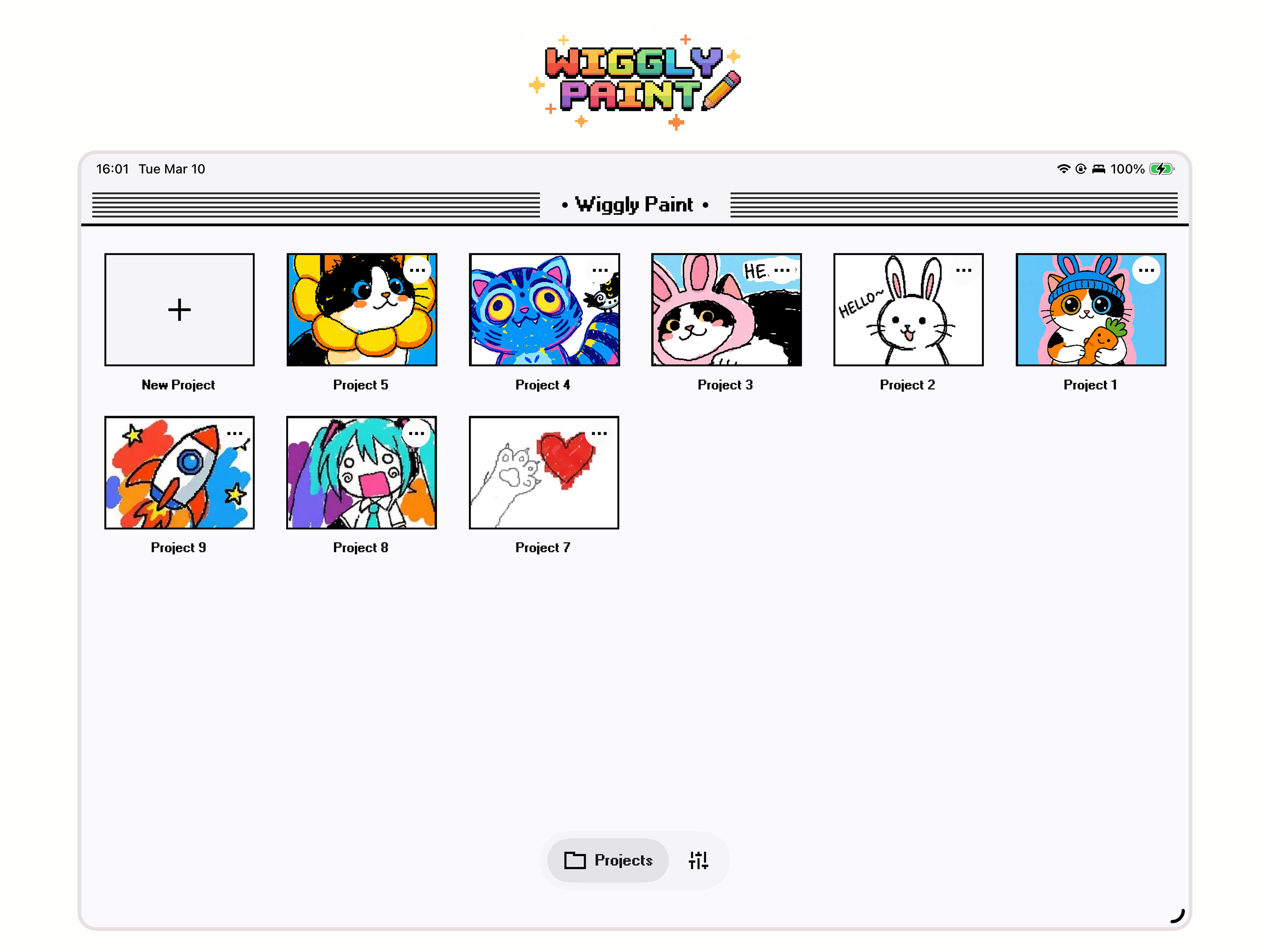
03 / Market context
Keep revenue, downloads and store rankings separate from advertising performance.
I enjoy drawing with this app. downloaded a couple weeks ago, been using it a bunch. But it feels like every update completely changes the usability. With whole options completely changing or being taken out. I appreciate the active work from the devs but the changes have been jarring. Especially when im working on a drawing and then an update takes out a brush function completely. Also frustrating when theres no update notes! Especially when I paid for this.. RESPONSE TO DEV: Here are the functions I have seen be removed/replaced without any dev notes stating so; Pencil line movement changed, no longer creates solid lines. The fountain pen changed today! After this review was written with no notice. Again youve changed how it writes and now no longer connects properly. The marker has been changed a lot as well. You even stated it. Instead of me being able to change the size i have to pick between shapes that, just like other lines, dont connect properly!! As well, youve taken away my ability to change the size of all brushes. And as i stated multiple times changed line types to a point where they dont draw correctly. And all of these things were done with no dev notes. Please let me know if i can clarify anything else for you.
I’ve had a lot of fun toying with this app, but there’s some glitches that need to be ironed out and things that need tweaking. Namely, I’ve had an issue with progress not saving properly when exiting out of a canvas— changes I made within the last minute or so of closing a drawing out will often not be saved, forcing me to redo them when I open the project again. Sometimes the app will also freeze while drawing a line, causing it to briefly skip or to draw a line in a direction I didn’t intend to. As for features I’d love to see tweaked/added: I also wish that GIFs exported from this app had an option for automatically looping the wiggle animation, as having it stop dead after a few seconds, and manually having to export it to procreate or another program to make it loop, is a bit annoying. I also wish there were options to change the size of the eraser + fine liner pen, and to add custom colors to the palette. Having to deal with the huge default eraser size when I’m doing really detailed drawings is a big hassle! I’ll still continue to use WigglyPaint, but my experience would definitely be improved if they rectified these things in a future version of the app. (Update in response to developer review, I use the modern UI so I was having issues with that version!)
It's a nice Ipad app, but ironically the free online version offers wayy more and works better lol. The app doesn't have half the options the website does . The options button doesn't work which is vital for customization/settings like transparency. You can't customize the palette or background color. The crop button doesn't work either :( hopefully it can be fixed.
WigglyPaint – Cute Wiggly Pixel Art is Here! Pixels now dance smoother than ever. We rebuilt the entire experience with a fresh look, tons of new col...


