Check the acquisition promise
Read the store headline, screenshots and description. What problem is the app promising to solve?
Study the storefront ↗
LogMeIn, Inc. · iOS
Explore the ad evidence, study the storefront, and build your next acquisition hypothesis.
01 / Creative research
Read the store headline, screenshots and description. What problem is the app promising to solve?
Study the storefront ↗Explore apps with direct store-link matches. Compare their hooks and formats without assuming the same approach works here.
Browse observed advertisers ↗Store rankings and revenue estimates describe market context. They do not establish ad spend, conversions or ROAS.
Review the market context ↗02 / Storefront & product
Study the product story and store experience behind the acquisition funnel.





03 / Market context
Keep revenue, downloads and store rankings separate from advertising performance.
I have been using this since the day I found it. The cost has gone up significantly for the amount of use and the one computer I need access to but being a business owner I have many times had to work from home, the car, vacation……always felt safe logging into this site and getting work done. I have literally been across the globe and done payroll, helped employees or answered time sensitive questions. Also love that it will work with a printer anywhere you are. When something works I have a hard time wanting to try something else.
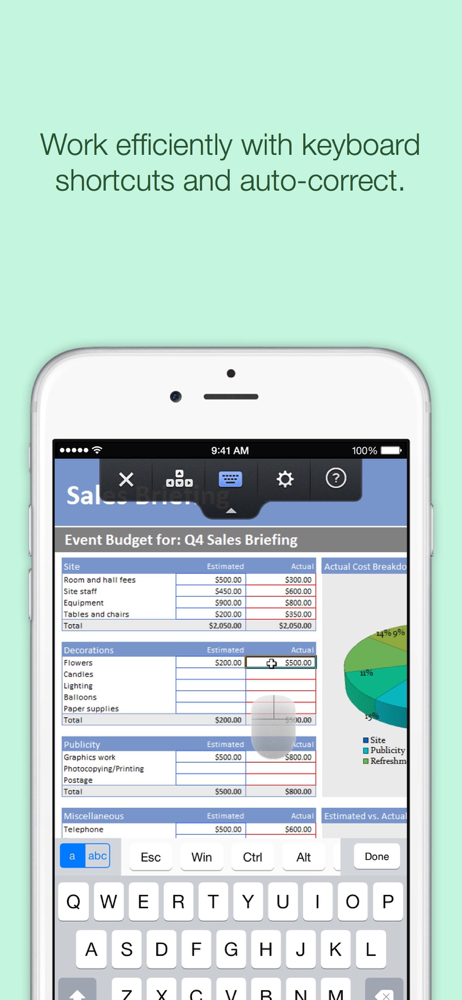
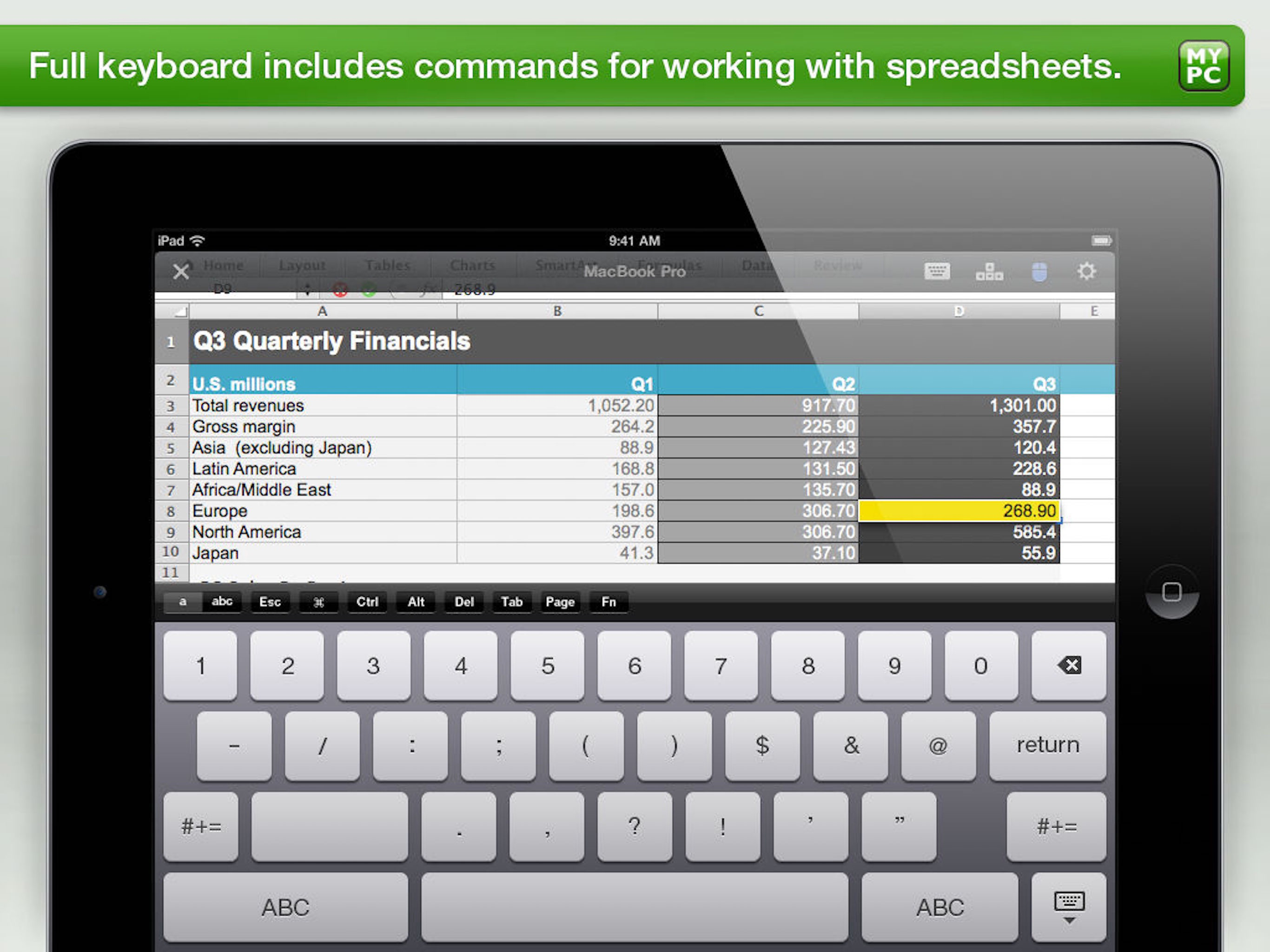
Overall this works well but it’s all rather cramped on my 10.2 in iPad . It does work with 3rd party mouse and my keyboard case but the screen needs to be better optimized. I don’t need so much stuff on the screen at one time. I don’t need keyboard or keyboard short cuts on the screen at all times. Just give me some ways to hide operating stuff as I need it. Mouse support works but I don’t need this huge mouse icon on screen all the time. Overall it does work and it works well but it should be better. If I am in a pinch I can use my iPad to work from home but I much rather be on my iMac because that version looks and operates cleaner .
This app is a bit sketchy when running on the iPad Pro with the recent Apple magic keyboard (the one that includes the trackpad). It does not recognize the trackpad very well within the emulated session and when it does, it often takes many clicks and is not very precise. In addition, the app often crashes when I turn on the keyboard in the app. My first thought is why do I need the onscreen keyboard? I have a case and trackpad right in front of me. However, the app will not always recognize the keyboard and needs to have the emulated keyboard running as well, that is if you can activate it without the crash of the app. I have found the above behavior with a Windows 10 host as well as a Mac OS Catalina host. I have not tried the app with another PC or mac as the remote connection so I cannot speak to that. However, I purchased the service for two machines ($80ish per month) with the hope of using the iPad and to operate the Windows and Mac machines without having to lug them with me. As it is right now, I am spending more time fighting issues than using the machines. I did open a ticket on this and the agent said yes, it appears to be an issue with the Magic Keyboard w/Trackpad. He was going to escalate it and get back to me. But, no surprise, no one got back to me. I am at the point of cancelling the GoToMyPC service and looking for a VDI host instead.
GoToMyPC gives you the freedom to go anywhere you choose and connect right to your Mac or PC. To use this free app, you must first have a GoToMyPC sub...