Check the acquisition promise
Read the store headline, screenshots and description. What problem is the app promising to solve?
Study the storefront ↗
Shenzhen IVY IoT Technology Co.,Ltd. · iOS
Explore the ad evidence, study the storefront, and build your next acquisition hypothesis.
01 / Creative research
Read the store headline, screenshots and description. What problem is the app promising to solve?
Study the storefront ↗Explore apps with direct store-link matches. Compare their hooks and formats without assuming the same approach works here.
Browse observed advertisers ↗Store rankings and revenue estimates describe market context. They do not establish ad spend, conversions or ROAS.
Review the market context ↗02 / Storefront & product
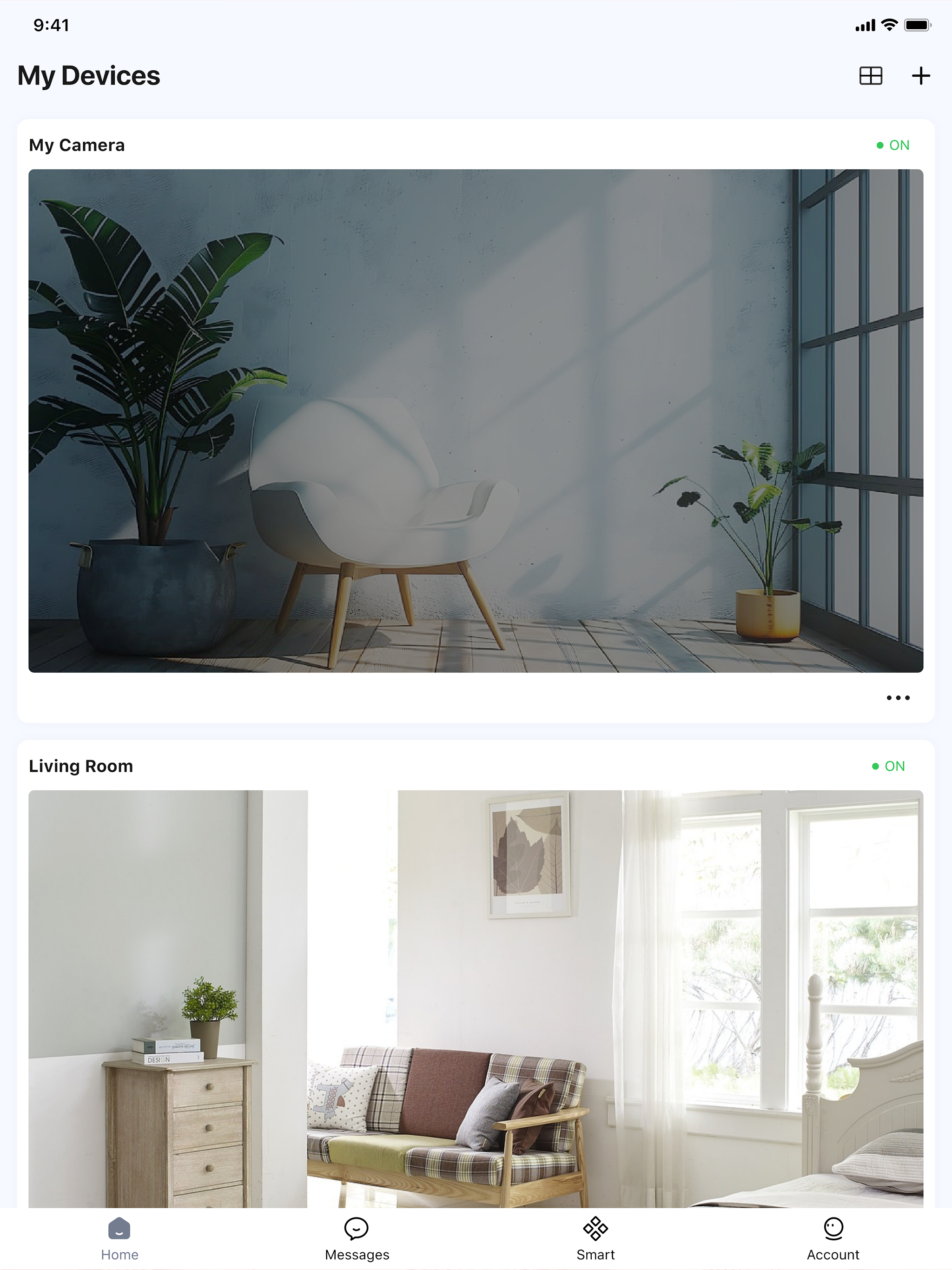
Study the product story and store experience behind the acquisition funnel.




03 / Market context
Keep revenue, downloads and store rankings separate from advertising performance.
We’ve been using the app and camera combo as a baby monitor with varying levels of success for 2 years but tonight I can’t make it work at all. We took our camera traveling for the holidays and have gotten pretty good at setting it up at each new location (have to delete existing camera and add “new” even though it’s the same camera). This process involves creating a new user name and password each time and lately this has been an issue. It manifests in two ways: I follow the exact parameters for each and it won’t accept them so the submit button remains unclickable or it accepts them, I click the submit button but then get a “failure to modify” message. So the camera is currently unusable and I have to sleep in the room with the baby until this gets worked out.
The app is inconsistent connecting to cameras. Very frustrating. Even when I know cameras are online this app does not always find them. Even when it does find them it may connect for only a few seconds then loses connection. Very very frustrating. Please fix this. There are not any good alternatives that I have found yet, but I will keep looking. Not sure how you can sell cameras with such a terrible way to view them. Please make this app connect constantly and stay connected once the connection is made. So far it barely deserves a 1 star rating. Also the app does not give you access to all of the settings for the camera so when set it up you better get it right because changing the settings is not possible outside the network. In response to contacting support I have done that and am working with them. So far they have not had any suggestions that have improved the P2P connection. There last solution was the set up a static IP and dens service then set up port forwarding to set the camera up. But this is an internet service that does not provide a WAN, or out side IP address. So I need help making the P2P work. That is why I bought the camera. They connect with echo show at the same time that I am unable to get the camera to connect via the app. The app needs work.
I’ve been using this app for four years now and it’s simply great. I have purchased new Wyze cameras but my five of my six C1 cameras are still up and running for all this time with zero issues. So they are still in use, and the sixth is working too. The app connects all the time, either on WiFi or LTE. Sometimes, if you open other apps after checking your cameras, the Foscam app may not connect (a dead give away is when one or more of your cameras thumbnail previews show the camera as “off”). The solution for all these years, through all the upgrades, has been to force close the app, then reopen. To close the app on gesture-only displays (no circle ‘Home’ button), swipe from the bottom and when the recents open, close Foscam by swiping up. For button (fingerprint button), fast double hard click on button, then swipe (not sure if up or sides). Come on. It’s not rocket science! This thing works.
Foscam App is a professional smart security camera management tool that lets you monitor your home, office, or store anytime, anywhere. With your smar...