Check the acquisition promise
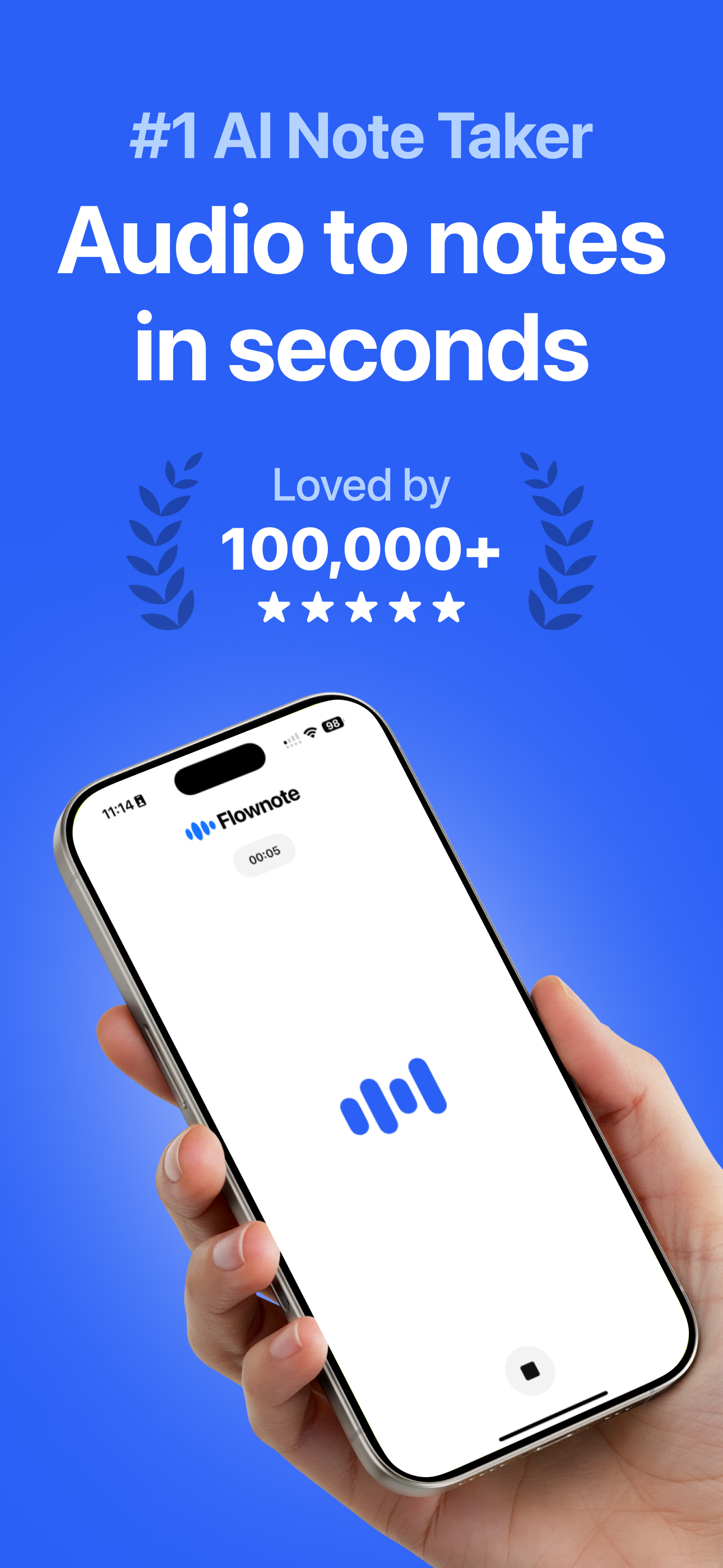
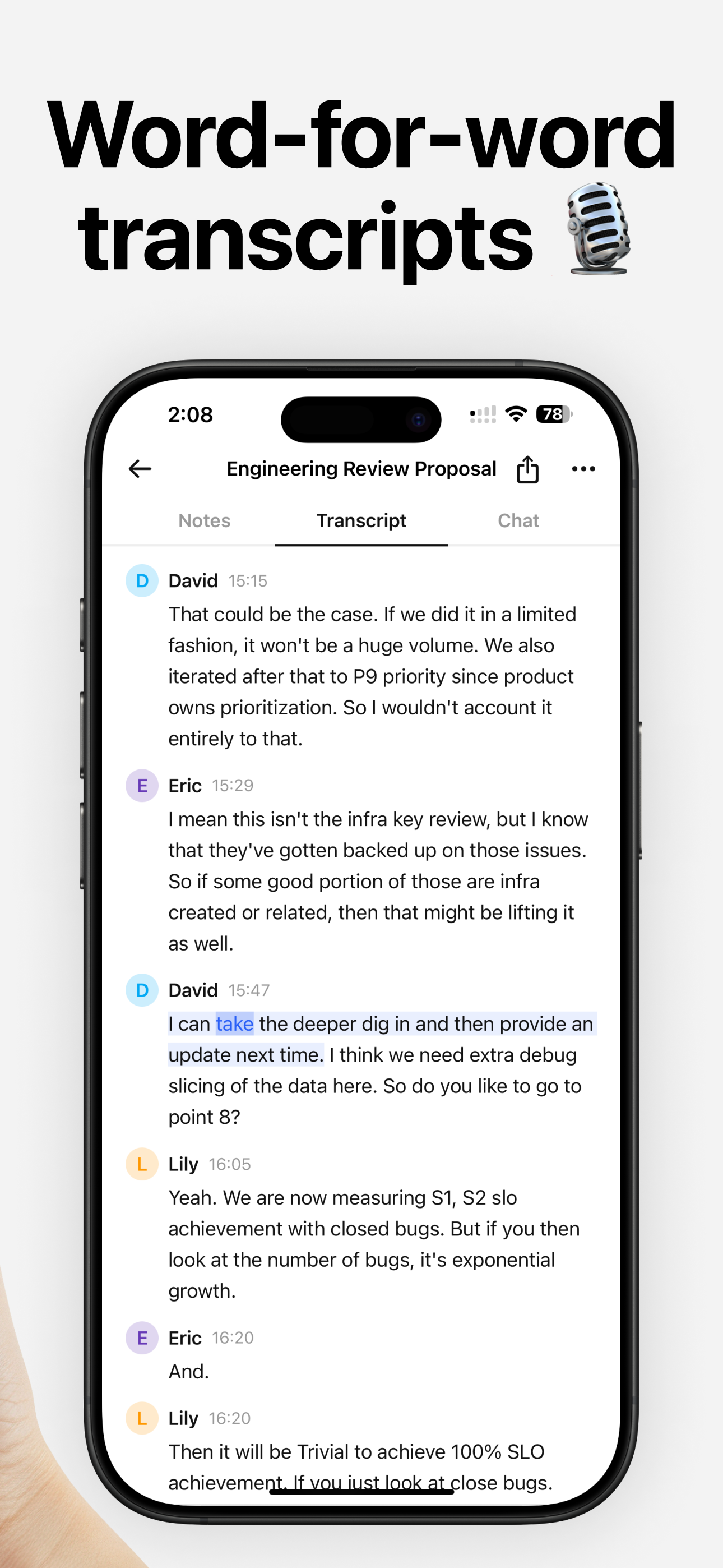
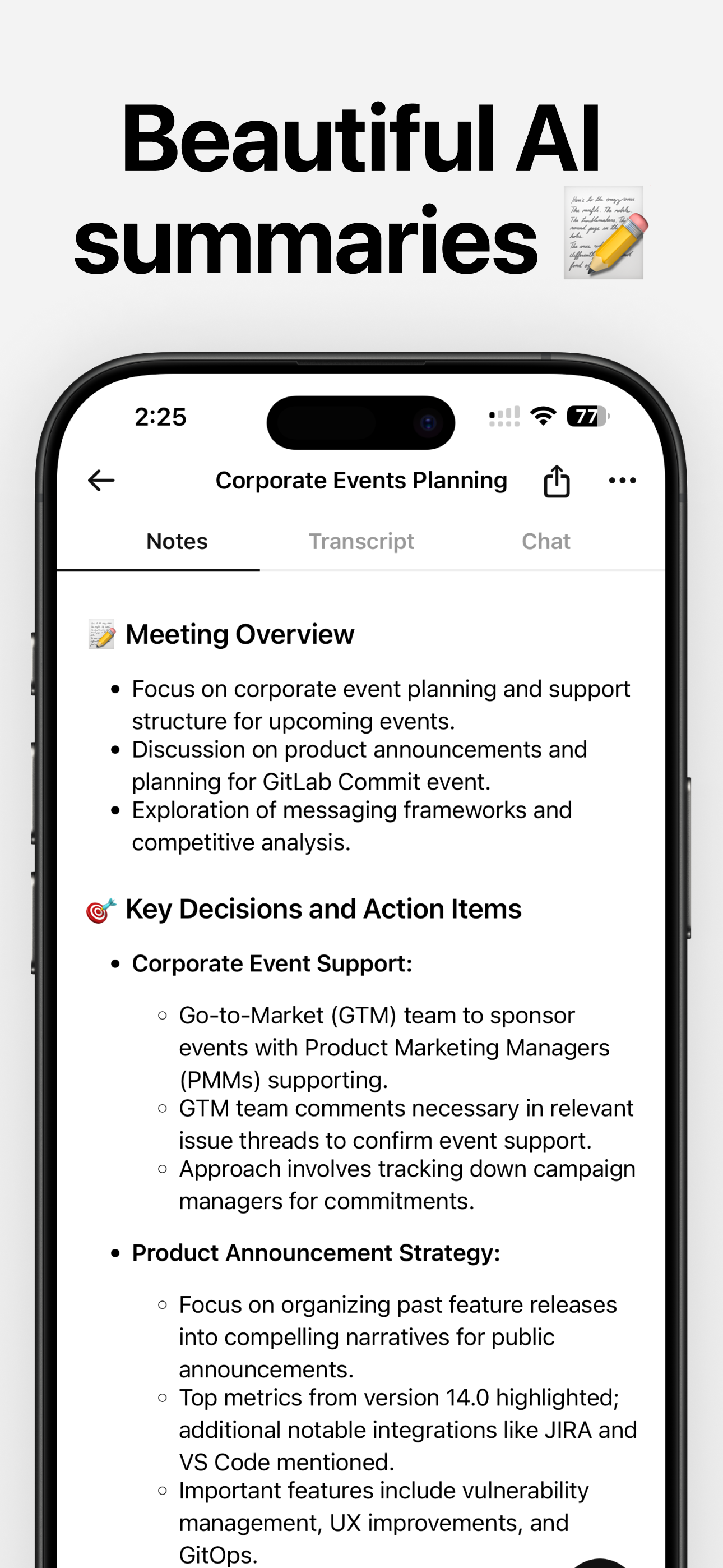
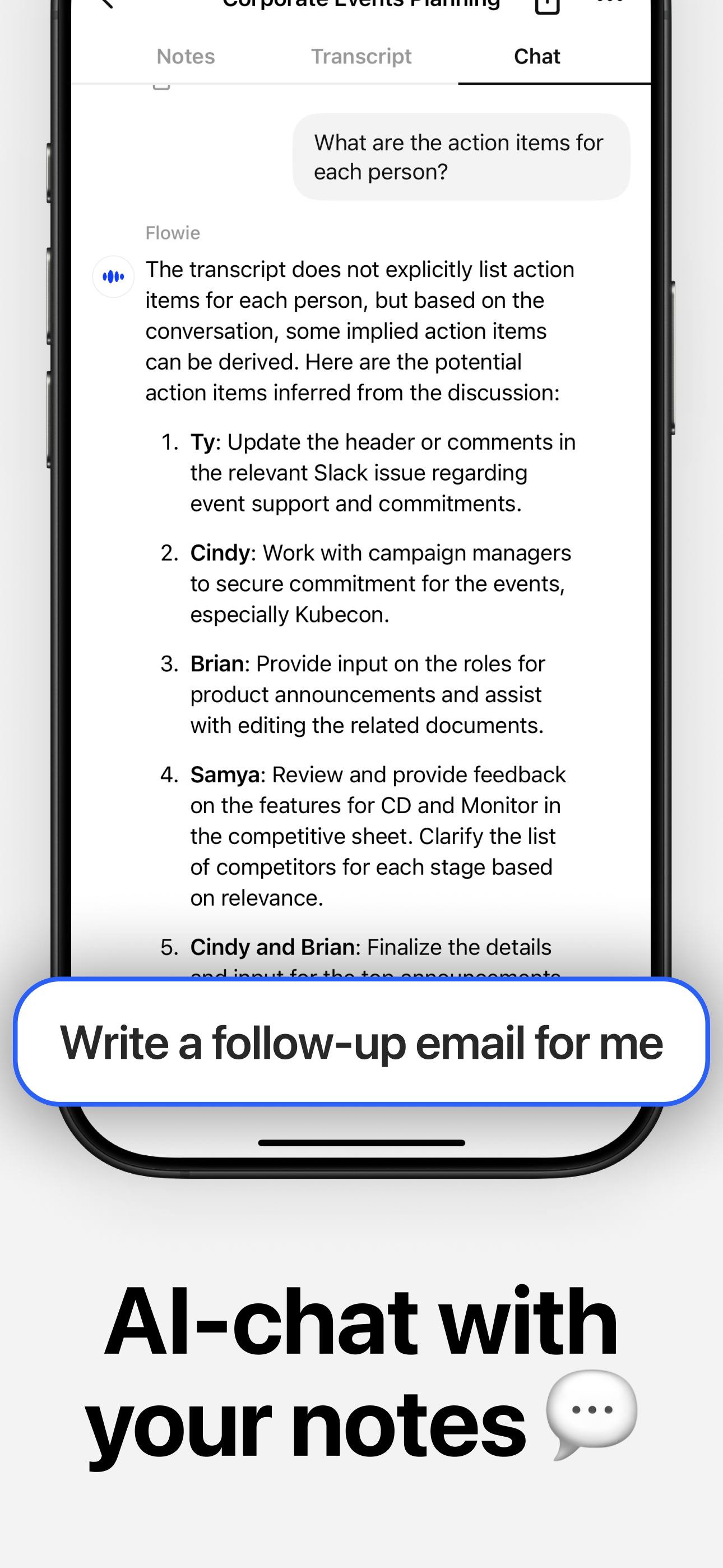
Read the store headline, screenshots and description. What problem is the app promising to solve?
Study the storefront ↗
Dent Labs, LLC · iOS
Explore the ad evidence, study the storefront, and build your next acquisition hypothesis.
01 / Creative research
Read the store headline, screenshots and description. What problem is the app promising to solve?
Study the storefront ↗Explore apps with direct store-link matches. Compare their hooks and formats without assuming the same approach works here.
Browse observed advertisers ↗Store rankings and revenue estimates describe market context. They do not establish ad spend, conversions or ROAS.
Review the market context ↗02 / Storefront & product
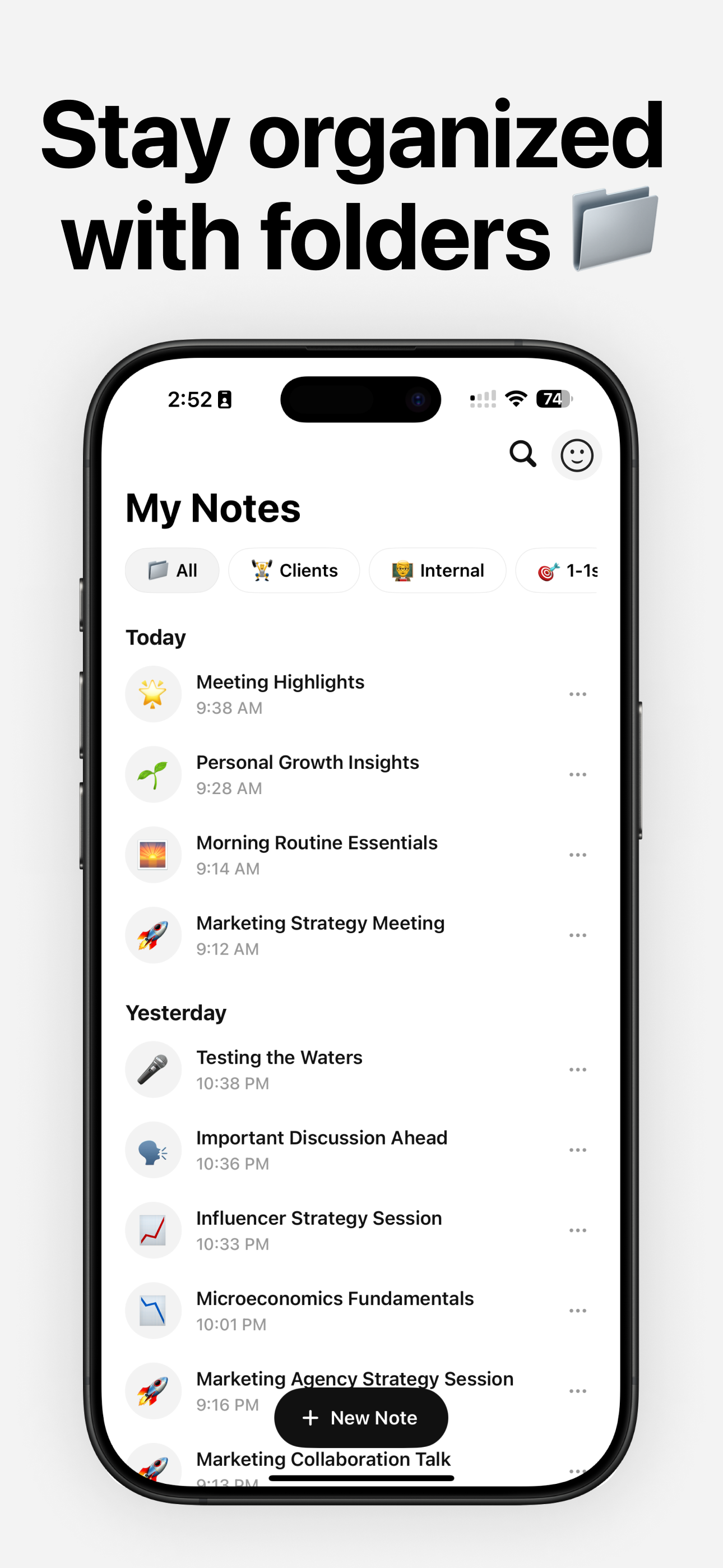
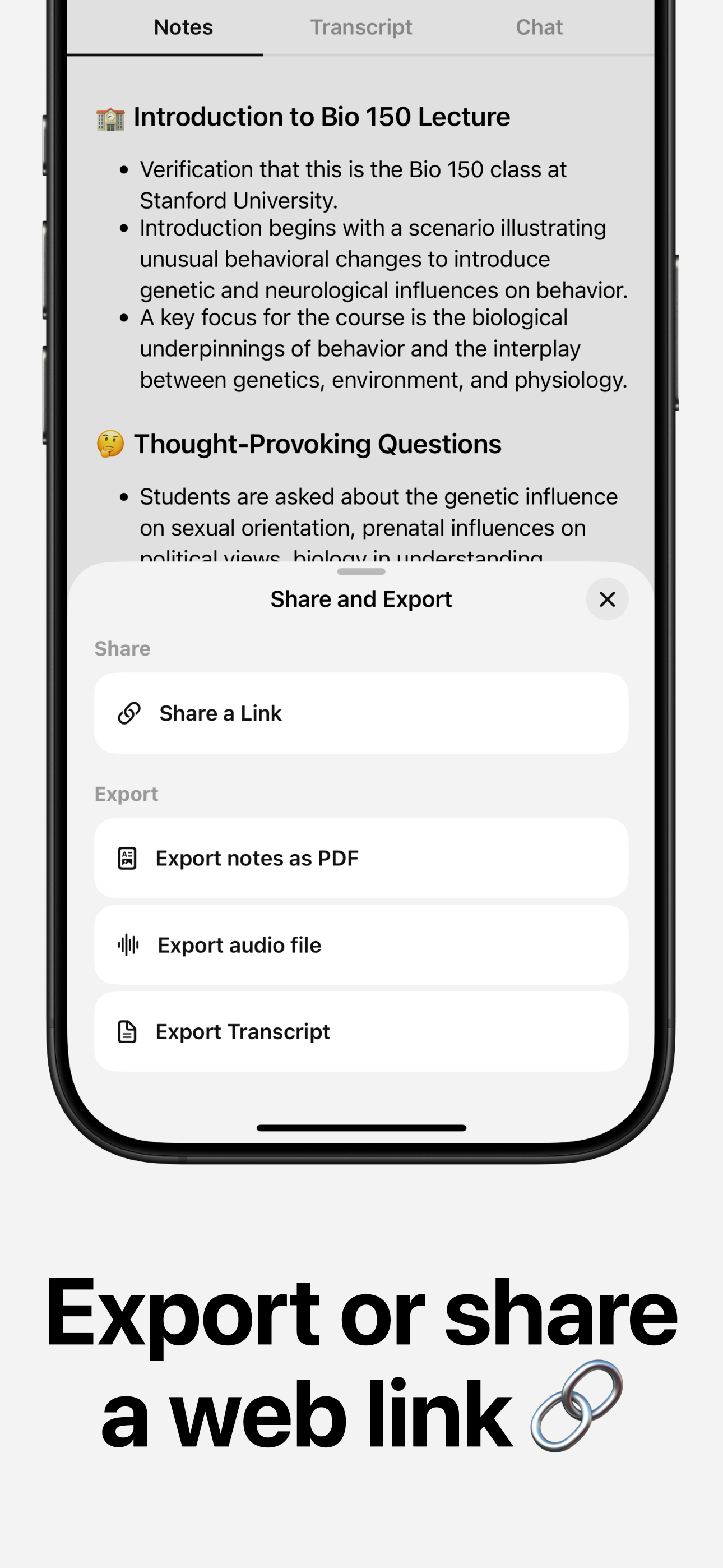
Study the product story and store experience behind the acquisition funnel.

03 / Market context
Keep revenue, downloads and store rankings separate from advertising performance.
I demoed a ridiculous number of AI note apps at a conference this fall. I immediately discontinued any that required bots or calendar access - I’m still in way too many in-person meetings to rely on a solution that does not work in those settings. After that, your options are rather limited. Then many of the solutions that do not require that access tend to be geared towards students and learning rather than business. Of the options meeting my criteria, I found Flownote to be the best at capturing accurate and precise notes. I’ve not experienced much of the glitchiness mentioned by other reviewers. A feature I would love is the ability to add my own notes to call out important items or follow-up tasks that are then integrated into the notes afterwards. Then I have experienced some challenges in copy and pasting the notes afterwards, mainly in formatting remaining consistent.
Flownote has not only been a lifesaver for taking notes, saving time, and sharing the notes with meeting attendees quickly, but has also reduced my stress and allowed me to fully participate in meetings without being concerned about how to capture and summarize information. I highly recommend Flownote and believe the cost of the subscription is an investment in professional excellence!!!
Update: this app continues to disappoint. I’ve had multiple recordings that have disappeared and, obviously, no notes generated. The developers have been responsive, but they cannot help or find any recordings and instructed me on how to request a refund. That refund was denied twice without consideration that the app has a 100% failure rate for me. I’ve paid over $100 for something that does not work at all. I was using this app for work as well as to manage my elderly father’s medical care. My hope was to have medical notes that I could refer to later to make decisions regarding a care plan. Pretty important!! I can’t trust this app at all to document any important meetings. Back to the standard note taking methods! First few transcripts were fast and fairly accurate. Now the recordings are stuck as “processing”. Any tips on getting them unstuck? Also wish there was a way to edit things that aren’t accurate.
Flownote AI: Smarter Meeting Notes and Transcripts Stop taking notes and start focusing on the conversation. Flownote AI records, transcribes, and su...
| Name | Price | Type |
|---|---|---|
| Flownote Pro (Weekly) | $6.99 | Weekly |
| Flownote Pro (Weekly) | $6.99 | Weekly |
| Flownote Pro (Monthly) | $19.99 | Monthly |
| Flownote Pro (Monthly) | $19.99 | Monthly |
| Flownote Pro (Quarterly) | $59.99 | Quarterly |
| Flownote Pro (Quarterly) | $59.99 | Quarterly |
| Flownote Pro (Annual) | $99.99 | Yearly |
| Flownote Pro (Annual) | $107.99 | Yearly |
| Flownote Pro (Annual) | $107.99 | Yearly |
| Flownote Pro (Annual) | $139.99 | Yearly |