
Check the acquisition promise
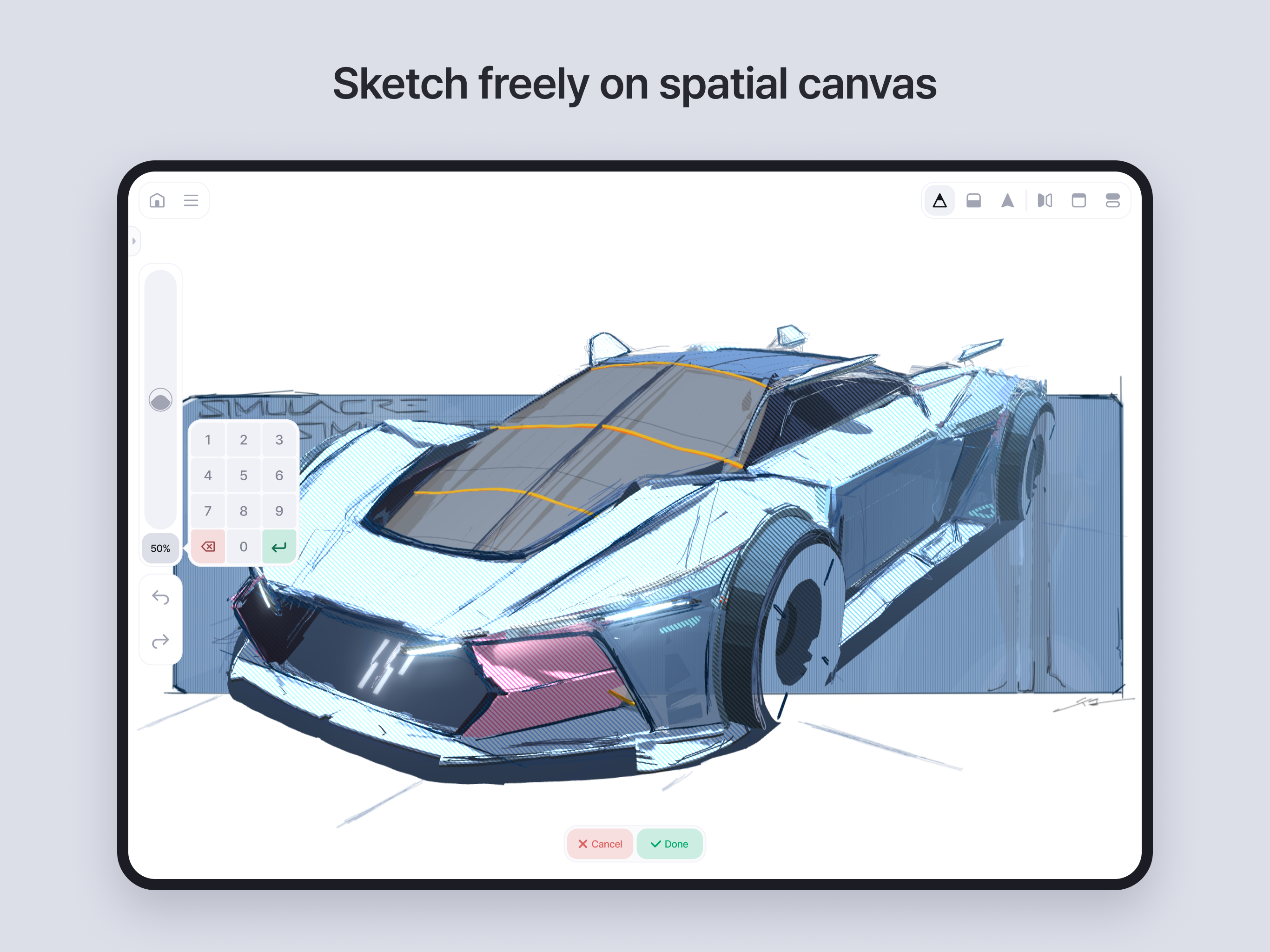
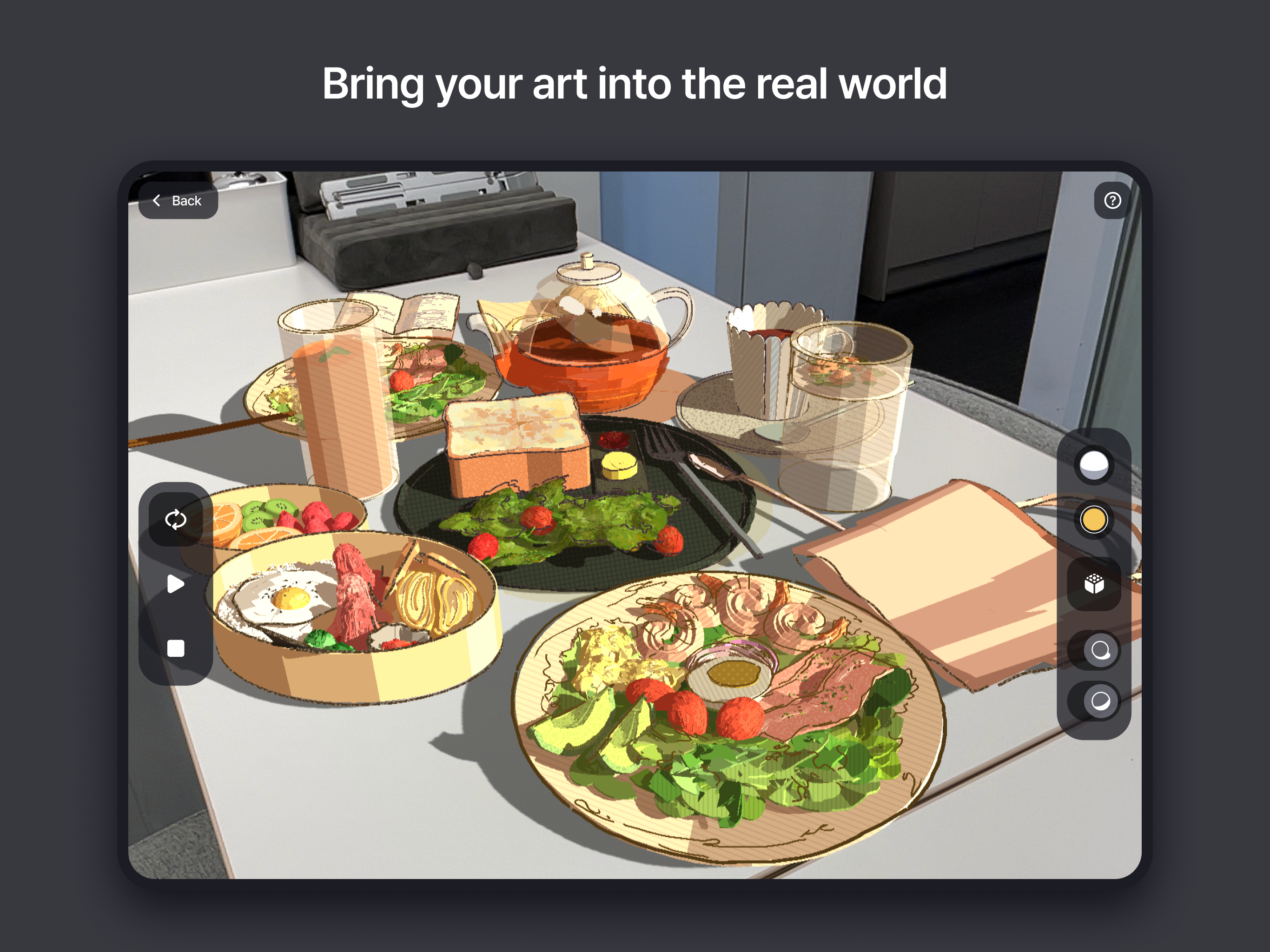
Read the store headline, screenshots and description. What problem is the app promising to solve?
Study the storefront ↗
Sketchsoft Inc. · iOS
Explore the ad evidence, study the storefront, and build your next acquisition hypothesis.
01 / Creative research
Read the store headline, screenshots and description. What problem is the app promising to solve?
Study the storefront ↗Explore apps with direct store-link matches. Compare their hooks and formats without assuming the same approach works here.
Browse observed advertisers ↗Store rankings and revenue estimates describe market context. They do not establish ad spend, conversions or ROAS.
Review the market context ↗02 / Storefront & product
Study the product story and store experience behind the acquisition funnel.




03 / Market context
Keep revenue, downloads and store rankings separate from advertising performance.
Tl;dr great concept, didn’t land for me. Feels more like a toy than a robust solution for 3d art. It’s cheap and no sub so if you have the cash it’s worth checking out for yourself. I had hoped for something like grease pencil, but with a more intuitive interface. I like the ideas presented here but the execution falls short. The clearest example of course being fill. WHICH they’re working on to be clear. Right now, surfaces must be filled with a series of strokes, which at least appear to me like separate 3d objects. I have some difficulty wrapping my head around the “draw a guide and sketch” workflow, which I grant is user error (there are a plethora of tutorials on their official channel). But it leaves me frustrated and wishing for something closer to box modeling to create draw surfaces. More than anything, it seems useful for annotations and sketches. Load a model in and then create floating notations nearby for example. And there are plenty of architectural doodles I’ve seen with the software. If you want more than that, you’ll be frustrated I think. Short wishlist of features, in no particular order, and understanding the huge lift some or all of these might be: fill finite surfaces, rigging and animation, simplified box modeling for surface creation, custom shaders, optional shrink wrapping the planar brushes to the draw surfaces, textured planar brushes (not going back and applying a shader to a stroke you’ve already laid)
I still feel wrong for using this app like I would my normal 2D art programs - Filling in shapes and sketching lines with thin strokes feels almost counterintuitive to every thing I’ve learned about 3D rendering, but you know what? Somehow, this actually all clicks for me! If you’re frustrated with Blender and software like that, but you know how to do so much as a simple sketch, then all you really need is about an hour to learn the basics of using the Apple Pencil (or a trackpad, mouse, or finger!) with this app, and then you can quickly be off to the races. My only complaint is that I wish there was a more intuitive way to learn about how to properly use 3D guides and brushes - the documentation and tutorials help, but for newcomers, myself included, it can take a bit of fiddling before you get a grasp on how you’re supposed to make things. Otherwise, Great app, 10/10, and it’s a one-time flat fee, to boot!
Feather is a very cool app, and people should give it a try but… Seriously, did anybody at Apple actually use it before giving it the design award, or did they jut get wowed by a demo? Feather has a lot of rough edges when you actually try to use it; it really feels like a beta. For starters, there’s no way to flip the interface for left-handers and that really seems like a gimme. For all you right-handers out there… There’s no 2 finger tap to undo (or indeed any way to undo except tapping the arrow). The interface is obscure; the iconography isn’t great and there’s NO TOOLTIPS. I thought Apple cared about good, clear interfaces? They give enough talks about it. The lack of tooltips is my biggest gripe with Valence 3d. Even worse, some of the modes work well only in demos, like the mechanism for drawing straight lines, which is only ever activated at the same time as curve-prettification. So you draw a line and pause, waiting for the line to become straight, and then you can move the end—pint where you want it? Nope! The system decides to keep the lovely curves and allow you merely to slightly adjust the curvature… but no way are you going to move that endpoint. This is annoying while drawing a line, but it’s a disaster when using the fat highlighting pen, because the endpoints become hideous pie-with-a-slice-out things. Feather picks curve-prettification 95% of the time when I want straight lines, and there’s hardly any way to change that. Worse, they said they’d have to revamp the whole engine to change that… so while they hope sometime soon to have left-hander mode and tap-to-undo, straight lines are a pipe dream. None of which is to say Feather is a bad app. It’s very cool. But it feels like a beta. It’s kind of scary to find myself wondering if Apple is handing out awards based on presentations and demos, rather than people inside the company actually using the app in any real way.
Feather is a next-generation 3D drawing application built for professional designers, visionary artists, and you. Bring your imagination to life with...


