
Check the acquisition promise
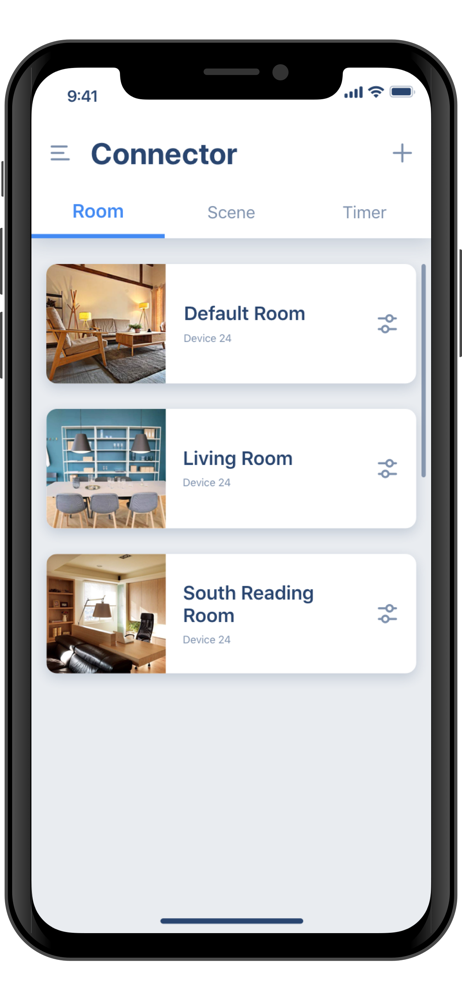
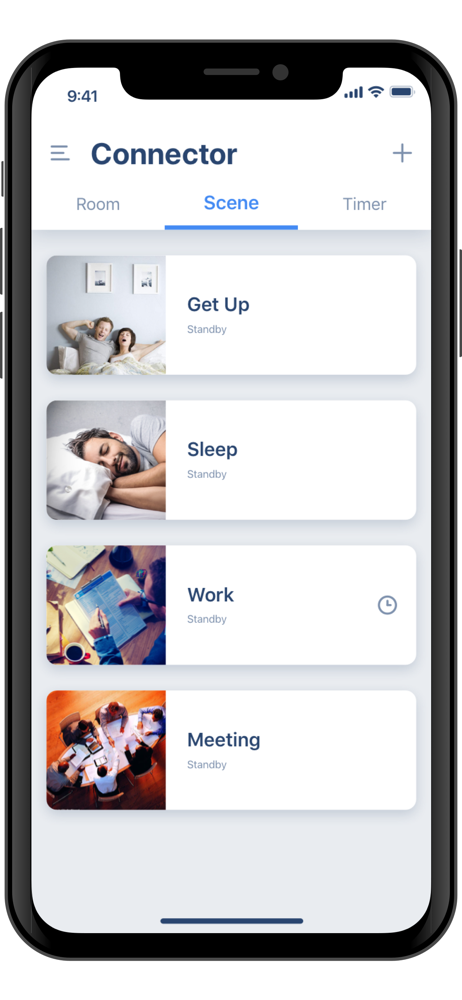
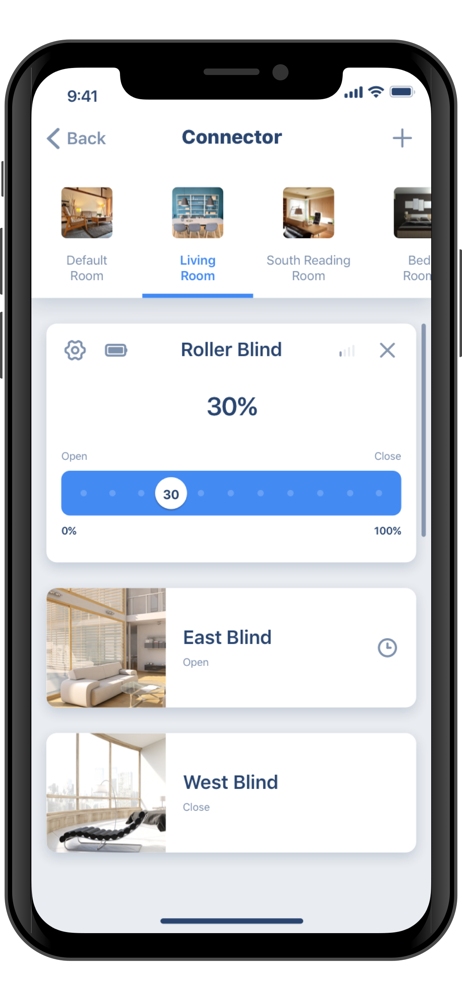
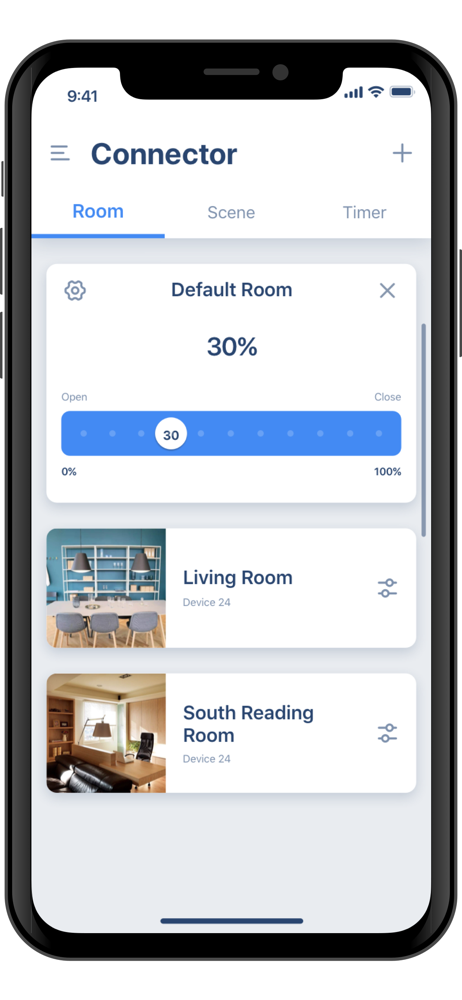
Read the store headline, screenshots and description. What problem is the app promising to solve?
Study the storefront ↗
Ningbo Dooya Mechanic & Electronic · iOS
Explore the ad evidence, study the storefront, and build your next acquisition hypothesis.
01 / Creative research
Read the store headline, screenshots and description. What problem is the app promising to solve?
Study the storefront ↗Explore apps with direct store-link matches. Compare their hooks and formats without assuming the same approach works here.
Browse observed advertisers ↗Store rankings and revenue estimates describe market context. They do not establish ad spend, conversions or ROAS.
Review the market context ↗02 / Storefront & product
Study the product story and store experience behind the acquisition funnel.

03 / Market context
Keep revenue, downloads and store rankings separate from advertising performance.
It took forever to connect the remote to the app. I have the awning with the lights but that option in the app doesn’t work. I had to connect with the non-light control option. Not very intuitive or user friendly. The app has potential but needs a lot of work.
It’s complete junk…when following directions to wifi pair a device I am stuck in an endless doom loop. I pair the hub, no problem. I then try to bridge/connect to a device, but the app forces connection to the hub via WiFi. I thought the entire reason I just paired the hub to my network was so I could communicate to it via my WiFi. But regardless we press on. Now the hub cannot connect to the app via WiFi unless in pairing mode. When the hun is put in pairing mode you can’t connect a device. And back to the beginning you go. I also tried radio, since the blind remote isn’t WiFi. Nope…didn’t work. Just got an unable to connect screen. Yes, I set my Eero WiFi to 2.4 only mode, that is troubleshooting step 1. This is just dumb…an engineer with decent IT savvy should be able to do this.
We use this app with a hub that connects the rolling shutters on our windows. It’s pretty straightforward and offers a lot of options for grouping shutters together to facilitate opening and closing. We also like the timer option so we can open have them open automatically at a predetermined time. One feature I would really like to see added is the ability to create a scene with a partially opened shutter. The app only allows opened or closed. In the morning, I open the east facing shutters about one-third of the way and it would be really cool if the app would let me save that as a scene instead of manually pausing each window.
'Connector' app allow you to control your motorized window coverings more freely on smartphone. Please configure your 'Connector' APP account, Bridge...


