
Check the acquisition promise
Read the store headline, screenshots and description. What problem is the app promising to solve?
Study the storefront ↗
Coulisse B.V. · iOS
Explore the ad evidence, study the storefront, and build your next acquisition hypothesis.
01 / Creative research
Read the store headline, screenshots and description. What problem is the app promising to solve?
Study the storefront ↗Explore apps with direct store-link matches. Compare their hooks and formats without assuming the same approach works here.
Browse observed advertisers ↗Store rankings and revenue estimates describe market context. They do not establish ad spend, conversions or ROAS.
Review the market context ↗02 / Storefront & product
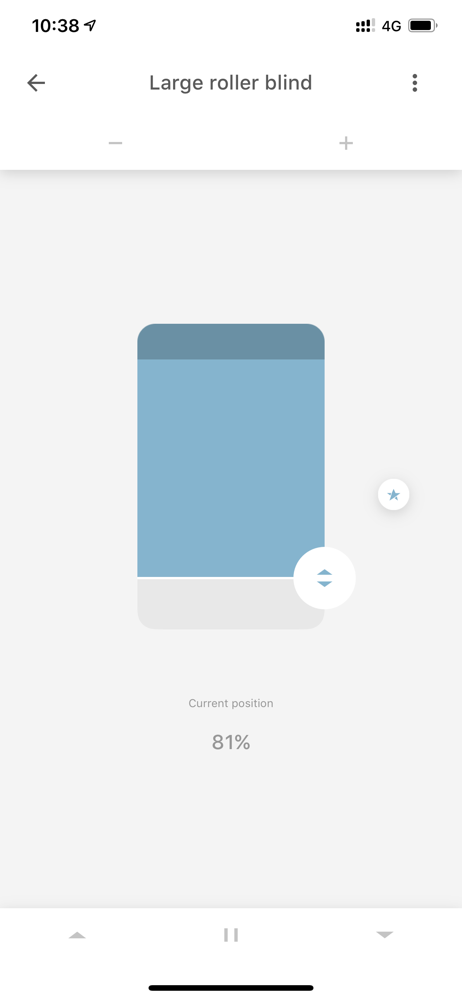
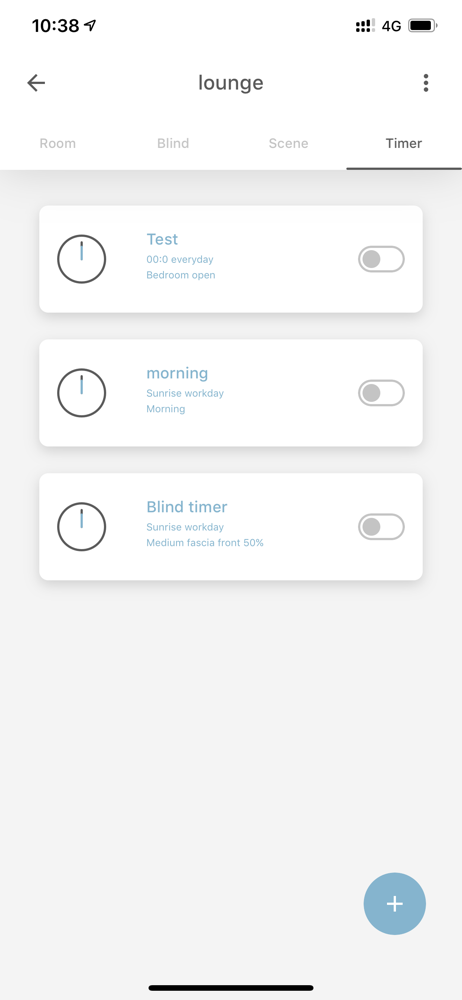
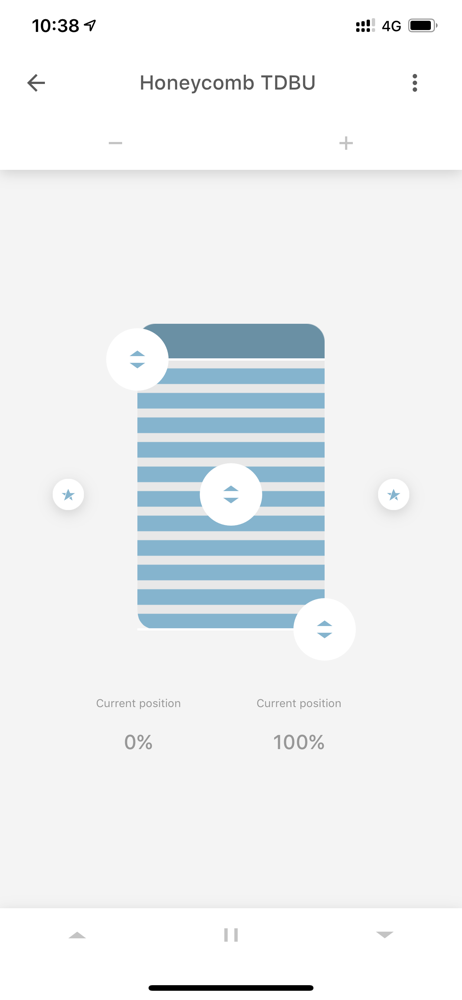
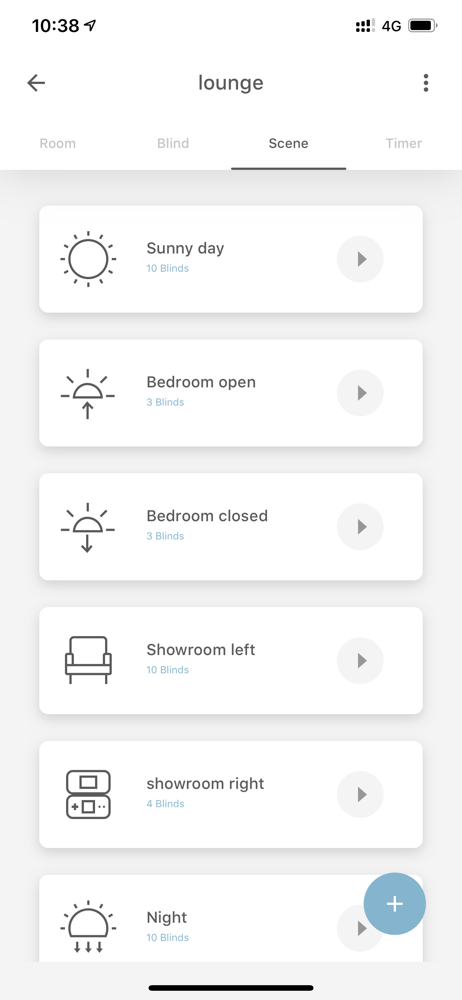
Study the product story and store experience behind the acquisition funnel.
03 / Market context
Keep revenue, downloads and store rankings separate from advertising performance.
As others have stated, adding a bridge is basically a crapshoot. It took me no less than 3 hours of repeated pairing attempts before my bridge would properly configure. I wish I had helpful pairing advice for future victims, but alas I did nothing different. You’re rolling the dice. The app development team either needs a bigger budget or a mass layoff. It’s a shame because the hardware seems quite good and after some digging I was able to link the bridge with my Alexa voice assistant.
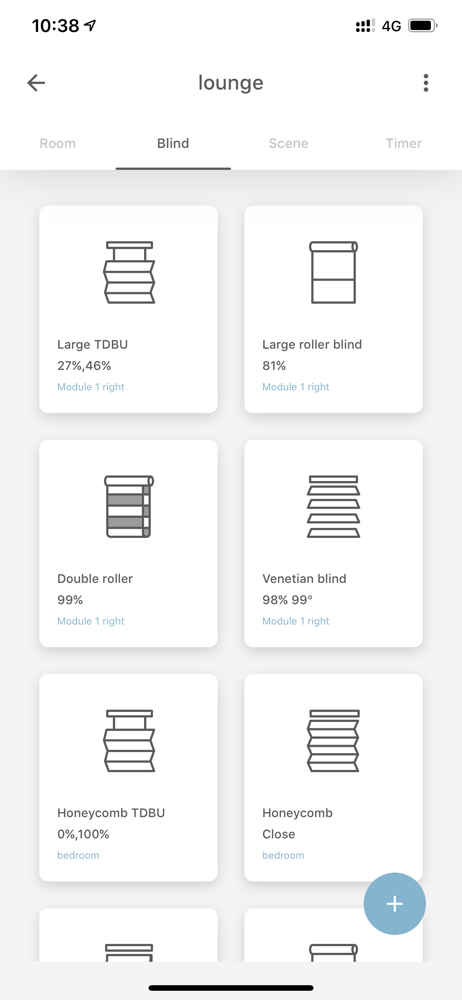
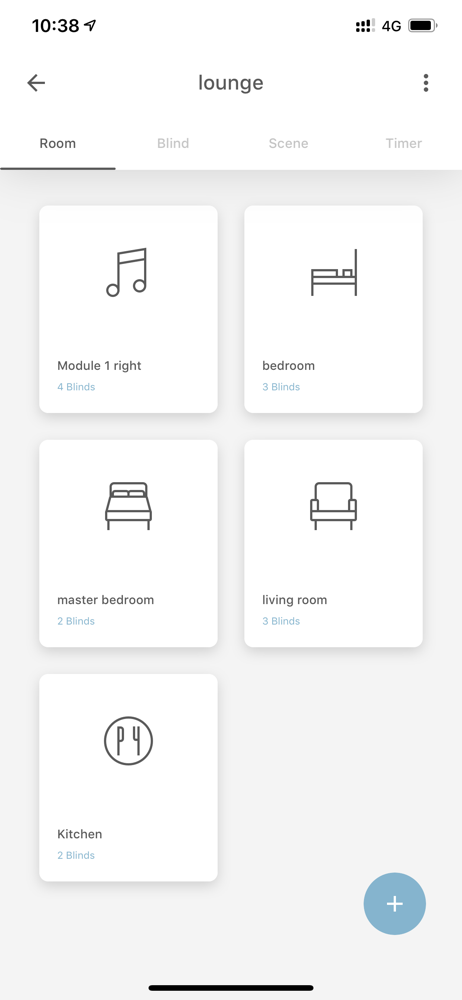
Per the instruction manual, the app is supposed to have a blue circle with a “+” sign in the bottom right corner. This button enables you to add devices, timers, rooms, and scenes. For months, this arrow is not there. Despite me trying every possible method to resolve the issue, nothing had worked. (I’ve tried — logging out and back in, cancelling the app, hitting every button within app available, scrolling past the visible area, hitting the white space where the button *should* be, turning my phone on/off; making sure app is updated to current version; reading the instruction manual; etc.) Further, the existing timers cannot be edited. When I enter the edit screen, make changes, press “done” and return to the main page, none of the edits are there. I’ve also tried every possible way to fix this issue, but it has persisted for months. To make matters worse, the feedback section of the app does not work. After trying to make a report regarding the above-stated issues, and hitting “send”, an error message stating that my report cannot be sent because my email has not been set up yet appears. It has, and my profile reflects that it has as well.
This app is surprisingly very well developed and very slick. If you try to swipe right or left somewhere, you’ll probably find a feature. That said, I can’t find any help or how to area, and getting in touch with them is flat out impossible. Even though it is intuitive, I’m past the point of messing with my blinds trying to figure out how to set something. There’s also no reference list of commands to integrate with your smart device, so trying to control it with your voice can be difficult. If they implement a reference area, I’d happily update my review to 5 stars because it is a very well done and thorough app.
MOTIONBLINDS BRIDGE The Motionblinds bridge needs to be installed to: Control Motionblinds motors away from home with your smartphone Operate mult...


