
Check the acquisition promise
Read the store headline, screenshots and description. What problem is the app promising to solve?
Study the storefront ↗
Smart Energy Systems LLC · iOS
Explore the ad evidence, study the storefront, and build your next acquisition hypothesis.
01 / Creative research
Read the store headline, screenshots and description. What problem is the app promising to solve?
Study the storefront ↗Explore apps with direct store-link matches. Compare their hooks and formats without assuming the same approach works here.
Browse observed advertisers ↗Store rankings and revenue estimates describe market context. They do not establish ad spend, conversions or ROAS.
Review the market context ↗02 / Storefront & product
Study the product story and store experience behind the acquisition funnel.
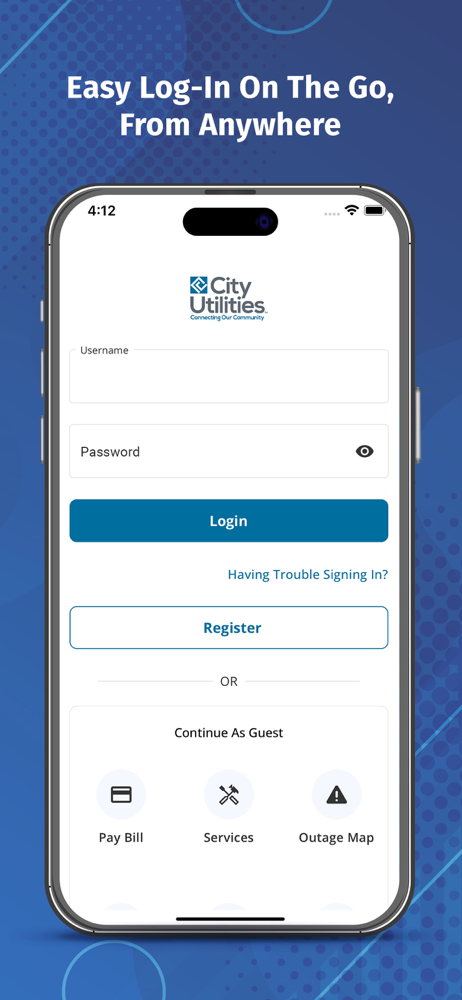

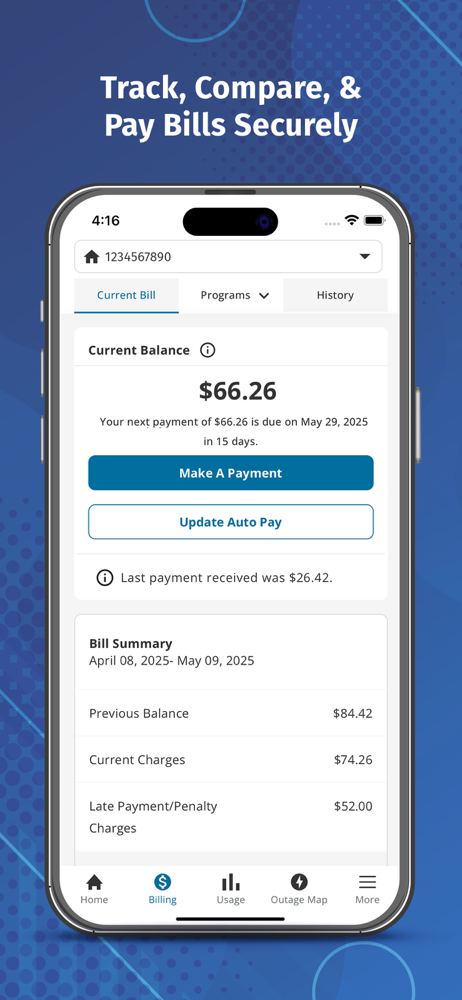
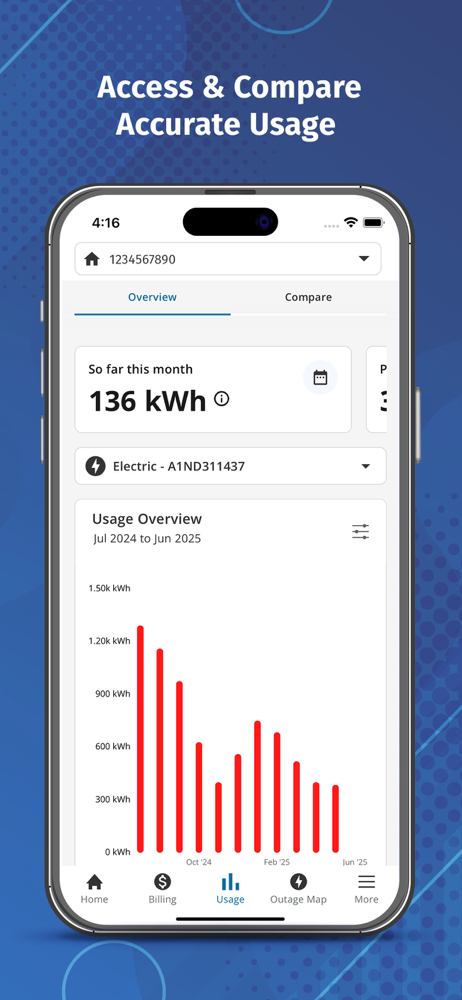

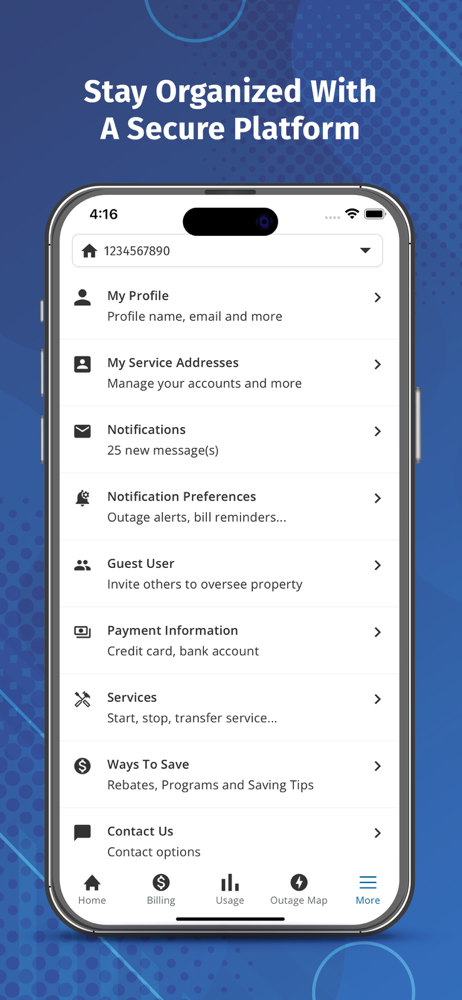

03 / Market context
Keep revenue, downloads and store rankings separate from advertising performance.
So I tried to change my password on the app, but I could not get an email through the app to change it. So I got on my computer and requested a change for the password and I was able to change it on the computer. In doing that I was able to login on my app on my phone. However, when I went to make a payment and try to enter my credit card information it would not allow me to put the correct expiration date for the card. My card expiration date is 12/26. The app kept putting in 11/26. No matter how many times I tried to change it it would not change. I did get it to enter the correct date by moving the year to 2027 and leave the month of December. However, when I went to make a payment, I noticed that it had 11/26 as the expiration date which would have not allowed me to make a payment, so I had to go through my computer to make a payment. There’s a lot of fine programmers out there that would be more than happy to help you guys out.
Good idea to have an app to make paying your utility bill easier. This app however has been nothing but a pain in my a**. First I’m terribly annoyed on how I needed to make a new account, I had paperless billing setup and did not know my account number off the top of my head (which is needed for account setup) after a process to get my account number I make the account and try to pay my bill. When paying with debit/credit card it would not let me input the cards expiration date. Even if you scanned the card it wouldn’t put the date. Couldn’t pay with card, moved on to paying with my bank account information. Plugged it all in and sent my request to pay my monthly bill. I do not know if went through, will wait a few days to see if it has been pulled out of my account, still shows the outstanding balance and my bank information wasn’t saved. Once they get the kinks worked out the app will be useful, however wish they would’ve left it as an option. I was fine paying my bill the old way, forcing people to make a new account for no reason seems lazy. Sure a handful of people will get slapped with a late fee, not realizing the change and not knowing their account number.
I do everything from my smartphone and of course apps make things so much easier than navigating a webpage, which is why I am so glad CU took the plunge and got a. App! While I’ve just set up my account and obviously it’s a new app, I am loving the look and the features! So far so good!
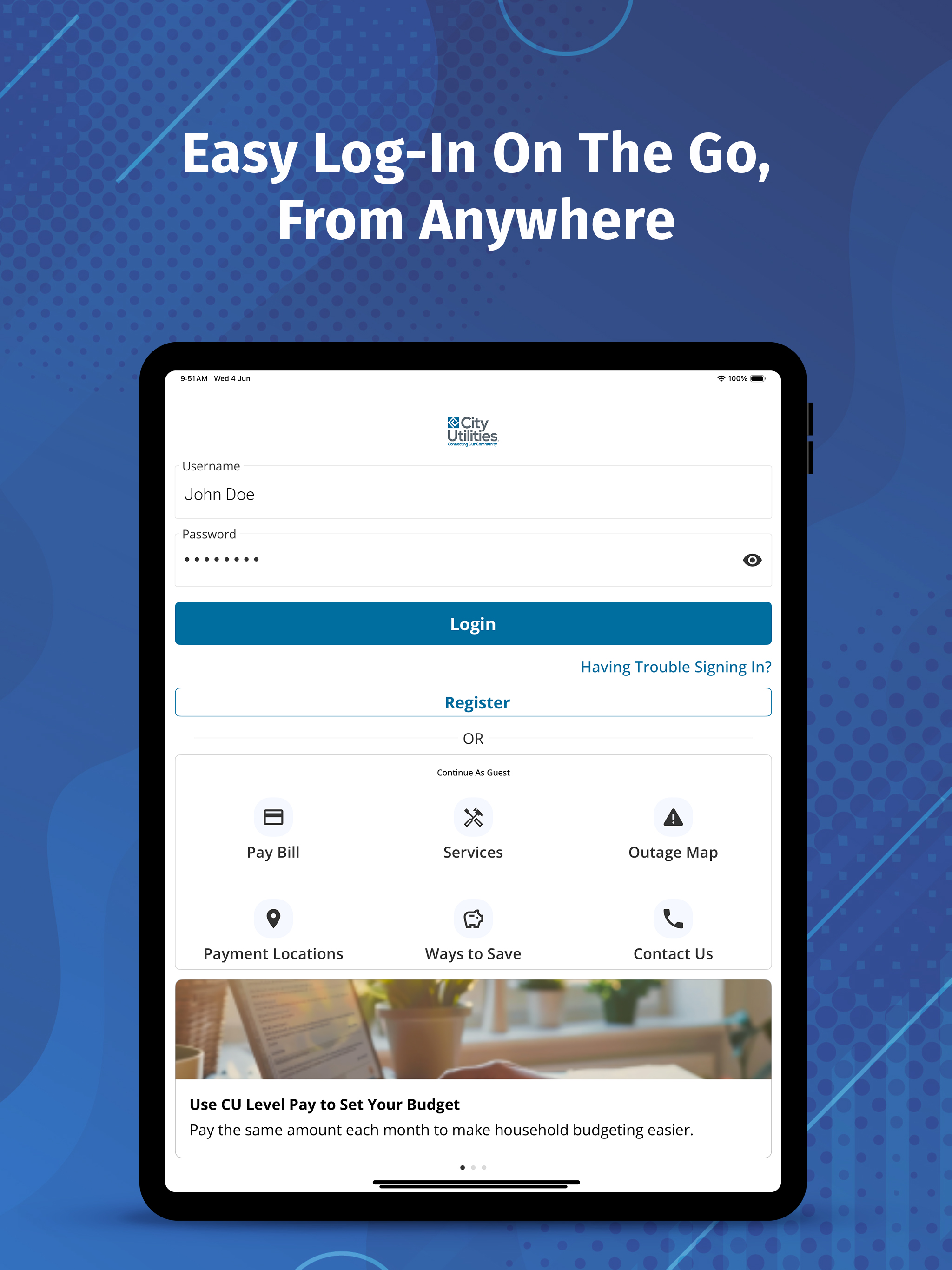
Managing your utility services has never been easier. Whether you’re at home, at work, or on the go, the City Utilities of Springfield (CUS) MyAccount...


