Check the acquisition promise
Read the store headline, screenshots and description. What problem is the app promising to solve?
Study the storefront ↗
Bytedance Pte. Ltd · iOS
Explore the ad evidence, study the storefront, and build your next acquisition hypothesis.
01 / Creative research
Read the store headline, screenshots and description. What problem is the app promising to solve?
Study the storefront ↗Explore apps with direct store-link matches. Compare their hooks and formats without assuming the same approach works here.
Browse observed advertisers ↗Store rankings and revenue estimates describe market context. They do not establish ad spend, conversions or ROAS.
Review the market context ↗02 / Storefront & product
Study the product story and store experience behind the acquisition funnel.



03 / Market context
Keep revenue, downloads and store rankings separate from advertising performance.
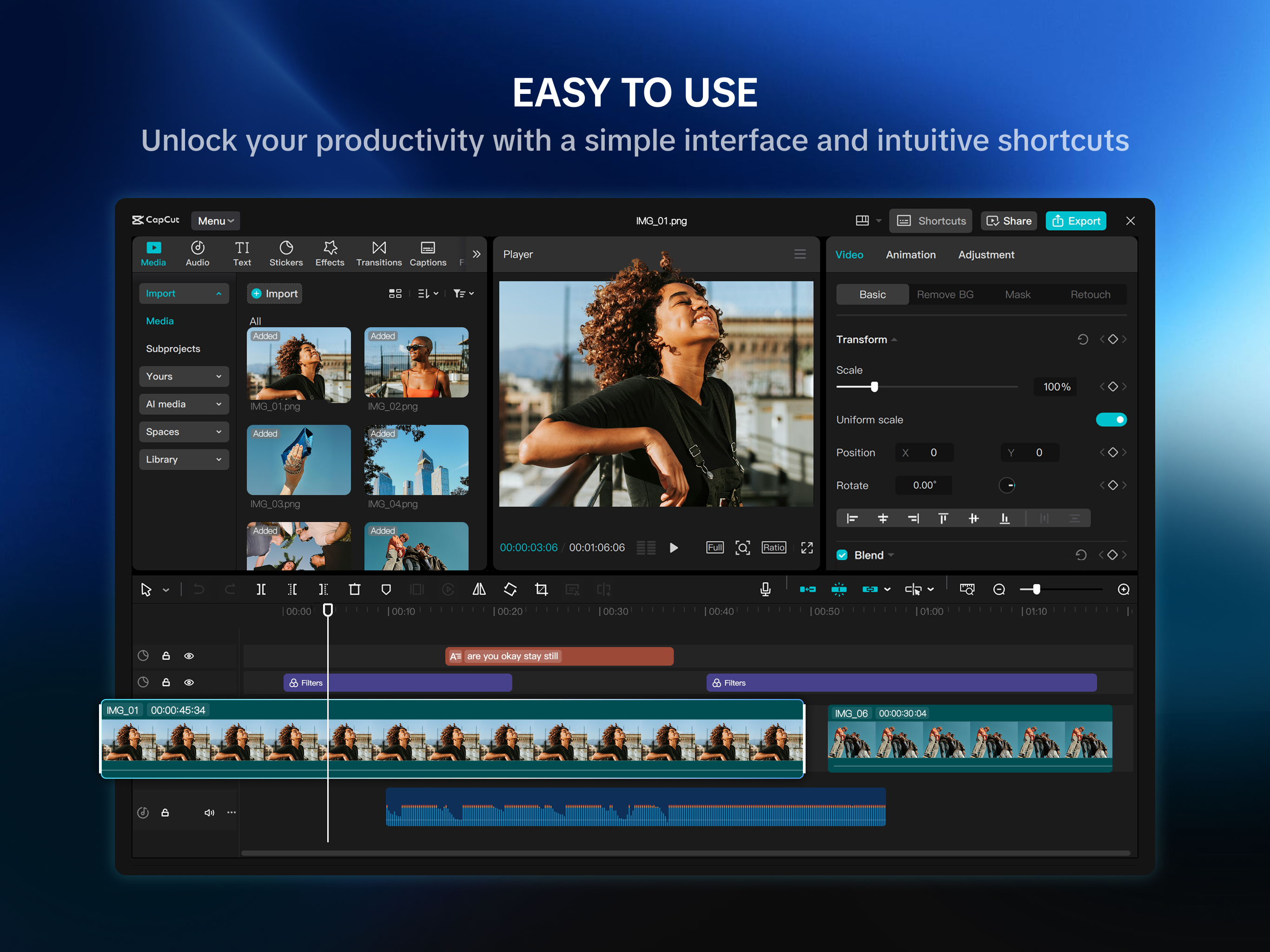
Moved from the og capcut app on mobile which i have used for like 5 years to here after experimenting with the actual pc version which I thought was super good. At first I thought Capcut Pad was super nice. It actually felt like I was editing with a professional software like AfterEffects or divinci. First few minutes was great, I got used to the new interface and all the new features that was on here was such a nice upgrade and saved me lots of time. HOWEVER, more I got into the edit process the more I got more frustrated. It seemed that they simply transferred the PC version of capcut into this mobile version (which i’m sure they did) and put little to no thought into it. The buttons are SO small that I kept misclicking and dragging everything on accident. Also it was so tedious going from one menu into the next with all the buttons you had to click. Also, the graphs, the SAME graph presets from the og capcut honestly looked off and strange or maybe its just me who knows. Additionally, it’s still laggy which also frustrates me. Sorry but ALSO my issue with the timeline, WHY CAN’T THE TIMELINE MOVE AS THE PLAYHEAD MOVES?? Anyways the point that I’m trying to make is that the BUTTONS ARE SO SMALL and trust me I have small fingers and a relatively normal sized ipad screen (11 inches) and just the lack of thought for the mobile experience is just so frustrating which is why I gave it the rating I did. Is the app good besides that? Yes it’s amazing, it’s the upgrade I’ve been waiting for a long time. Quality is way better and it’s great. Anyways, capcut team, if you see this, PLEASE resolve this and listen to what the audience has to say cuz I’m genuinely so frustrated of the tiny buttons like the beats and the lack of thought into adapting this interface to be more mobile-friendly.
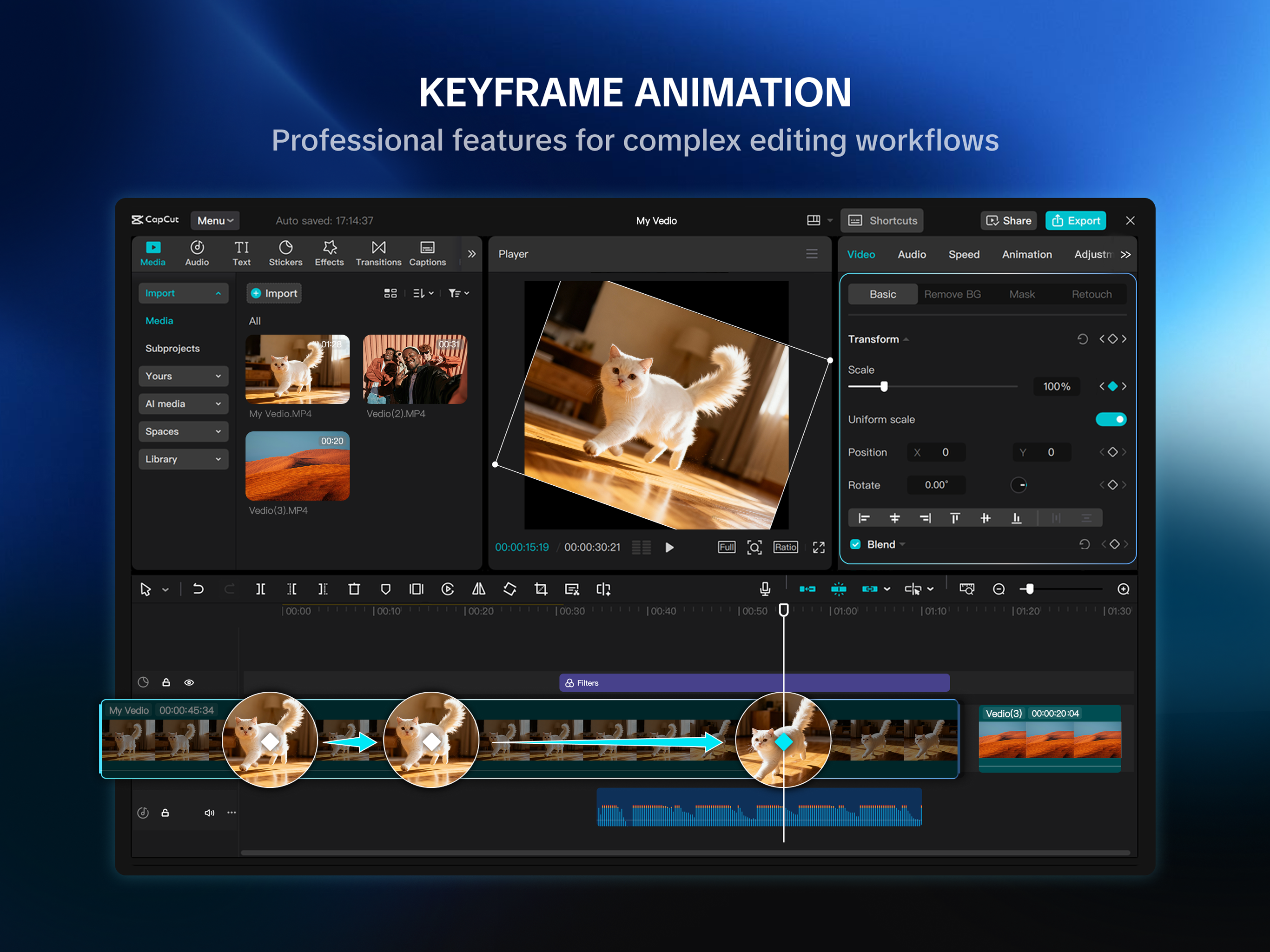
I’ve made hundreds of CapCut edits, am a pro user and have been using it for years, but lemme tell u the ONLY reason I don’t rly use desktop version is because FRICKIN FLOW 2 ISNT ON THERE💔💔Like everybody uses flow 2 bro pls just add it I need it to live, I beg of u to add it on here it’s like the only graph present that I use, why do u have all the stupid ones on here but not flow 2, like wdym u have flow one added but not flow 2🙏😭Add it please omg im tired of being stuck to mobile version but I can’t recreate it on desktop for the life of me, just do it it’s the only graph I and a lot of other ppl use for keyframes add itttt🙏🙏🙏
The UI isn’t intuitive, the video screen size is about 1x1 inch, it’s impossible to see what you’re editing and you can’t edit in full screen or even select position and it remember that position when you exit full screen like the phone app can, doesn’t allow you to make small adjustments without completely moving everything around so you’re just back to guessing what position it was in again. Like let me close the windows when I don’t need them to make more room for other stuff. Only works in landscape adding to the lack of intuitiveness, the original app is way better if you’re using an iPad, this would work on a PC with like a 30 inch + screen. when making precise adjustments or trying to align images in your video it will move from your desired position when you lift your finger from the screen, it’s clearly not designed to be used for touch screen. It took me an hour to add an overlay to the left and right of a 30 second clip because I had to keep adjusting the position since it wouldn’t stay aligned when I lifted my finger, the same task took me 5 minutes in the phone app version on my iPad. It might work better with a mouse but that 100% defeats the purpose of using your iPad to do it if it cant work correctly from anywhere without a mouse.
Try out CapCut Pad version! CapCut Pad brings desktop-level editing power to your fingertips. Enjoy precise multi-track timeline editing, smooth perf...