
Check the acquisition promise
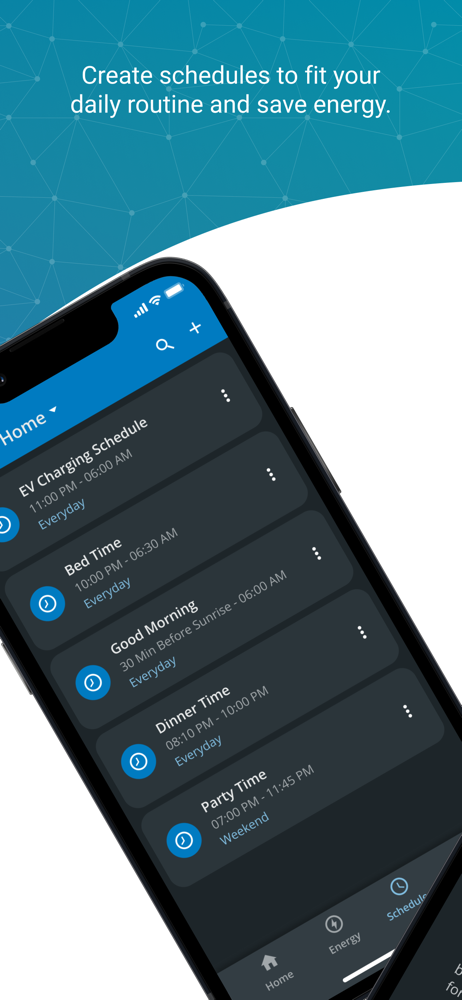
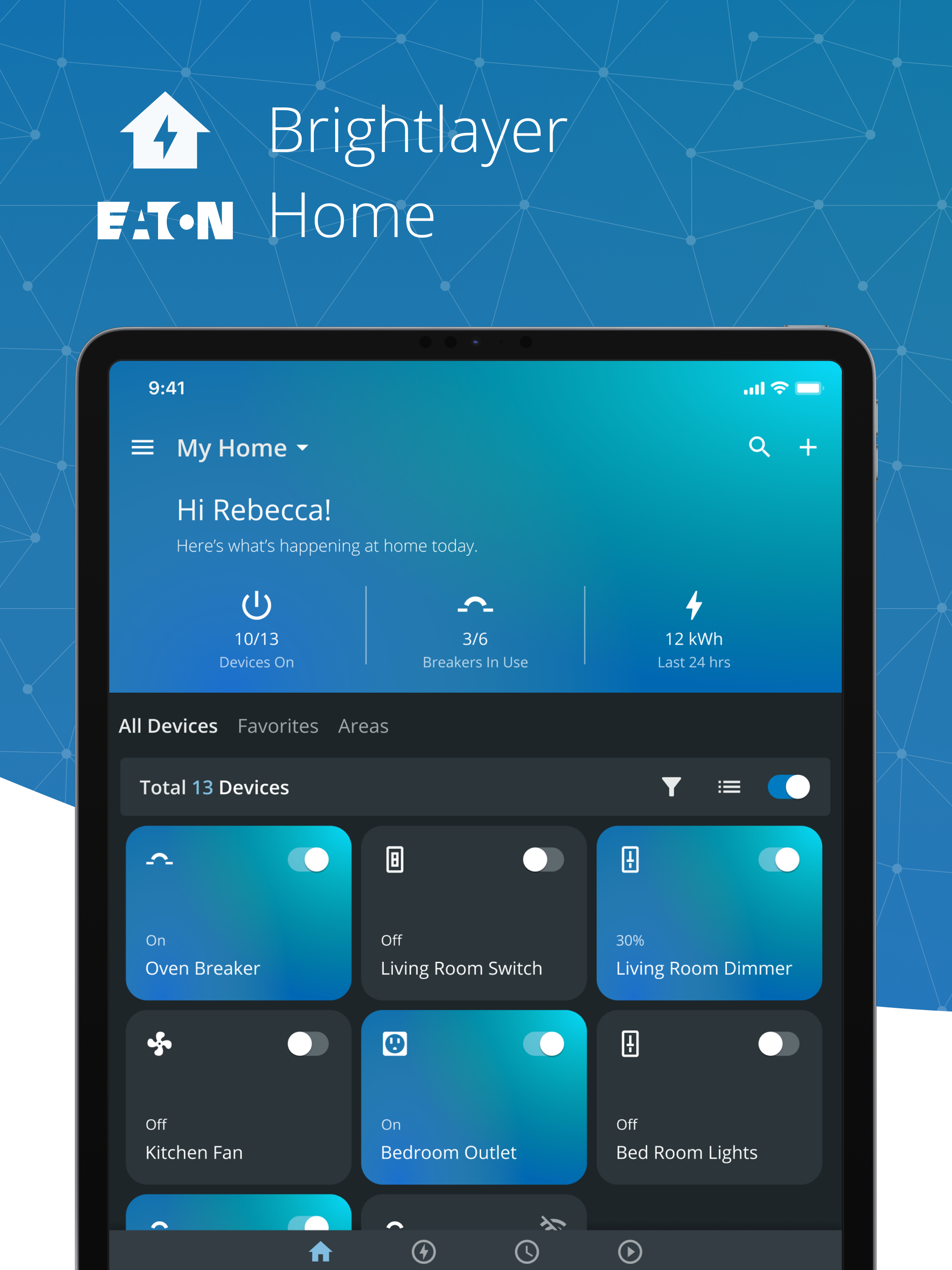
Read the store headline, screenshots and description. What problem is the app promising to solve?
Study the storefront ↗
Eaton Corporation · iOS
Explore the ad evidence, study the storefront, and build your next acquisition hypothesis.
01 / Creative research
Read the store headline, screenshots and description. What problem is the app promising to solve?
Study the storefront ↗Explore apps with direct store-link matches. Compare their hooks and formats without assuming the same approach works here.
Browse observed advertisers ↗Store rankings and revenue estimates describe market context. They do not establish ad spend, conversions or ROAS.
Review the market context ↗02 / Storefront & product
Study the product story and store experience behind the acquisition funnel.




03 / Market context
Keep revenue, downloads and store rankings separate from advertising performance.
These breakers are really nice and if I’m away from home, I can control circuits remotely through the bright layer app. But the main reason that I put them in my low center is because I’ve been waiting for the Tesla power wall integration so that when the grid goes down, my can shut down those breakers and then turn them back on when the grid comes back on. Promised by Tesla snd Eaton for almost 2 years now but as of today, I don’t see any news about actually turning on the integration
My down lights have only been turned on when I felt like the walk all the way upstairs to throw the switch but no longer because of this awesome app! When I had an issue, Ryan, their tech was relentless in solving the problem and now it only takes the click of a button on my phone!
Installed product and now trying to use app to control product. When I go to create an account the app says “sorry, there was a(n) error in setting password for user,” and it won’t create an account. I’ve done all the basic tech stuff like restart phone, delete and redownload app, double checked the password standards and requirements, and I still get the same error message. Seems like this app needs to be updated and/or something on Eatons end needs to be fixed. Until then I give this app a one star - zero star if I could. Depending on how this is resolved I’ll update my review.
The Brightlayer Home app works with Eaton smart breakers and wiring devices. Easily view power usage, control connected devices remotely and make mor...


