Check the acquisition promise
Read the store headline, screenshots and description. What problem is the app promising to solve?
Study the storefront ↗
Blackmagic Design Inc · iOS
Explore the ad evidence, study the storefront, and build your next acquisition hypothesis.
01 / Creative research
Read the store headline, screenshots and description. What problem is the app promising to solve?
Study the storefront ↗Explore apps with direct store-link matches. Compare their hooks and formats without assuming the same approach works here.
Browse observed advertisers ↗Store rankings and revenue estimates describe market context. They do not establish ad spend, conversions or ROAS.
Review the market context ↗02 / Storefront & product
Study the product story and store experience behind the acquisition funnel.

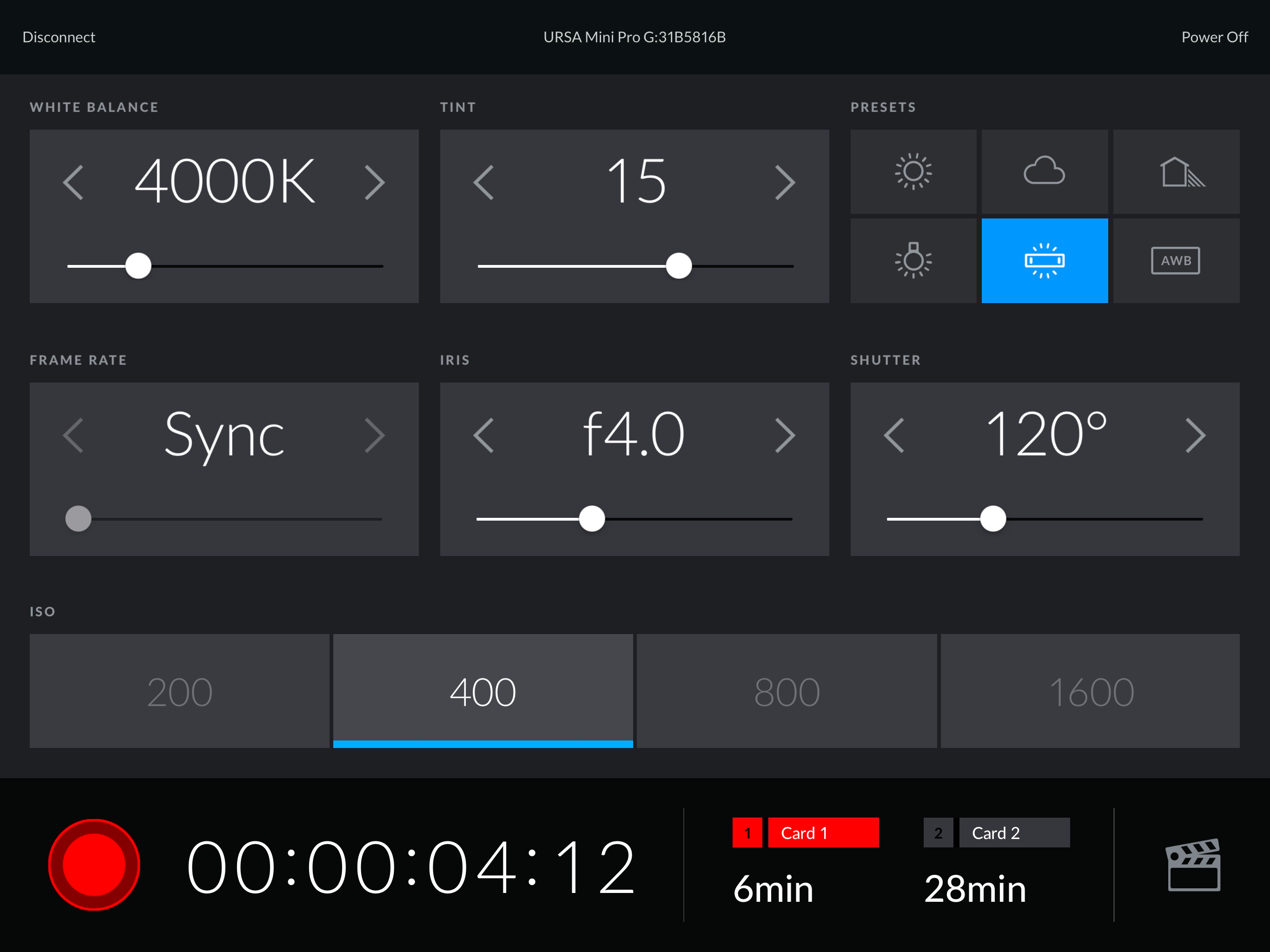
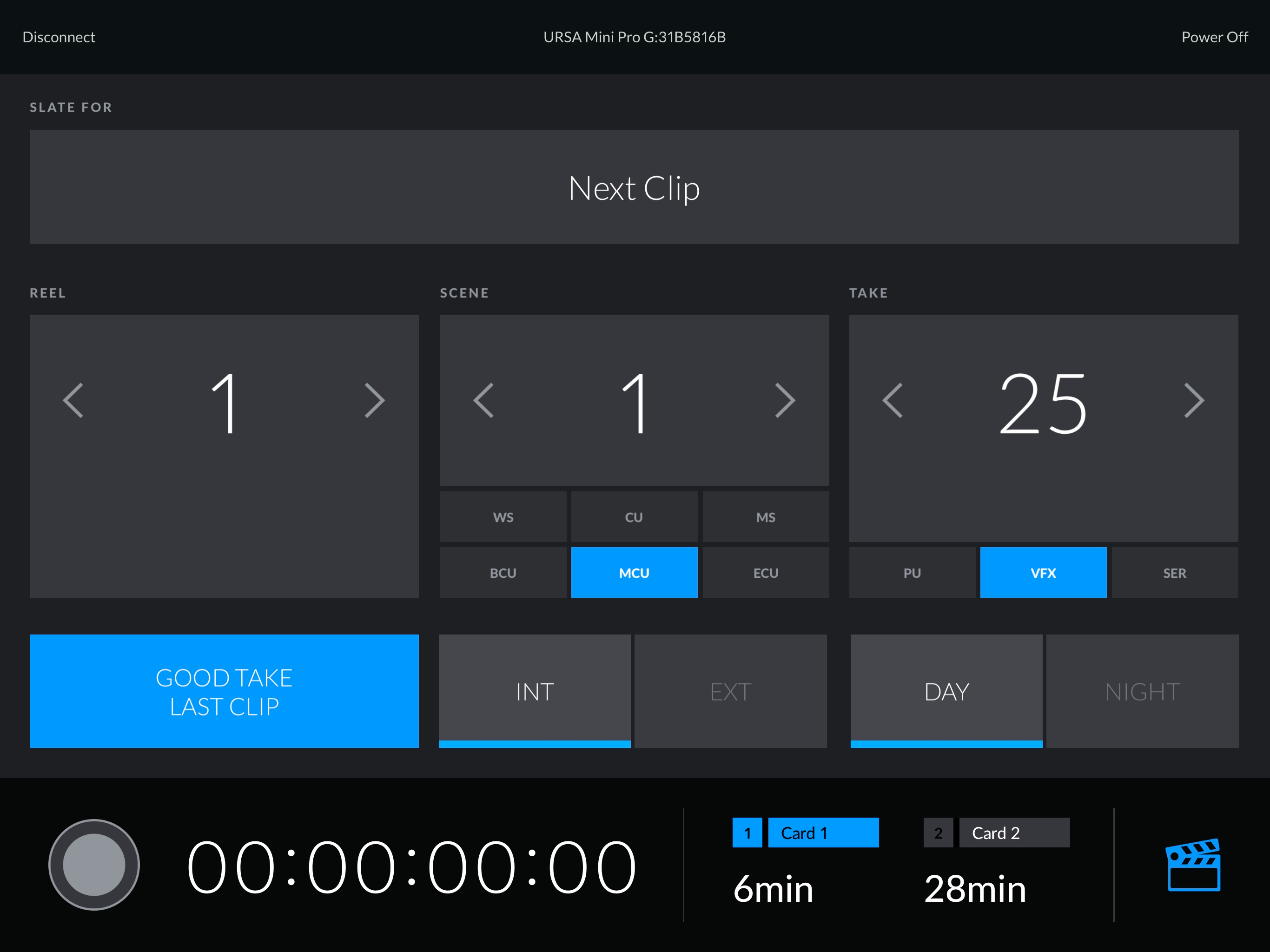

03 / Market context
Keep revenue, downloads and store rankings separate from advertising performance.
I have the Blackmagic camera app on my iPhone and it is excellent and perfectly controls every function on my camera (4K) including focus. I assumed iPad app would be the same, but it’s not. It has very limited controls and does not permit focus (which the phone apps does). It seems odd to me there is such a difference between the two. Am I missing something? Is there a paid version I should be aware of?
I am blown away that this app is so incredibly limited. How can this be the official black magic app and you can basically only change just a couple of settings? Come on black magic. You should be able to control every setting on the camera through this app
This worked on my M1 MacBook Air until just recently. I can connect to the camera on an ipad but not running it on M1 devices.
The Blackmagic Camera Control app allows you to control any Blackmagic Design camera that features Bluetooth control capability, right from your iPad!...