
Check the acquisition promise
Read the store headline, screenshots and description. What problem is the app promising to solve?
Study the storefront ↗
SG Software GmbH & Co. KG · iOS
Explore the ad evidence, study the storefront, and build your next acquisition hypothesis.
01 / Creative research
Read the store headline, screenshots and description. What problem is the app promising to solve?
Study the storefront ↗Explore apps with direct store-link matches. Compare their hooks and formats without assuming the same approach works here.
Browse observed advertisers ↗Store rankings and revenue estimates describe market context. They do not establish ad spend, conversions or ROAS.
Review the market context ↗02 / Storefront & product
Study the product story and store experience behind the acquisition funnel.





03 / Market context
Keep revenue, downloads and store rankings separate from advertising performance.
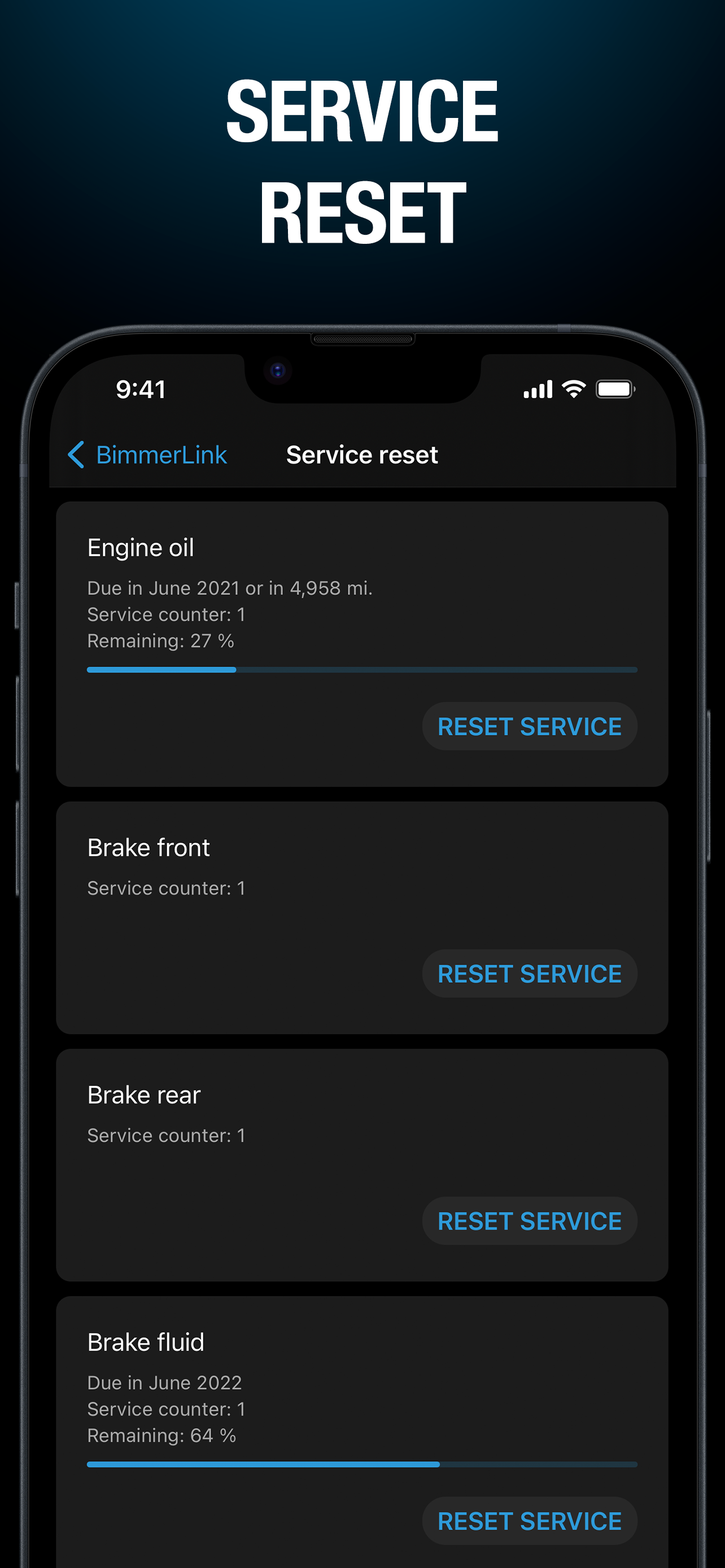
Bought the app with a recommended OBD from the list of recommended. App connected and load successfully with app sub. The sole purpose was to enable and disable service mode for brake job. That was my main and only purpose for this service. I tried activating service mode for nearly 3 minutes and it wouldn’t do it. Just errors from the app. But when you hit deactivate it surely did that lol, weird. It says deactivated successfully. It was not in service mode and you don’t hear the motor running. I did the basic troubleshooting disconnect the OBD from car. Deleting the app etc. start playin with it again and same thing it would not activate device mode only errors errors errors until I hear the motor start winding after multiple attempts. It still did not pull that piston back. We had to resort to manual work disconnecting the EPB actuator & plug then fight to wind the part in. Took us sometime. The job is done mechanically with my park brake not working and for 2 days since buying the sub the app is no help activating nor deactivating. I disconnect battery for 15, tried button steps nothing works. Reset impossible on dash for rear.
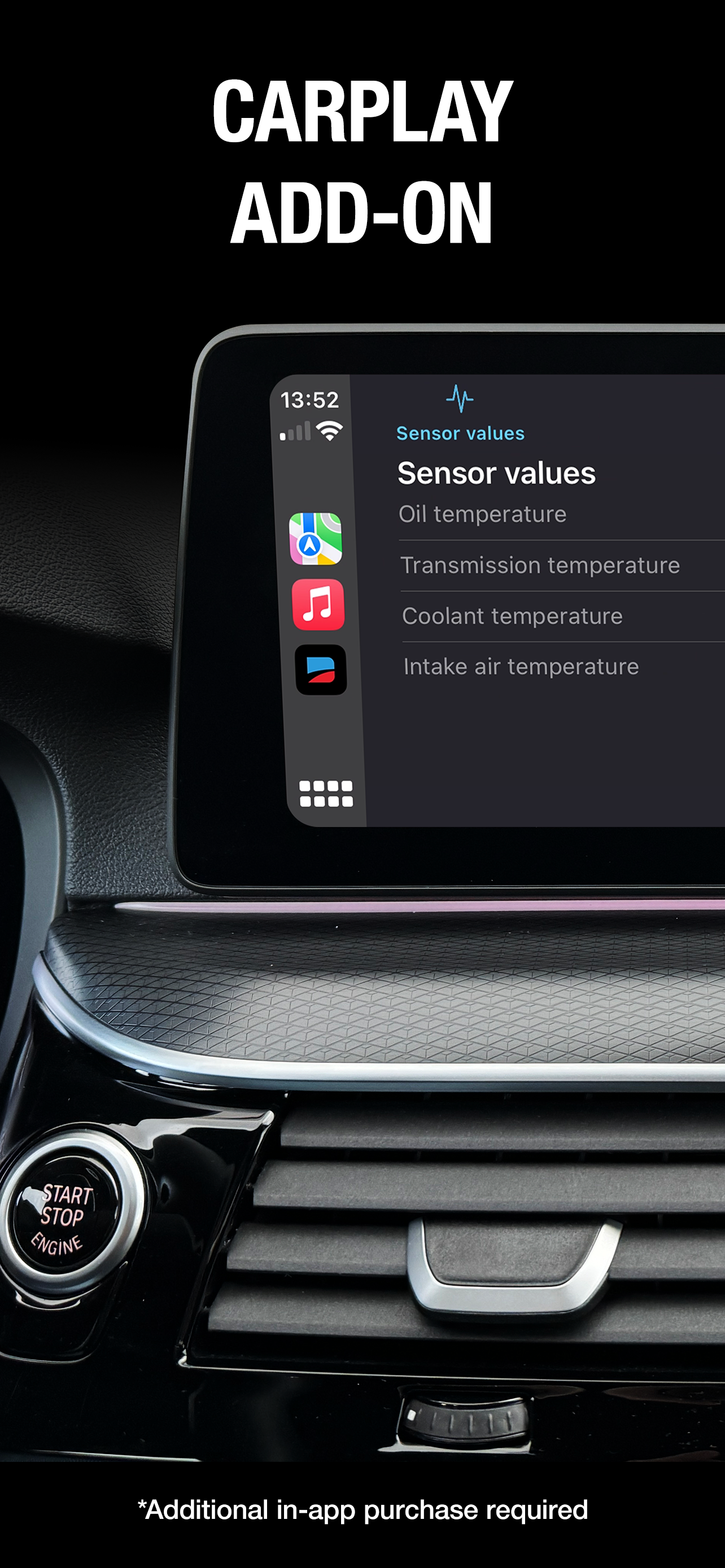
The main app is generally ok probably I’d give it like 3-4 stars, although limited and sometimes it cannot clear some errors or infos. But, I want to complain about this $9.99 carplay option: I cannot believe they have released such a crappy $9.99 option. This would not be acceptable even for free. It’s basically just a small list which takes forever to connect initially, then does not update properly but rather like every 10-20 seconds. When you switch from the app to say home screen or music or something else it disconnects and you have to go through the whole process again... all this while you’re driving... not to mention the information on the list is so small you can barely notice the parameters while driving... and it costs $9.99… in 2024… I’m genuinely impressed how they have failed us so bad and I wonder who was the persom that finally gave it the green light to deploy this thing :|
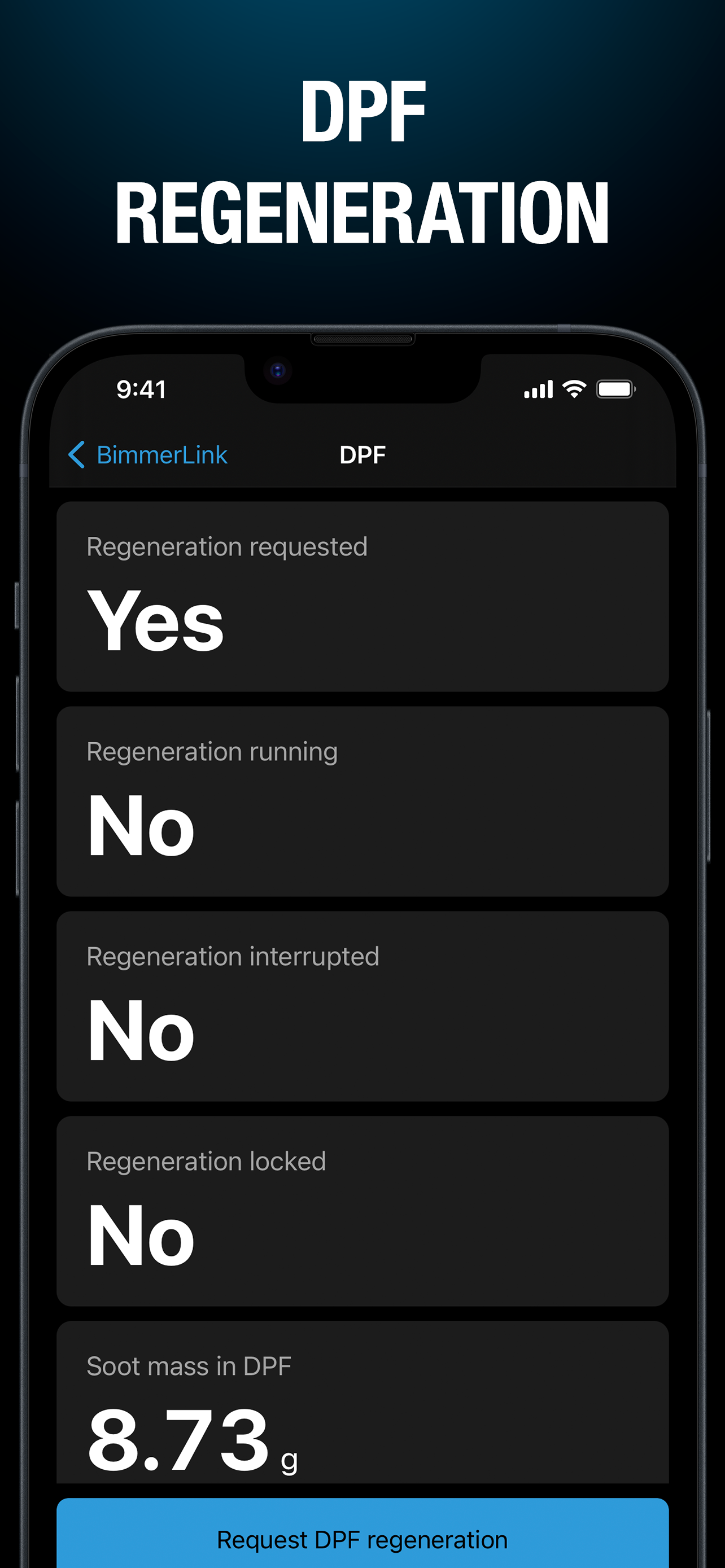
I have been a very frustrated Carly user for a few years now. All I really need from one of these ODB apps is fault identification, fault clearing, reports of same, and battery registration. Carly would not register the battery for my i3. And everything else it does has become more like a video game than a helpful diagnostic tool. BimmerLink does it all much more simply and easily than any other app I have found. Including a simple battery registration. I hope Bimmerlink keeps it simple and reliable. Anything in these apps that can be done to help diagnose faults in a car is good, if the app has features that get in the way of that, it is bad, and I don’t want to buy it. I’m troubleshooting cars, not app programming.
BimmerLink is the direct link to your BMW or MINI. Using one of the supported OBD adapters, you can read trouble codes or display sensor values in rea...
| Name | Price | Type |
|---|---|---|
| CarPlay Add-On | $9.99 | One-time |
| BimmerLink full version | $39.99 | One-time |


