Check the acquisition promise
Read the store headline, screenshots and description. What problem is the app promising to solve?
Study the storefront ↗
Sim Innovations B.V. · iOS
Explore the ad evidence, study the storefront, and build your next acquisition hypothesis.
01 / Creative research
Read the store headline, screenshots and description. What problem is the app promising to solve?
Study the storefront ↗Explore apps with direct store-link matches. Compare their hooks and formats without assuming the same approach works here.
Browse observed advertisers ↗Store rankings and revenue estimates describe market context. They do not establish ad spend, conversions or ROAS.
Review the market context ↗02 / Storefront & product
Study the product story and store experience behind the acquisition funnel.

03 / Market context
Keep revenue, downloads and store rankings separate from advertising performance.
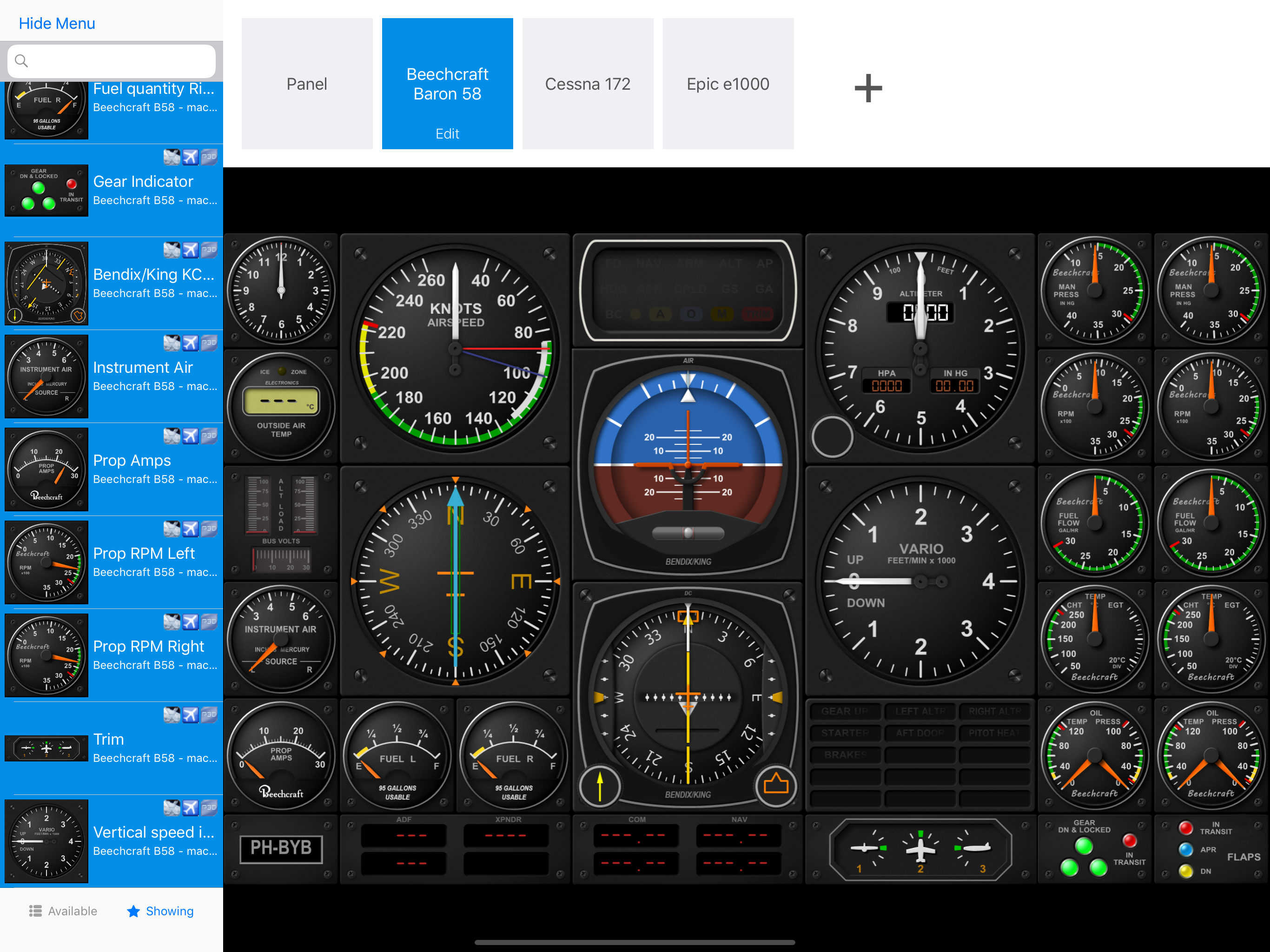
As a flight simulator enthusiast, I was excited to try out Air Manager on my iPad with MSFS 2020 installed on my PC. However, my experience with this app has been less than satisfactory. Let me share my thoughts on why I found it unusable and disappointing. The Good: Concept: The idea of creating custom instrument panels using an iPad is appealing. Having touch-enabled controls for my flight simulator sounded promising. The Bad: Flashing Dials: The most frustrating issue I encountered was what I call flash dials. When I loaded an instrument panel, the dials would initially appear full-sized on the iPad screen, but then they would suddenly shrink to show only a portion of the dial. This inconsistency made it impossible to use effectively. Hours of Frustration: I spent hours trying to figure out a solution. I scoured forums, read documentation, and experimented with settings, but the problem persisted. It felt like a waste of time and money. Lack of Clarity: The installation process was not straightforward. I expected a simple setup, but instead, I found myself navigating through confusing menus and options. The lack of clear instructions added to my frustration. Conclusion: Air Manager has potential, but the current version falls short. The flash dials issue severely impacts usability, and the complexity of installation makes it far from an easy add-on. I’ve requested support, but until this major problem is resolved, I cannot recommend this app to fellow simmers. If you’re considering Air Manager, proceed with caution. Hopefully, future updates will address these issues and improve the overall user experience.
I love the app so far. It allows me to put up bigger versions of the instruments that I can easily see without having to switch to the instrument view In MSFS 2020. The only fault that I have found so far is that I am not able to find the premium panels. I might just be missing something, so I will keep looking. This is definitely an add-on to have for your flight simulator experience.
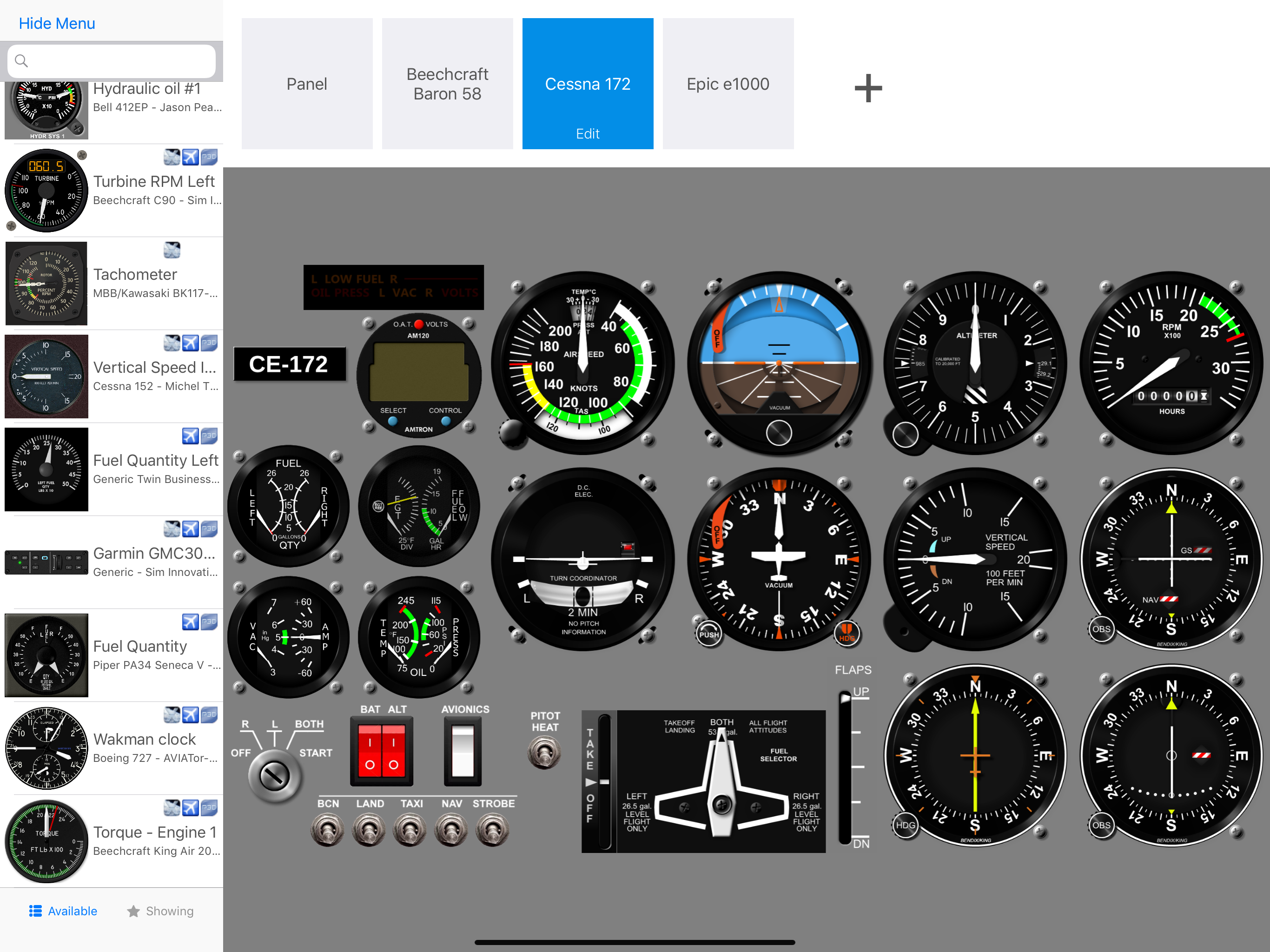
I got this for my airbus a320 setup and was told that everything worked with fs2020 was very disappointed after 2 hours of trying to figure out what was wrong and going through the poorly written iPad user manual I found that nothing of the a320 worked with MSFS2020 do not buy unless you want 2 Cessna panels for fs2020.
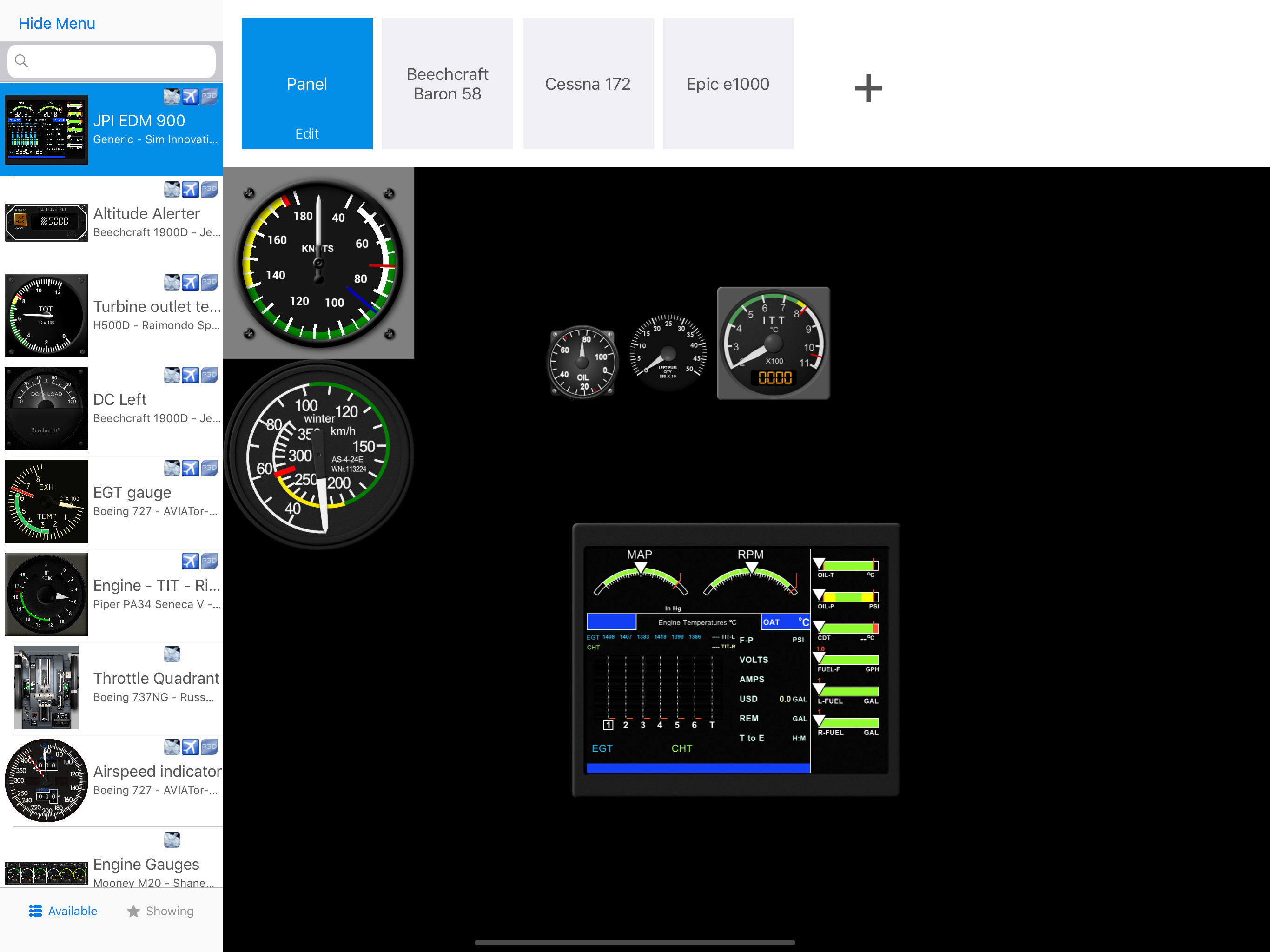
Air Manager lets you design custom flight simulator instrument panels on your iPad. Panels can connect to X-plane, FS2020, FS2024, Prepar3d and FSX....