Check the acquisition promise
Read the store headline, screenshots and description. What problem is the app promising to solve?
Study the storefront ↗
John Goering · iOS
Explore the ad evidence, study the storefront, and build your next acquisition hypothesis.
01 / Creative research
Read the store headline, screenshots and description. What problem is the app promising to solve?
Study the storefront ↗Explore apps with direct store-link matches. Compare their hooks and formats without assuming the same approach works here.
Browse observed advertisers ↗Store rankings and revenue estimates describe market context. They do not establish ad spend, conversions or ROAS.
Review the market context ↗02 / Storefront & product
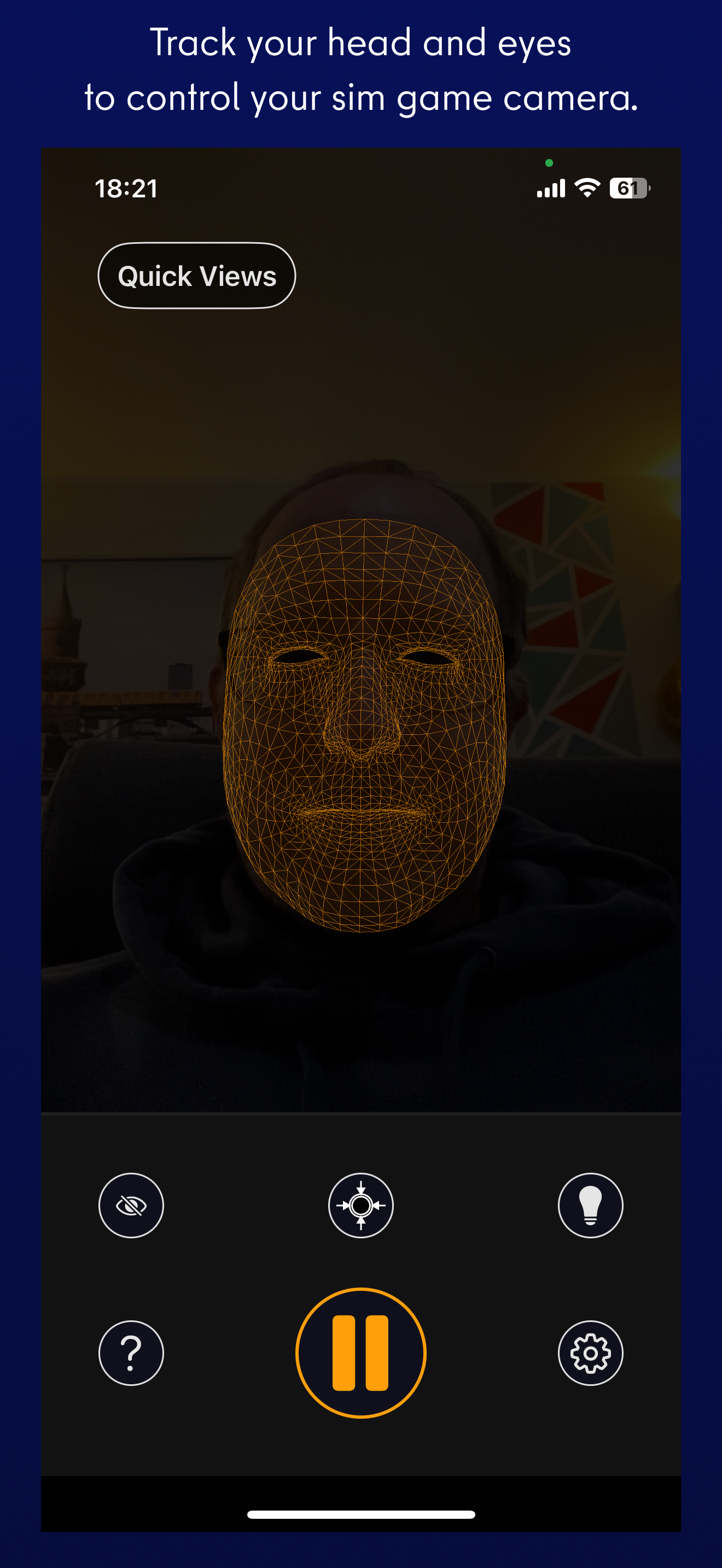
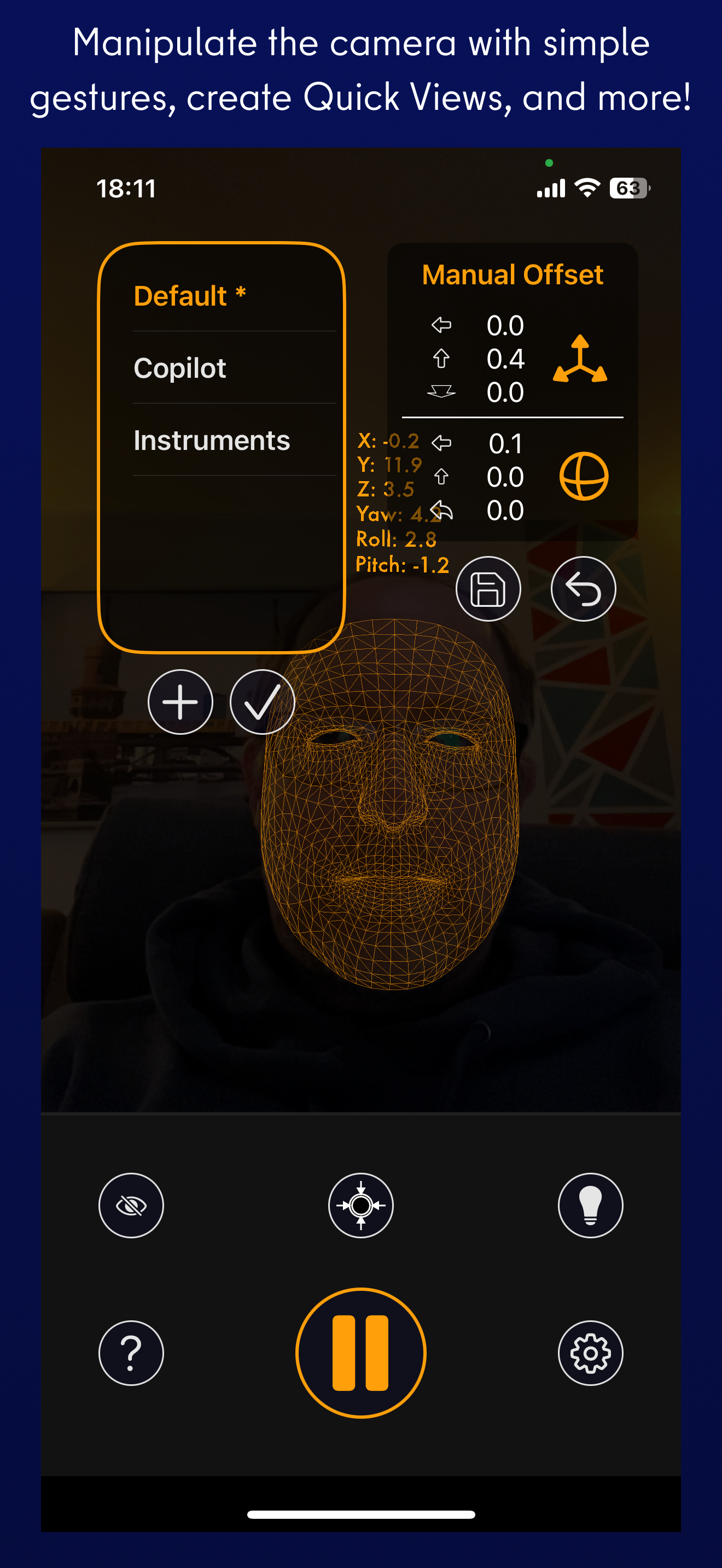
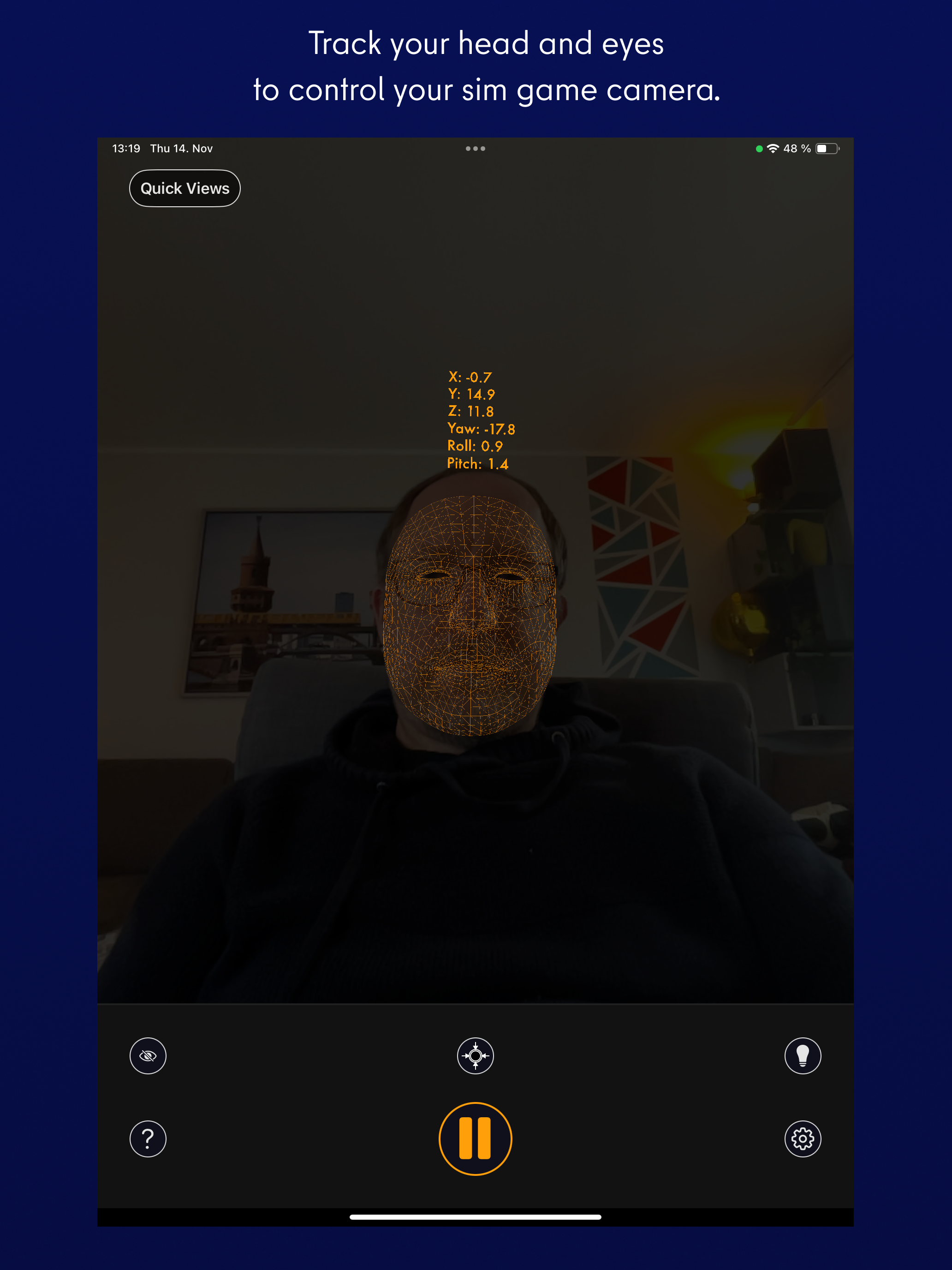
Study the product story and store experience behind the acquisition funnel.




03 / Market context
Keep revenue, downloads and store rankings separate from advertising performance.
As a former rw pilot of 22 years and avid flight summer in the past after a 10 year hiatus I broke down and got a new computer and msfs 2020. When setting up with latest hardware and some ancient the sim still didn’t feel real. As a past user of tracker ir I thought I would give this app a try. After a challenging setup mostly due to windows 11 idiot proofing thanks to the great help files included with the app got it up and running. I am not exaggerating that the realism of the sim went up about 80%! As a former user of tracker ir this does it all with no wires and no headset. With an iPhone stand I have my phone charging on a great almost unseen place to the left of my velocity yoke and this thing just works-perfectly. One of the best most useful add ins for flight simulator! Extremely happy!
I have been a pilot, both fixed-wing and rotary-wing, in an Arma 3 unit for a while now and my biggest gripe with flying was the lack of visual information without using a head tracker. I use a joystick and to free look without this app, you need to take your hands off the stick to go to the keyboard and free look. This is extremely dangerous as you lose all of your fine controls just to take a look at where you need to land. I’ve looked into getting TrackIr but those options seemed too pricey to get in my opinion. This app is at the perfect value however. $10 is such a good price for what you get. While still rough around the edges, (not of the fault of the devs but from limitations of the system being from a phone) I think it does the job well. The customization both in the app and in Opentrack helps alleviate some of those issues. Overall I think any pilot should give this option a shot if they are interested with a head tracking system and don’t already own TrackIr or other alternatives.
This is the first experience I have had with using head tracking of any kind, but it works fantastic. Right out of the box the range of movement that is detected is actually very impressive. Looking around feels great and there's no perceivable input latency. Without messing with any in app settings I can lean close, look down, and access all of my aircraft's systems. This is huge. No longer do I have to take 15mins to keybind stuff for every aircraft that I fly. It is liberating, allows for more flying, less keybinding, and has seriously improved my skill in sim flying. The setup wasn't too bad either, my only advice would be to make sure you can port forward with your networking setup (this is a must unless you're going to use the desktop app standalone with a webcam). It is astounding that it works with Microsoft Flight Sim with zero setup in the sim itself. I cannot speak enough praise for this app.
SmoothTrack 2.0 uses the head and eye tracking AR capabilities of your phone to provide the simplest and best head tracker for 6 degrees-of-freedom he...