Check the acquisition promise
Read the store headline, screenshots and description. What problem is the app promising to solve?
Study the storefront ↗
Fan Remote · iOS
Explore the ad evidence, study the storefront, and build your next acquisition hypothesis.
01 / Creative research
Read the store headline, screenshots and description. What problem is the app promising to solve?
Study the storefront ↗Explore apps with direct store-link matches. Compare their hooks and formats without assuming the same approach works here.
Browse observed advertisers ↗Store rankings and revenue estimates describe market context. They do not establish ad spend, conversions or ROAS.
Review the market context ↗02 / Storefront & product
Study the product story and store experience behind the acquisition funnel.
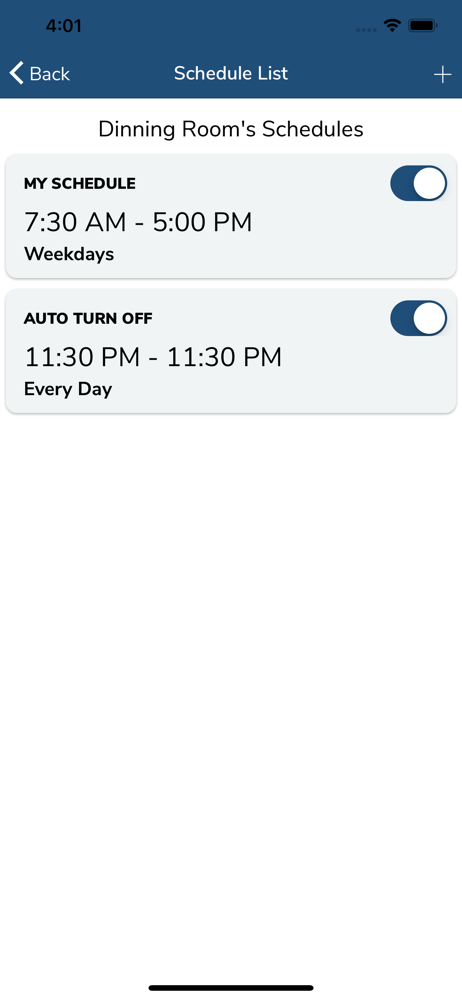


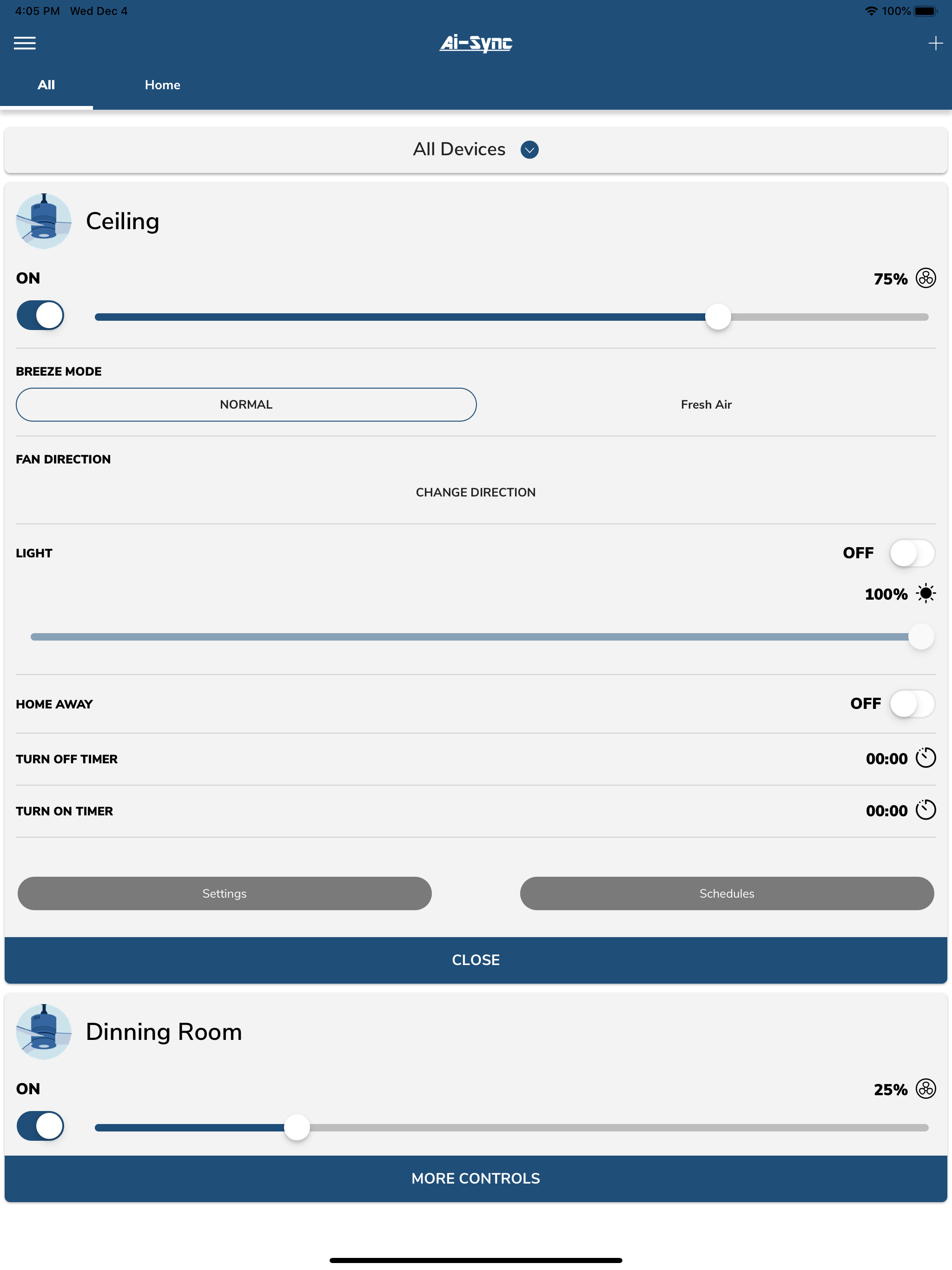

03 / Market context
Keep revenue, downloads and store rankings separate from advertising performance.
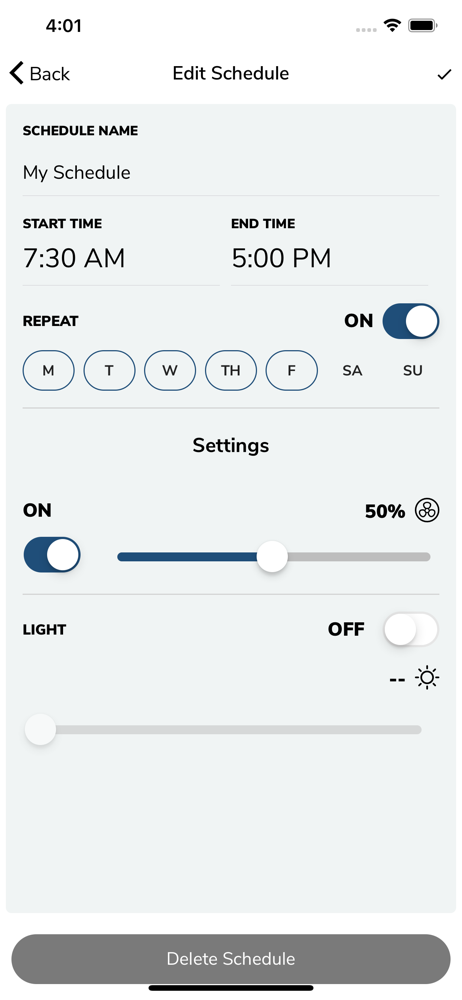
WiFi works only after you reset it. App is lacking basic functions like times.
A bit glitchy setting up and connecting to the device. The device works well with Alexa even when the app won’t connect. I was able to reset my password using the link at the bottom of the login screen.
There is no way to reset password... if you forget then the only way is to delete account and create a new one... can you imagine if you have 6 or more fans? You have to disconnect all of them and start one by one again... and support does not exist...
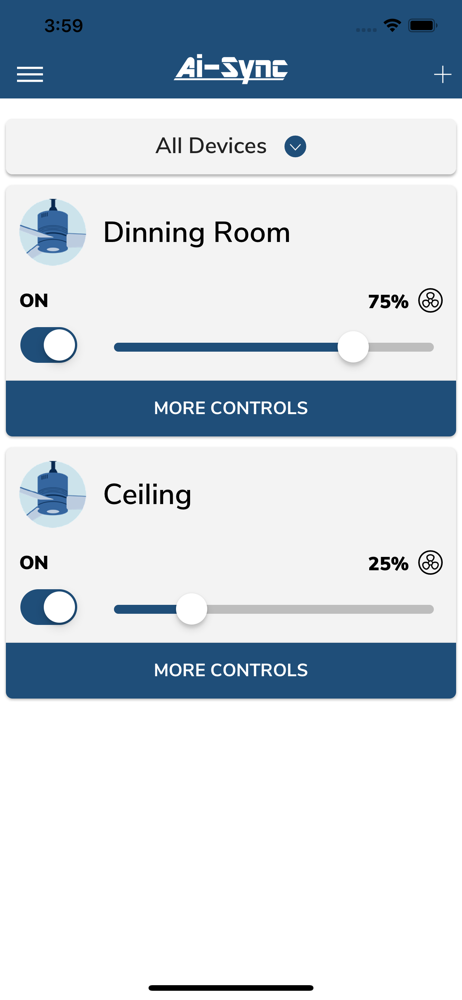
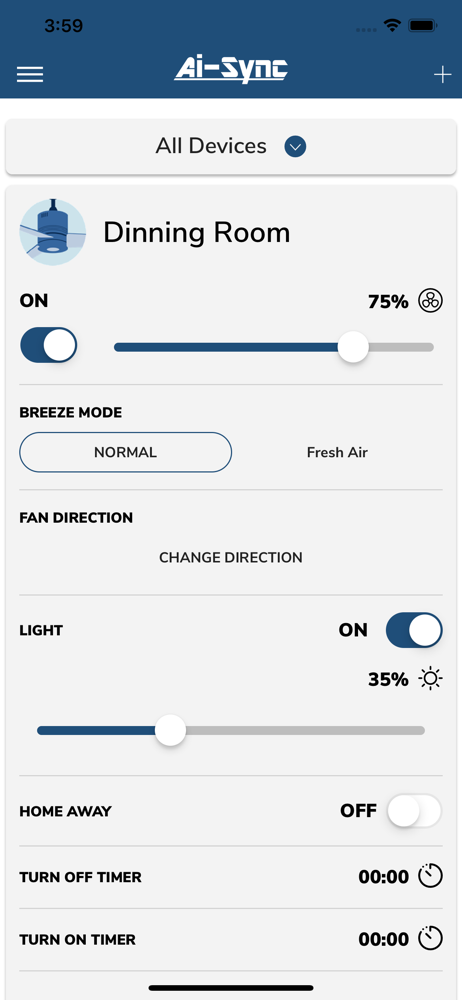
Replace your ceiling fan remote with the Wi-Fi enabled Ai-Sync ceiling fan universal control. Control and schedule your fan speed and light percentag...