
Check the acquisition promise
Read the store headline, screenshots and description. What problem is the app promising to solve?
Study the storefront ↗
Ritam Sarmah · iOS
Explore the ad evidence, study the storefront, and build your next acquisition hypothesis.
01 / Creative research
Read the store headline, screenshots and description. What problem is the app promising to solve?
Study the storefront ↗Explore apps with direct store-link matches. Compare their hooks and formats without assuming the same approach works here.
Browse observed advertisers ↗Store rankings and revenue estimates describe market context. They do not establish ad spend, conversions or ROAS.
Review the market context ↗02 / Storefront & product
Study the product story and store experience behind the acquisition funnel.



03 / Market context
Keep revenue, downloads and store rankings separate from advertising performance.
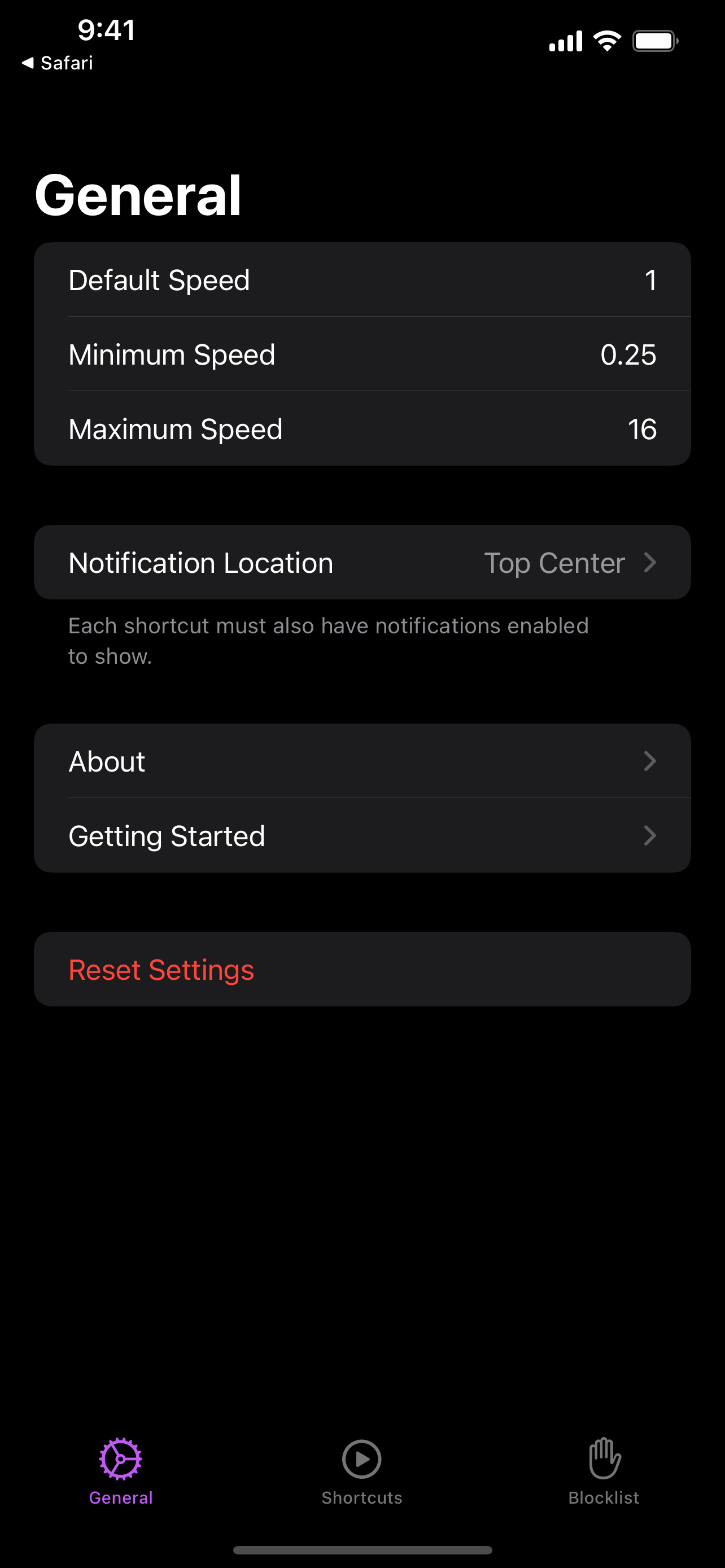
Unable to set custom speed up/ speed down in increments other than the default 0.25x. Whenever I try to create a new shortcut with +/- 0.05 or 0.10 or anything other than 0.25, the setting never gets saved even after clicking the save button. Also the default shortcuts given don’t work for speeding up, slowing down or resetting. The overlay is also absent. I am having to manually click the extensions icon on Safari every time I need to change speeds. Kindly look into it. Thanks :)
I did have to go into the Safari preferences and set it to show up on specific / all websites (for some reason I wasn't being asked despite that being the default, but this may have been interplay between this and Vinegar). After that, though, this works perfectly, allowing me to quickly speed up / down without having to reach for the mouse. Awesome! The one thing I'd ask is also being able to control subtitles with a keyboard command, since this is the other item that causes me to reach for the mouse (albeit much less often than for the playback speed controls). Not sure it is possible, but I didn't think that the speed controls could be exposed to the keyboard either, so ...
I am really enjoying the functionality of the extension. I use this as a medical student to more quickly navigate through lectures. One additional feature that would make this perfect for me would be menu commands to make universal keyboard shortcuts. An example this could be used is during recorded lectures and taking notes. If i miss a particular portion of the lecture audio and I need to skip backwards to get it, without exiting the note taking application, I would be able to do that. I cant tell you how much I am going in and out of applications when I just want to have a global shortcut for pause/play, skip forward and skip backward. Maybe Accelerate can do this and I just missed it. Great applicaiton none the less!
Accelerate is a Safari extension with powerful, customizable features for controlling video playback and speed. FEATURES • Control playback speed of...
| Name | Price | Type |
|---|---|---|
| Coffee Tip | $1.99 | One-time |


