Check the acquisition promise
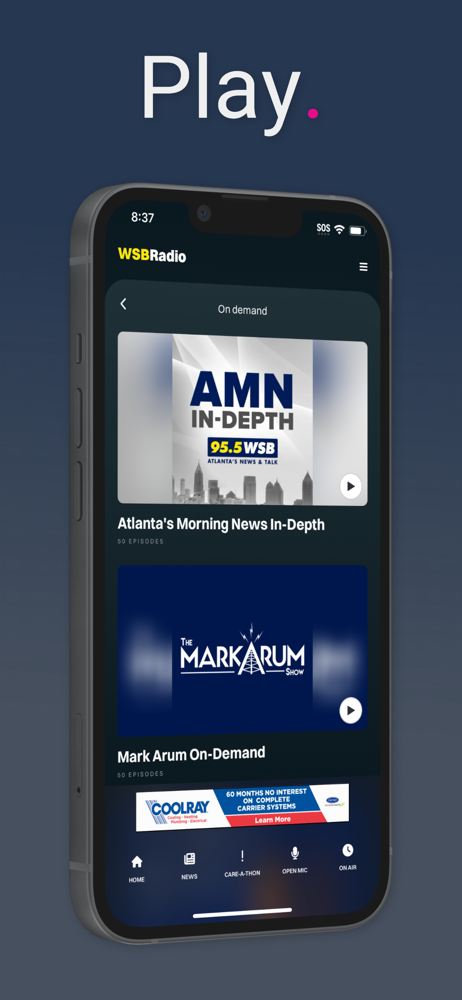
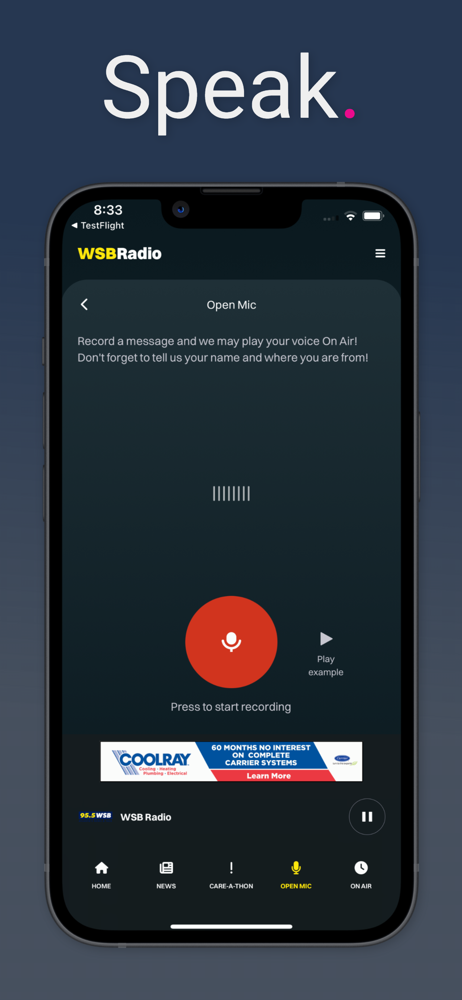
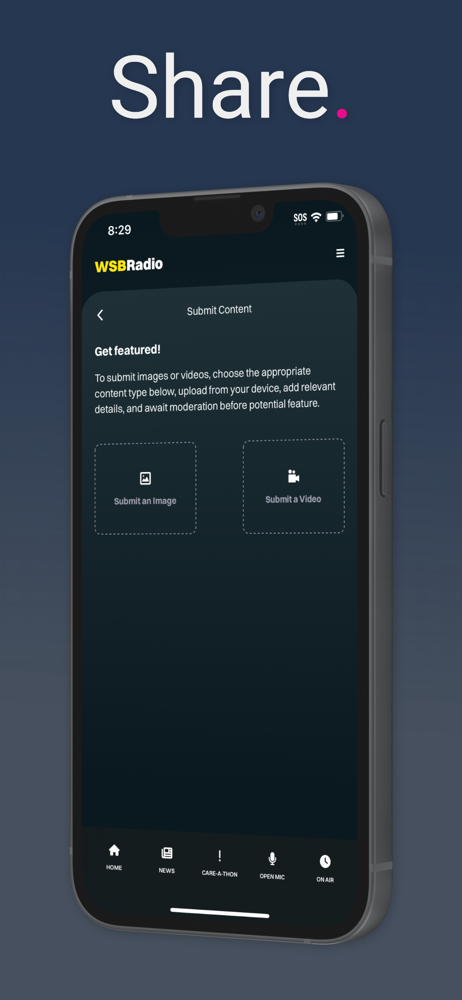
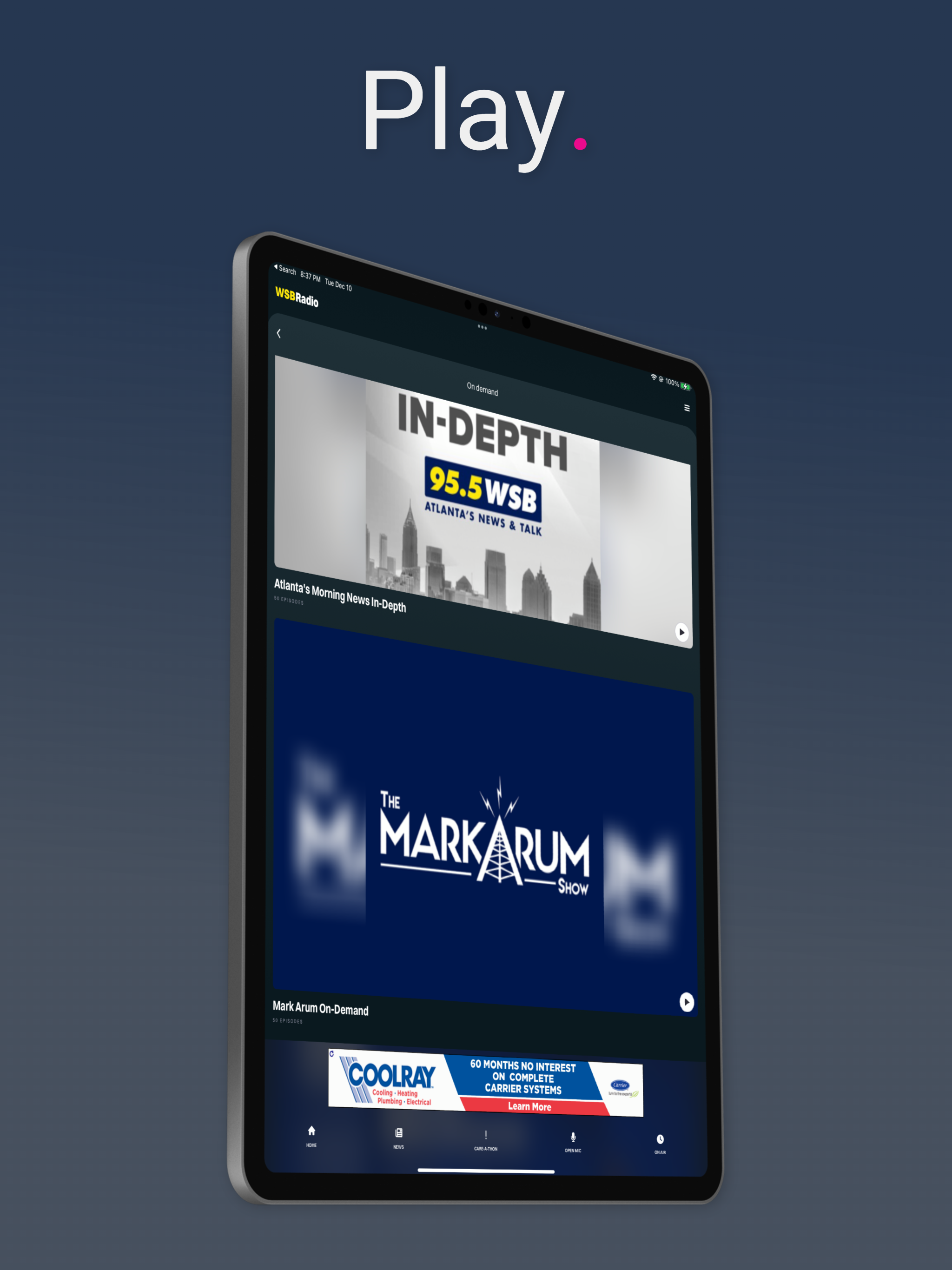
Read the store headline, screenshots and description. What problem is the app promising to solve?
Study the storefront ↗
Cox Media Group · iOS
Explore the ad evidence, study the storefront, and build your next acquisition hypothesis.
01 / Creative research
Read the store headline, screenshots and description. What problem is the app promising to solve?
Study the storefront ↗Explore apps with direct store-link matches. Compare their hooks and formats without assuming the same approach works here.
Browse observed advertisers ↗Store rankings and revenue estimates describe market context. They do not establish ad spend, conversions or ROAS.
Review the market context ↗02 / Storefront & product
Study the product story and store experience behind the acquisition funnel.




03 / Market context
Keep revenue, downloads and store rankings separate from advertising performance.
I listen to the programming from 9am till 3, since my work is located on the 17th floor, cell service is not very good so I am on WiFi. For some unknown reason when I am not on WiFi the app won’t work. It happens at my home too, I can be outside mowing the front yard but when I am down the hill out of WiFi the app won’t work. The app is set to work on Cellular too but it won’t and everytime I loose WiFi, I have to sit through another dang commercial before programming starts back and it’s very annoying and I miss information.
For years, I would tap on a notification on my phone, the app would open, and I would begin scrolling and reading the article I had chosen - and I had the OPTION to tap on a video included in the story IF I wanted to watch it. For months now, when I tap on a notification, the same Ad video at the top of each story now automatically becomes full screen, freezes, and takes several seconds to finally realize that I’m tapping the “X” to close it. Also, during this Ad pop-up, the accompanying video(s) with the story are popping up, and also taking several seconds to respond to my attempts to close the window. Furthermore, there are times that my attempts to close the full-screen videos end up closing the story entirely. And if the story is older, I may or may not be able to easily find it again within the app. Please restore the pop-up video part of your recent update (if that’s what this is). I made peace with pausing the “Play” button when the app first opens if I’m only wanting to read an article without hearing what’s currently going on with the radio at that time. This ad/video disruption is intolerable.
I love to listen to WSB and have had the app for a few years now to stay informed on weather, traffic and breaking news. While the notifications for these things do work well, when I actually want to go into the app to read an article constant ads pop up full screen that I have to exit out of at least 3 or 4 times. I’m sure that if I accidentally clicked on the links for these ads they would lead me to spammy sites. In addition, the bottom of any article there are click bait ads for spam sites. There is no where for me to give feedback on this app either so I decided to write a review on the App Store. This is unprofessional for WSB in my opinion and I will be deleting the app. I shouldn’t feel like my fingers are walking on eggshells while I’m reading my local news.
Listen live to Atlanta's news, weather and traffic station 24 hours a day. Also, get Eric Von Haessler on demand. Receive notifications for Traffic R...