
Check the acquisition promise
Read the store headline, screenshots and description. What problem is the app promising to solve?
Study the storefront ↗
Alexei Anoshenko · iOS
Explore the ad evidence, study the storefront, and build your next acquisition hypothesis.
01 / Creative research
Read the store headline, screenshots and description. What problem is the app promising to solve?
Study the storefront ↗Explore apps with direct store-link matches. Compare their hooks and formats without assuming the same approach works here.
Browse observed advertisers ↗Store rankings and revenue estimates describe market context. They do not establish ad spend, conversions or ROAS.
Review the market context ↗02 / Storefront & product
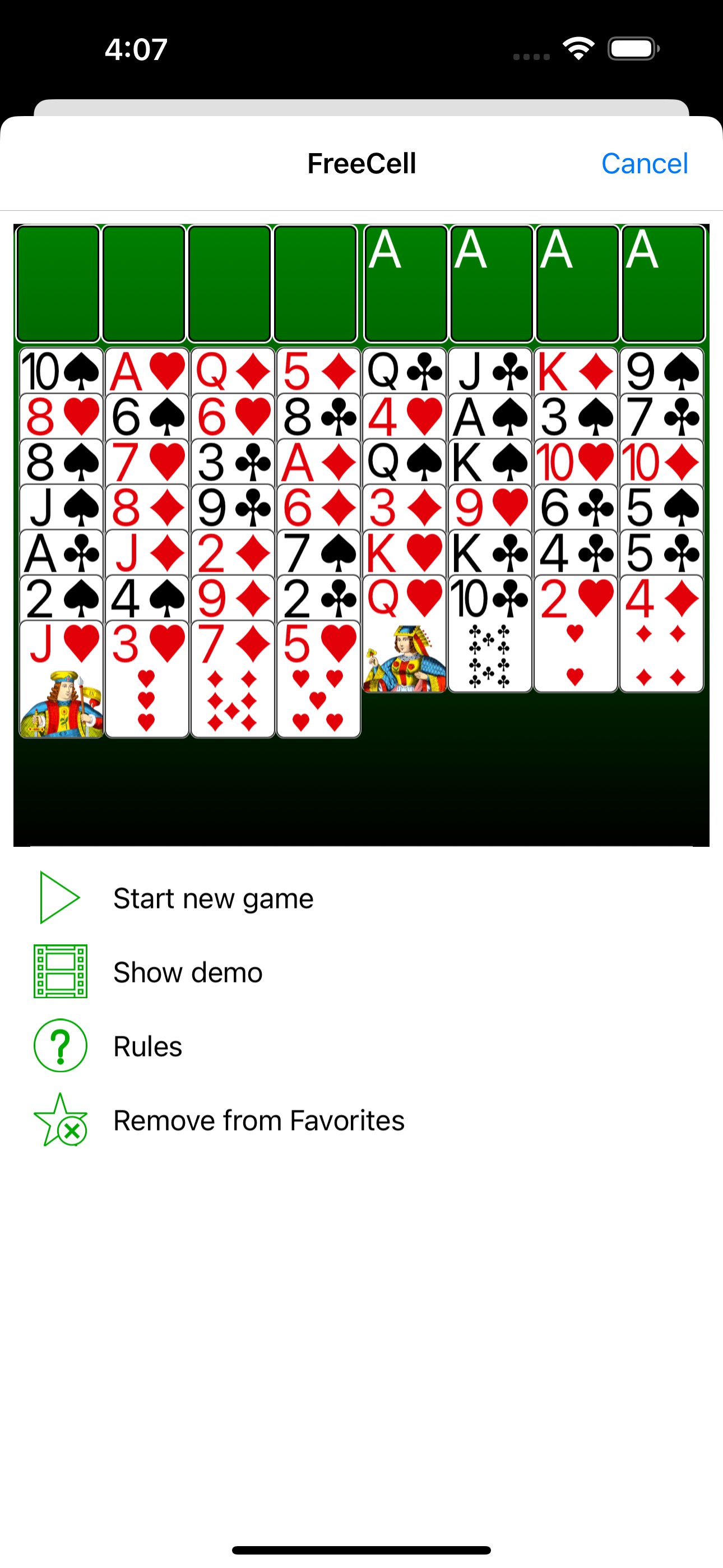
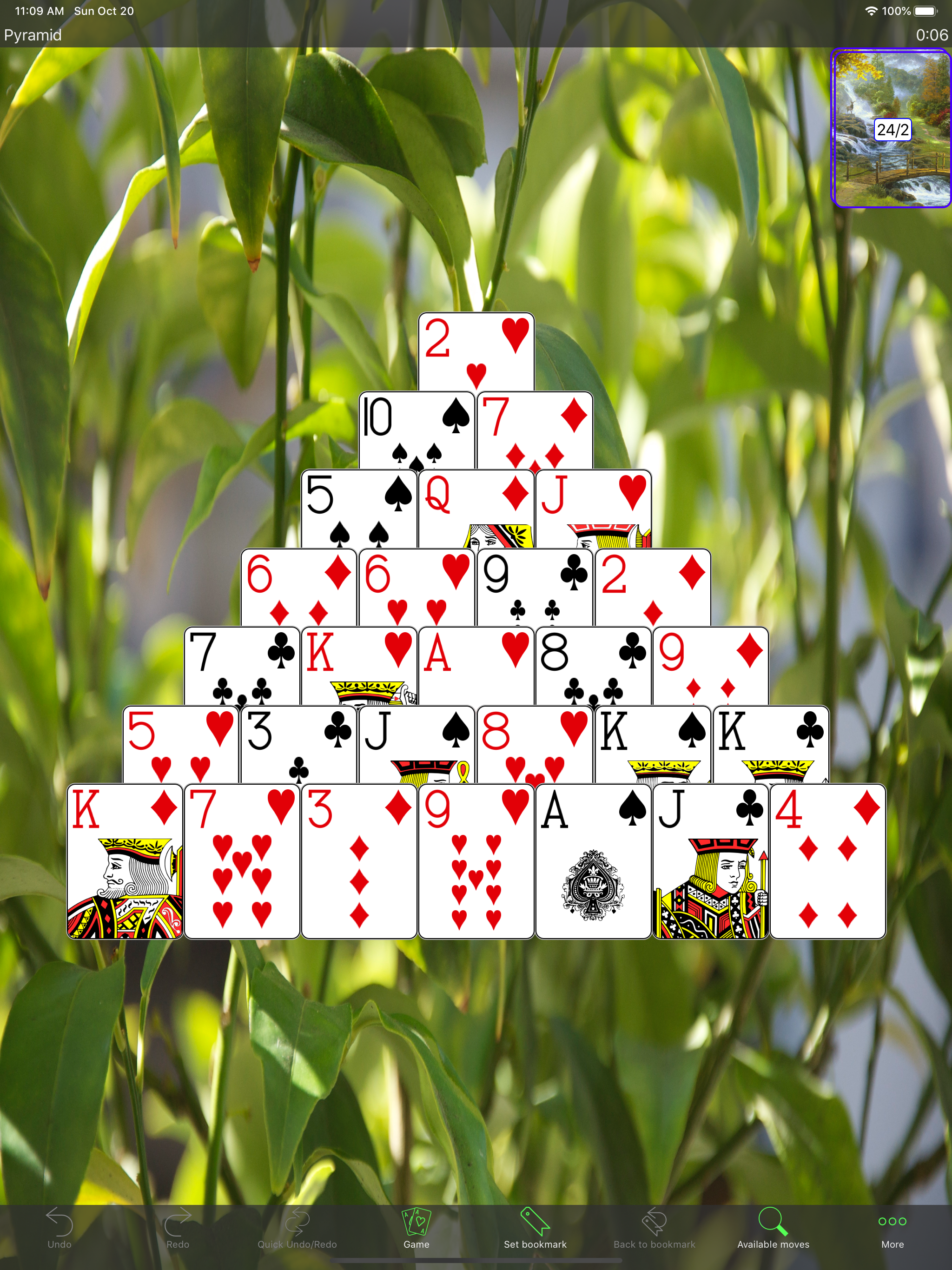
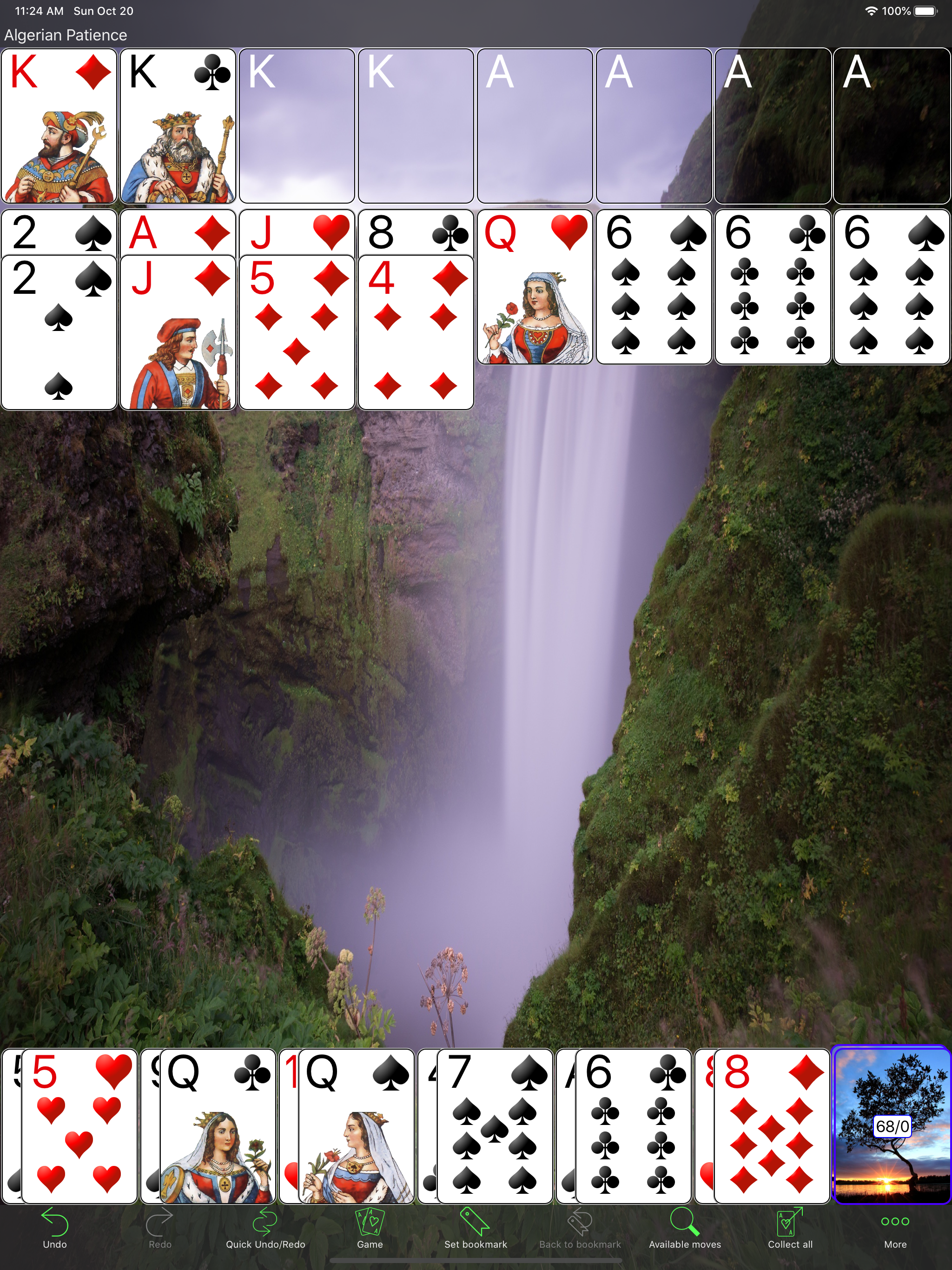
Study the product story and store experience behind the acquisition funnel.



03 / Market context
Keep revenue, downloads and store rankings separate from advertising performance.
I love this app. I play all the time. I love the variety because playing one kind of solitaire over and over gets boring. I also like that you can customize the game to make it easier. Like adding a redeal or shuffle option to a game. The adds are also minimal. You get one after every game but its usually very short and so far none of the ones I’ve seen have made noise which I like. The only downside is that the options to visually customize the game is minimal. It’s not a huge deal, but I like to have options is all. Although you can choose a photo as a background so that’s nice. I just wish that maybe as you played the games you could unlock other customization or something.
Love this app! I have had this app for many years across several phones and I always add it again because the range of games is awesome! This is great to have to pass the time when you are sitting around waiting on something. I have probably played this around 8,000 games over the many years, many phones, and many game selections and never any problems with it working. You can replay a lost game but I do wish there was an option to replay a won game because sometimes you just have a scenario that you want to take a second crack at too, for speed or fun. It would be nice to carry your stats along to a new device but I don’t know if that is possible.
I enjoy playing many versions of your Solitaire games and have for many, many years. Thank you for your App!! The latest update for the iPad, mainly the drag and drop, needs some further tweaking. In Lady Cadogan, I am able to place a Jack on a King, and I can put a Queen on the space reserved only for Kings. It shouldn’t work that way. And the drag and drop has also become ‘too specific’. For instance: I used to be able to move a stack of cards (6, 5, 4, 3 of hearts) onto a 7 in another column by putting my finger somewhere on the cards I want to move and I could drag the stack over. Now, I have to put my finger exactly on the 6 to get the stack to move. Just seems less flexible. I hope this is helpful. Tricia F.
Dive into the ultimate solitaire collection with 250+ Solitaires! Discover an unparalleled world of card games, featuring an astounding 253 unique sol...


