Check the acquisition promise
Read the store headline, screenshots and description. What problem is the app promising to solve?
Study the storefront ↗
Sinclair Broadcast Group, Inc · iOS
Explore the ad evidence, study the storefront, and build your next acquisition hypothesis.
01 / Creative research
Read the store headline, screenshots and description. What problem is the app promising to solve?
Study the storefront ↗Explore apps with direct store-link matches. Compare their hooks and formats without assuming the same approach works here.
Browse observed advertisers ↗Store rankings and revenue estimates describe market context. They do not establish ad spend, conversions or ROAS.
Review the market context ↗02 / Storefront & product
Study the product story and store experience behind the acquisition funnel.


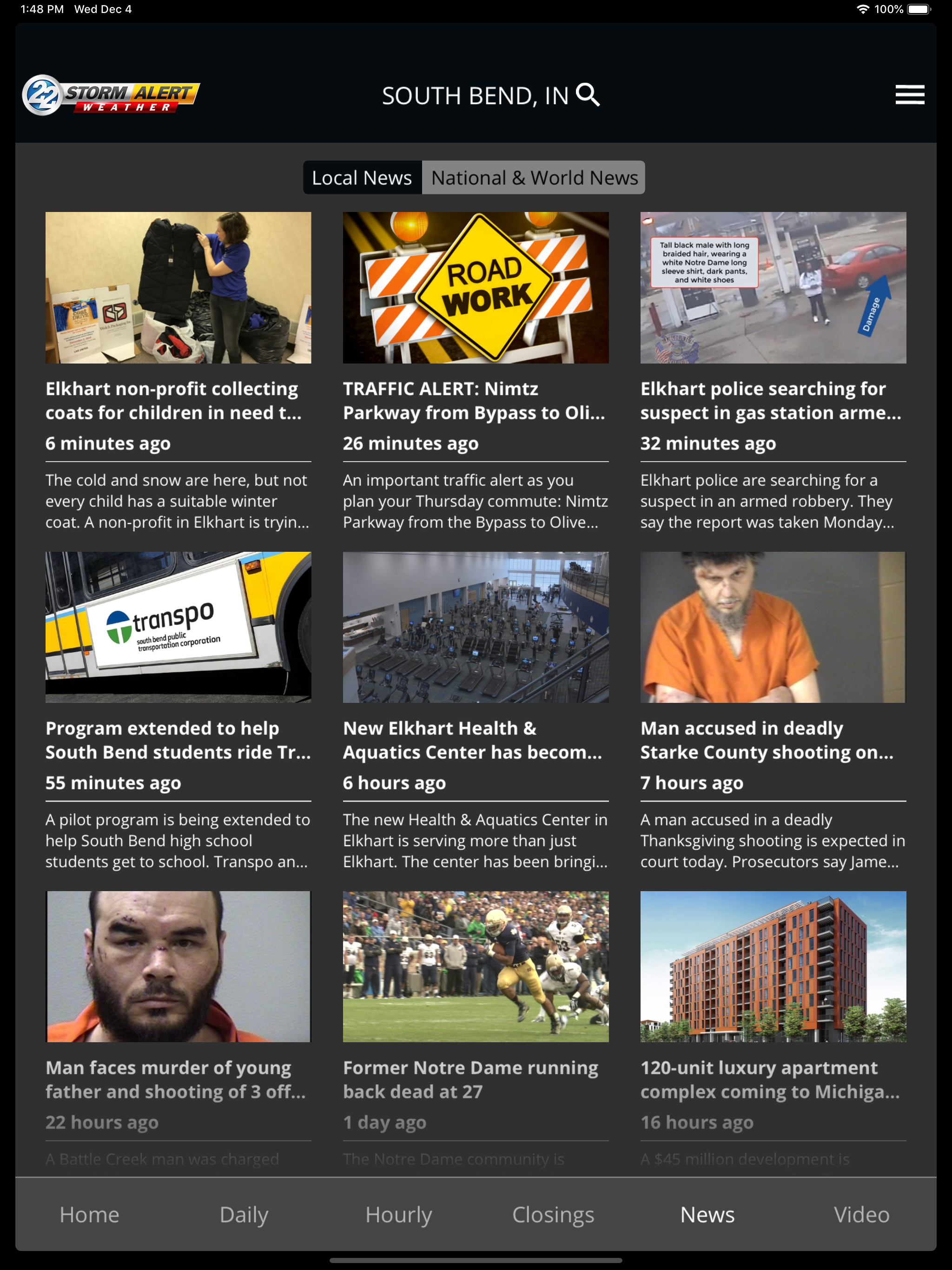
03 / Market context
Keep revenue, downloads and store rankings separate from advertising performance.
The real time radar is good. The real time +future is pretty good. The future only radar is a total guess. If they give a notification of weather to hit within 20 minutes they are fairly accurate. However if the hourly forecast predicts a thunderstorm or shower at a certain time in a couple of hours it’s only a 50:50 chance at best that they are correct. If it’s a big system and strong with severe weather they are very helpful with their alerts. Those system don’t tend to die off. Perhaps since they are located in South Bend, Indiana there forecast is accurate there. Further east where fronts off Lake Michigan die the forecast is not great. Also fronts coming out of the Southwest tend to die off after hitting the Plymouth to Goshen area. Some topographical quirk and it’s been observed time and time again.
I was wondering if you guys could make an update that allows us to select what severe weather alert for announce since I am tired of hearing the avalanche warning example when testing the announce choice. So my idea is that when we press announce in the notification part of the settings for the severe weather sound, it will put a check on the announce and pull up a list of the severe alerts. When you press one of them, it will announce that example you press. For example, when I’m in the example list and I press Tornado Warning, It will announce it like there’s a tornado. Once you press on one, it won’t kick you out of the list. If you guys can please make this update, it would be super nice. Thank You!
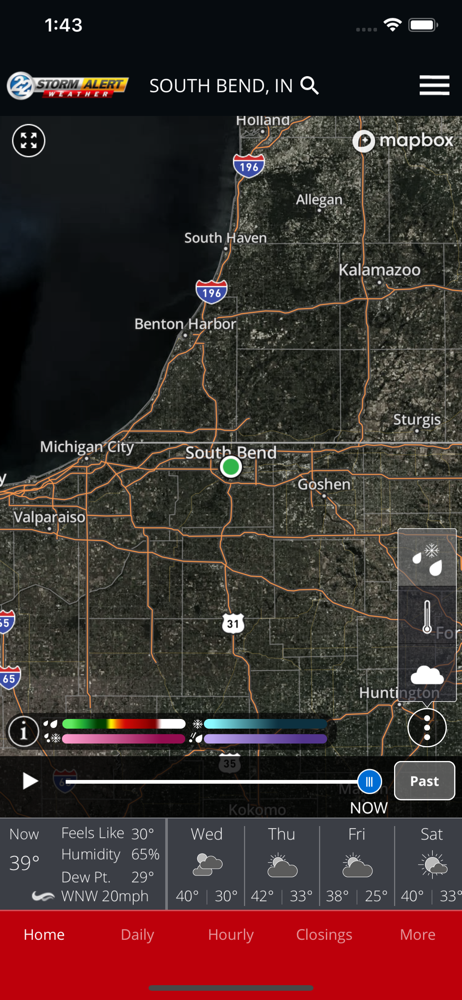
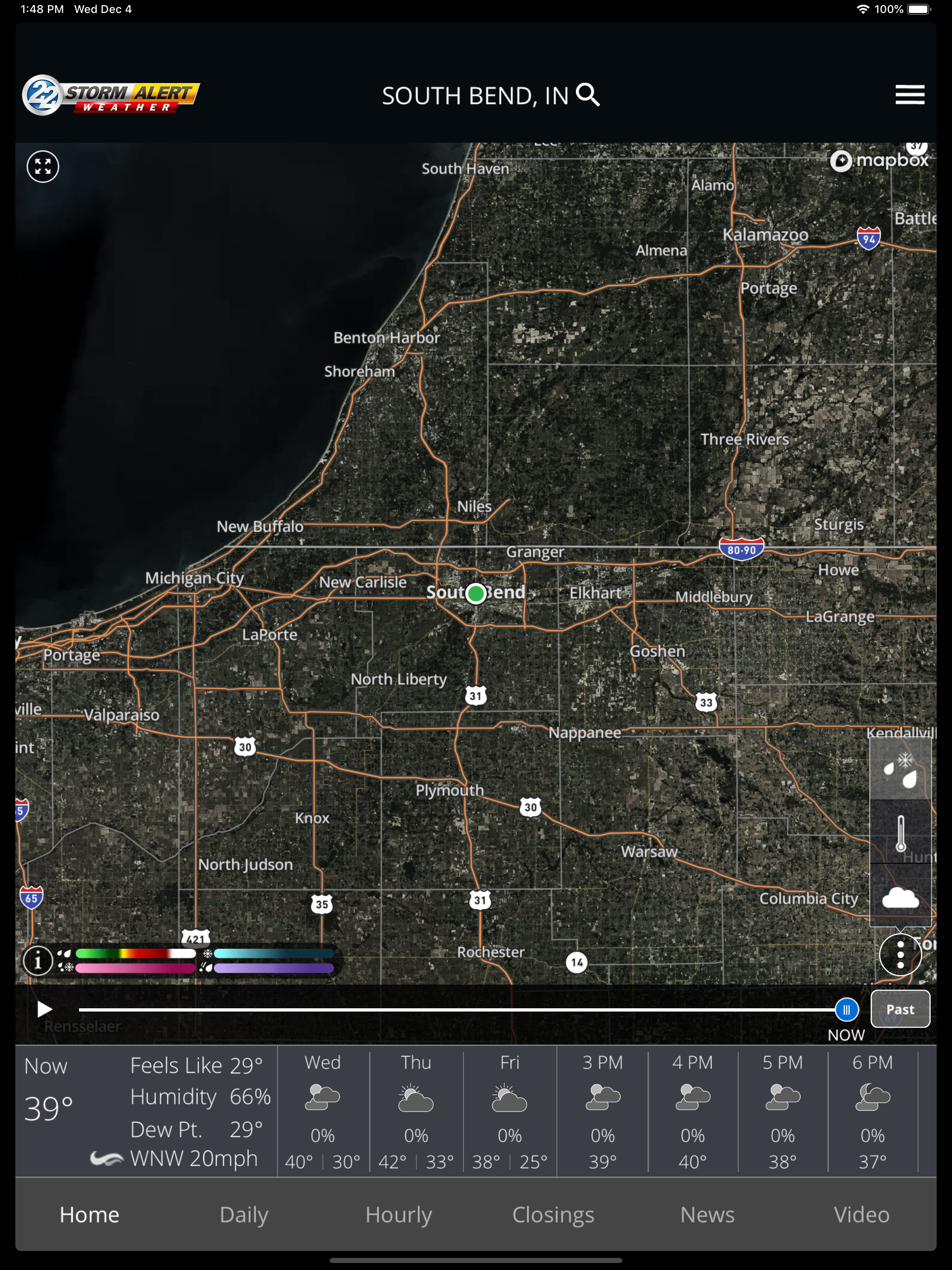
First of all, while the satellite imagery serving as the background will take some getting used to, it’s not bad. I bet that could be the source of some of the loading issues other isers have been complaining of though. Loading satellite data is notorious for taking a while. I do like being able to see lightning reports and forecast radar for the future so those’re a plus. I’m not 100% on the extra detail given to the Strong (green lightning), Hail (blue hail), Rotating (Yellow wind), and Strong Rotating (red wind) symbols though. It feels a bit too busy to look at. There is such a thing as too much eye candy. Someone not familiar with the app and/or weather maps in general may find it too confusing and too busy. Also, I am NOT a fan of the different color codes assigned to watch/warning polygons. Part of this is due to how the app used to be but it also has to do with traditional color codes. Red is typically reserved for Tornado Watches and Warnings. Suddenly seeing red polygons allocated for Severe Thunderstorm Warnings instead of the usual yellow/orange colors typically reserved for Severe T-storm Watches and Warnings is off-putting and confusing. I HIGHLY that be changed.
The WSBT Mobile Weather App includes: * Access to station content specifically for our mobile users * 250 meter radar, the highest resolution a...