
Check the acquisition promise
Read the store headline, screenshots and description. What problem is the app promising to solve?
Study the storefront ↗
Vocera Communications · iOS
Explore the ad evidence, study the storefront, and build your next acquisition hypothesis.
01 / Creative research
Read the store headline, screenshots and description. What problem is the app promising to solve?
Study the storefront ↗Explore apps with direct store-link matches. Compare their hooks and formats without assuming the same approach works here.
Browse observed advertisers ↗Store rankings and revenue estimates describe market context. They do not establish ad spend, conversions or ROAS.
Review the market context ↗02 / Storefront & product
Study the product story and store experience behind the acquisition funnel.


03 / Market context
Keep revenue, downloads and store rankings separate from advertising performance.
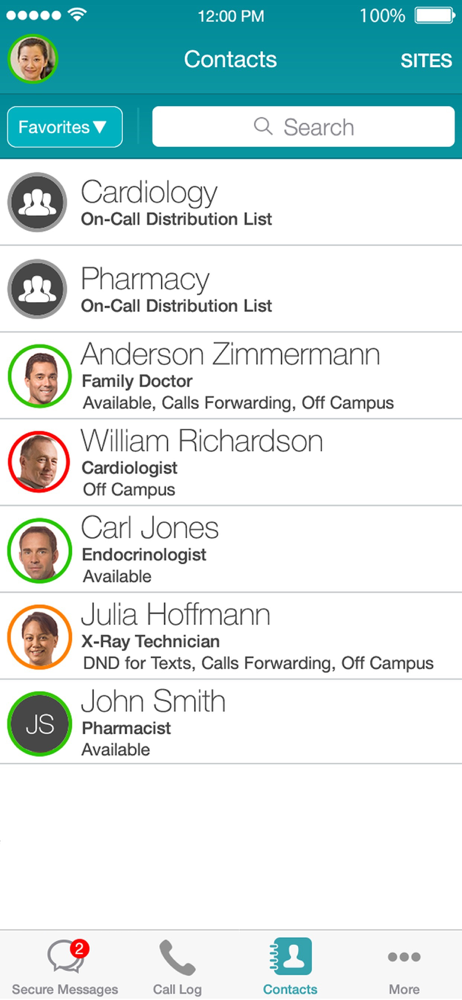
Better function than paging (I appreciate the ability to text back and forth) but finding a contact is hard. Sometimes the message doesn't pop up until I open my phone which is an issue since I need to get the notification when it is off. One other glitch: for some reason after I downloaded this app, any time I try to push "call" on my most common contact in my iPhone, it defaults to vocera (an app they don't have) instead of a regular phone call. Doesn't happen for anyone else. Now that button to call that contact doesn't work at all. Very strange but it was a glitch that happened after downloading Vocera for work.
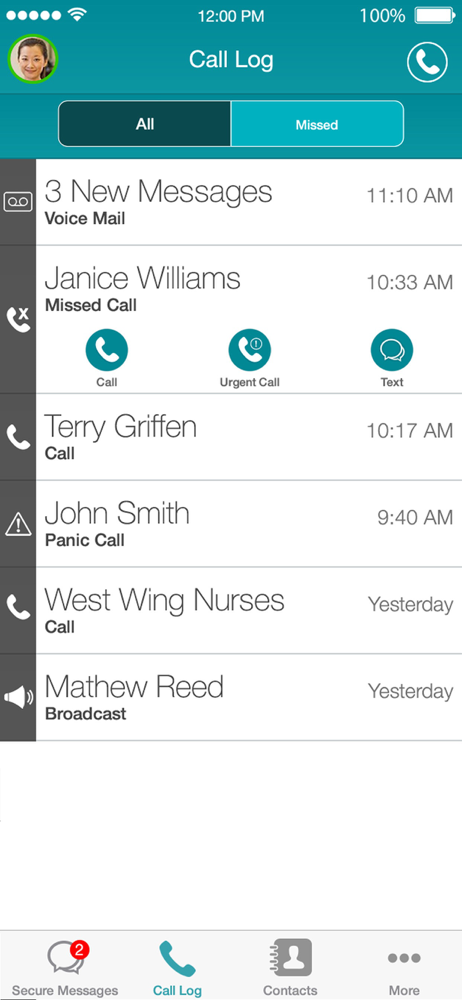
I am an end user of Vocera, my employer requires it. Ours is a mixed network of Vocera handheld devices and the Vocera cell phone app on personal cell phones, and the Vocera desktop app at our workstations. There are too many ways for a communication to fail on this platform. Is the caller on the Vocera network or off network, or on a cell network, or on another local network? These will impact your ability to connect, and how you should attempt to call. Is the recipient’s app open on their phone, app closed, personal cell privacy settings on? Was the communication sent via text, or template? Was the caller using the desktop computer application, their cell phone app, or the personal device? Not all cross-talk, and will impact if the recipient receives the call. There are too many uncontrolled variables. Some calls only work device to device, some only work on-network to off network. Vocera needs to improve the cross-communications of their platform’s app, device and desktop versions. Needs to be uniform. We professionally accept the high rate of communication failure as a norm. It’s one of the weakest points in our organization.
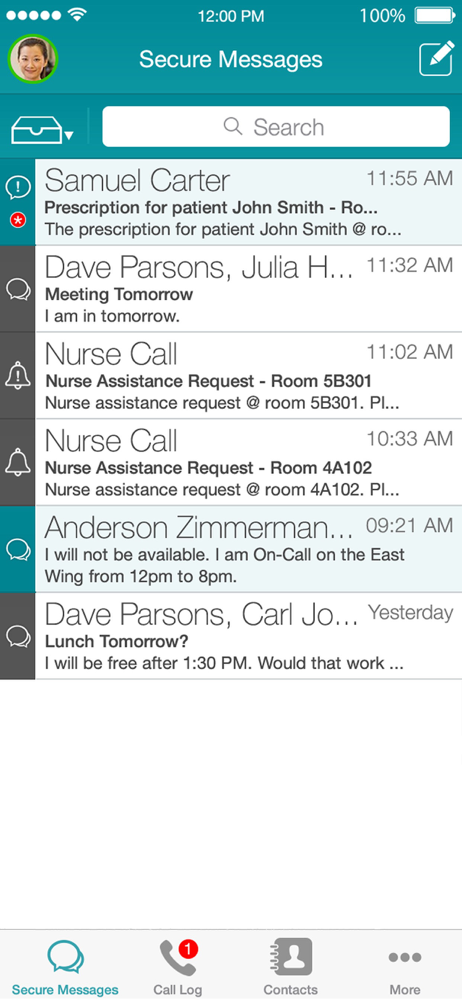
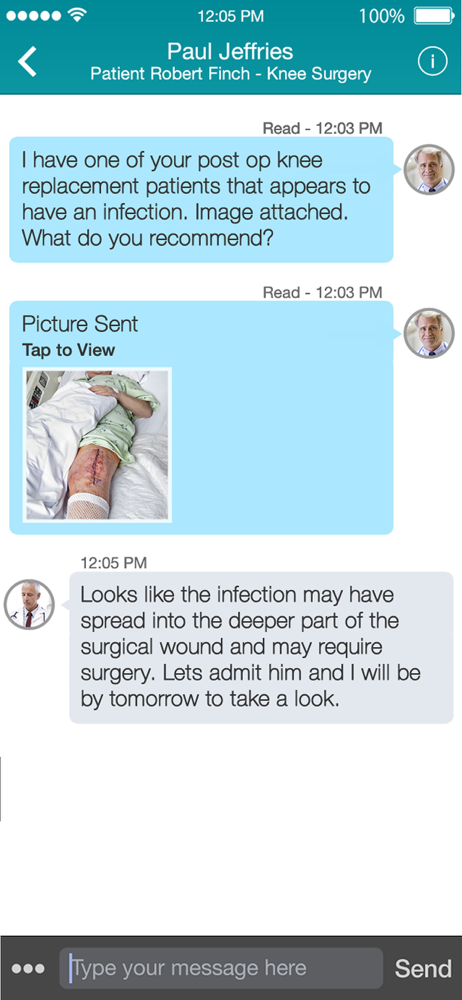
Dont go by the somewhat dated UI appearance but if you look beyond that, the app is a solid accompaniment to any clinician that’s trying to juggle multitude of priorities on a minute by minute basis. Vocera delivers the most important alerts & alarms, allows me to collaborate using patient information with other colleagues on my floor or across my health system. It has integrated secure texting as well as “alexa-like” voice calling capability to, for instance, “call the on-call physician” without needed to look up who it is or needing to remember their phone number. Similarly, using voice, I could “Page Doctor McVille” and a text/page would be sent.
Enterprise-class clinical communications including secure messaging Vocera Collaboration Suite is the industry’s leading enterprise-class, HIPAA comp...


