
Check the acquisition promise
Read the store headline, screenshots and description. What problem is the app promising to solve?
Study the storefront ↗
Spok, Inc. · iOS
Explore the ad evidence, study the storefront, and build your next acquisition hypothesis.
01 / Creative research
Read the store headline, screenshots and description. What problem is the app promising to solve?
Study the storefront ↗Explore apps with direct store-link matches. Compare their hooks and formats without assuming the same approach works here.
Browse observed advertisers ↗Store rankings and revenue estimates describe market context. They do not establish ad spend, conversions or ROAS.
Review the market context ↗02 / Storefront & product
Study the product story and store experience behind the acquisition funnel.



03 / Market context
Keep revenue, downloads and store rankings separate from advertising performance.
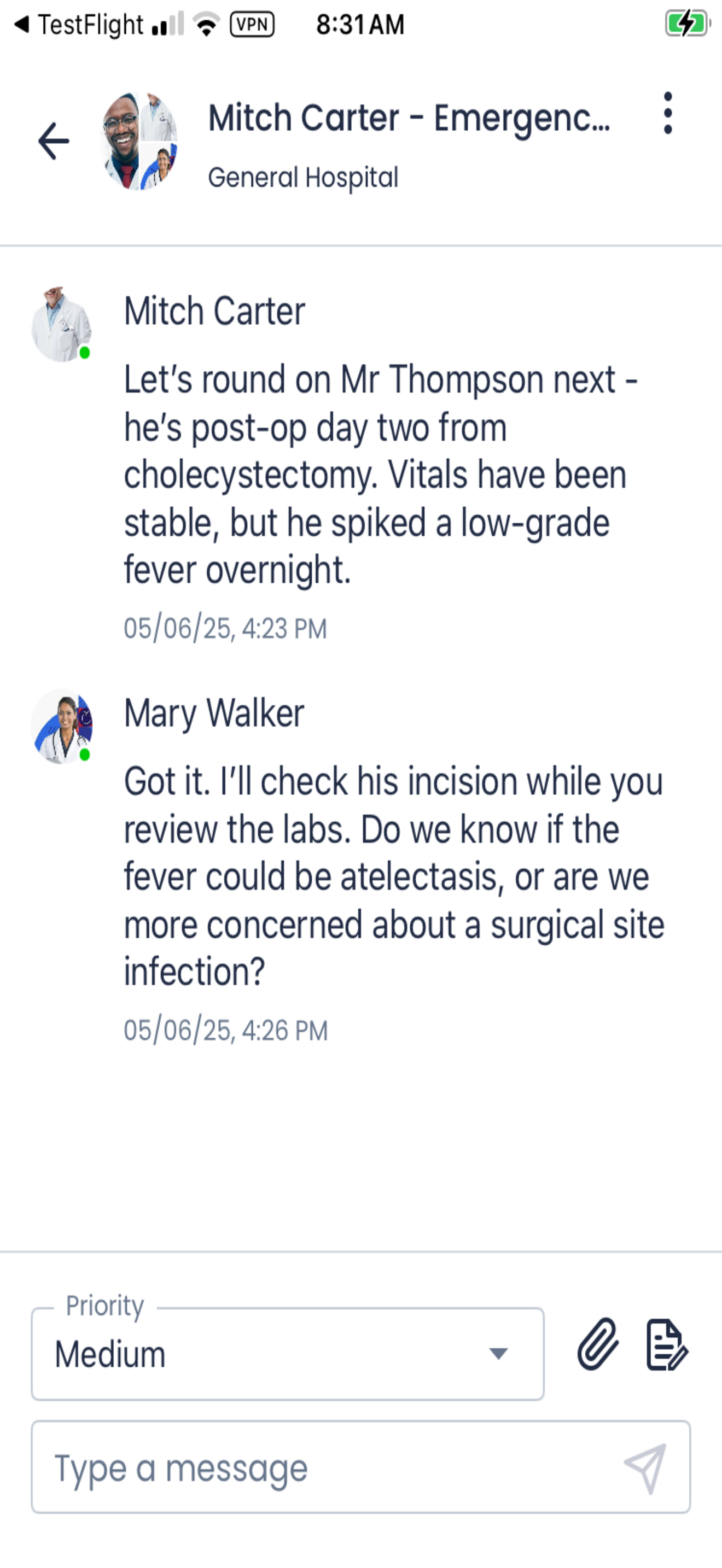
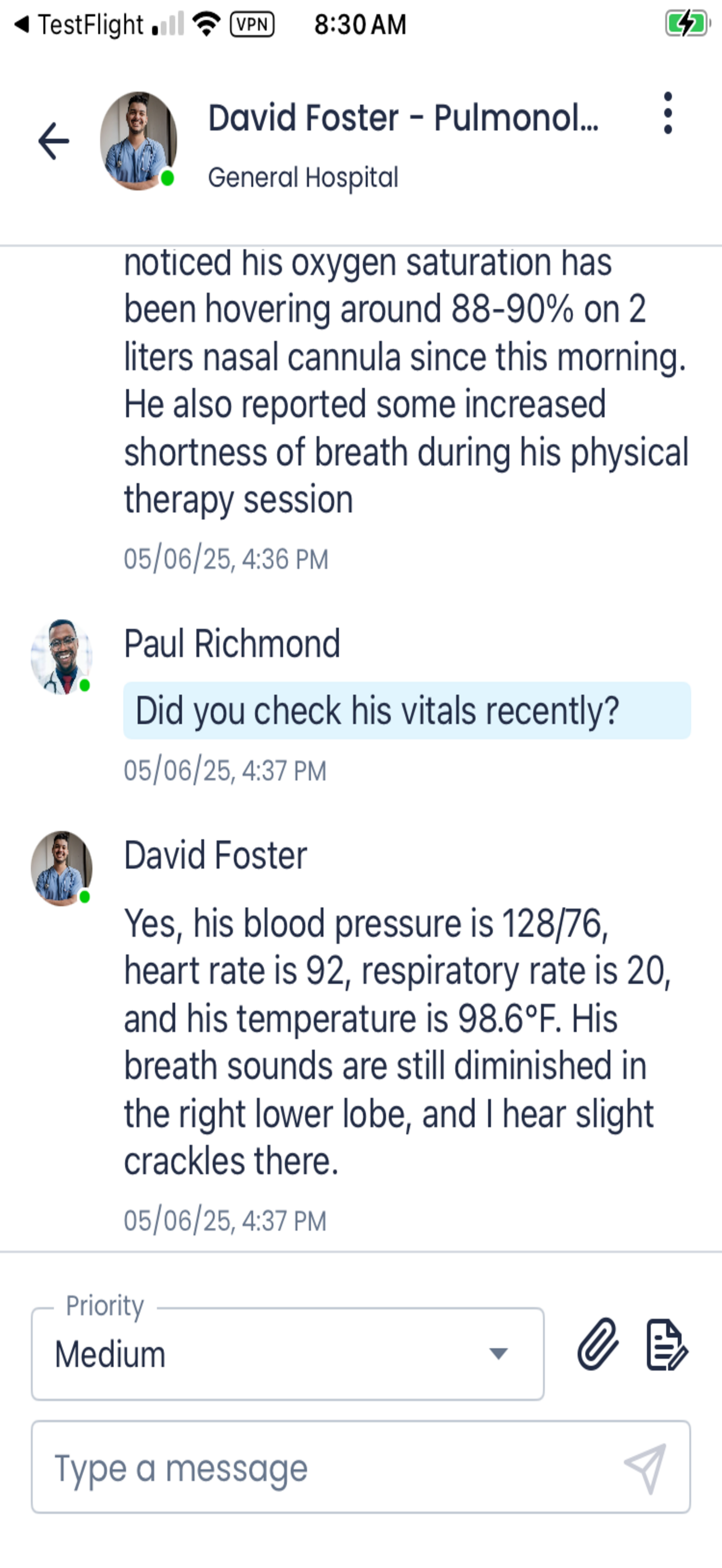
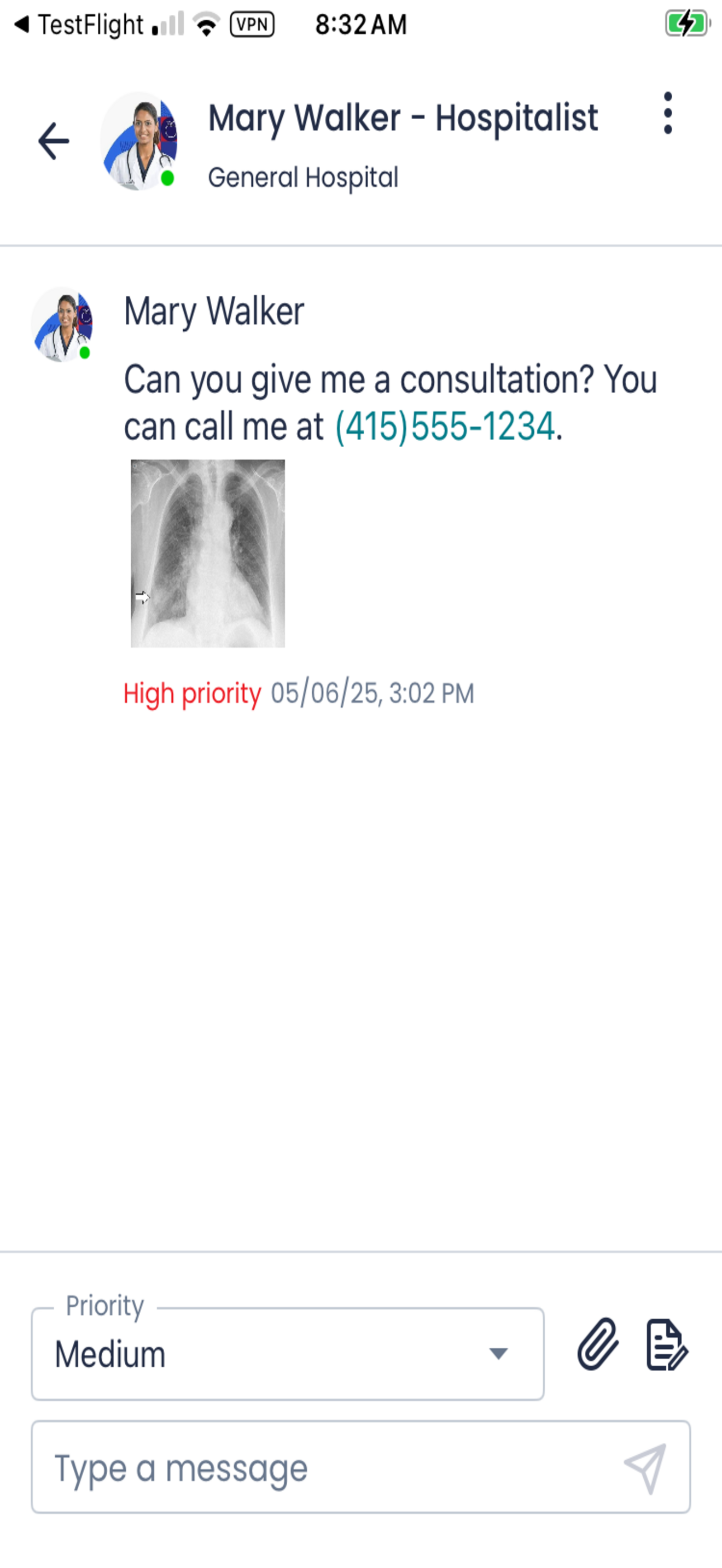
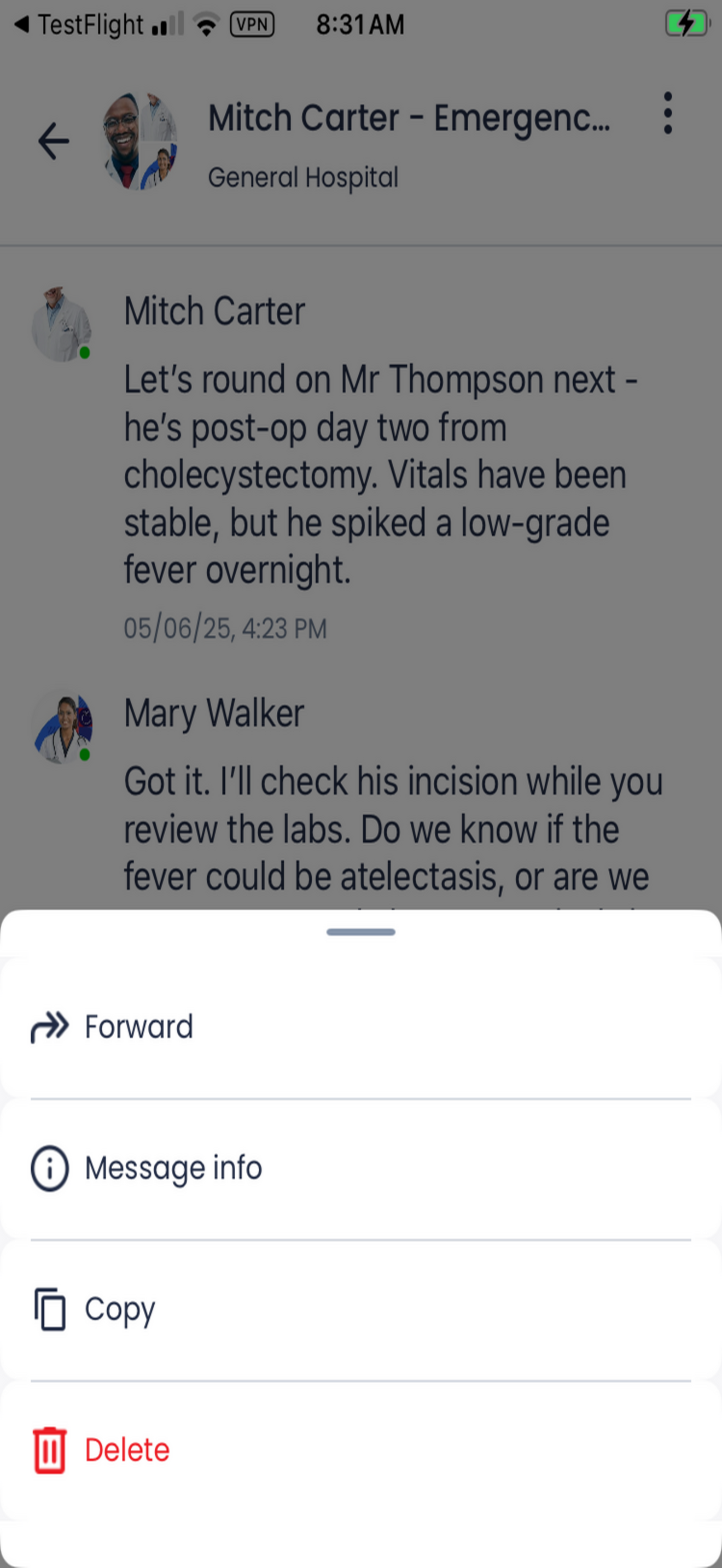
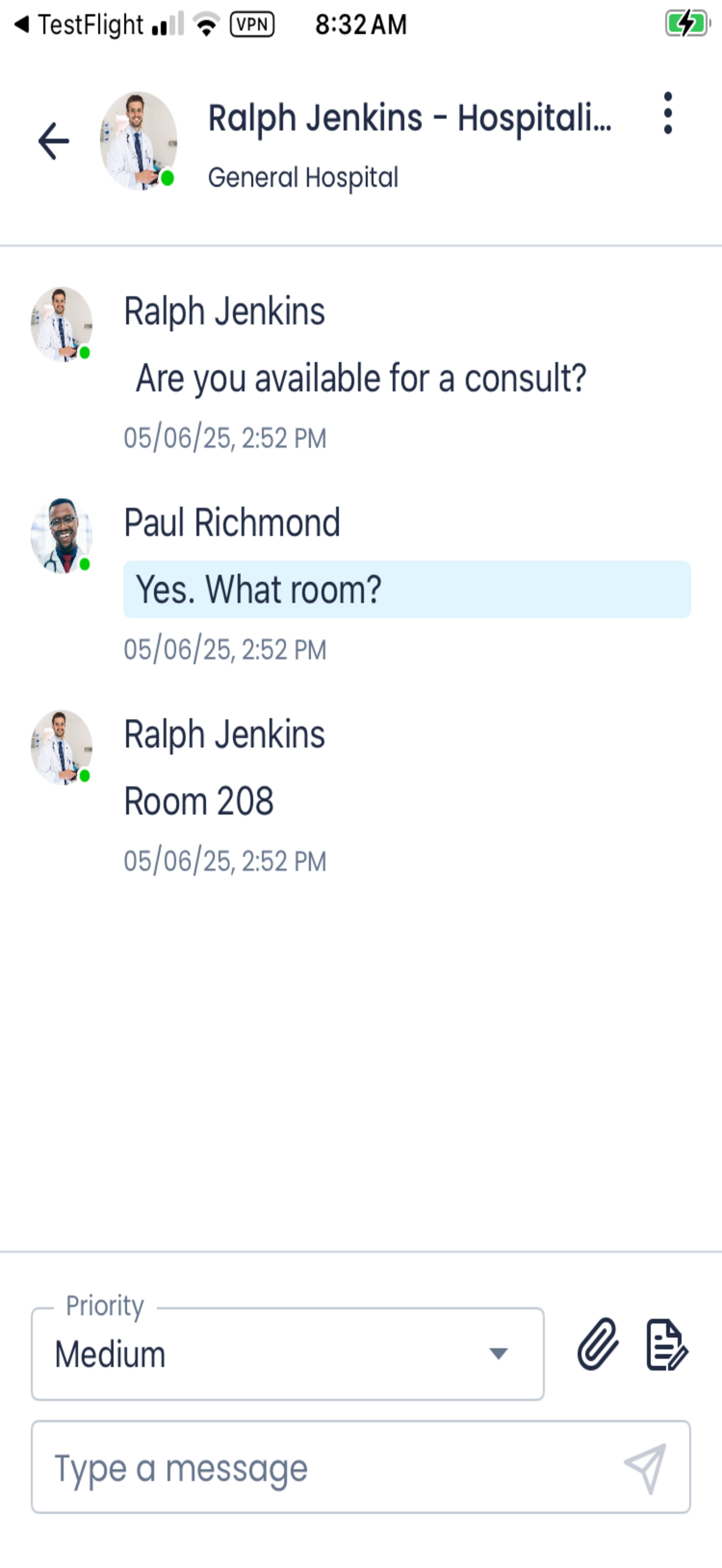
Overall this application is one of the worst two-way messaging apps I have used. Though it does integrate with our system’s existing paging network and messages do seem to be delivered (bare minimum functionality), the UI is terrible. I have it two stars because 1 is the lowest and it does actually send and receive messages, so it should get some minimal credit. Very clunky to navigate between message “threads”. group message threading is essentially absent. Message history seems to disappear very quickly. No search function. Multimedia support is very bare bones. Certain characters are not supported “/“ and no error message is supplied! Our hospital system pays money for this. We have to use it to communicate. It should be less terrible, and allow us to quickly and easily navigate what are often many and complex messages. Paging is no longer just send a number to get called back. Modern two way asynchronous messaging should be much better than this.
On ios, the paging system is frustrating. I will keep receiving reminder notifications until I “confirm” receipt. But there’s no way to do that for a message unless I force close the app and reopen it. As long as the app is open and you’re looking at the message, there’s no way to confirm that you’ve read it.
We switched from physical pagers to Spok when I started residency in 2017. Fast forward to now, this app has remained essentially unchanged, getting updates to make sure it remains functional with iOS updates, but nothing more. It feels like an app that was designed before the original iPhone even came out. It is clunky, has a terrible UI, and seems to function worse now than when I first had to use it (e.g., you are supposed to be able to tap phone numbers within a page to easily call, but this either doesn’t work now or you have to tap multiple times for the call prompt to come up). It’s just an embarrassment and they likely have no real incentive to improve it because huge healthcare systems often don’t want to switch to a new system.
Spok Mobile™ is a critical messaging / alerting application for use in healthcare, government, and public safety environments. Some functionality req...


