Check the acquisition promise
Read the store headline, screenshots and description. What problem is the app promising to solve?
Study the storefront ↗
APPBYTE PTE. LTD. · iOS
Explore the ad evidence, study the storefront, and build your next acquisition hypothesis.
01 / Creative research
Read the store headline, screenshots and description. What problem is the app promising to solve?
Study the storefront ↗Explore apps with direct store-link matches. Compare their hooks and formats without assuming the same approach works here.
Browse observed advertisers ↗Store rankings and revenue estimates describe market context. They do not establish ad spend, conversions or ROAS.
Review the market context ↗02 / Storefront & product
Study the product story and store experience behind the acquisition funnel.




03 / Market context
Keep revenue, downloads and store rankings separate from advertising performance.
Don’t update or change anything in the app God Bless You
I had some low light security cam footage that needed some help. Just a little good solid noise reduction would have satisfied me. After playing around with this app for a little while, I realized there was nothing worthwhile that could be done without a subscription, and it wasn’t apparent that there was a full feature trial, so I subscribed. Although there’s nothing in the app that directly addresses video noise, surely clicking on “Enhance” should cover some of the flaws my video suffered from, so let’s try that! Well…. You’d think an app that purports to do so many amazing things would give you some control over the process, and a few options to optimize things for your own file, but no, you have the option to trim the video, and a big button to Start the process. Ok. No problem. I’ll just have to trust you. Well….how did that work out? Not too good! The enhanced video was completely underwhelming. Lighting wasn’t affected much. Some of the static objects in the frame might have been a little clearer, but the moving objects were still just as blurry and pixelated as before. Not even noise in still / solid colored objects was improved at all. A complete FAIL in my opinion. But I only have myself to blame. I feel really dumb for falling for this, and here are the red flags! First of all, for a 4 year old app to have 32 ratings - I guess any developer should have 32 friends to post the 5 star reviews, yes? Secondly…. The example pictures in the App Store can’t be real. They’re all a bunch of beautiful and flawless models, in images that if not AI, then certainly were shot by professional photographers, which have been manipulated to simulate the issues which this app supposedly can fix. Again, my fault for not recognizing this before I spent money on a subscription, for a useless app which I deleted within 10 minutes of installing. Buyer Beware!!!!
1. Easy access 2. Free hd quality 3. Free ai repair quality But everything I just listed is limited for 3 days you can only have that for 3 days unless you pay but it’s still 5 for me
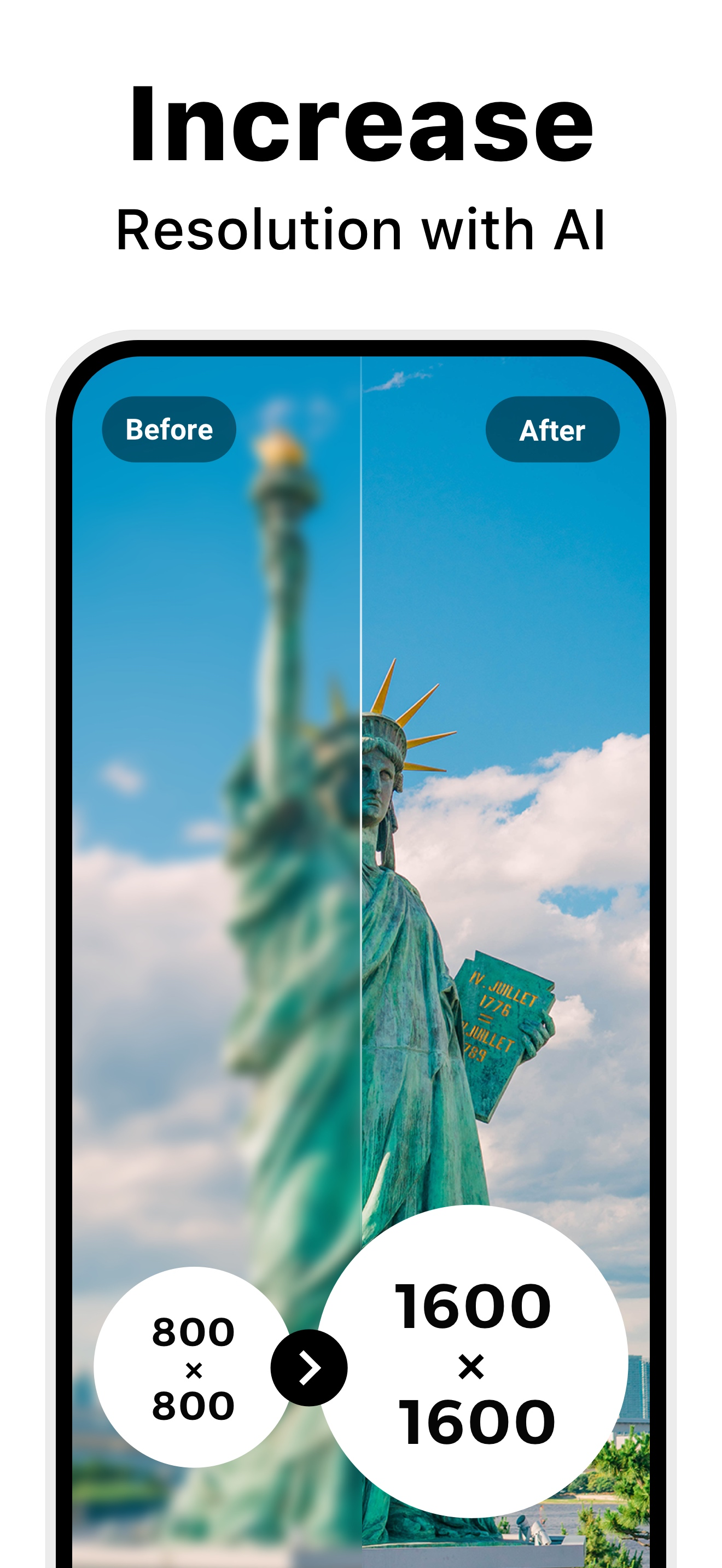
Utool - AI Video & Photo Enhancer is an all-in-one AI video generator, video enhancer, photo enhancer, and editor. Restore blurry or old videos and ph...
| Name | Price | Type |
|---|---|---|
| 200 Credits | $1.99 | One-time |
| 400 Credits | $3.99 | One-time |
| 600 Credits | $5.99 | One-time |
| Utool Pro - Monthly | $5.99 | Monthly |
| 1,200 Credits | $9.99 | One-time |
| Utool Pro - Yearly | $19.99 | Yearly |
| 2,600 Credits | $19.99 | One-time |
| Utool Pro - Yearly | $19.99 | Yearly |
| 7,500 Credits | $49.99 | One-time |