Check the acquisition promise
Read the store headline, screenshots and description. What problem is the app promising to solve?
Study the storefront ↗
Ubiquiti Inc. · iOS
Explore the ad evidence, study the storefront, and build your next acquisition hypothesis.
01 / Creative research
Read the store headline, screenshots and description. What problem is the app promising to solve?
Study the storefront ↗Explore apps with direct store-link matches. Compare their hooks and formats without assuming the same approach works here.
Browse observed advertisers ↗Store rankings and revenue estimates describe market context. They do not establish ad spend, conversions or ROAS.
Review the market context ↗02 / Storefront & product
Study the product story and store experience behind the acquisition funnel.


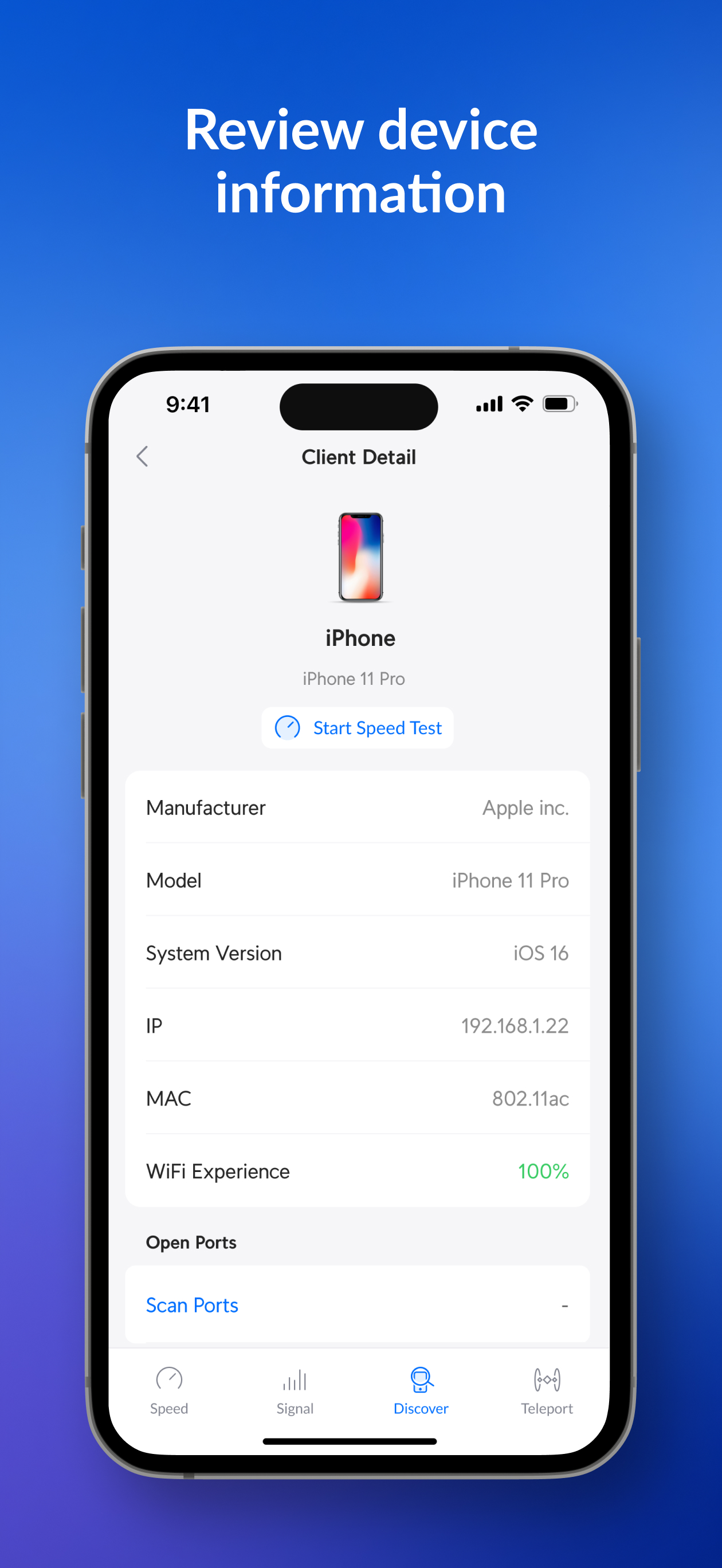


03 / Market context
Keep revenue, downloads and store rankings separate from advertising performance.
This app does a great job of providing users with the data they need to optimize their wifi experience. It allows you to scan your environment to optimize your wifi and it also clocks what bands and channels you’re connected to, along with giving you helpful suggestions for tweaking those settings to get better network performance. If you also have Ubiquiti devices like cloud gateways or access points, you can also establish a tunnel back to your home network. The only thing is that sometimes the speed test results from the tests are not super accurate but they are more precise than the speeds you’d get from testing connection speeds on the internet. All in all, this app has been a helpful way to optimize your wifi experience and the UI is intuitive and easy to understand.
I have no issues establishing a teleport tunnel while connected to a WiFi AP from my iPhone. However, if I’m out traveling and on T-Mobile service, the vpn profile for Wifiman shows it has both an rfc1918 ip address as well as an IPv6 address. Unfortunately, my ISP, Frontier doesn’t support IPV6 in my area. So the traffic just drops/fails as soon as I try to do anything with the tunnel. I’ve seen similar issues before with Cisco anyconnect on windows boxes with IPv6 enabled for the vpn tunnel interface. The tunnel doesn’t know how to route traffic, so it just fails. As a bandaid for the Cisco issue, our support desk team would disable IPv6 on the nic as a workaround. Unfortunately, for my iPhone, this doesn’t work. Others reported turning on IPv6 for their unifi router’s wan interface, for me, that won’t do any good as Frontier only assigns ipv4 addresses in my state. A simple fix might be a toggle to enable or disable IPv6 in the vpn settings, but alas, I’ll just need to tether my laptop to my phone when out and about. I
This app provides just a few features, but the features have worked well for me and the user-interface is fine. And it’s free, so there isn’t much to complain about! But it occurs to me that it would be useful if this app was also available for AppleTV. For one, many people have their AppleTV connected via wireless, so it’d be interesting to know how well the WiFi connection of *that* specific device was working. For two, the app notes that if you’re measuring the speed of transfers between two devices on your Wi-Fi, then the speed that it reports might be half-as-fast of the actual speed of the device that you initiate the test from. That’s because you’re measuring the connection-speed of *both* WiFi devices at the same time. For those of us who have an AppleTV hard-wired to our network, it’d be very useful to use that hard-wired device as the server that this app connects to.
WiFiman is here to save your home or office network from sluggish surfing, endless buffering, and congested data channels. With this free-to-use (and...