Check the acquisition promise
Read the store headline, screenshots and description. What problem is the app promising to solve?
Study the storefront ↗
Ubiquiti Inc. · iOS
Explore the ad evidence, study the storefront, and build your next acquisition hypothesis.
01 / Creative research
Read the store headline, screenshots and description. What problem is the app promising to solve?
Study the storefront ↗Explore apps with direct store-link matches. Compare their hooks and formats without assuming the same approach works here.
Browse observed advertisers ↗Store rankings and revenue estimates describe market context. They do not establish ad spend, conversions or ROAS.
Review the market context ↗02 / Storefront & product
Study the product story and store experience behind the acquisition funnel.




03 / Market context
Keep revenue, downloads and store rankings separate from advertising performance.
I use long credentials on all my devices for both ID and password, and the login button turns off before the tokens are fully typed in. The credentials get reset to the default values, which is obviously not useful. The EdgeRouter is discovered, but the EdgeSwitch is not. When I add it manually, I run into the first problem. If there is some way of getting this to work, the insufficiency of documentation prevents me from finding that. I have dropped back to using the web interface for each device. Ubiquiti devices work, but there is zero support, and the different product lines treat each other as enemies.
Has a bps over time graph for my router that works until you tap to a different part of the app or switch apps. After this the graph remains frozen and doesn’t change until you completely exit the app and restart it. There is a firmware update page that has only worked 1 of 4 updates I’ve tried (errors and blank screens). After getting one that worked, the “available firmware” section then showed an older version, despite clearly showing a newer version installed just above that section. The web interface is unusable from a mobile device so your stuck with this if you want to check something when out of range of a computer.
I don't have much going on in my home network. 1 edgerouter x-sfp, and Unifi AP AC and then several wired and wireless clients. This app allows me to change some basic settings in the router. Obviously you can't change anything with the Unifi AP in this app (that would be in the Unifi app.) However, my only issue is doing firmware upgrades on the router within the app. The request always times out and the upgrade fails.
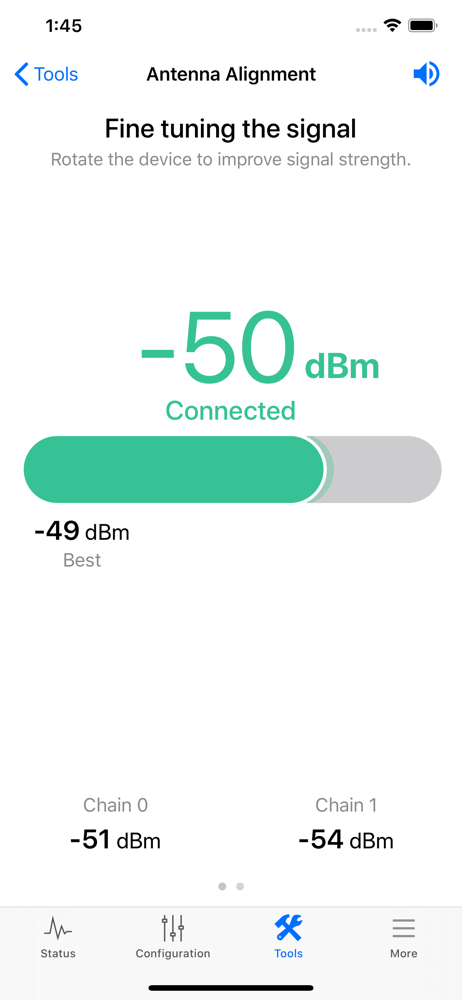
The UISP app gives users a single-point device installation and management tool for Ubiquiti’s extensive line of ISP-grade products. With the app, you...