Check the acquisition promise
Read the store headline, screenshots and description. What problem is the app promising to solve?
Study the storefront ↗
Matia labs, inc. · iOS
Explore the ad evidence, study the storefront, and build your next acquisition hypothesis.
01 / Creative research
Read the store headline, screenshots and description. What problem is the app promising to solve?
Study the storefront ↗Explore apps with direct store-link matches. Compare their hooks and formats without assuming the same approach works here.
Browse observed advertisers ↗Store rankings and revenue estimates describe market context. They do not establish ad spend, conversions or ROAS.
Review the market context ↗02 / Storefront & product
Study the product story and store experience behind the acquisition funnel.



03 / Market context
Keep revenue, downloads and store rankings separate from advertising performance.
I rarely write reviews, but in this case I have to call out tech support for their immediate response (on a Saturday evening no less) to a problem I found with a storm of DNS lookups. They were extremely responsive, and had a new version out within a couple of days. Bravo
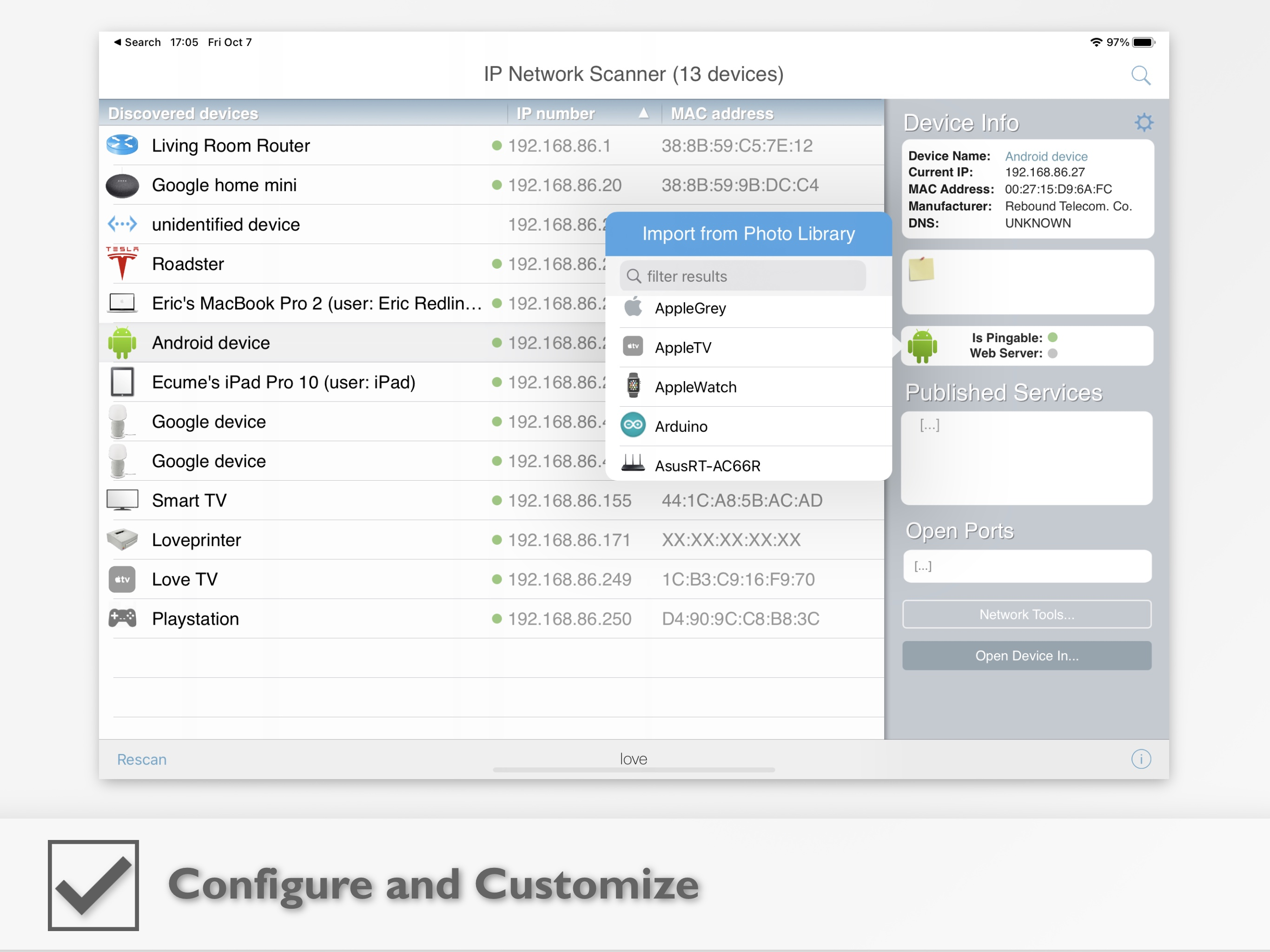
Indispensable utility to assign meaningful names and icons to all those phones, laptops and smart home devices on your network. Especially good for devices that don’t automatically display much with the access point built-in software to audit and track what you’ve got.
The Pro version meets all my needs, and the free version seems to have the same features, but limits the scan results to something like 10 devices. A few reviews stated this app was slow, and I'm not a network professional, but on my small office with between 25 and 35 devices (usually), a scan takes about 5 seconds. The scan result identifies all the "main" devices (computers, printers) by a recognizable name such as the manufacturer or device model. Most other devices get a generic name that usually helps identify them, like "VoiP phone" and some devices come back as "unidentified device". However, once you figure out what any device is, you can change the name of it in IP Scanner and it will remember that name in the future (I assume the program associates the new name with the MAC address of the device). I used the older free version of IP Scanner that scanned up to 22 devices for many years. I had all the normal devices on my network named and when I upgraded to the new version and then the pro version, it still had all the custom names I had entered. Don't know how much better you can do for $20 on a Mac.
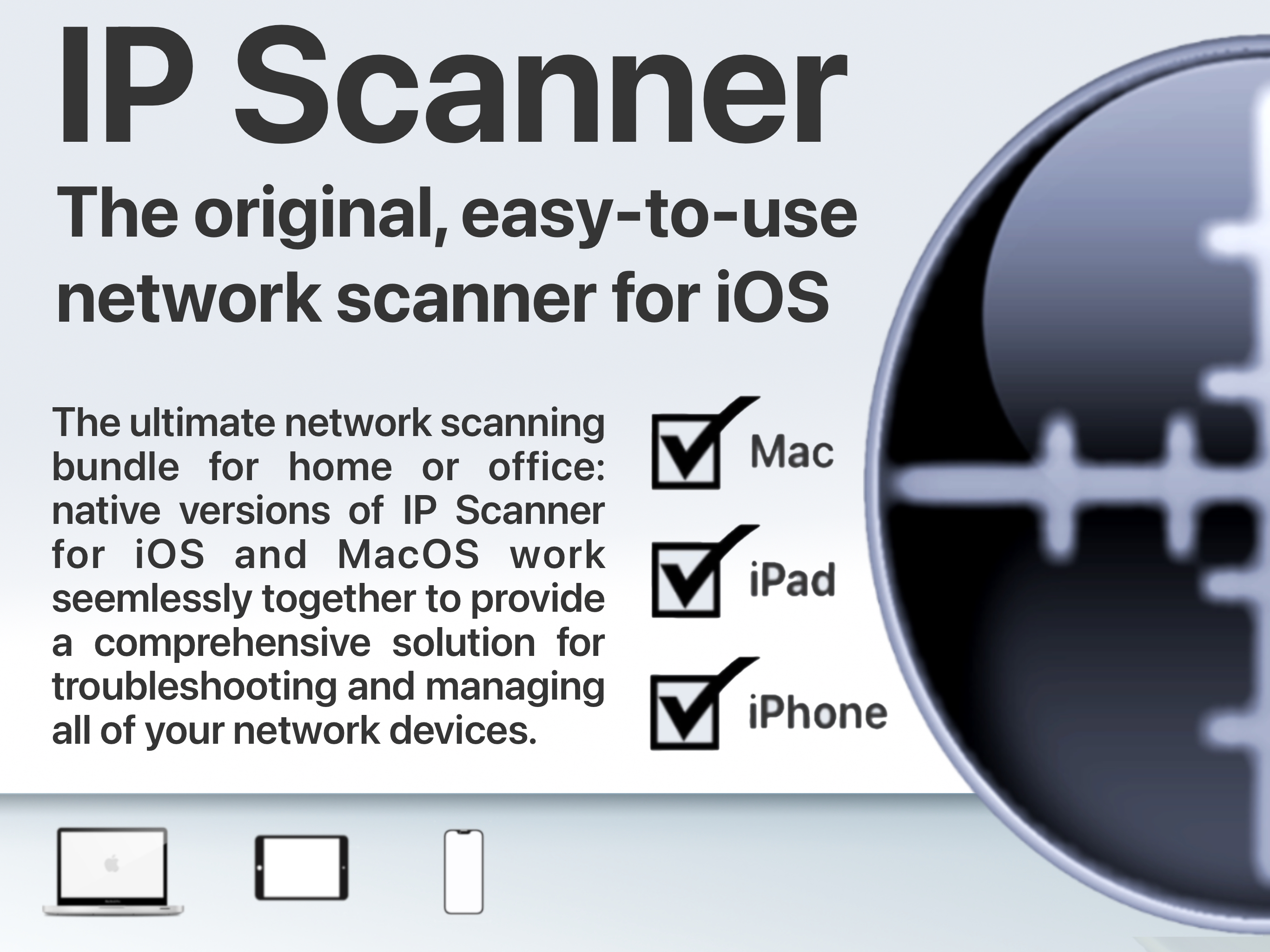
IP Scanner for iOS scans your local area network to determine the identity of all active machines and internet devices on the LAN. Powerful results, y...
| Name | Price | Type |
|---|---|---|
| IP Scanner Pro Upgrade (MacOS) | $19.99 | One-time |
| IP Scanner Pro Upgrade (iOS) | $19.99 | One-time |