
Check the acquisition promise
Read the store headline, screenshots and description. What problem is the app promising to solve?
Study the storefront ↗
Two Fifty Six AB · iOS
Explore the ad evidence, study the storefront, and build your next acquisition hypothesis.
01 / Creative research
Read the store headline, screenshots and description. What problem is the app promising to solve?
Study the storefront ↗Explore apps with direct store-link matches. Compare their hooks and formats without assuming the same approach works here.
Browse observed advertisers ↗Store rankings and revenue estimates describe market context. They do not establish ad spend, conversions or ROAS.
Review the market context ↗02 / Storefront & product
Study the product story and store experience behind the acquisition funnel.


03 / Market context
Keep revenue, downloads and store rankings separate from advertising performance.
As a regular pioneer, I use this app all the time to do my research before heading out in service. What a difference it makes to have the information written down right in front of me. (Cell service in Vermont can be “unreliable” at times and we travel long distances for our territory sometimes just to “miss out” on calls because of lack of service. Thank you for this app and for all you do to assist us in this most important work. May Jehovah keep you in His tender loving care. Agape ❤️😊 🙋🏻♀️
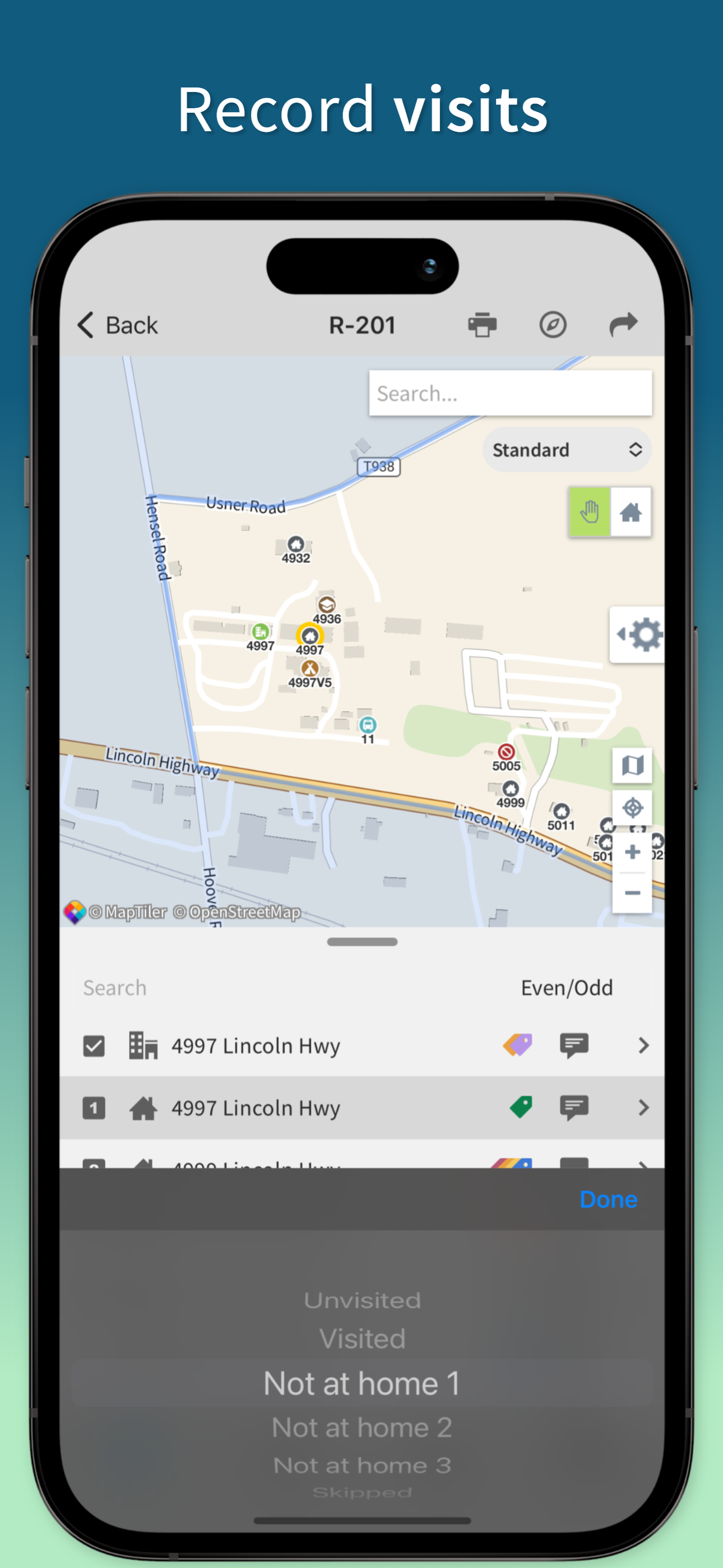
When marking homes not at home or not for 1st 2nd or 3rd time the are you sure pop up feels redundant and the loading time for it to register is inconvenient as opposed to just being able to tap the homes and being able to change them back without the pop up. There should also be a note field people can access on the territory while working. For example if a home is listed twice, doesn’t exist, or private property/no trespassing, write letters instead, empty, bad dog etc. This is especially helpful when we’re working group territory as opposed to personal territories since we currently can’t use the notes until turning in the territory.
Hello! I’m trying out the app as the territory servant to see how well it works for my congregation. I think it’s a great app but I do have some doubts. For example, due to being in a Spanish congregation with plenty of rural territory, notes and tags are really essential. So it’s a little inconvenient having to go from the website to the app to add notes whenever I am creating territories. Also, after making a territory and using the app I noticed that sometimes the tags disappear on a few addresses and reappear later. Sometimes when I want to add a tag to an address and it doesn’t give me the option, I have to sort of refresh the page and even then tags don’t always reappear. I’ve thought about maybe just using the notes option and adding a note on each address but I’m worried that it can be deleted by a publisher. Lastly, some addresses are a little out of place. I was wondering if there’s a setting to where nearby addreses are next to eachother on the list. Thank you for taking the time to review this. Any suggestions?
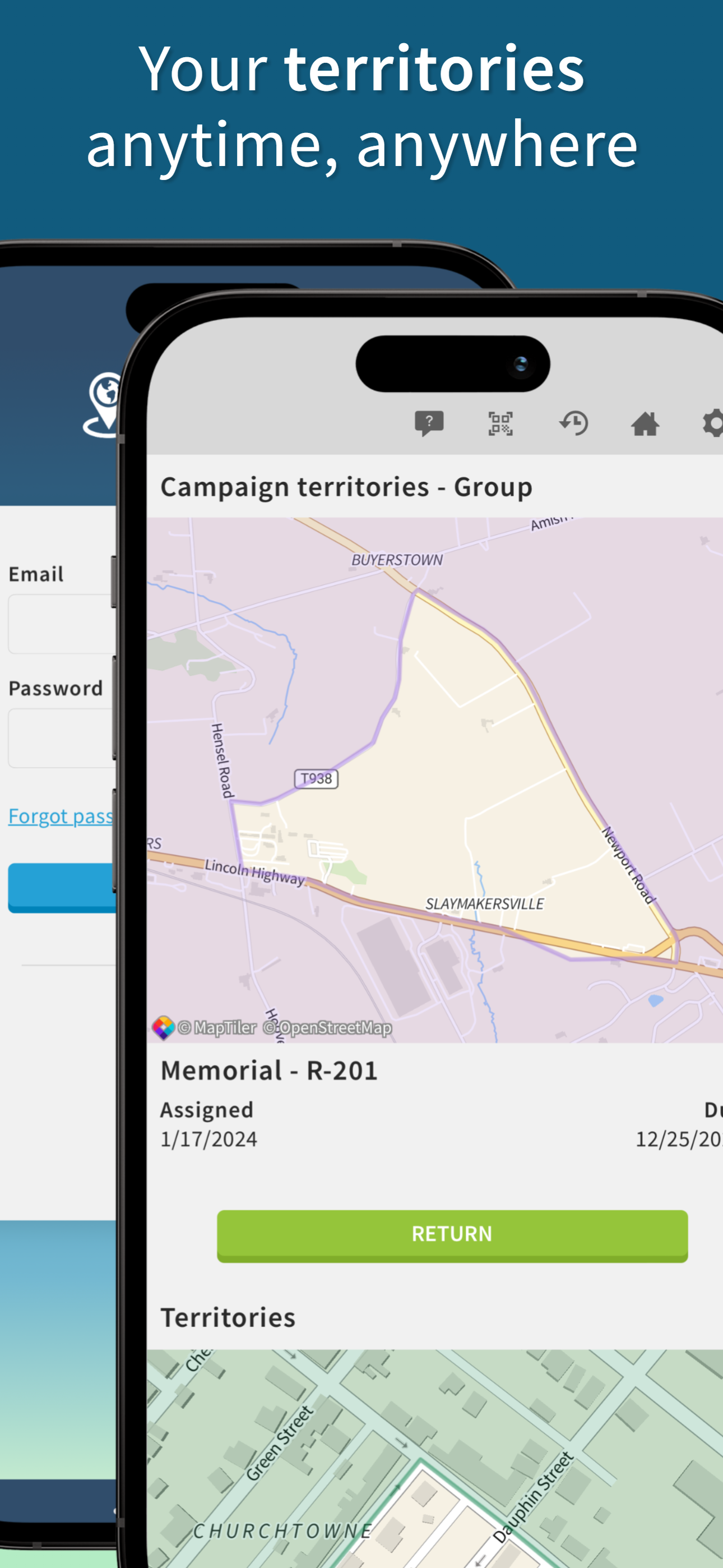
Territory Helper is a companion application to the Territory Helper website, allowing publishers to view their territory, campaign, and field service...


