Check the acquisition promise
Read the store headline, screenshots and description. What problem is the app promising to solve?
Study the storefront ↗
Msquare Labs Technologies Private Limited · iOS
Explore the ad evidence, study the storefront, and build your next acquisition hypothesis.
01 / Creative research
Read the store headline, screenshots and description. What problem is the app promising to solve?
Study the storefront ↗Explore apps with direct store-link matches. Compare their hooks and formats without assuming the same approach works here.
Browse observed advertisers ↗Store rankings and revenue estimates describe market context. They do not establish ad spend, conversions or ROAS.
Review the market context ↗02 / Storefront & product
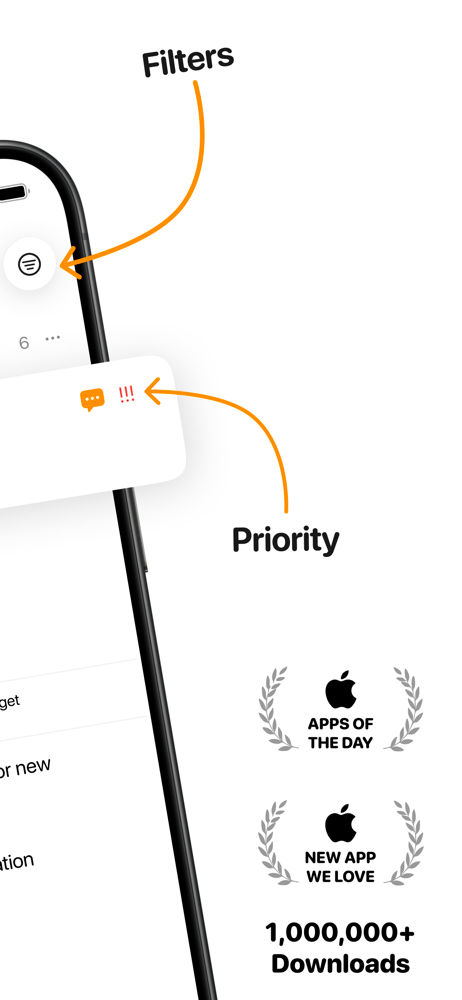
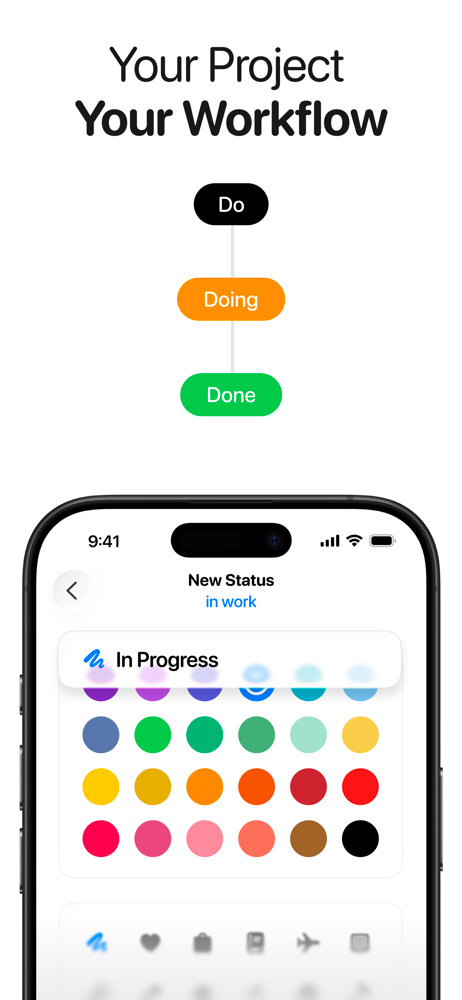
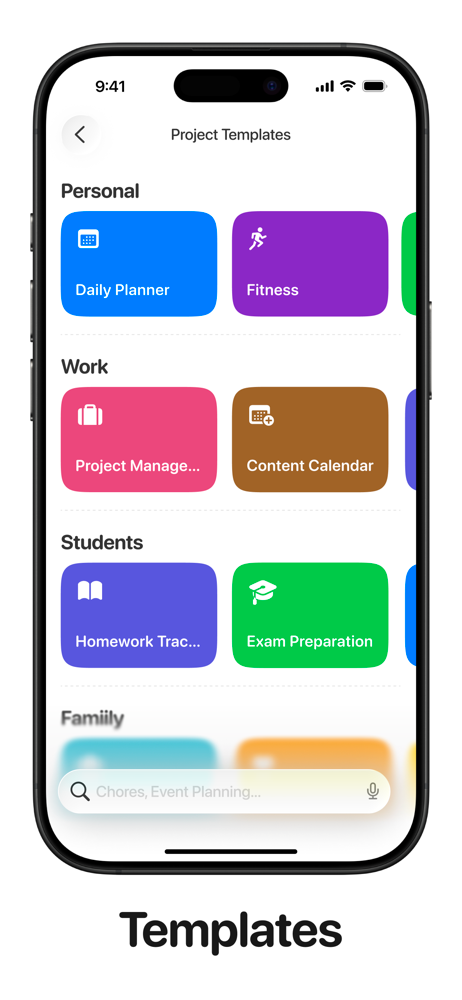
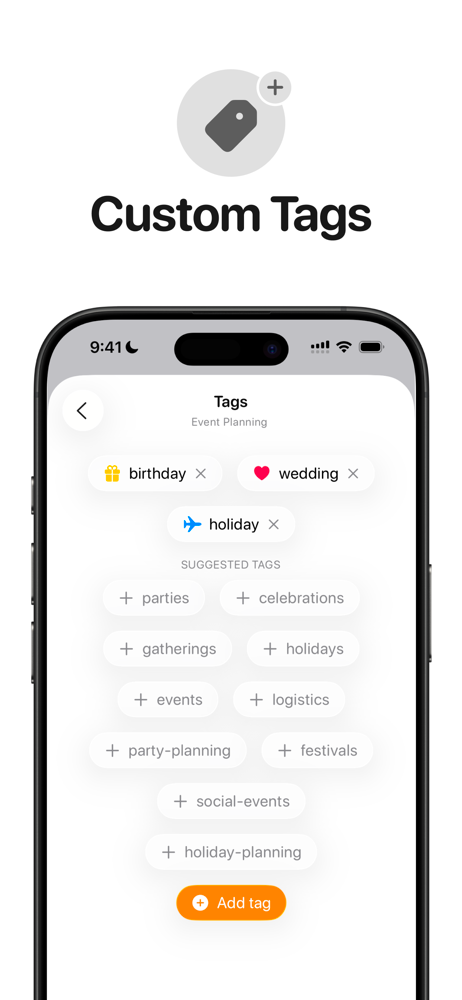
Study the product story and store experience behind the acquisition funnel.




03 / Market context
Keep revenue, downloads and store rankings separate from advertising performance.
I'm a bit disappointed by the top reviews that were highlighted and unless I'm missing something, they are misleading. This app was free but I couldnt do anything without paying over $20 for an individual subscription, for starters. I understand if there are cool features to put that behind a paywall, but to even use it at all I had to pay. So far, this app doesnt seem much different than the reminders app. It's also very glitchy and touchy with what you put in your lists. For example, when you add a task and then set a due date, if you had a typo in the task and go to fix it, then the date you set clears. I also tried to set a task on a custom schedule where it would list every first Tuesday of the month. While it let me click to do that in the custom settings, when I hit done the button reset to weekly on it's own and I couldnt do it. It's also weird because if you have something that is on a monthly schedule, if you hit done then it never moves to the done tab. It stays in your to do. I wish it would move over to done until the first of the next month and then it would reset. I wanted to use this to help me remember my monthly bills, but I could have just done this for free with the reminders app because it doesnt offer anything like what i mentioned that would make it unique. I do like that it allows you to make subtasks which is really nice. However, if that's the only difference in this application than using the reminders, then just save your money. Maybe my mind will change the more I use it, but as of now, I am wishing I didnt purchase this.
Better than most digital to do lists that I’ve ever worked with, if not all of them. I’ve tried setting up to do list systems using Todoist, Evernote, Milanote, Tot, Sidenote, Google Docs, Keep, Tasks & Sheets, Excel, Trello, Notion, Scrap Paper, Reminders, & many more virtual software projects - none of which ever worked better than my physical notebook…. That is….Until this freaky app caught my normally jaded eyes. I’m actually happy to open Tasks anytime a new to-do comes to mind, regardless of whether I’m using my Macbook, Phone, or iPad. They’re all pleasant to use & the cross-device sync is even faster & more reliable than iCloud Notes. I hate writing reviews but Jesus took the wheel here & so I’m reporting to bring the good news. Tasks is the last one I’ll ever need after decades of subpar software. Don’t you want to declutter & shelve your action items using just ONE APP ALONE?!? This is it, boys - you asked and they delivered with frictionless simplicity & smooth ux, Tasks - the FINAL LIST FROM YOUR FINGER LICKIN FANTASY 😋😚
The title speaks for itself. The app: it’s functions, features, custom attributes are well thought out and perform as desired. That’s why it gets 2 stars. It’s nothing special per any other Tasks app except for how colorful it is. I will say similar yet better is the amount of colors that can be assigned per a project is wonderfully surprising vs. the native Reminders app. Here’s the rub — Per the title, only two (2) projects and a third project pulls up the window pane to purchase the app and make it licensed. I think a trial for two projects is absurd. Give us at least 5 before requiring purchase. It just make me want to go back and use the Reminders app especially after looking at your pricing. Talk about greedy. If you’re going to charge a yearly fee it better come with new features monthly instead of additional users — this likely doesn’t help the average consumer. Ever heard of a tiered pricing structure for enabling features or added bonuses or a one time fee for X something or another? You’re app is just too expensive for what you get. I’ll go back to Reminders or another app called TickTick is also free regardless the amount of projects or tasks you add.
Tasks is a flexible task manager built for Apple devices. Start with a simple to-do list, then add structure only when you need it—with projects, subt...
| Name | Price | Type |
|---|---|---|
| Weekly | $3.99 | Weekly |
| Tasks Plus (Monthly) | $3.99 | Monthly |
| Tasks Plus Family (Monthly) | $7.99 | Monthly |
| Monthly | $9.99 | Monthly |
| Tasks Plus (Yearly) | $24.99 | Yearly |
| Tasks Plus (Annual) | $24.99 | Yearly |
| Annual (Offer) | $39.99 | Yearly |
| Tasks Family Plus (Annual) | $49.99 | Yearly |
| Tasks Plus Lifetime - Individual | $69.99 | One-time |
| Tasks Plus Lifetime - Family | $99.99 | One-time |