Check the acquisition promise
Read the store headline, screenshots and description. What problem is the app promising to solve?
Study the storefront ↗
Francesco Prospato · iOS
Explore the ad evidence, study the storefront, and build your next acquisition hypothesis.
01 / Creative research
Read the store headline, screenshots and description. What problem is the app promising to solve?
Study the storefront ↗Explore apps with direct store-link matches. Compare their hooks and formats without assuming the same approach works here.
Browse observed advertisers ↗Store rankings and revenue estimates describe market context. They do not establish ad spend, conversions or ROAS.
Review the market context ↗02 / Storefront & product
Study the product story and store experience behind the acquisition funnel.



03 / Market context
Keep revenue, downloads and store rankings separate from advertising performance.
I’ve downloaded so many apps for tasks + recurring routine-type tasks. and none of them check allll the boxes. this one comes close. wishlist: • for the events synced from calendar to be in chronological order in with the tasks - not necessarily the big color button but not just listed above the tasks so like this: 8:30 am Task 9 am Calendar Event 9:15 am Task 9:45 am Task 10 am Calendar Event 10:30 am Task • that the completed tasks remain visible but marked out and toned down in the “Schedule” view when you click on a date in the calendar so you can see what you accomplished on that specific day. • sub-tasks that can be completed too• a way to mark something as skipped or missed so it doesn’t push forward but it’s also still there so you can see where you slacked. • a timestamp of when an item is completed within the Tasks details cons: adding hex values for one color yields a brighter color for the actual button, the hex should be assigned to the button color and not the task info page background and it’s either buggy or just not programmed where the category options in creating/editing tasks holds that custom color - some have been completely blank no color no words, or light gray with no words. Thanks!
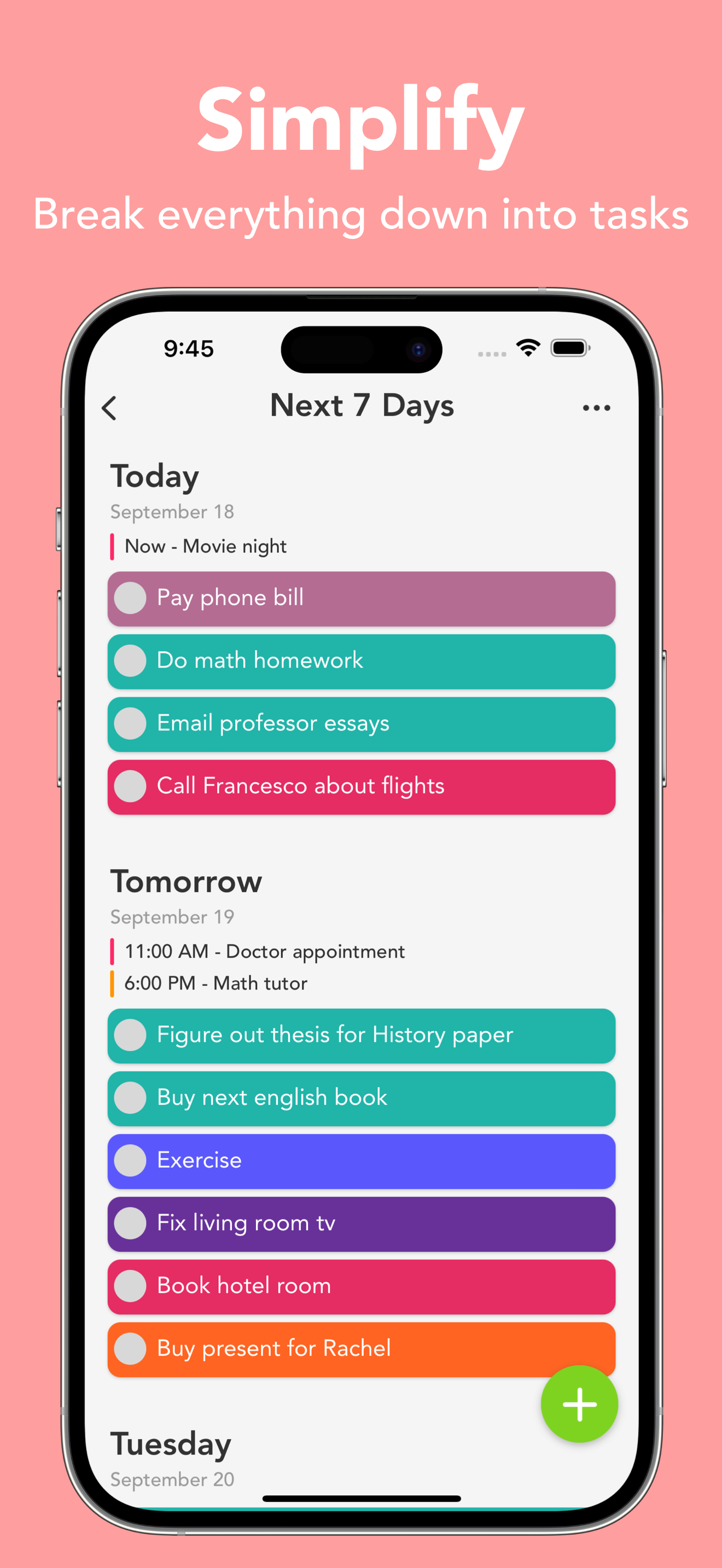
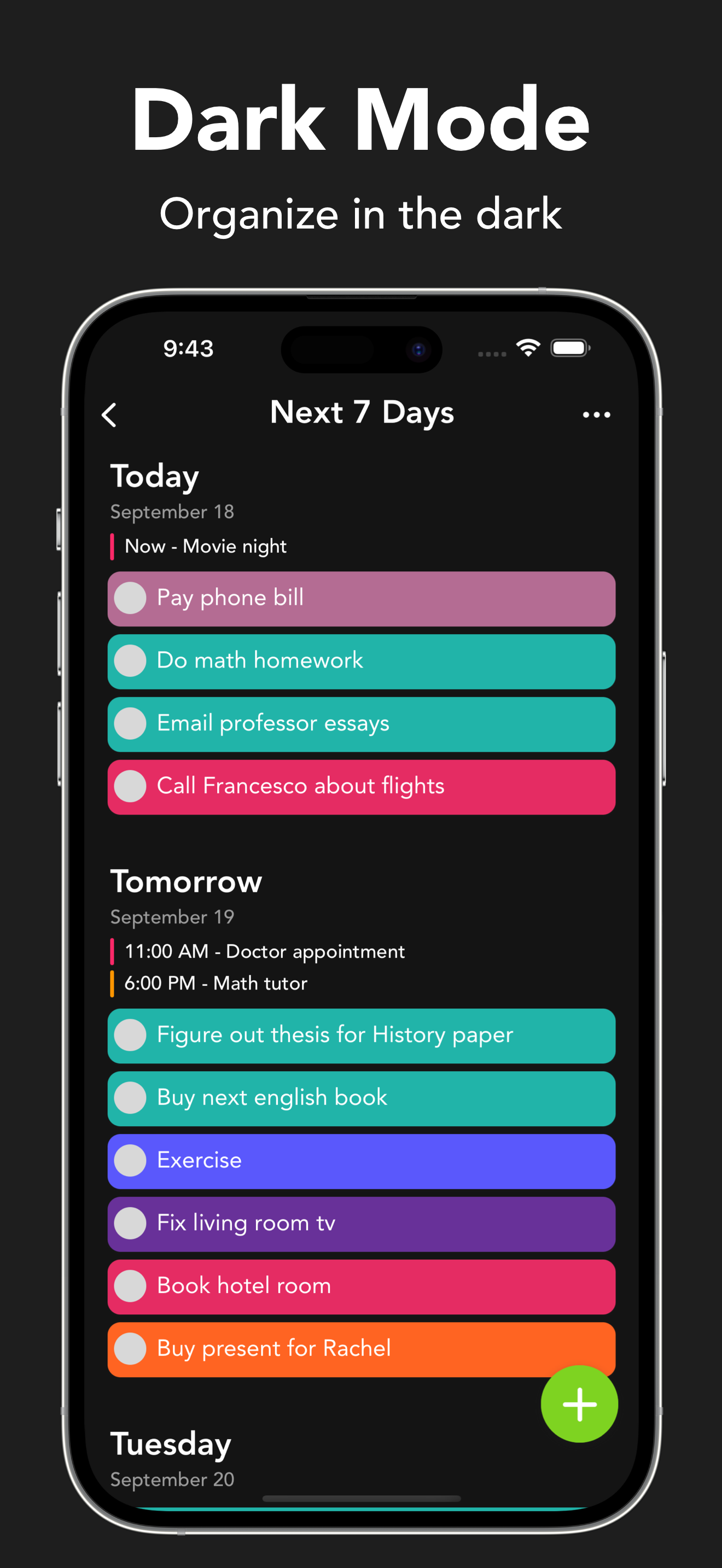
Extremely simple layout and easy to just jot down a quick thought or use it to layout a plan for your week! Large text with it’s simplistic design doesn’t overwhelm the user. It’s not like opening my iPhone calendar or reminders apps where there are so many categories and you have to specify if you want it to actually remind you or else it will sit in there never to be thought of again. ADHD/ADD friendly (for my mind but everyone is different). Regular occurrences in my mind are: Something you need to remember to do in a day pops into your mind at a random time/place. But I don’t want to scroll through a calendar, get mixed up on the number date, pick a specific time for it to appear, etc. In my mind all those customizable details makes adding something way to complex to even want to do it (I would rather write a shorthand note on paper and carry it around wherever I go.). All I do is open the app, the next 7 days will appear in a list, press the big green “+”, type what just popped into your head, pick the day that you want to see it visually listed under, then click the big green “Add”. DONE.
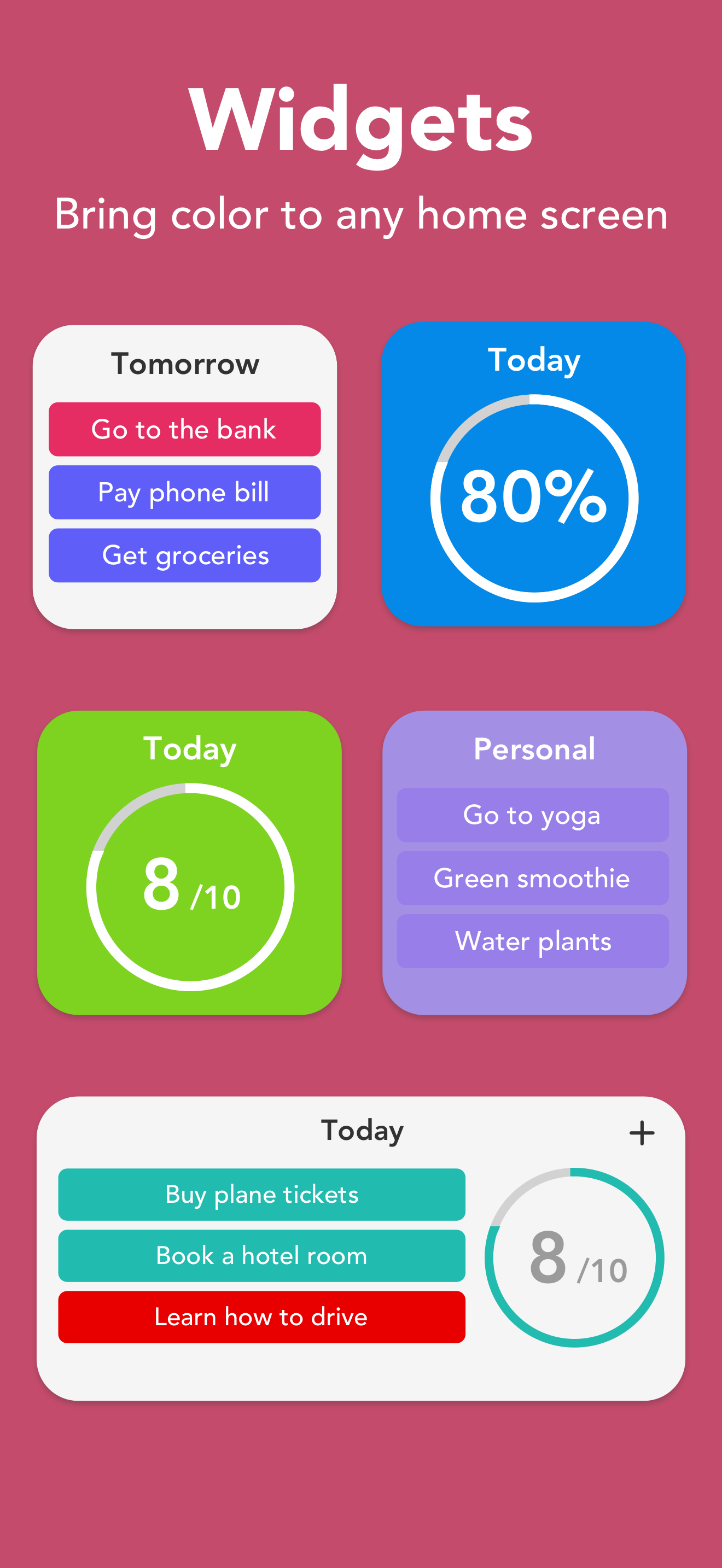
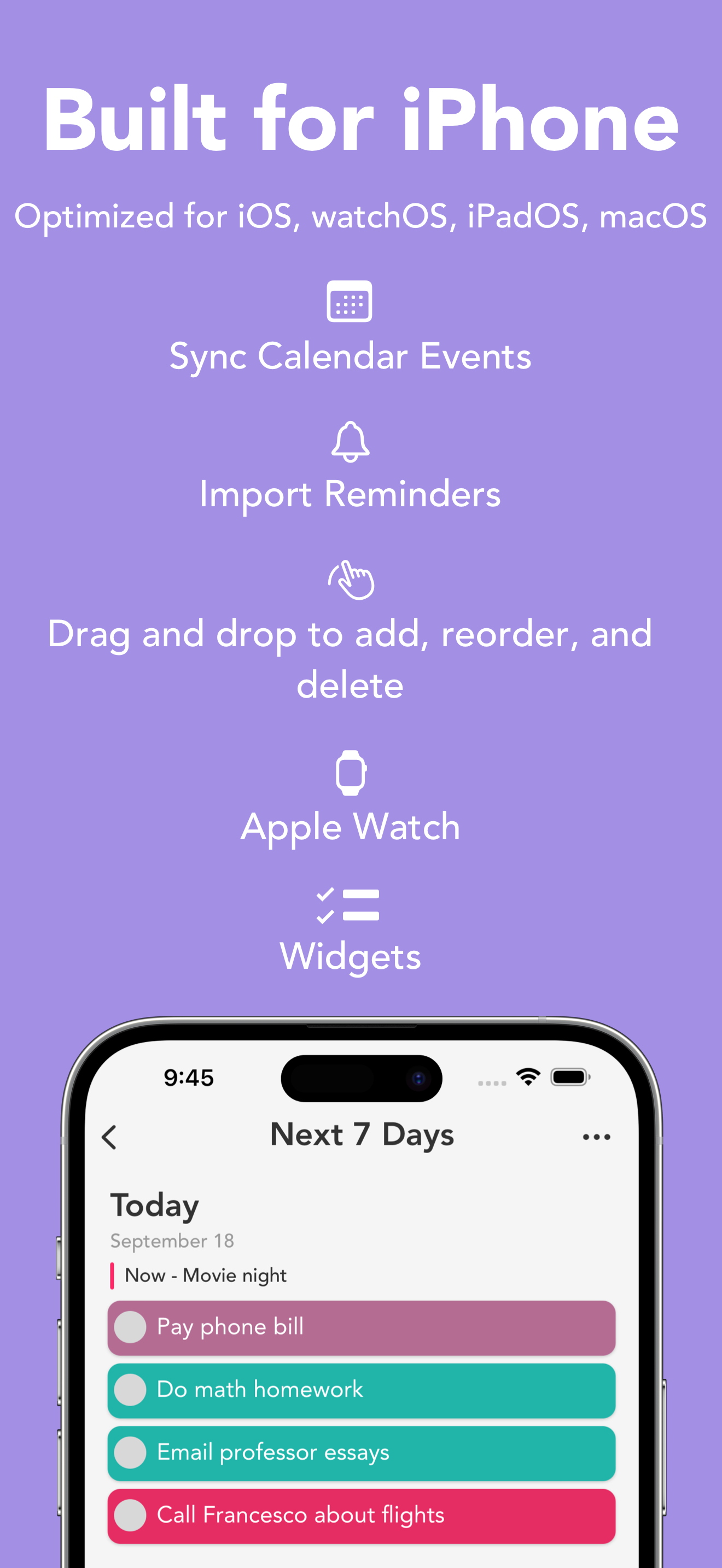
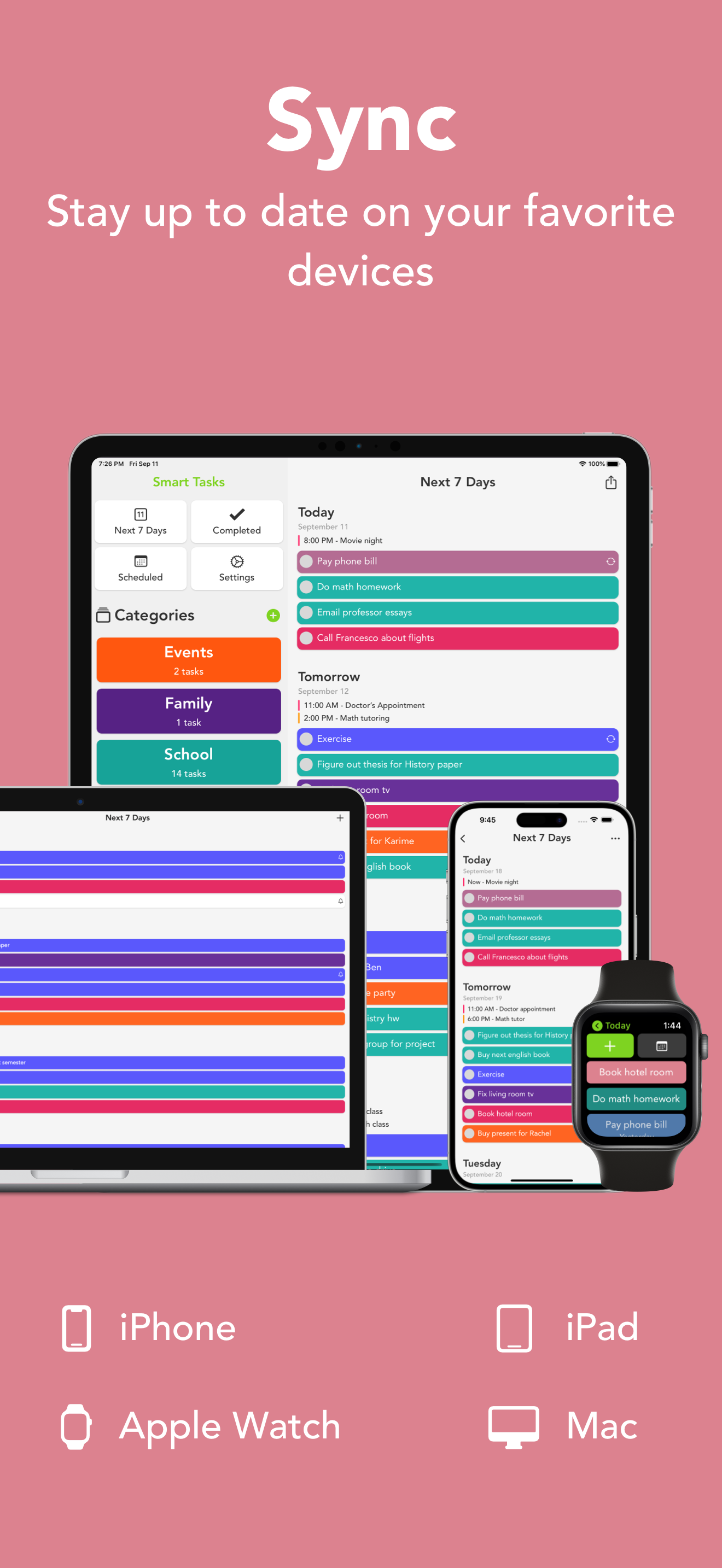
I'm a huge to-do list person & I've tried close to 100 to do & task apps over the years (including premium subscriptions to all the big apps). Smart Tasks has been a refreshing godsend. The great advantage it gives its user is its combination of SIMPLICITY, continuous CROSS-DEVICE SYNC, its VISUALLY APPEALING interface (trust me, you'll love the range of colors, plus it's typology -- something so many To Do apps fail at), and its WIDGETS. Personally, I love being able to enter items on my Macbook, and then see it pop up as a widget, almost instantly, on my iphone in its nicely sized text that never fail to actually command my visual attention. Functionally, it's difficult to beat. It helps you to easily DIFFERENTIATE between specific TO DO TASKS, and REPEATED HABITS or ROUTINES (this has been huge for me). I'm a huge fan of the different views I can get with just a tap or a click, all without feeling as if the workspace is CLUTTERED. I'd encourage the Developers to continue with their vision. The app's concept is so intuitive that it alone separates it from many others on the market. The visual appeal & easy user experience make it feel even more optimal. Keep up the excellent work!
Smart Tasks – To Do List & Weekly Planner Featured multiple weeks in the App Store’s “Hot This Week.” Smart Tasks is a beautifully simple to do list...
| Name | Price | Type |
|---|---|---|
| Smart Tasks + (Monthly) | $1.99 | Monthly |
| Smart Tasks + (Monthly) | $2.99 | Monthly |
| Smart Tasks + (6 Month) | $9.99 | Semi-Annual |
| Smart Tasks + (Annual) | $11.99 | Yearly |
| Smart Tasks + (Annual) | $17.99 | Yearly |