Check the acquisition promise
Read the store headline, screenshots and description. What problem is the app promising to solve?
Study the storefront ↗
T-Mobile · iOS
Explore the ad evidence, study the storefront, and build your next acquisition hypothesis.
01 / Creative research
Read the store headline, screenshots and description. What problem is the app promising to solve?
Study the storefront ↗Explore apps with direct store-link matches. Compare their hooks and formats without assuming the same approach works here.
Browse observed advertisers ↗Store rankings and revenue estimates describe market context. They do not establish ad spend, conversions or ROAS.
Review the market context ↗02 / Storefront & product
Study the product story and store experience behind the acquisition funnel.




03 / Market context
Keep revenue, downloads and store rankings separate from advertising performance.
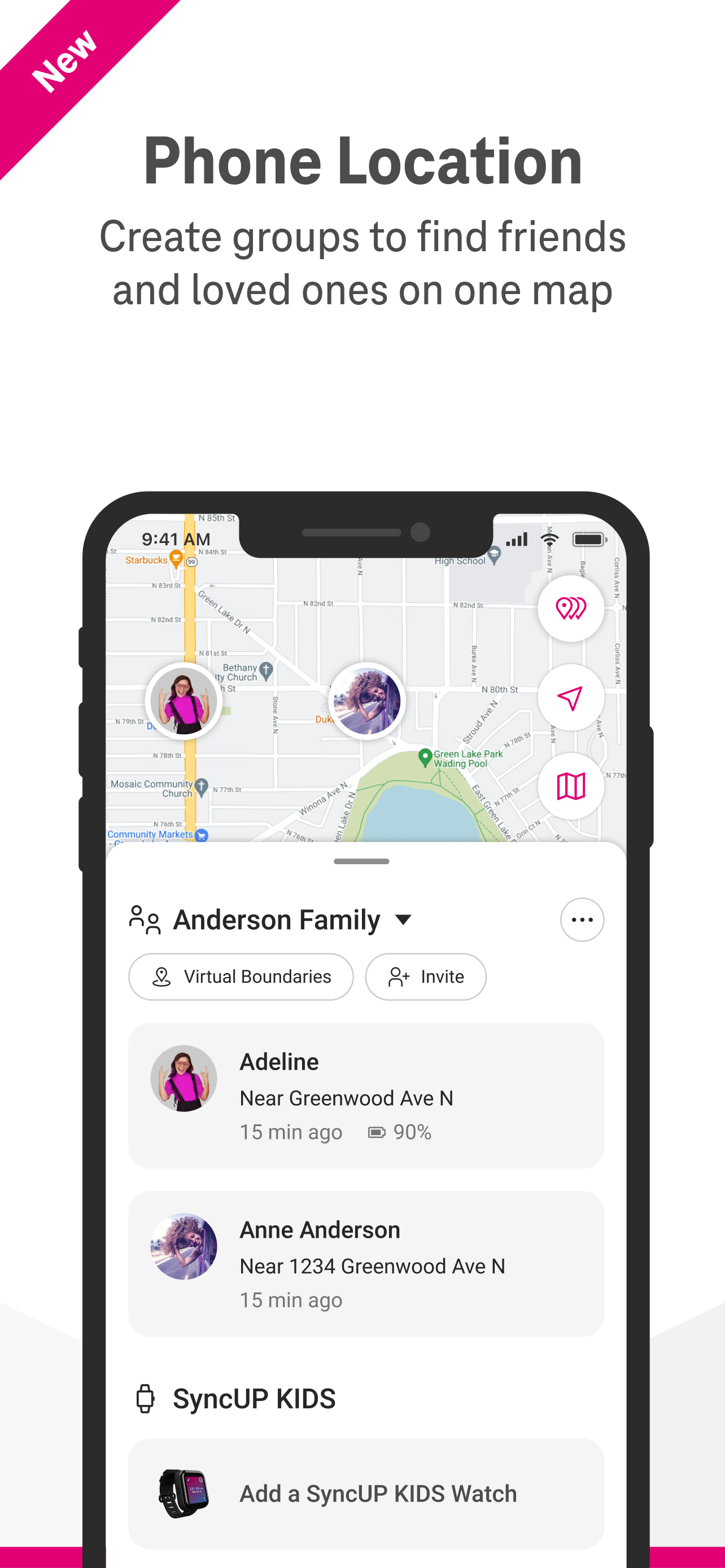
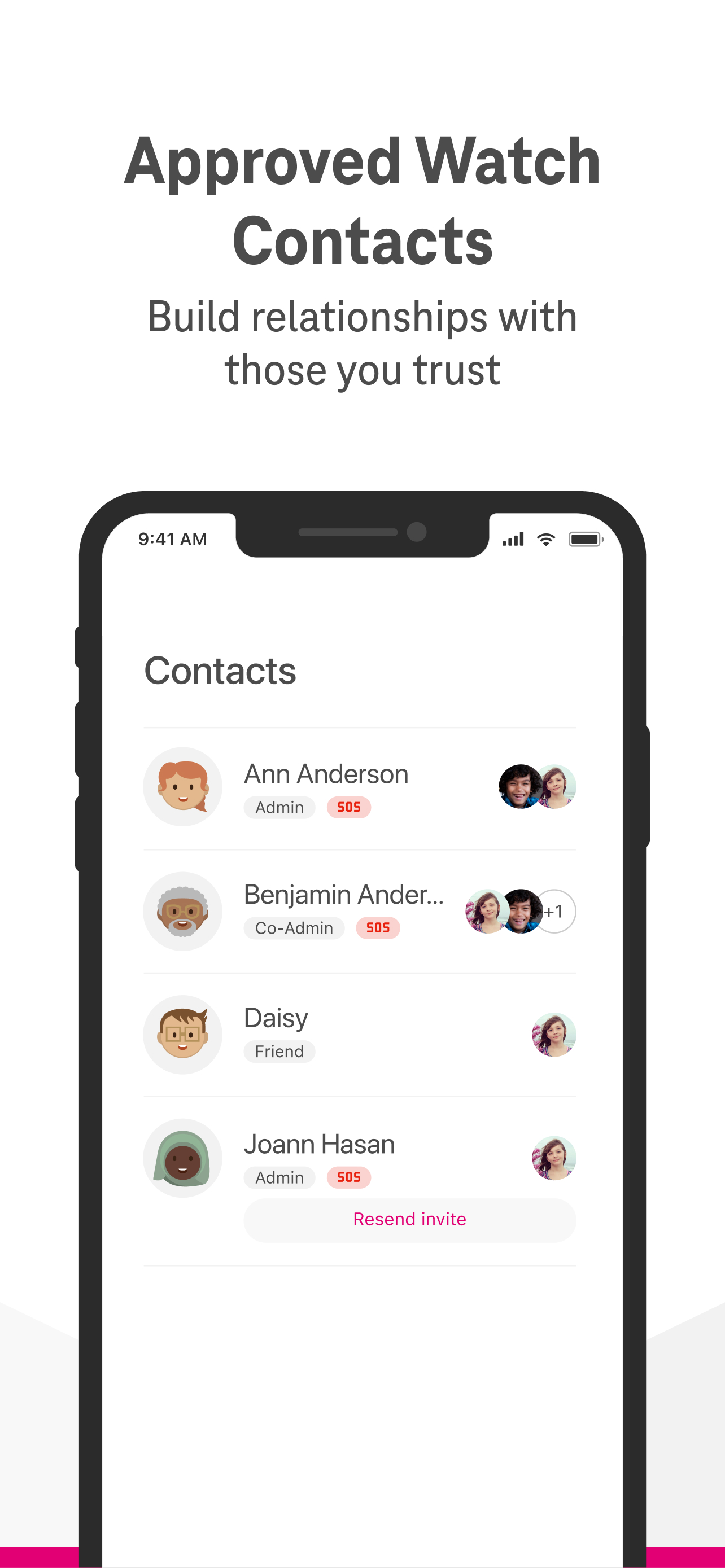
I love the features on this kids watch. The app is very user friendly. From the app, you can load unlimited contacts that the child is allowed to call or text, and no one can contact your child unless you have put them on the list. You can set a boundary around your home or neighborhood and another around the child’s school. You get a notification if the child goes out of that boundary. You can set up school mode that disables smart features during school hours, but you can still see the child’s location. Set it to repeat, such as 8 to 3 on Mon thru Thur, 8 to 1 on Fri. On school holidays, you can disable school mode easily, and turn it back on when school resumes. The child can’t disable school mode or add contacts. The app keeps the parent in charge and notified of the child’s location at all times. The charger holds the watch magnetically, so very easy for kid to put it on the charger themselves. One word of caution, if the watch isn’t charging properly, change where you plug in the usb. I had it plugged into the usb on my kid’s bedside lamp, which would only charge it 50% even after sitting there all night. I changed it to a wall charger and it got to 100% in under an hour.
I did a lot of research on this item before deciding to purchase it. The reviews weren’t clear. People either loved it or hated it. T-Mobile had a terrific offer, the watch was free and they waived the activation fees. Just had to pay taxes and $10 a month. The screen itself is big for a child. My daughter is 7 1/2 but it definitely makes it easier for her to see and use. The keyboard for the text is a little awkward as well. I am the least tech friendly person I know and I had no problem setting up the contacts or using the app. Very user friendly. We were able to purchase new bands to accessorize it and she loves it. Fits great and being attached to her makes it all that harder to lose. My favorite feature is the live gps. All children should have one of there. Well worth the piece of mind it brings especially since land lines hardly exist any more.
Just got this watch for my daughter because she started summer camp this year and going on trips & I was not okay lol so since chaperoning was out of the ? This watch was the next best thing. It’s free if you have T-Mobile and you just pay the $10 bill ea month. I love that I can put it on school mode so she’s not playing games on it and can call her dad and I only during that time. I use school mode during her bed time as well so she’s not doing too much with it at night. Each trip she goes on I created virtual boundaries so I know when they get there and when they leave, for camp, soccer practice & family etc! My daughter loves that she can send voice notes since she can’t text not knowing how to read just yet & we send her voice memos so she knows what we’re saying when we text her! Y’all GET THE WATC!! It’s perfect for KIDS!! I’d say if they can work a phone or tablet this is perfect for them
The SyncUP KIDS Watch and SyncUP KIDS App are the perfect combination to help parents stay connected and close to their kids, even when apart. The Syn...