
Check the acquisition promise
Read the store headline, screenshots and description. What problem is the app promising to solve?
Study the storefront ↗
LEDVANCE · iOS
Explore the ad evidence, study the storefront, and build your next acquisition hypothesis.
01 / Creative research
Read the store headline, screenshots and description. What problem is the app promising to solve?
Study the storefront ↗Explore apps with direct store-link matches. Compare their hooks and formats without assuming the same approach works here.
Browse observed advertisers ↗Store rankings and revenue estimates describe market context. They do not establish ad spend, conversions or ROAS.
Review the market context ↗02 / Storefront & product
Study the product story and store experience behind the acquisition funnel.




03 / Market context
Keep revenue, downloads and store rankings separate from advertising performance.
if i could have just 1 developer hop back into the reigns to remove the pop-up you get every time you open the app, that would be awesome. kinda ridiculous i’m still being told a year after the update “MUST READ!! New update coming soon. Push ‘Yes’ for more information.” i genuinely will never be purchasing another sylvania product after my experience with their bluetooth bulbs. i had my bulbs for 2 years before support was discontinued for this app. i just checked the other smart home app, just to see if bluetooth compatibility was a feature, and of course, it wasn’t. it is VERY strange to sell bulbs that require an app to perform main functions to then discontinue that app only two years later. to me, it shows a lack of customer service.
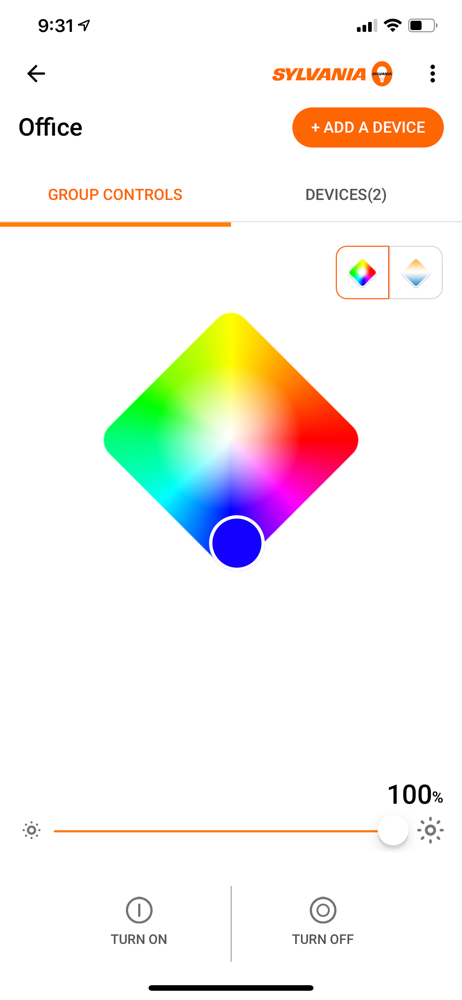
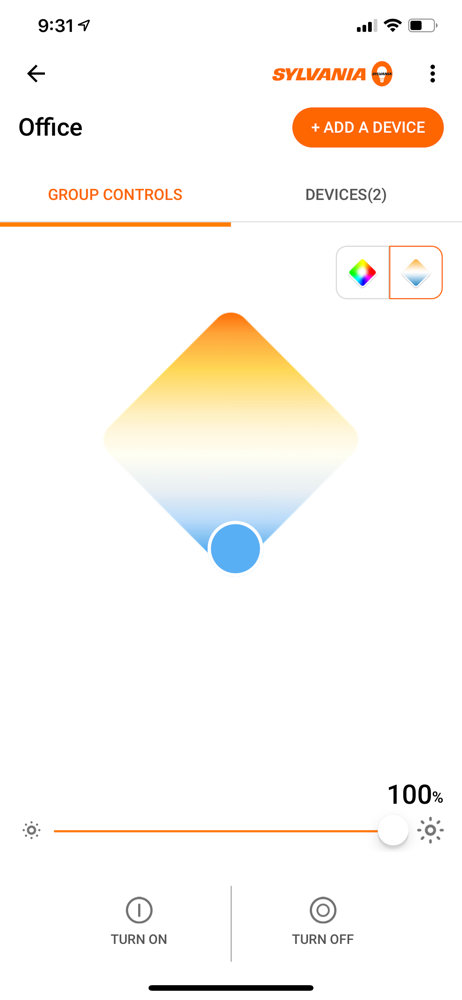
So I’ve had it for a year now. I have an iPhone XR and in the instructions that came with the bulb, was directions on how to operate. 1st, you have to download the Sylvania app. Once logged back in you can create the profile of the room that the bulb is in (ex: living room, theater (if your rich), I’m not so I’m using The Study.) you may have to perform IT tasks yourself simply by turning off the lamp or light source for 5 seconds (resets secret Chinese listening devices) once your bulb starts to flash ———> your paired. Use the Sylvania app settings to create either a button on your drop down menu or a widget if they have one and wah-la…! One con so far… my favorite color is red. The bulb doesn’t seem to want to adjust to a true red. Instead it thinks that red is pink. Great for if your one of the members of Aerosmith on tour…roadie… Bad if your trying to watch movies. I would give more stars for a little more play..it would be cool to have a strobe effect mode, a color morph change mode, maybe more connectivity options such as Bluetooth connect for connections to other devices instead of iPhone, Samsung or Google telecommunications systems. I’m one for non-monopolistic corporate competition. More companies —> more options —> more jobs —>more money —>more education.
The bulbs are super cool! The lights are nice and bright, and there are tons of color options. Zero helpful instructions in the box, but easy set-up once you Google what to do. All of the issues lie within the app. It’s unresponsive most of the time even when it says “connected.” You have to wait and mess with it a bunch to finally get it to work and control the lights, and it’s a guessing game when it’ll decide to work. Makes it more of a hassle than a convenience, and the frustration outweighs the novelty of the bulbs. If they don’t fix the problem within a few weeks, I’ll probably just switch back to regular light bulbs. DON’T BUY THESE UNTIL THEY FIX THE PROBLEMS! Wait for the fix or invest in a more expensive brand that probably works better.
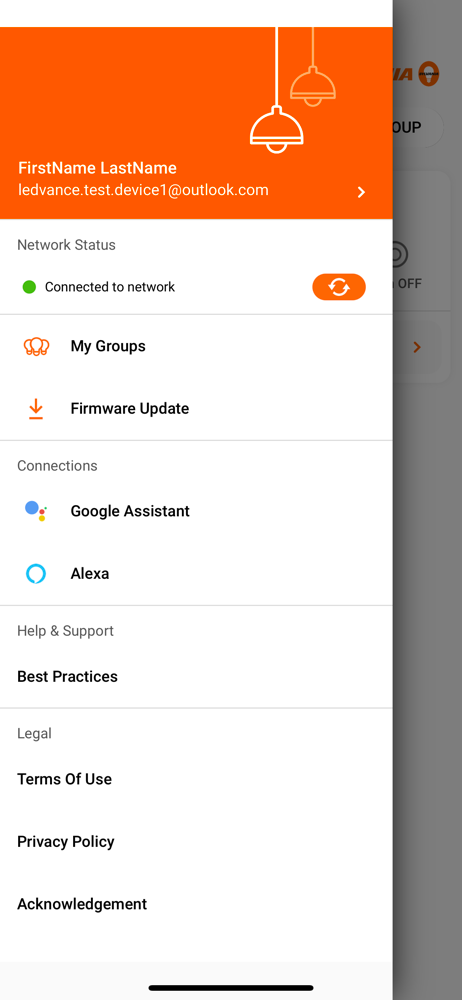
The SYLVANIA Smart Home app allows Apple HomeKit users to easily update their SYLVANIA SMART+ accessories to the latest firmware version to incorporat...


