
Check the acquisition promise
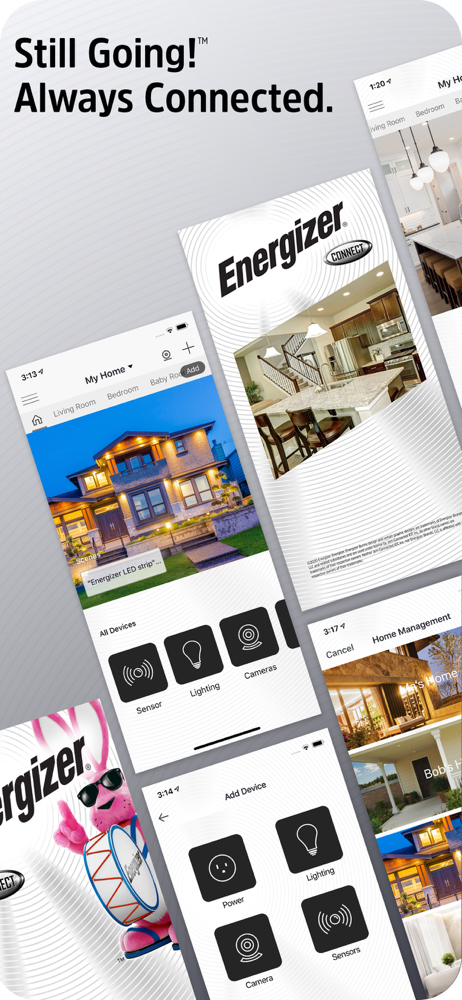
Read the store headline, screenshots and description. What problem is the app promising to solve?
Study the storefront ↗
Energizer Connect · iOS
Explore the ad evidence, study the storefront, and build your next acquisition hypothesis.
01 / Creative research
Read the store headline, screenshots and description. What problem is the app promising to solve?
Study the storefront ↗Explore apps with direct store-link matches. Compare their hooks and formats without assuming the same approach works here.
Browse observed advertisers ↗Store rankings and revenue estimates describe market context. They do not establish ad spend, conversions or ROAS.
Review the market context ↗02 / Storefront & product
Study the product story and store experience behind the acquisition funnel.



03 / Market context
Keep revenue, downloads and store rankings separate from advertising performance.
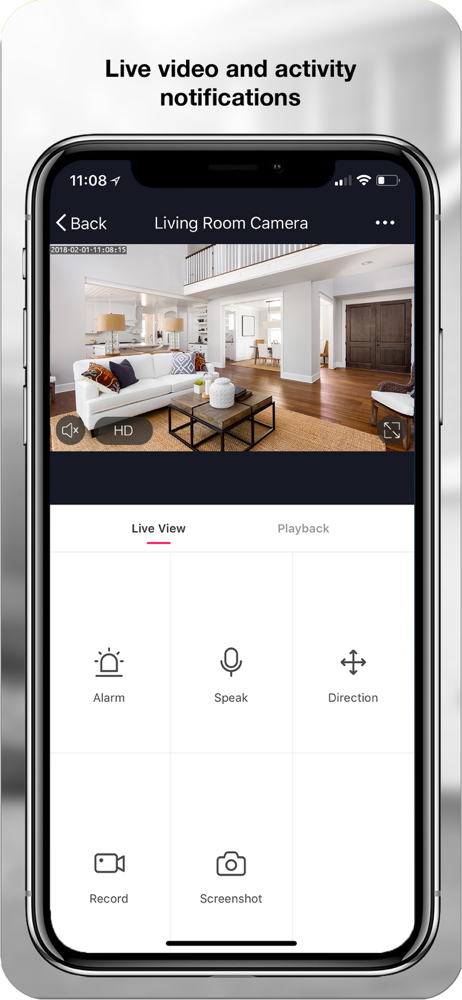
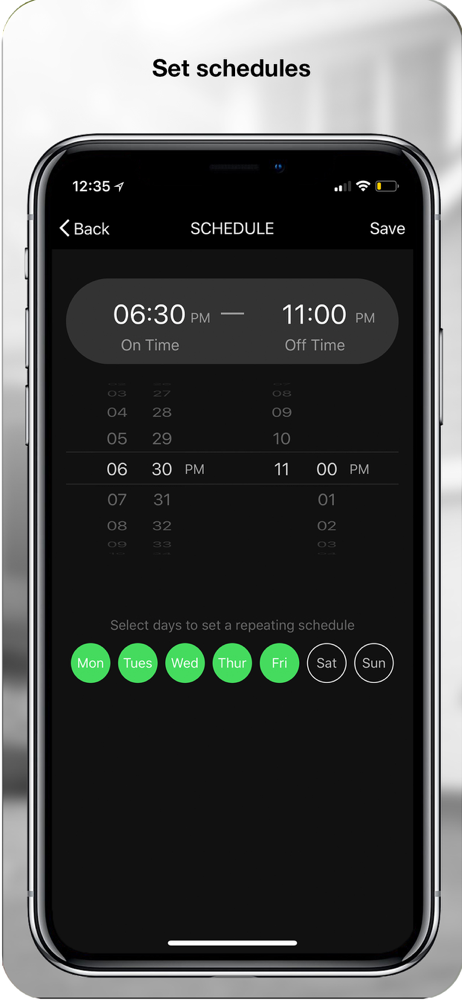
Here are the good things the night vision mode the IR mode in the lights mode all seem to work very well for movement and when you get closer, the light turns on and it catches the person in color at night. The camera seems to be pretty good, but you do have to mess around with the sensitivity sound/motion if you’re in a more populated area this may trigger more often. Just an FYI otherwise it works OK. The bad things doesn’t do as much as you would think it would do it would be nice if it had a pan mode where it would slowly go back-and-forth from a set point to a set point and kind of keep an eye on a larger area and then if it detects move it would hold and focus on that movement. It doesn’t do this. Which is too bad the only other bad thing. Is set up has to be done during normal business hours of the week in other words if you’re trying to program it Saturday or Sunday it does Program and initial set up. The ugly side it appears to get worse, but appears to be glitchy. The camera view tends to go in and out. Or blank screen, and then back again sometimes flickering on and off not sure why. And it seems to have gotten worse when I added the extra cameras. Not sure why either. All in all it does the job records, the information and if you want, you can store it either by mini card or subscription. And have very little problems with it, except for the weird glitch where it flickers on and off at times.
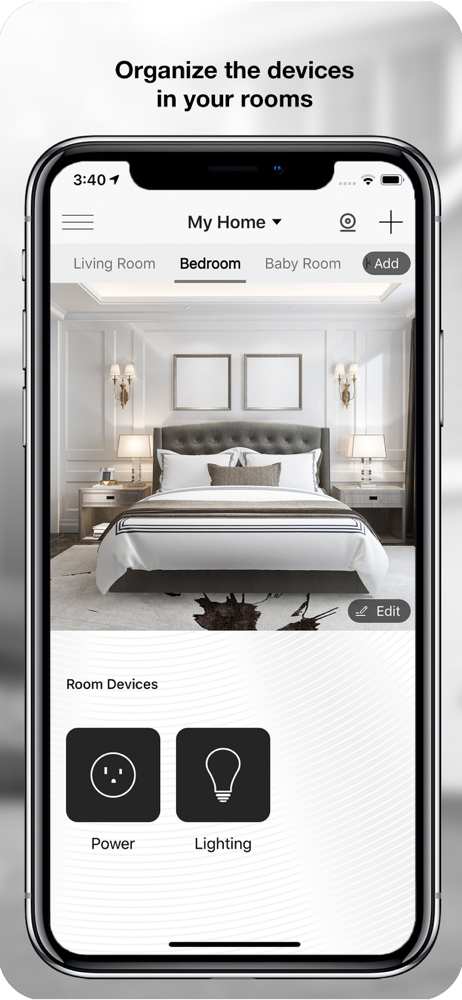
I almost gave up using this several months ago when we upgraded our wifi to a gen 6 mesh system. My older (2 years old if I recall) smart plugs, and this app, apparently only work with a 2.4GHz network. (That’s wifi gen 1, I believe, if you’re curious, though gen 4 devices are usually backwards compatible.) Anyway, just a few weeks ago I had an opportunity to get an extender that happens to create a 2.4GHz network, so these devices started working again. Great! Still, the app struggled to get the devices configured. There’s 3 different ways to attempt to configure devices, and I had to try all 3 before the last method worked. I also struggled with the app to figure out what it wanted me to do. For some reason the interface has buttons that look like they’re grayed out that I didn’t even realize were buttons at first, but I had to tap them to continue. Anyway, I finally figured it out, though, and now I can use my plugs again. They also can be linked up with my Google Home, which is nice, so I can use the plugs in automations over in that system as well.
The packaging and product literature highlight that you can use Siri Shortcuts to control the light. There are no included instructions to help with this, but there are instructions for setting up Alexa and Google control. Also, using Shortcuts app to set up light control, the Shortcuts app is unable to locate and communicate with the Energizer app. This means they did not enable any form of integration with IOS and/or the Shortcuts app for iPhones. A bit of false advertising. Otherwise the light itself works fine if controlled directly from the Energizer Connect app.
The Energizer Connect family of home automation products offers plug-and-play, easy to use devices--all controllable from your smartphone. The power o...


