
Check the acquisition promise
Read the store headline, screenshots and description. What problem is the app promising to solve?
Study the storefront ↗
Peter Dikant · iOS
Explore the ad evidence, study the storefront, and build your next acquisition hypothesis.
01 / Creative research
Read the store headline, screenshots and description. What problem is the app promising to solve?
Study the storefront ↗Explore apps with direct store-link matches. Compare their hooks and formats without assuming the same approach works here.
Browse observed advertisers ↗Store rankings and revenue estimates describe market context. They do not establish ad spend, conversions or ROAS.
Review the market context ↗02 / Storefront & product
Study the product story and store experience behind the acquisition funnel.




03 / Market context
Keep revenue, downloads and store rankings separate from advertising performance.
I’ve got decades of experience performing in bands with backing tracks. My iPad, a MOTU M4 interface, and Stage Traxx 4 works like a charm, far better than any of the numerous solutions I’ve tried in the past. I haven’t even scratched the surface of what Stage Traxx 4 can do, as its capabilities far exceed my requirements. Here’s a pro tip - use a power delivery hub between the iPad and the interface. While battery life is more than adequate with my brand new iPad, being able to keep power connected at all times leads to greater confidence, especially when soundcheck is hours ahead of downbeat.
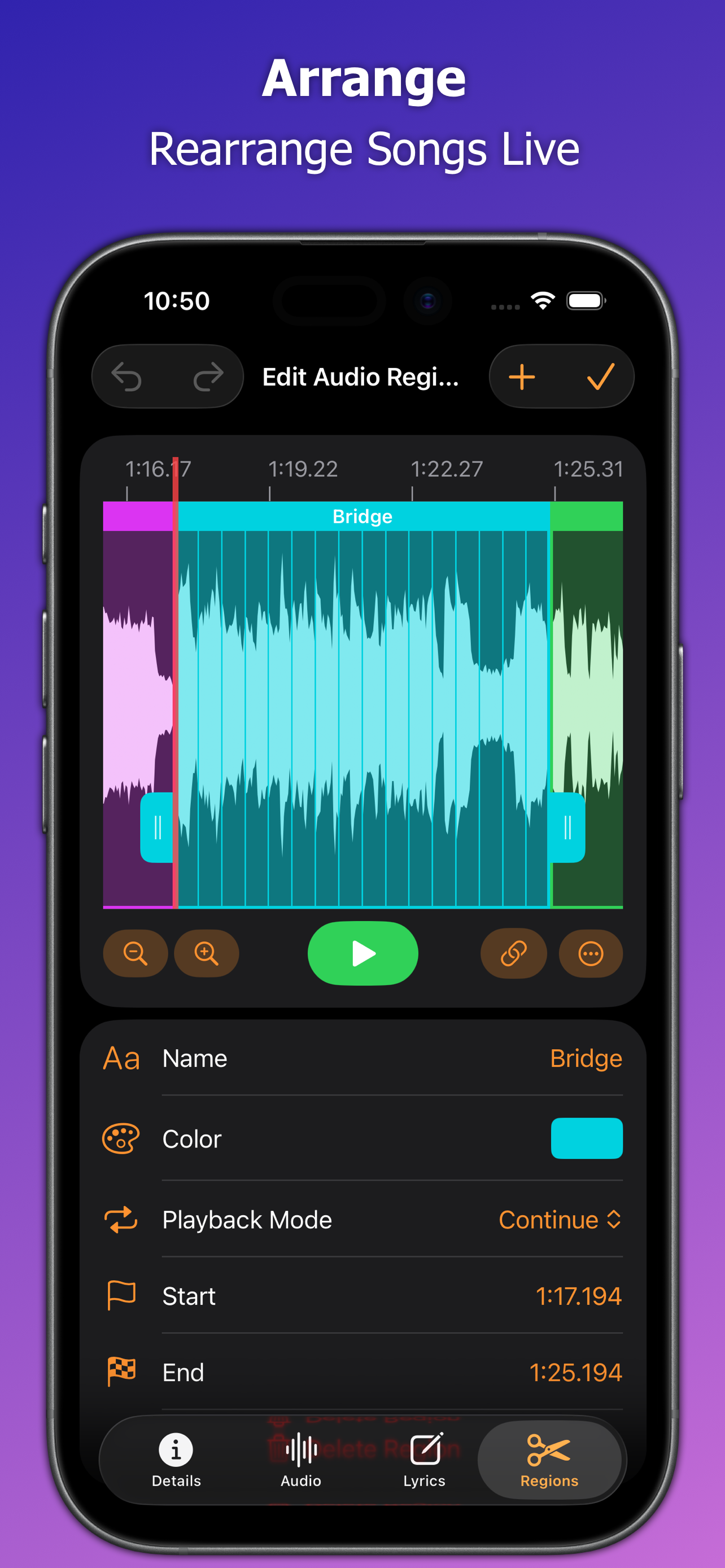
To say this has been a game changer for me and my ability to run backing tracks would be an understatement. For a couple of years now I have been running my bands tracks off a Roland SPD-SX. That unit is about to relegated to a very expensive cowbell, I am in the process of porting all of our tracks over to this. The days of having to dump the track because we got off are done. With the ability to set regions on my audio files I simply hit pause if we are off, then wait for new section of the song to jump back in. It is a whole new level of freedom.
App improved from the ST3 but one odd thing is happening, actually not happening, on ST3 when you start the song with backing track, you would get automatic full screen to lyrics and chords, at this version it doesn’t. You have to double tap the lyrics screen in order to go full screen, I liked it better the way on the ST3. I understand some may want to see the playlist or queue as the song is being played, but I like to concentrate on the current song playing, and now to double tap the screen after starting every song adds a step more for me. At least give me the setting to do automatic full screen, but I couldn’t find such setting… Please help with this…until then I will use ST3..
Take full control of your live show with Stage Traxx 4, the professional-grade solution for backing tracks, lyrics, and MIDI automation. Whether you a...
| Name | Price | Type |
|---|---|---|
| Grace Period Upgrade | $0.00 | One-time |
| Upgrade from Stage Traxx 3 | $14.99 | One-time |
| Unlock Stage Traxx 4 | $29.99 | One-time |


