Check the acquisition promise
Read the store headline, screenshots and description. What problem is the app promising to solve?
Study the storefront ↗
Splashtop Inc. · iOS
Explore the ad evidence, study the storefront, and build your next acquisition hypothesis.
01 / Creative research
Read the store headline, screenshots and description. What problem is the app promising to solve?
Study the storefront ↗Explore apps with direct store-link matches. Compare their hooks and formats without assuming the same approach works here.
Browse observed advertisers ↗Store rankings and revenue estimates describe market context. They do not establish ad spend, conversions or ROAS.
Review the market context ↗02 / Storefront & product
Study the product story and store experience behind the acquisition funnel.


03 / Market context
Keep revenue, downloads and store rankings separate from advertising performance.
I was a big time software developer and tester in a former life. I experimented with a number of different Remote Desktop access software before selecting Splashtop. Splashtop was one of the easiest to setup and configure. It also just worked out of the box on all of the platforms specified, which I use extensively. Working with remote systems with multiple screens is also no biggy Switching screens is just a simple key click away. I use the personal edition to simplify my live at home (the wife complains if I spend too much time downstairs but not if I am upstairs still on a computer in the same room as her.) I also use Splashtop to mentor my grandkids halfway across the planet. I use Splashtop to trade off manipulating the screen (with the audio on mute) and a program like Zoom or Team to manage the audio and video on multiple screens. Under this setup and a good internet connection, it is almost like I am there. (Trying to use the remote screen request with Zoom just isn’t as smooth or as fast, and cuts down on the video screen size feed which I find important particularly when young children are working on some detail you need to see) Security under Splashtop is well worked out and not overly intrusive. I tend to be demanding product reviewer and hard nosed computer user. So if I am giving it five stars and a glowing review to boot, I’d say quit screwing around, and just get the product, it works better than advertised. The only hang up you might have between the personal and full up remote access version is file transfer. Get the full up remote access version if you need that. I use work arounds like synology drive, one drive or Dropbox but the setup is a bit involved initially. Away have at it with my full endorsement. Cheers. A senior fellow with quite a lot of development miles under his belt.
This is easily one of the best and most affordable ways to remotely control a Windows device. I had been struggling with TeamViewer and AnyDesk for a while, constantly looking for a reliable alternative, and when this popped up on my feed, I installed it immediately. It’s clearly optimized for phones, making remote access incredibly simple and intuitive. The built-in trackpad works flawlessly, mouse clicks are easy, and overall navigation feels natural—EASY. On top of that, the subscription is surprisingly cheap for what you can get compared to others. Nothing but appreciation for this company—you’ve genuinely made my life so much easier. I can handle daily chores and other tasks without stressing about constantly checking my computer.
Splashtop is unlike any app I’ve ever seen! Most apps that allow you to turn your iPhone/iPad into your computer screen include paid subscriptions to use. Splashtop doesn’t include any paid subscription with exception of real time access anywhere. Its easy to install and doesn’t compute any viruses onto your computer. It isn’t glitchy and works %100 like the brand says. My only complaint is that it’s very hard to press some button as the screen is shown quite small on your phone or iPad. This makes it hard to press certain buttons and it’s adjustable. I also wish it had Bluetooth access to keyboards and controllers to make the experience a little more realistic. If it isn’t much to ask for both of this features would make this app dominate. 9/10 overall. It’s great to be honest.
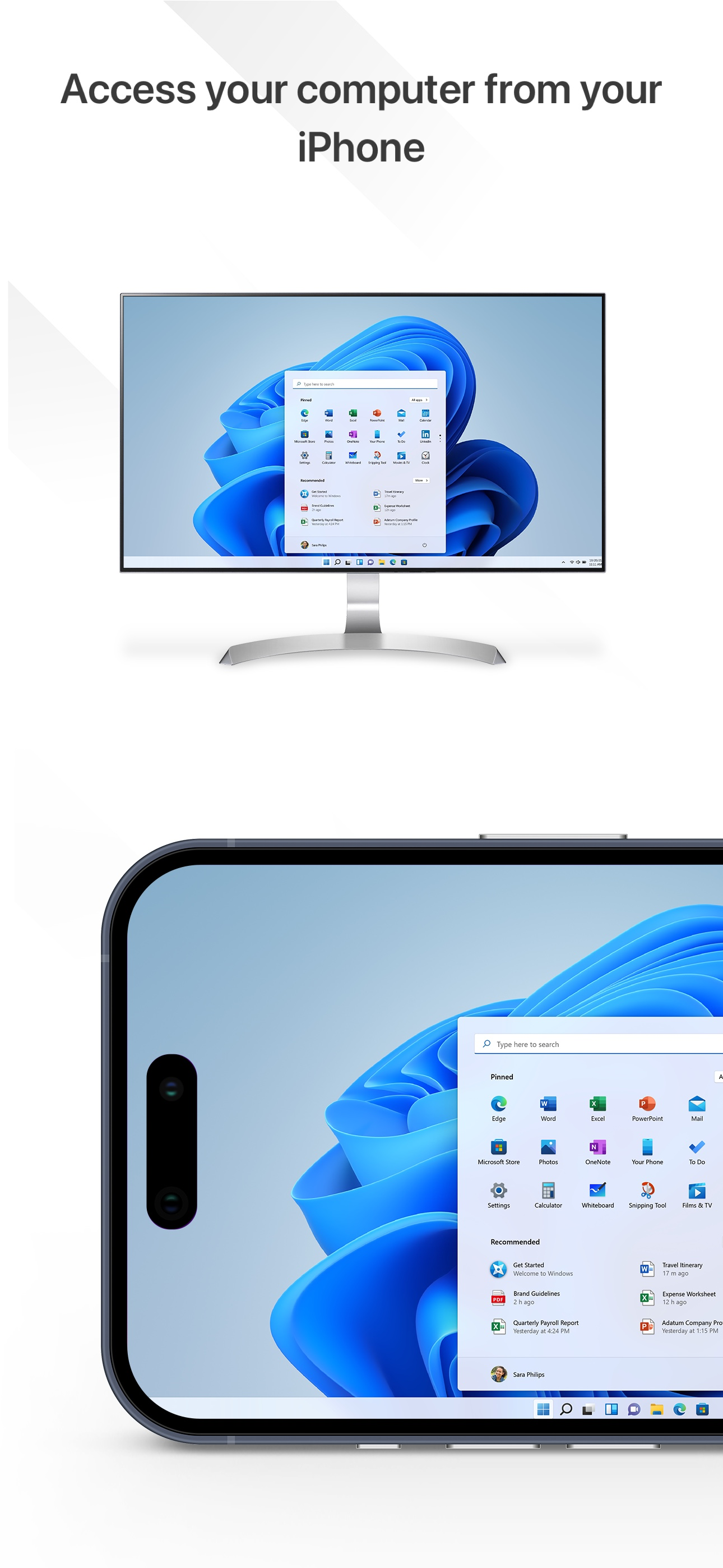
NEED ACCESS RIGHT NOW? FORGOT SOMETHING ON YOUR COMPUTER? Your computer, anywhere you are. Access your Mac or PC securely from your phone or tablet –...
| Name | Price | Type |
|---|---|---|
| Anywhere Access Pack (Monthly) | $1.99 | Monthly |
| Anywhere Access Pack (Monthly) | $5.99 | Monthly |
| Anywhere Access Pack (Yearly) | $23.99 | Yearly |