
Check the acquisition promise
Read the store headline, screenshots and description. What problem is the app promising to solve?
Study the storefront ↗
RealVNC · iOS
Explore the ad evidence, study the storefront, and build your next acquisition hypothesis.
01 / Creative research
Read the store headline, screenshots and description. What problem is the app promising to solve?
Study the storefront ↗Explore apps with direct store-link matches. Compare their hooks and formats without assuming the same approach works here.
Browse observed advertisers ↗Store rankings and revenue estimates describe market context. They do not establish ad spend, conversions or ROAS.
Review the market context ↗02 / Storefront & product
Study the product story and store experience behind the acquisition funnel.




03 / Market context
Keep revenue, downloads and store rankings separate from advertising performance.
There’s been a huge bug in this for a while, and it took me a while to be able to reproduce it. If you connect to a Mac (OS 11.4 although it’s been there for a few versions). Full screen app mode on a Mac works by assigning a desktop to the App, many full screen apps = many desktops. VncViewer locks out when switching between desktops. Steps to reproduce, open any two applications, TextEdit and Safari would be an example, but it doesn’t matter as long as they support full screen app mode, then just click from one app to the other using the icon on the bottom bar, it freezes and then you need to reconnect, it also happens when opening an application that was previously closed in full screen mode. Same problem, it’s switching to another desktop.
Some one I know recommended this program to me while I was working on a project with a RPi (Raspberry Pi) and it was life changing (I was originally using this on my laptop). When I found out that they had an iOS app devoted to VNC Viewer, I couldn’t help but download it immediately and setup every computer I had access to with VNC Server (and sometimes VNC Viewer). I’ve created a RPi google calendar display since then, and the number of times this has saved me from having to find micro USB adapters and a keyboard just to get rid of some annoying pop up boxes or a random glitch is astronomical. I love the app, I feel as if they have done a really good job integrating the features from the PC version to the mobile device version. The only thing I wish they could change about the app (unless they already have this) is the option for audio to play on the connected device. This would be really useful from a productivity perspective (and also great from a prankster’s perspective. Never gonna give you up...)
I wasn’t expecting too much from this app because it’s free and because I figured that it was probably more a gimmick than a productivity tool. Boy was I wrong. I try to install this directly onto a vpn, that didn’t work, so I installed in on my home computer and now I have access to both my computer and my full VPN from the home computer desktop, from my phone. I just made my phone 100 times more powerful. I can actually do anything now on the go, if I really have to. It’s unbelievable! And the controls work well; never had an issue with the keyboard, the gestures like tap and hold to move objects work well, and the mouse tool works well. Not sure about some of the negative reviews, but this app has changed my life, my view of my phone, and the things I can get done. I have now recommended this app to several people, some just couldn’t believe a phone could do that. And it’s free!! I am using an iPhone X by the way. No issues. Thank you devs for this app.
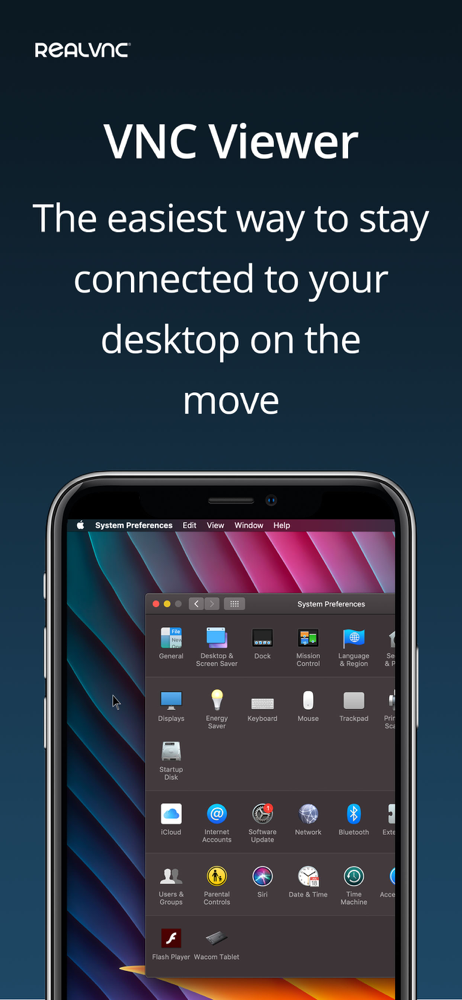
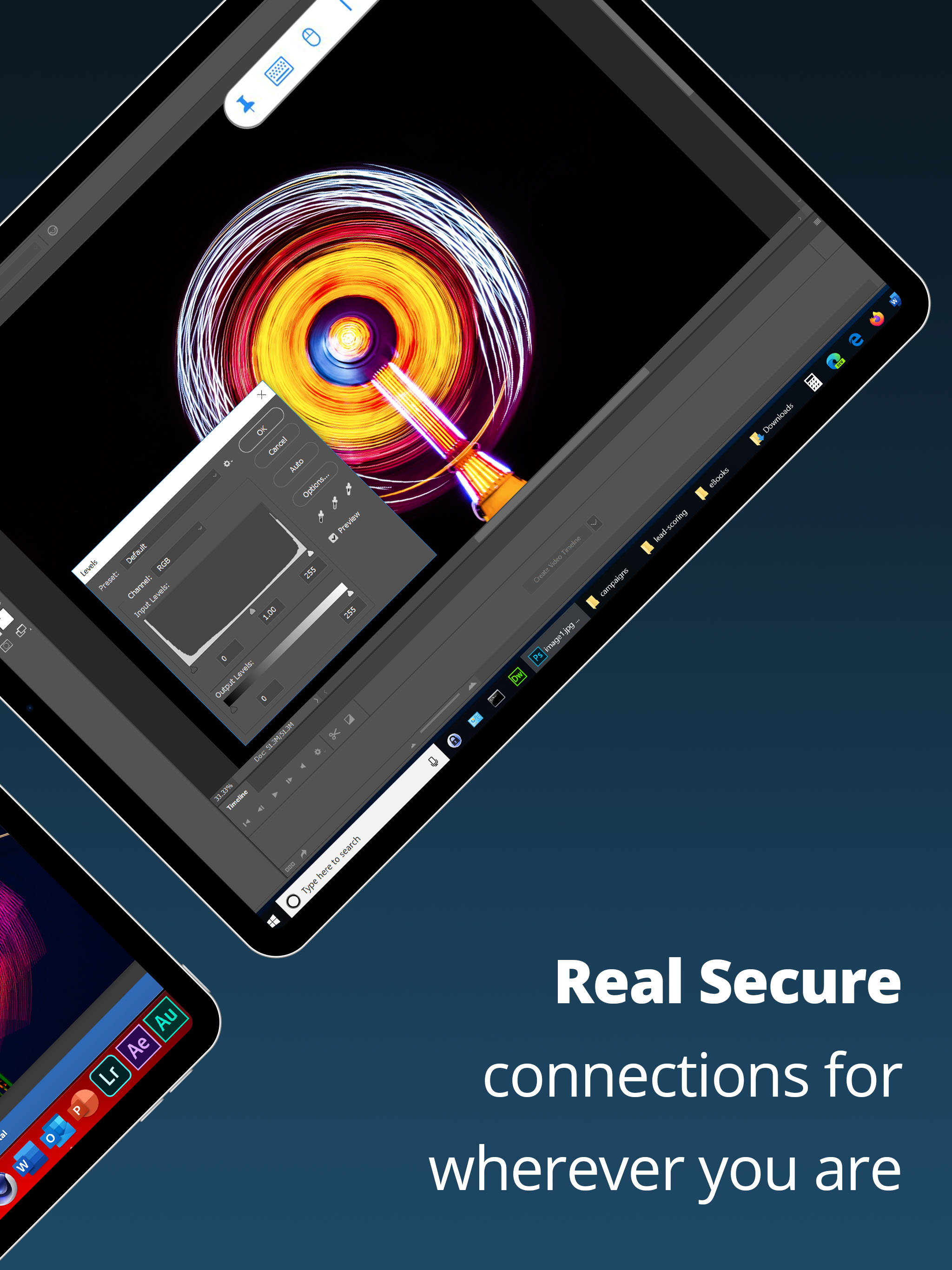
RealVNC® Viewer from RealVNC® gives you instant remote access to your Mac, Windows and Linux computers from anywhere in the world. You can view your c...


