Check the acquisition promise
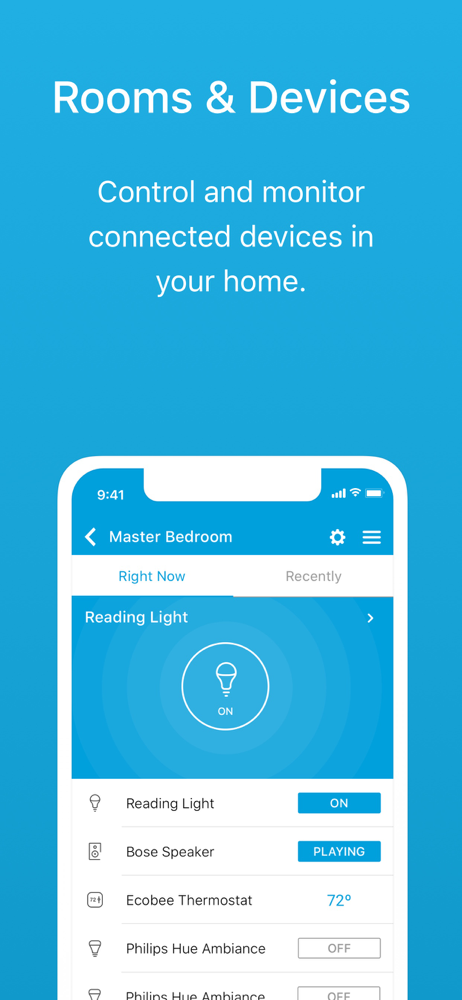
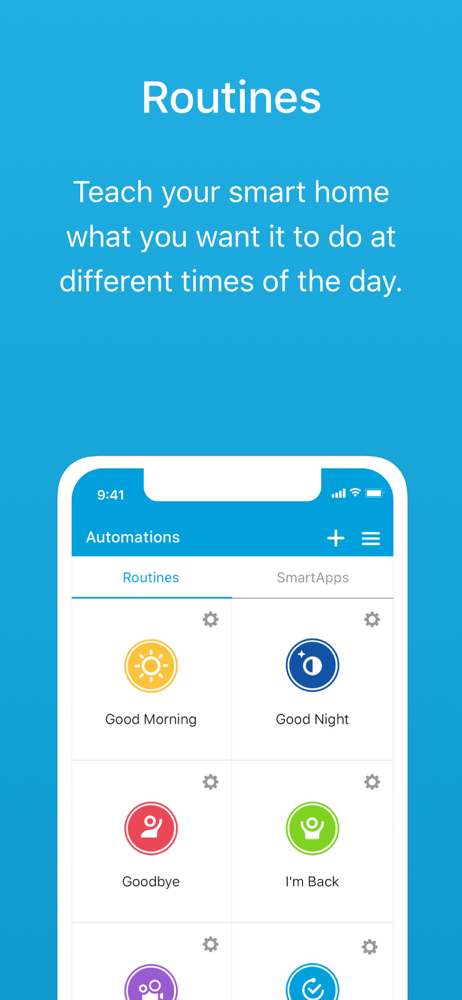
Read the store headline, screenshots and description. What problem is the app promising to solve?
Study the storefront ↗
SmartThings, Inc. · iOS
Explore the ad evidence, study the storefront, and build your next acquisition hypothesis.
01 / Creative research
Read the store headline, screenshots and description. What problem is the app promising to solve?
Study the storefront ↗Explore apps with direct store-link matches. Compare their hooks and formats without assuming the same approach works here.
Browse observed advertisers ↗Store rankings and revenue estimates describe market context. They do not establish ad spend, conversions or ROAS.
Review the market context ↗02 / Storefront & product
Study the product story and store experience behind the acquisition funnel.



03 / Market context
Keep revenue, downloads and store rankings separate from advertising performance.
This is a solid part of any smart home set up; from simple to complex. Removing “things” can be a bit buggy. If it doesn’t remove after several minutes, it’s not going to do so for quite some time. You have to rename it and save that task for late at night. It generally removes it then - if it doesn’t, it will later on. Integration with Alexa is very smooth. Options for device control are very nice. Integration with GE smart switches is also very smooth with one catch. Discovering multiple switches at one time can take up to around 30+ minutes. However, by powering up and discovering one at a time, one can cut that down to a minute. One amazingly MASSIVE draw back is if you need to migrate to another version, one must remove EVERYTHING. If the hub should fail, you must reset EVERY device to its factory defaults so it can be reincluded one by one, and recreate all of your automations! Samsung, for some insane reason, provides NO image backup and restore. For someone like me with nearly 300 devices, to say nothing about the number of scenes, routines, and automations, that is a VERY SERIOUS deficiency. I almost gave this a 3 because of that, but it has been reliable for a few years now. When it goes though, I’ll be in for a two or so week ordeal.
This is my first attempt at setting up a smart home system. I set it up for my elderly paraplegic grandmother who lives alone. Initial setup was rather intuitive and the basic options met most of our goals. It’s nearly a perfect app for the system. The only hiccups are in the confusion between using the “new” app vs the “classic” app (the classic app seems much better), I do wish that the Ring video app could be integrated since it can be confusing having to switch back and forth from viewing the video then unlocking the door. Setting up automations was a breeze and I like that it monitors the battery level on the sensors although I was a little disappointed that it couldn’t tell me which batteries to buy for those sensors (which happen to be SmartThings branded sensors). Lag isn’t bad, around 3 seconds. The “smart apps” are a bit confusing, such as the smart locks app but decent enough. All in all, I think that SmartThings is pretty good considering I was able to set it up, figure it out then teach both an 84 year old woman and my 65 year old dad how to use it all in just a few hours! 4.5 stars.
I read of everyone having all these problems and I sit here thinking this stuff is working just like they said it would. I did have a few issues pairing the "things" with the Hub but most of that was all this is brand new to me, but videos and reading FAQs helped bring it all together and now I have a system that has met my every need. No app issue - update or not. I give it two thumbs up! One Year of Usage After one year, I am still a believer of the SmartThings app and hardware. I had one issue with some of the motion and door sensors that quit working. At last indication, the batteries were showing at least 30% to 40% charge level when they quit working. However, a quick call to tech support advised to change batteries and see if that worked. It did, so the battery charge level may read incorrectly, but other than that there have been no issues. I am sure an app update could correct that. Still works as advertised for me.
SmartThings Classic is now officially retiring, and all SmartThings users are asked to use the new "SmartThings" app. The SmartThings Classic app wil...