Check the acquisition promise
Read the store headline, screenshots and description. What problem is the app promising to solve?
Study the storefront ↗
KRAFTWERK 9 LTD · iOS
Explore the ad evidence, study the storefront, and build your next acquisition hypothesis.
01 / Creative research
Read the store headline, screenshots and description. What problem is the app promising to solve?
Study the storefront ↗Explore apps with direct store-link matches. Compare their hooks and formats without assuming the same approach works here.
Browse observed advertisers ↗Store rankings and revenue estimates describe market context. They do not establish ad spend, conversions or ROAS.
Review the market context ↗02 / Storefront & product
Study the product story and store experience behind the acquisition funnel.



03 / Market context
Keep revenue, downloads and store rankings separate from advertising performance.
Downloaded this so I can have something I can use as a backup for a lost remote, this works a treat. As the title says the ads are very manageable and not at all annoying. I tried a few other remote apps and they were all badly thought out. They had me select a yes or no option on my tv before I could use it, how in the world I was supposed to do that without the original remote I don’t know. Finally, to upgrade all I need to do is fork over 4 measly bucks. In short, pretty good app so far and definitely one I’ll keep around just incase I lose my actual remote again.
Downloaded this app after my two kids managed to make our old tv remote completely disappear from he face of the earth. Was hoping to not have to buy an expensive replace or a cheap universal one but found this smart app. The connectivity of it asked like a nice feature and for what it’s worth the first time I opened it seemed to work fine. Used it for an evening and got quickly tired of the ads so paid for the full app. Literally the next day it started giving me a ton of trouble, random crashing in the app, 15 mins to connect to the tv while it’s syncing on starts, and the most common error is it will “successfully connect” and not show any of the remote interfaces like it can’t load them. Tried updating and reinstalling with same results. Essentially now if i open the app, I can expect to have to restart that app 5-6 times during use. Another fun thing is if it’s connected, and you are watching something but just leave the app open and put your phone to sleep, when you need to use it and turn it back on it does just go back to working. Cycle sync icon for 2-3 mins and then crash. It’s basically now something I spent money on that will sit useless in a folder on my phone. I’m giving it two stars because I saw it working well at start and would love if it was consistent. Guess who’s just buying a universal from Walmart now?
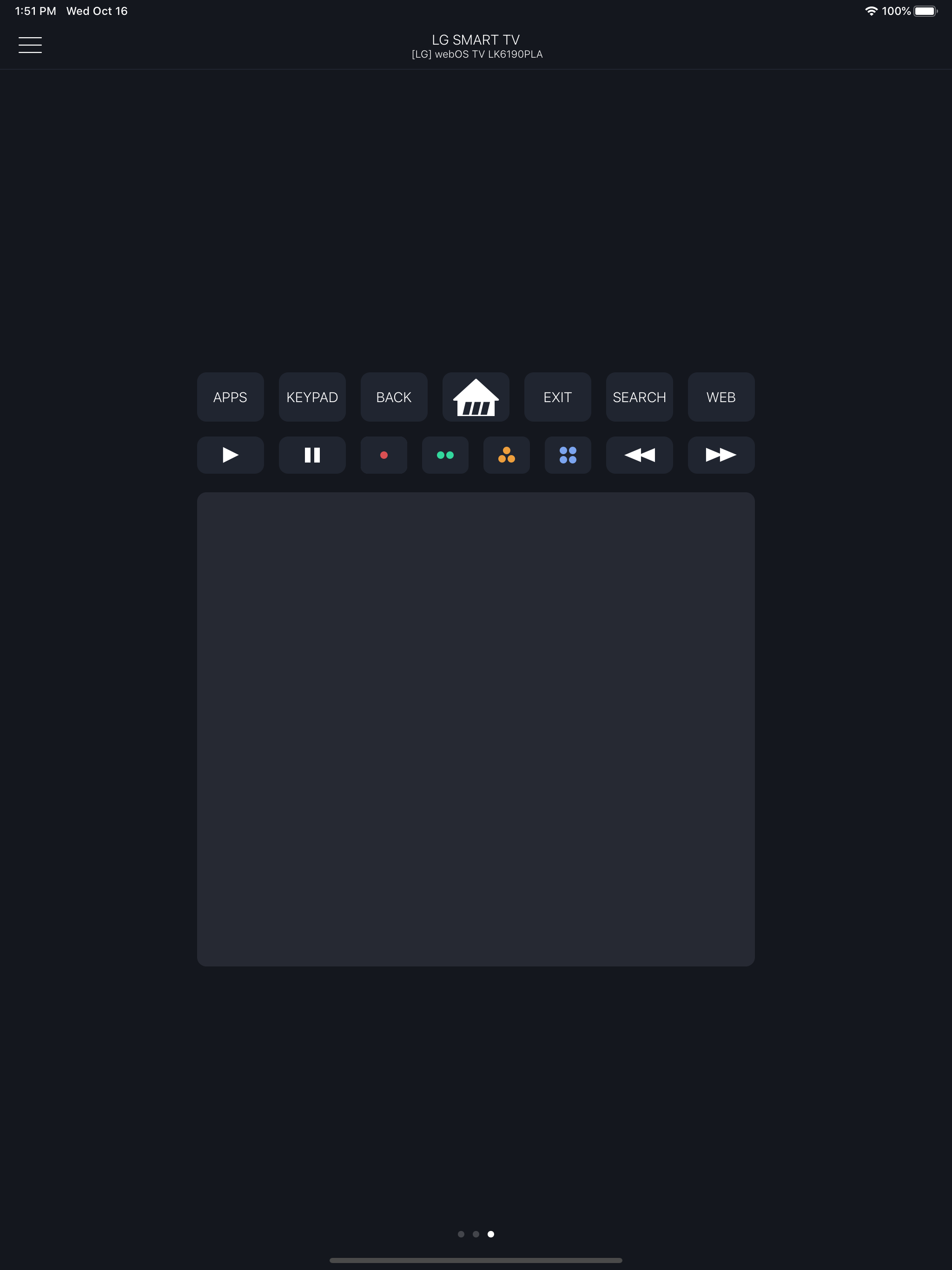
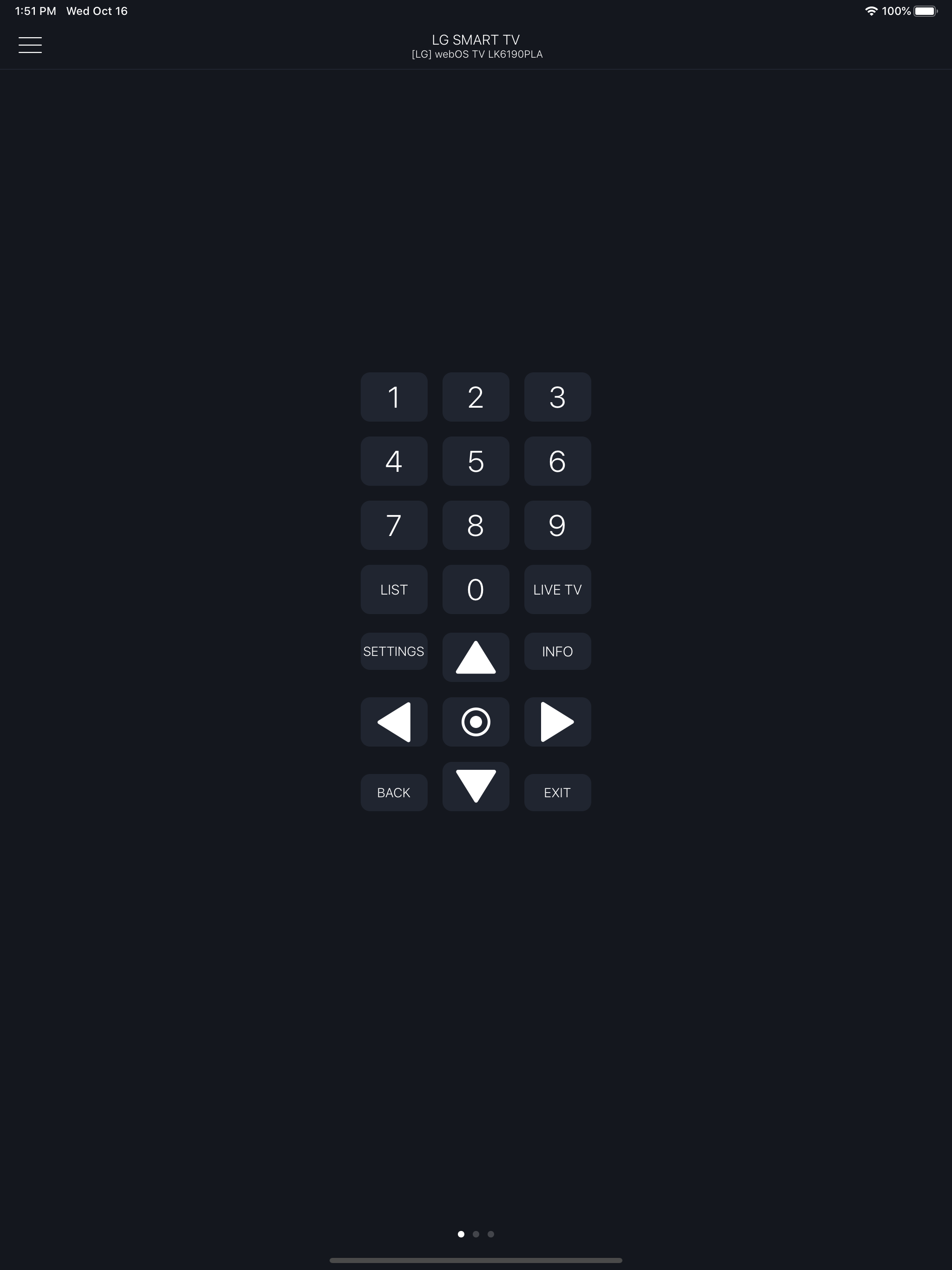
Installed and tested on the free version and it worked fine. Purchased the upgrade and it seemed as if I was stuck on the screen with the the least functionality (the screen with home button, fast forward, rewind, and the four colored buttons). I then realized that at the bottom of that screen (kinda looks dark grey) works like a mouse pad and I could see a cursor moving on my tv screen. Each time I swiped to get back to the other screens, keypad and volume controls it wouldn’t work because I was swiping in this pad area. So I swiped at the top of the page just above the function keys and it worked perfect. Once you figure out that little glitch the remote is awesome. Hope this helps out others.
Smartify is an easy-to-use remote control unit with a keyboard, a touchpad and a list of channels for your LG smart TV. Just connect an iPhone and a T...
| Name | Price | Type |
|---|---|---|
| Remove ad | $1.99 | One-time |
| Channel list | $2.99 | One-time |
| Weekly Subscription | $2.99 | Weekly |
| Touchpad and Keyboard | $2.99 | One-time |
| Version Pro | Remote for LG TV | $3.99 | One-time |
| Pro month version | $3.99 | Monthly |
| Pro year version | $9.99 | Yearly |
| Pro year version | $19.99 | Yearly |