

Slopes: Ski & Snowboard
Breakpoint Studio LLCv2026.13

Screenshots


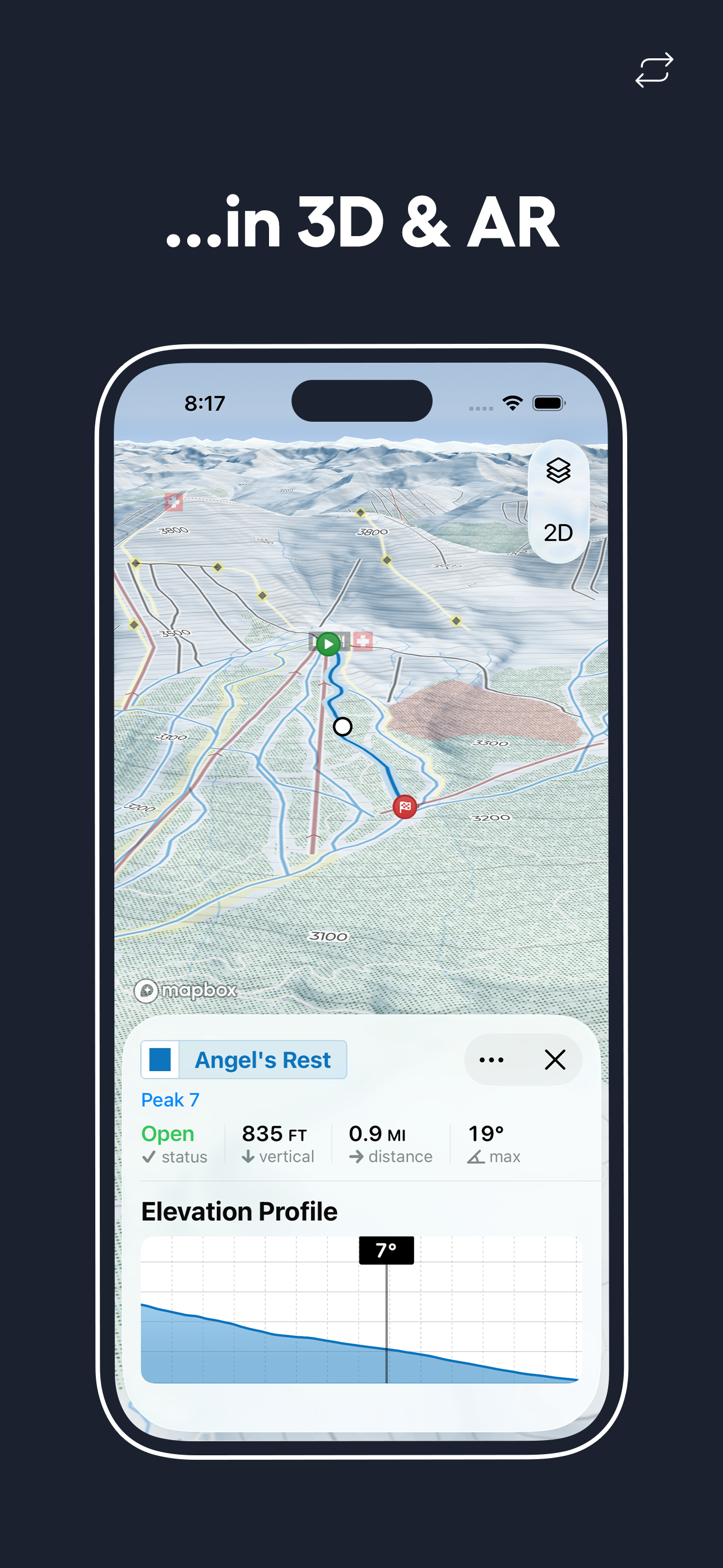
How Much Does Slopes: Ski & Snowboard Make?
Revenue Trend
Downloads Trend
Platform Performance
Rating Distribution
Top Countries
Reviews (4)▼
Slopes has worked great for me. I appreciate the data it provides, and don’t find it to be obstructive or overly energy consuming. My most used feature, aside from tracking, is probably the visual map of open trails. It only disagrees slightly with reality on occasion, and that’s typically because the resort is opening up specific sections of runs during the early season and the app can only display trail status in binary. You wouldn’t, however, get much better from the resort trail status page as most lack a visual guide or map when slopes gives one - Palisades Tahoe is the only place I ski where I’ll use the resort’s website as they have a map that you can set to filter by open, I use the slopes map everywhere in CO where I live. The only minor complaint I have is about editing of sessions - occasionally, it won’t listen to me and the data won’t change after going in to edit. This was most apparent on a day that I was coaching a complete beginner - I think the low (read: near zero) speeds and low vertical rise of the lift we were taking confused the program enough that it only counted one run, and won’t update when editing. Oh well, only a few hundred feet of vertical lost. I’m sure I’ll make it up once the snow finally arrives!
Slopes is amazing. It tracks so many different winter sports and is pin point accurate on many different data points, like your total vertical, speed, EXACTLY how you skied a run, your elevation, and so much more. You can compete with friends, there’s so many different cool features and it’s so easy to use. Would 110% recommend to anyone who skis, snowboards, snowshoes, does backcountry skiing or snowboarding, and way more!!! Slopes has a world wide GPS of every ski resort ever with all the runs and chairlifts, and you don’t have to pay to use all of its amazing features that you could ever possibly need. It’s literally THE BEST. You can keep track of anyone you have as a friend on the app at their live location when they’re up on the mountain, making super easy to meet up with people and know where someone is. You can also call the local ski patrol with just the touch of a button, so if you don’t know the number and need to call that comes in super useful. It also links to your health data, so you can go over into the health app that comes with your phone and see your heart rate and more!
I first downloaded slopes at the beginning of this ski season because my friend who recommended it to me skis every weekend loves it. I decided to try it out and I was shocked by how easy it is to manage. All you have to do is open the app once you get to your mountain and choose whether you are skiing, boarding, skiing/boarding back country, racing, etc. Then, hit the ‘start’ button and you are good for the whole time you are on the mountain! Something I was excited about is I can have my phone on do not disturb and keep the app running at the same time since I don’t have to keep my phone on. This saves me a lot of battery as my phone has been dying quickly. Yesterday on Monday (presidents’ day), I had gone boarding the whole day. I got around 19 runs at Blue Mountain in PA and hit a new top speed as well as earning new stats. I was very proud of myself as it was my last day on the slopes before my soccer season and wanted to get a good workout in before I can’t go anymore for the year. However, my phone died and the gps on my phone stopped recording and for whatever reason, my stats didn’t save. I was upset because I track them with my friends and overall just like to know how I can improve. So, I reached out to the support system through Slopes app and got a response immediately! It was amazing since I didn’t know if i was able to get it back at all. Overall, I love this app and would recommend it to ANY skiier/boarder who wants to track stats. Very easy to navigate!
I started using this app in 2018. I can’t compare it to other mountain apps, but I still wouldn’t switch regardless. It works perfectly with your watch or phone. The best way to review this is to tell you how it works on a typical snow day. 1. I arrive at the lift and open the “Slopes” app on my Apple Watch 2. It automatically knows what mountain you are on, so you just select your activity: —— Downhill: snowboard / skis / telemark skis / monoski /sitski / snowbike / other. —— Backcountry: skis / snowboard / splitboard / other —— Other Winter Sports 3. The app will start tracking your session, and you can put your phone away or cover your watch in your sleeve for the rest of your day. Optional Lunch: If you want to take lunch, open the app on your phone/watch and hit the pause button for a specified time or manually resume it. 4. At the end of the day, you tap the checkered flag, and it will load all your stats for the day. Stats: - # of Runs - Total Vertical - Total Time - Total Distance - Average Speed - Top Speed - Tallest Run - Peak Altitude - Longest Run Extra: if you connect your watch, it tracks your health. - Average BPM on runs - Max BPM - KCAL burned 5. Go home after your trip and open the app to see All Lifetime Stats. You will see the best scores for each category out of all your days on the mountain. BEST APP FOR THE MOUNTAIN
Version History (220)▼
Available In (115 Countries)▼
Supported Languages (17)▼
App Details▼
Take your snow days to the next level! Uncover detailed stats (and bragging rights) about your days skiing and snowboarding, ride with friends, log yo...
In-App Purchases (4)
| Name | Price | Type |
|---|---|---|
| Slopes Single Pass | $3.99 | One-time |
| 7 Pass Bundle | $11.99 | One-time |
| Slopes Premium Unlimited (Annual) | $34.99 | Yearly |
| Slopes Premium Family Plan (Annual) | $59.99 | Yearly |
Similar Apps


