Check the acquisition promise
Read the store headline, screenshots and description. What problem is the app promising to solve?
Study the storefront ↗
Google · iOS
Explore the ad evidence, study the storefront, and build your next acquisition hypothesis.
01 / Creative research
Read the store headline, screenshots and description. What problem is the app promising to solve?
Study the storefront ↗Explore apps with direct store-link matches. Compare their hooks and formats without assuming the same approach works here.
Browse observed advertisers ↗Store rankings and revenue estimates describe market context. They do not establish ad spend, conversions or ROAS.
Review the market context ↗02 / Storefront & product
Study the product story and store experience behind the acquisition funnel.



03 / Market context
Keep revenue, downloads and store rankings separate from advertising performance.
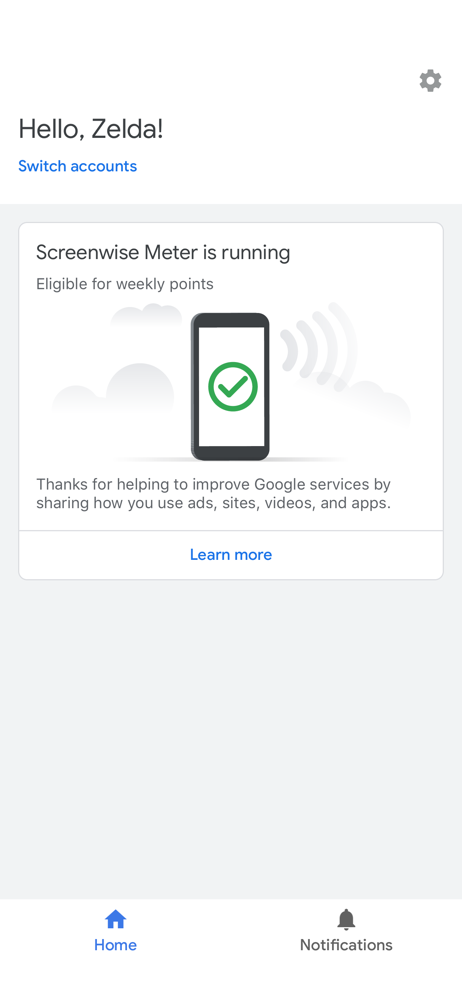
Trying to report app crashes on IOS 18 has been a challenge. I just installed IOS 18 and now my Screenwise app won’t open. I can’t even submit crash reports because it doesn’t stay open long enough. As soon as I tap on it, it closes.
Had issues at first logging in. Realized you need to go under your account on the Screenwise panel website and scroll to “manage my Screenwise meter account” so you can create a login. So far everything works
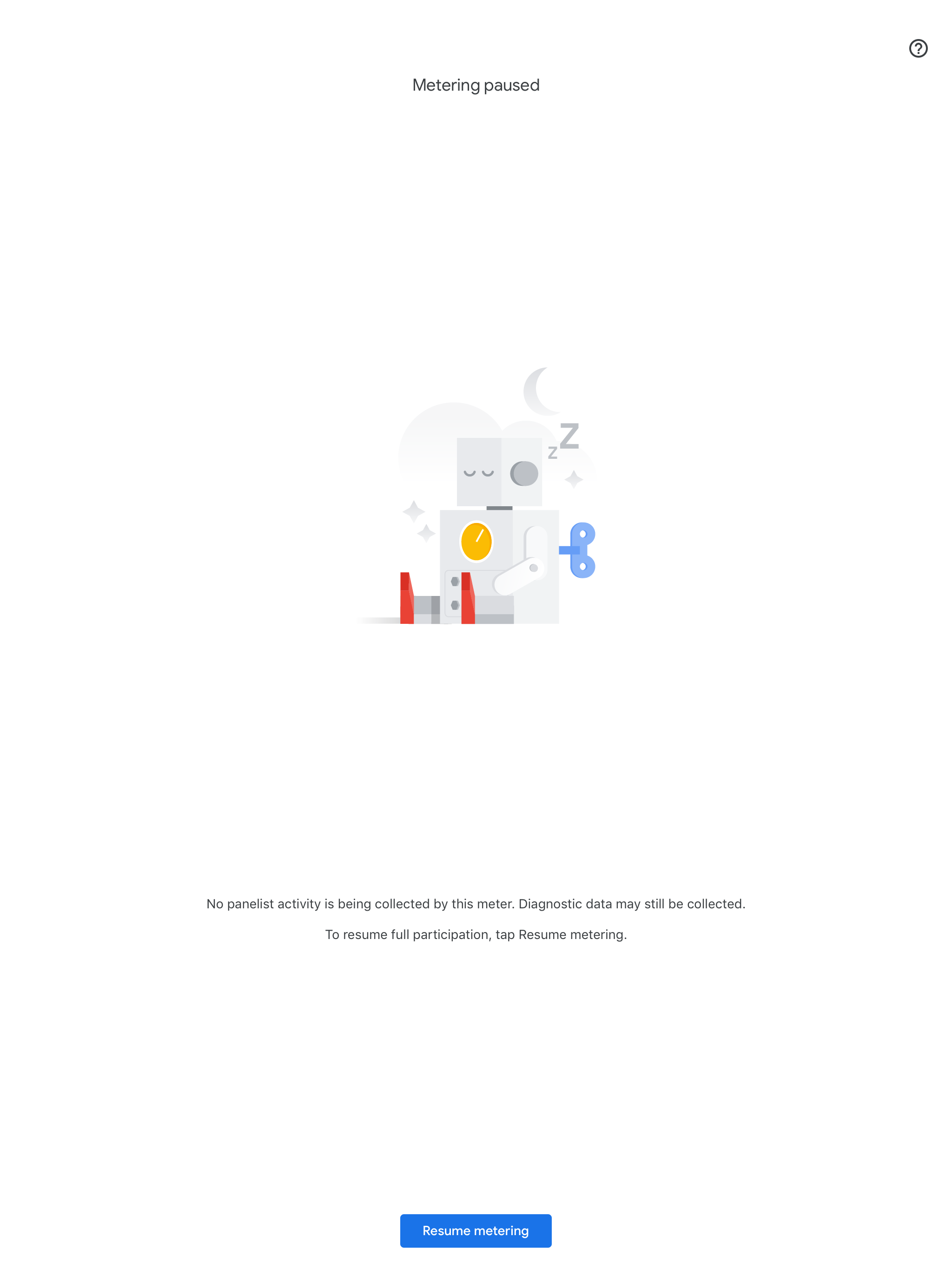
Yes even though my screenwise meter router is connected yes even sending in Receiving data. I get annoying emails there is no data records. I know it’s connected because I do have Wi-Fi assistant turned off. Yes if my modem or isp went down. I would get a notification saying your Wi-Fi connection seems to be off want to use cellular data or keeps trying Wi-Fi. I did email them stating the app doesn’t ask for tracking.
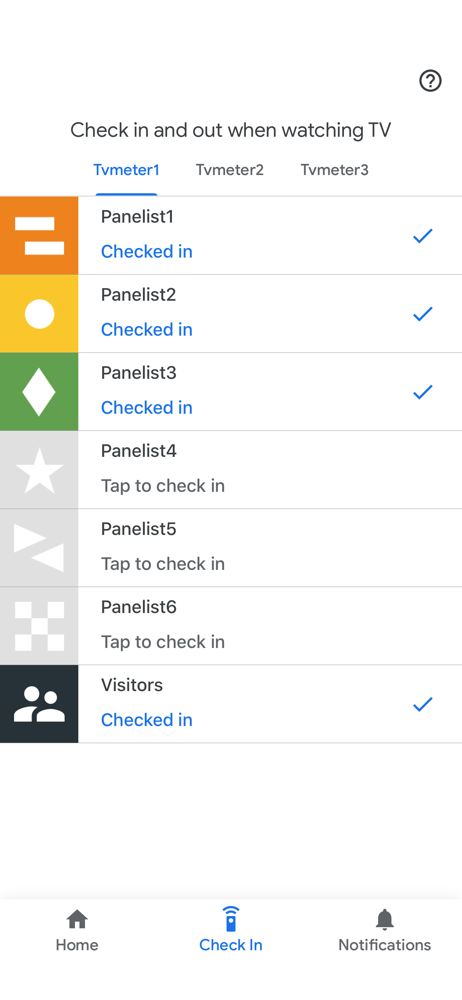
The Screenwise Meter iOS app enables registered panelists' participation in Google’s meter-based market research programs. A panelist is a member of a...