Check the acquisition promise
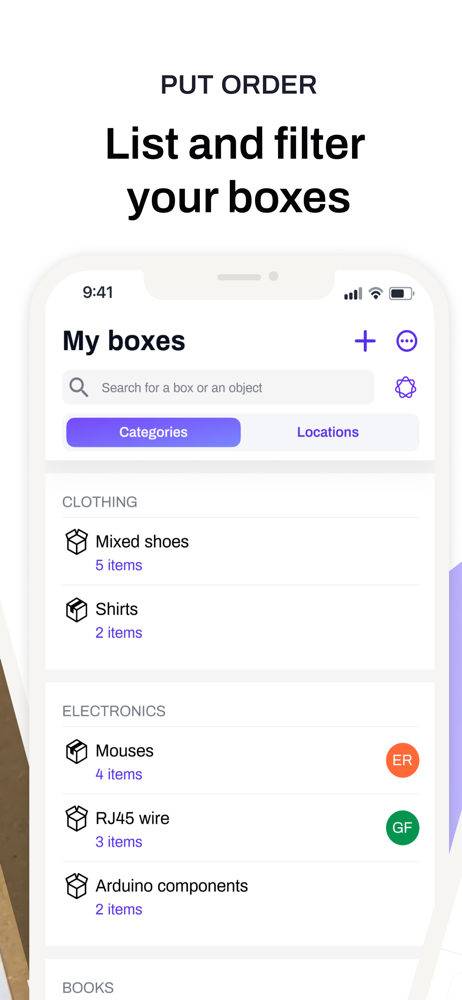
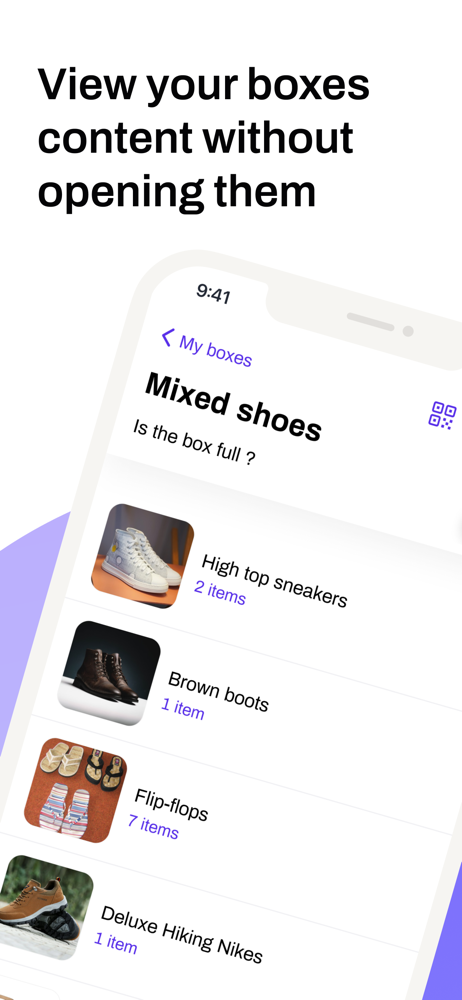
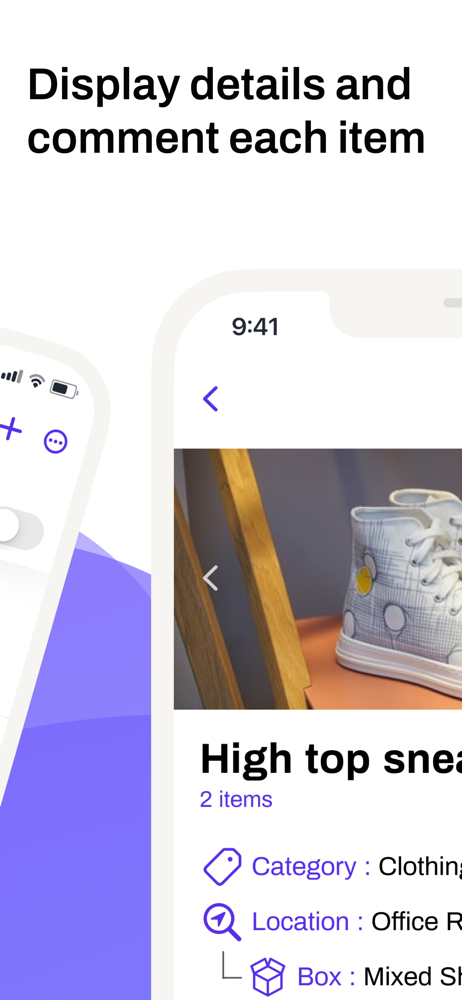
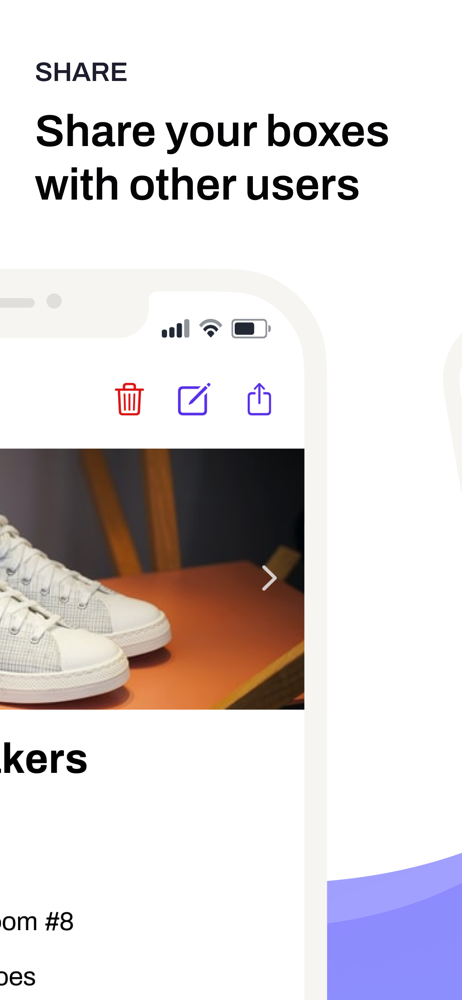
Read the store headline, screenshots and description. What problem is the app promising to solve?
Study the storefront ↗
Remy ALEXANDRE · iOS
Explore the ad evidence, study the storefront, and build your next acquisition hypothesis.
01 / Creative research
Read the store headline, screenshots and description. What problem is the app promising to solve?
Study the storefront ↗Explore apps with direct store-link matches. Compare their hooks and formats without assuming the same approach works here.
Browse observed advertisers ↗Store rankings and revenue estimates describe market context. They do not establish ad spend, conversions or ROAS.
Review the market context ↗02 / Storefront & product
Study the product story and store experience behind the acquisition funnel.

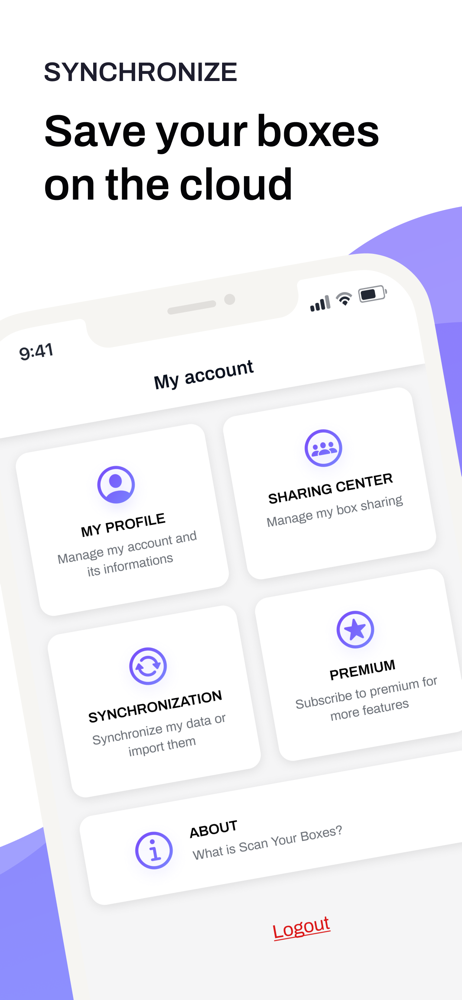


03 / Market context
Keep revenue, downloads and store rankings separate from advertising performance.
I have a lot of boxes personally and professionally I need to organize and have spent a lot of time searching for the right app, box type, labeling system for personal and professional organization. Personally I am using clear totes with lids along with this app and 8 1/2 x 11 two labels per sheet self-adhesive shipping labels for boxes for printing the QR codes. Professionally, I’m using the nestable heavy duty boxes. My only issue with this app so far is that there is a limit on the characters in the description for items that does not allow you to easily cut and paste The other issue is not being able to customize The QR label generation. The labels are generated vertically not horizontally and don’t know or have not found a way to change this. Would greatly appreciate feedback from anyone or the developer. Once I troubleshoot this, I would be happy to share my system with anyone who is interested as it is by far the most convenient and economical way to go especially when dealing with organization due to death in the family.
I want to start off by saying this is the first app that has felt easy to use for doing this sort of inventory thing. It’s super easy to add objects and move them between boxes, but there are a few interface things that could be added in my opinion. First would be a way to sort the boxes alphabetically. My naming system wasn’t fully established when I made the first box and now it’s hard to tell what the next box in my sequence is. Second would be including the description in the search function. I’ve added keywords in the description so I have a better chance of searching for and finding something later. And finally, allowing the search to lookup individual words instead of complete search terms. For example if I have “Cable, 3’” as an item title, it would be convenient if I searched “3’ cable” that the item would show up. I don’t know if there is a simple way to do this, but I think it would help the recall function of the app. Overall I think it’s good, but want some more small features to make it even better.
I have a big move coming up. This app is allowing me to inventory everything before I put it away in boxes and it has been a huge help. I love that if I want to find something, I just search any word and all items with the name pop up immediately with its image and location. There are still some other features I’d like, like a better sharing service between multiple devices/users so someone else that I allow can scan my box and see what’s in it, but the developer is working on it. The developer has been super responsive on GitHub and I have been incredibly impressed. I also appreciate how the data is kept on your device, so your stuff isn’t public. I think that’s what makes that sharing feature difficult to add on. Looking forward to seeing where this app goes.
Never open a box again just to find out what's inside! Scan Your Boxes lets you photograph items, generate QR codes, and scan any box anywhere to see...
| Name | Price | Type |
|---|---|---|
| Get unlimited number of boxes | $2.99 | One-time |
| Team Plan – 2 Users (Monthly) | $2.99 | Monthly |
| Team Plan – 5 Users (Monthly) | $5.49 | Monthly |
| Team Plan – 15 Users (Monthly) | $14.99 | Monthly |