
Check the acquisition promise
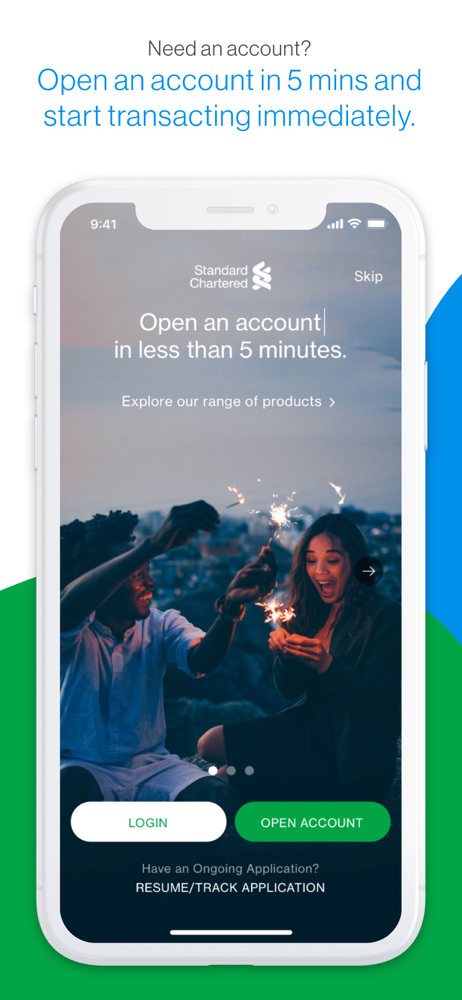
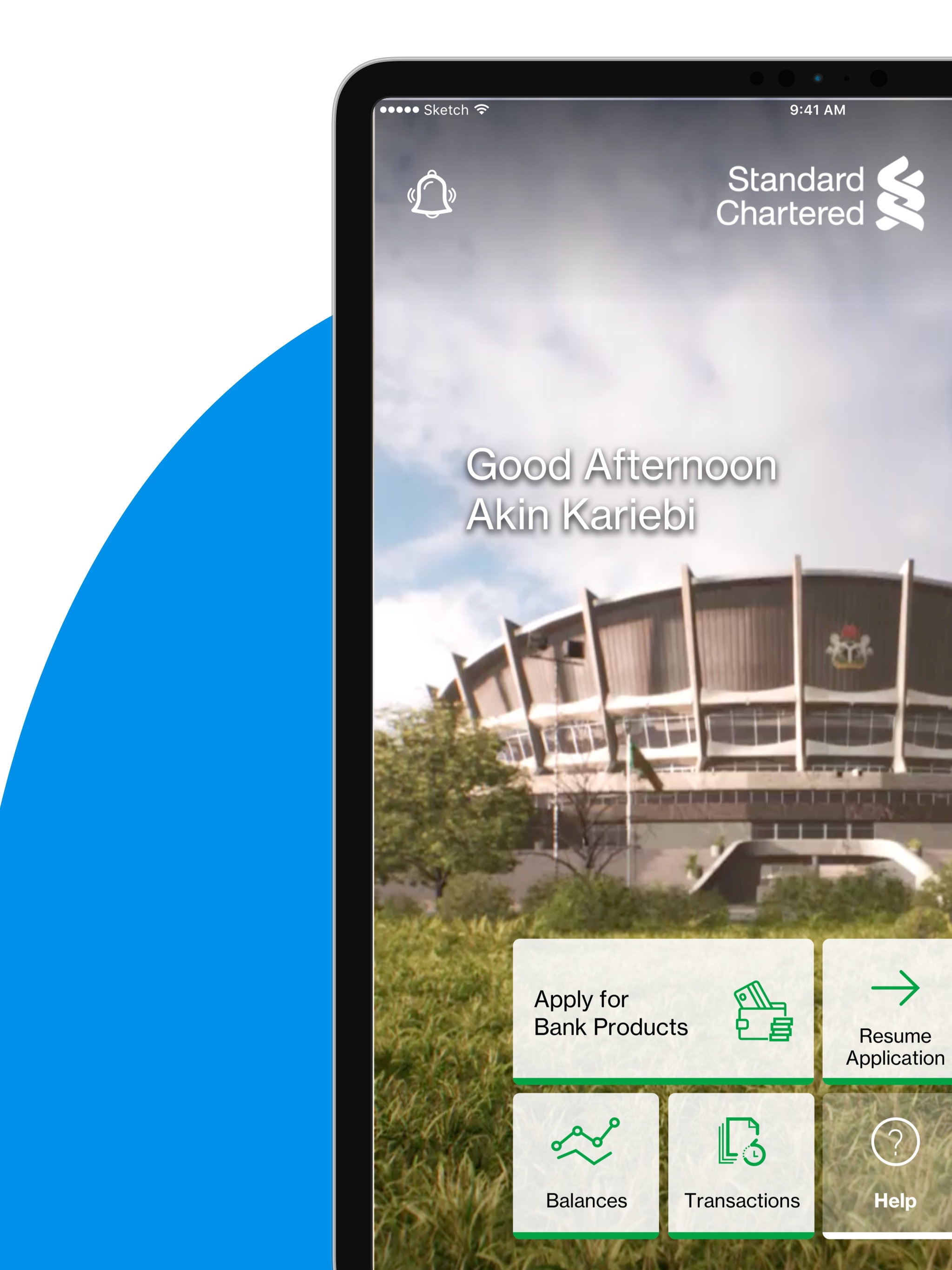
Read the store headline, screenshots and description. What problem is the app promising to solve?
Study the storefront ↗
Standard Chartered Bank · iOS
Explore the ad evidence, study the storefront, and build your next acquisition hypothesis.
01 / Creative research
Read the store headline, screenshots and description. What problem is the app promising to solve?
Study the storefront ↗Explore apps with direct store-link matches. Compare their hooks and formats without assuming the same approach works here.
Browse observed advertisers ↗Store rankings and revenue estimates describe market context. They do not establish ad spend, conversions or ROAS.
Review the market context ↗02 / Storefront & product
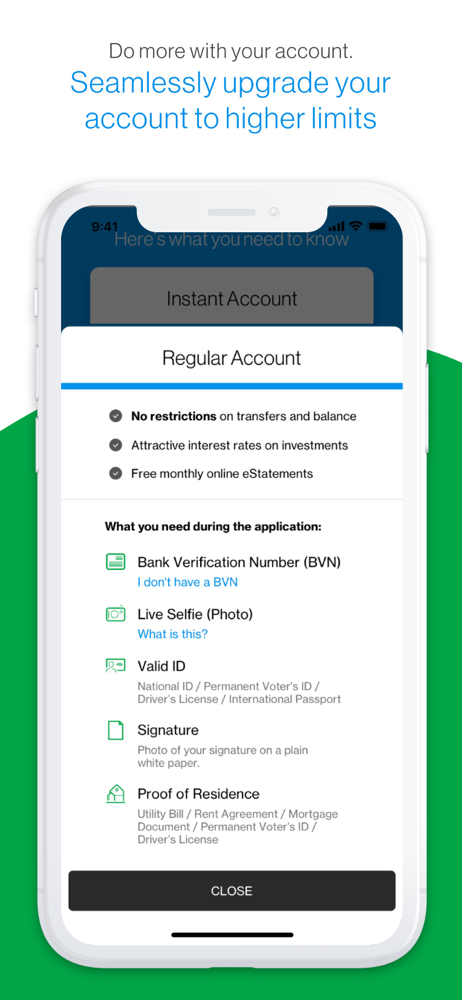
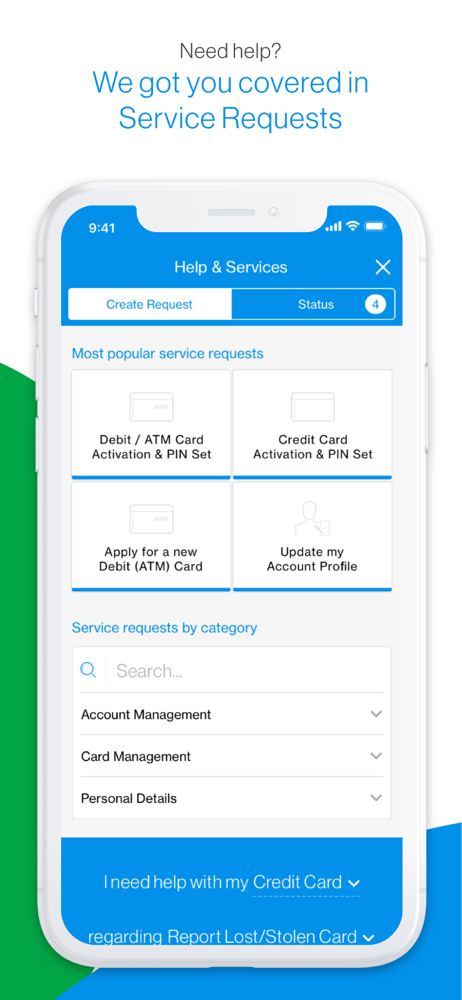
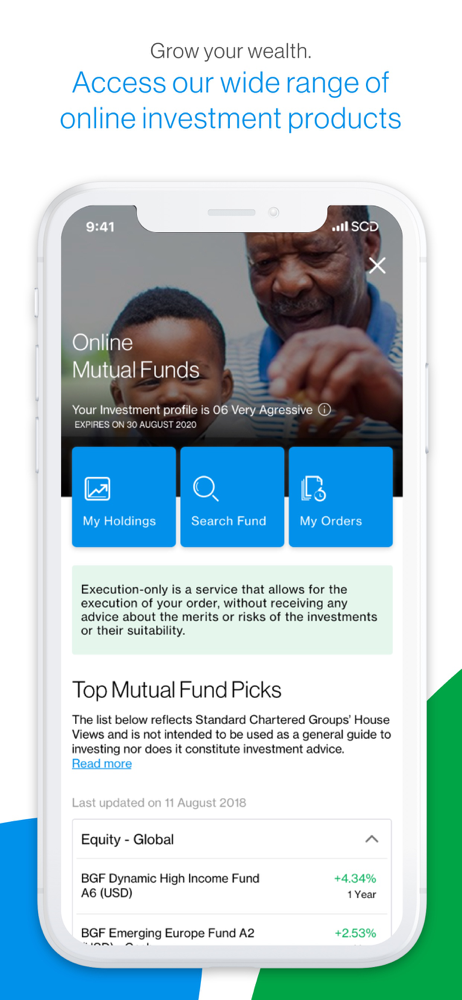
Study the product story and store experience behind the acquisition funnel.



03 / Market context
Keep revenue, downloads and store rankings separate from advertising performance.
I love this app but unfortunately after iOS 16 upgrade, it doesn’t open anymore. It crashes when you try opening it. And for some of us this is the only means we have to access our accounts since there aren’t brick and mortar shops available in many states. I’ve submitted a complaint on their website, still no fix. You’d assume for a financial institution of this magnitude, they should have mechanisms in place to test the beta version of iOS 16 to see if there’s gonna be compatibility issues and bugs. Update! I’ve changed my initial star from 2 to 4. An update to the app came and everything is working well. Thanks for the quick fix.
Try using the app to make transfers to either a saved beneficiary, or local other bank and see the errors that pop up. I’ve had to use the browser to make transfers, and now that isn’t functional. I sent an email 2 weeks ago after your last maintenance broke the app, but this has not been reversed or sorted. Also, why isn’t there a search feature where long lists exist? This is User experience 101 please. Do better!
Upgrading to this version was a terrible mistake on my part. The upgrade required the configuration of my device as a soft token device even though I have a hardware token that I’m very satisfied with. There is no option to proceed without this setup. I should’ve uninstalled the app at that point and bade good riddance. But I proceeded, thinking I will be able to disable it afterwards. After the setup, I’m unable to complete transfer transactions on the internet banking portal ( note, not the mobile app) without the soft token and I’m can no longer use or activate my hardware token. A call to the call center confirmed that I’m now dependent on the soft token device rendering my hardware token useless as they are unable to undo the change once I activated it. DO NOT INSTALL THIS APP IF YOU ARE HAPPY WITH YOUR HARDWARE TOKEN!
Welcome to SC Mobile! You are about to start an amazing digital banking experience straight from your mobile phone. Download our app to open a Standa...


